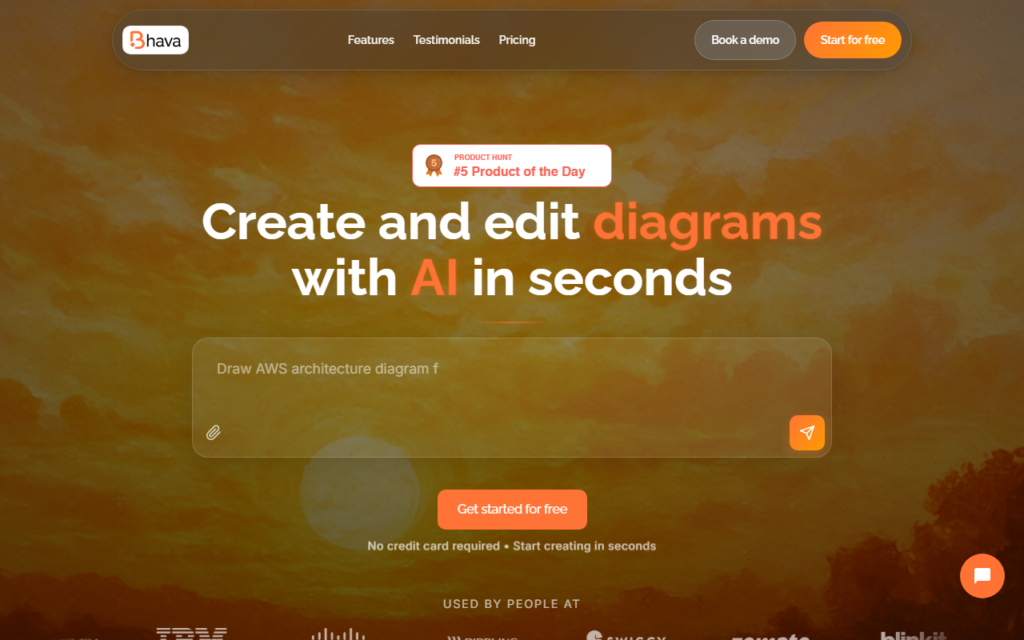
Bhava generates diagrams from a text description or a dropped image, then lets you edit the result collaboratively. It covers the common diagram types and pulls in the right icons automatically, which is the part that usually turns a five-minute architecture sketch into a half-hour of hunting for the correct cloud provider glyph.
Accepting an image as input is the more useful trick. Redrawing a whiteboard photo or a diagram from a PDF into something editable is tedious manual work, and doing it from a photo is a clearer win than generating from scratch.
The free tier covers basic generation with paid plans adding monthly credits, all export formats and the full icon packs at around $10 a month. It suits engineers and product people who need presentable diagrams occasionally rather than dedicated designers.
Key features
Diagram generation from a text prompt or an uploaded image
Automatic icon selection matched to the diagram type
Collaborative editing of generated diagrams
Export in all supported formats on paid plans
Screenshots & demo
Pricing
Bhava has a free plan, and paid plans start at $10/mo.
Pricing is provided as a guide. Check the official site for the latest plans.
Is Bhava expensive?
Bhava starts at $10, which is 33% below the Design median of $15 a month across the 119 priced tools we list in that category.
The cheapest paid option in Design starts at $0.5 and the most expensive at $128.52.
73% of Design tools in the directory offer a free tier, and this is one of them.
Compared against every priced listing in Design, recalculated as the catalogue changes. Method and the full market breakdown are in our AI tool pricing study.
Pros & cons
Pros
Image input turns whiteboard photos into editable diagrams
Automatic icon matching removes the slowest part of diagramming
Cons
Credit-based paid tier limits heavy generation
Not a replacement for a full design tool on complex visuals
AI app icon generator that creates icons from a prompt or reference image in dozens of styles, with transparent PNG export and icon sets from one prompt.
AI Convert turns an uploaded floor plan photo into an editable digital project in under 5 seconds – then AI Render generates photorealistic views from a prompt.
AI bead pattern generator that turns text prompts and photos into printable Perler, Hama and fuse bead patterns with color codes, bead counts and editable grids.