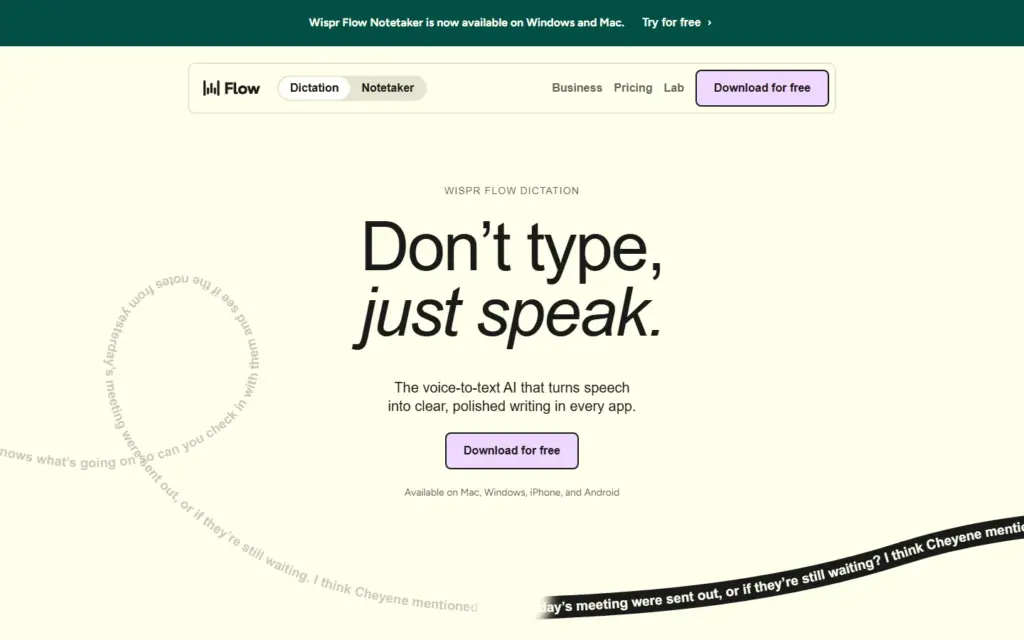
Wispr Flow is an AI voice dictation app that turns what you say into clean, ready-to-send text in whatever app you are using. It suits people who write a lot of email, messages, notes or documents and want to speak instead of type.
What is Wispr Flow and who is it for?
Wispr Flow is a dictation tool from Wispr that converts speech into written text inside any text field, from email to chat to documents. It is aimed at professionals, founders, writers and anyone who thinks faster than they type, and at people who want to reduce keyboard strain.
It is not a full writing suite. Think of it as an input method: you speak, and polished text appears where your cursor is.
How does Wispr Flow work?
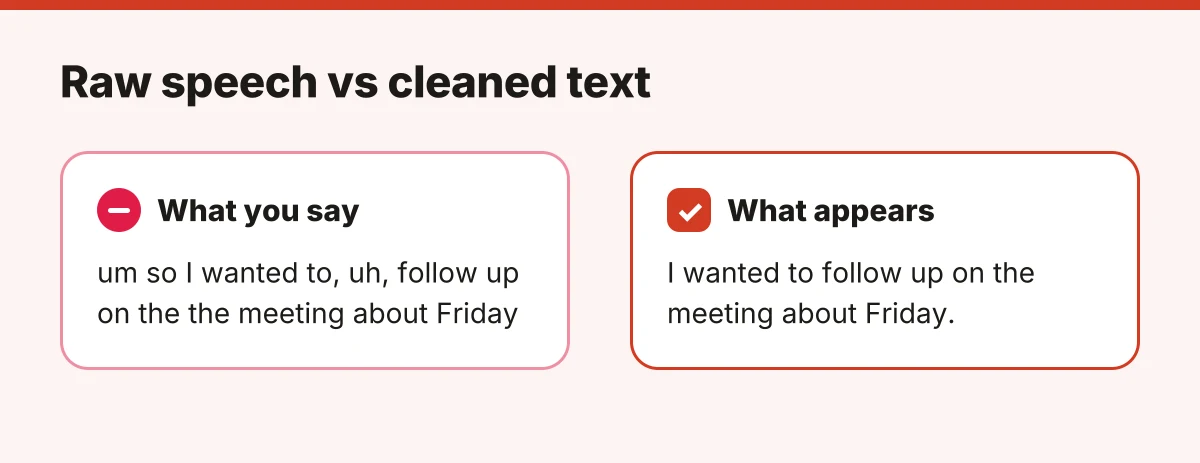
You hold or toggle a shortcut, speak naturally, and Wispr Flow transcribes your words and edits them before inserting them. The editing step removes filler words, fixes false starts and adds punctuation, so the result reads like writing rather than a raw transcript.
Because it works at the system level rather than in one editor, the same habit carries across your email client, browser, chat tools and note apps, on Mac, Windows, iPhone and Android.
What makes Wispr Flow different from built-in dictation?
Built-in dictation on most operating systems mainly transcribes. Wispr Flow adds an AI cleanup layer, a personal dictionary for names and jargon, and formatting that can adapt to context.
The practical difference is editing time. With plain transcription you often fix punctuation and clean rambling sentences afterwards. With a cleanup layer, you aim to spend less time revising, though you should still proofread anything important.
Where does Wispr Flow fit best?
Wispr Flow fits situations where you have a lot to say and the keyboard is the bottleneck.
- Replying to a backlog of email and chat messages.
- Capturing first drafts of articles, reports or documentation.
- Brain-dumping meeting notes or ideas right after a call.
- Writing prompts and instructions for other AI tools.
- Reducing typing if you have wrist or hand discomfort.
What should you check before choosing it?
Check three things first: privacy, environment and cost. Dictation tools usually send audio to cloud services, so read the vendor's data handling terms and privacy settings before dictating confidential material.
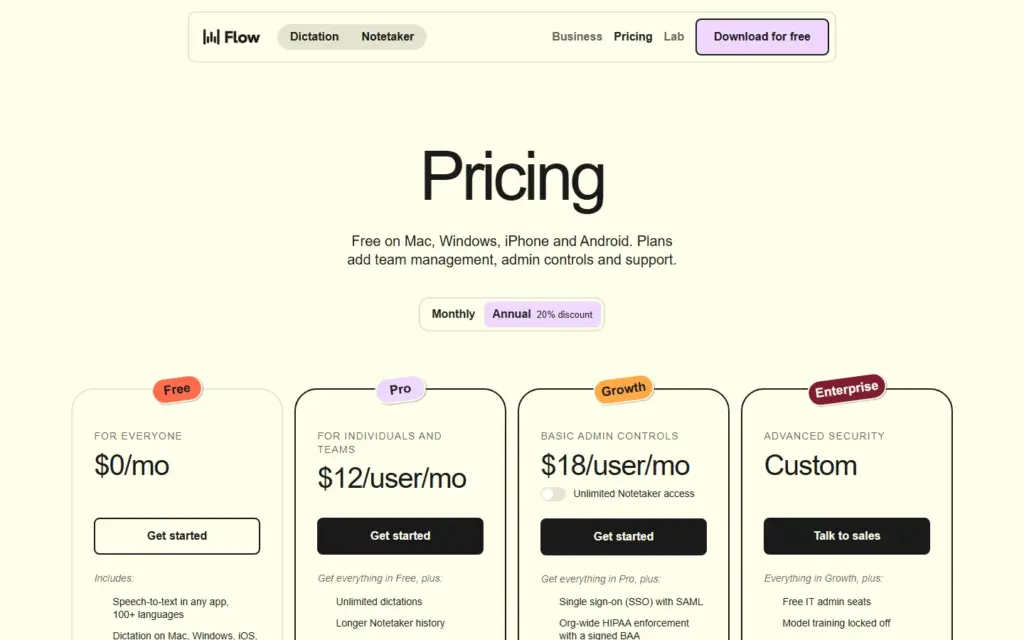
Test it in the place you actually work. Background noise and shared spaces affect both accuracy and comfort. Finally, use the free tier (currently capped at 2,000 words per week on desktop and 1,000 on mobile) to judge whether the speed gain justifies a subscription.
If you only dictate occasionally, your device's built-in dictation may be enough. If you write for hours each day, a dedicated tool like Wispr Flow is worth a trial.
Visit the official site at wisprflow.ai to try it.