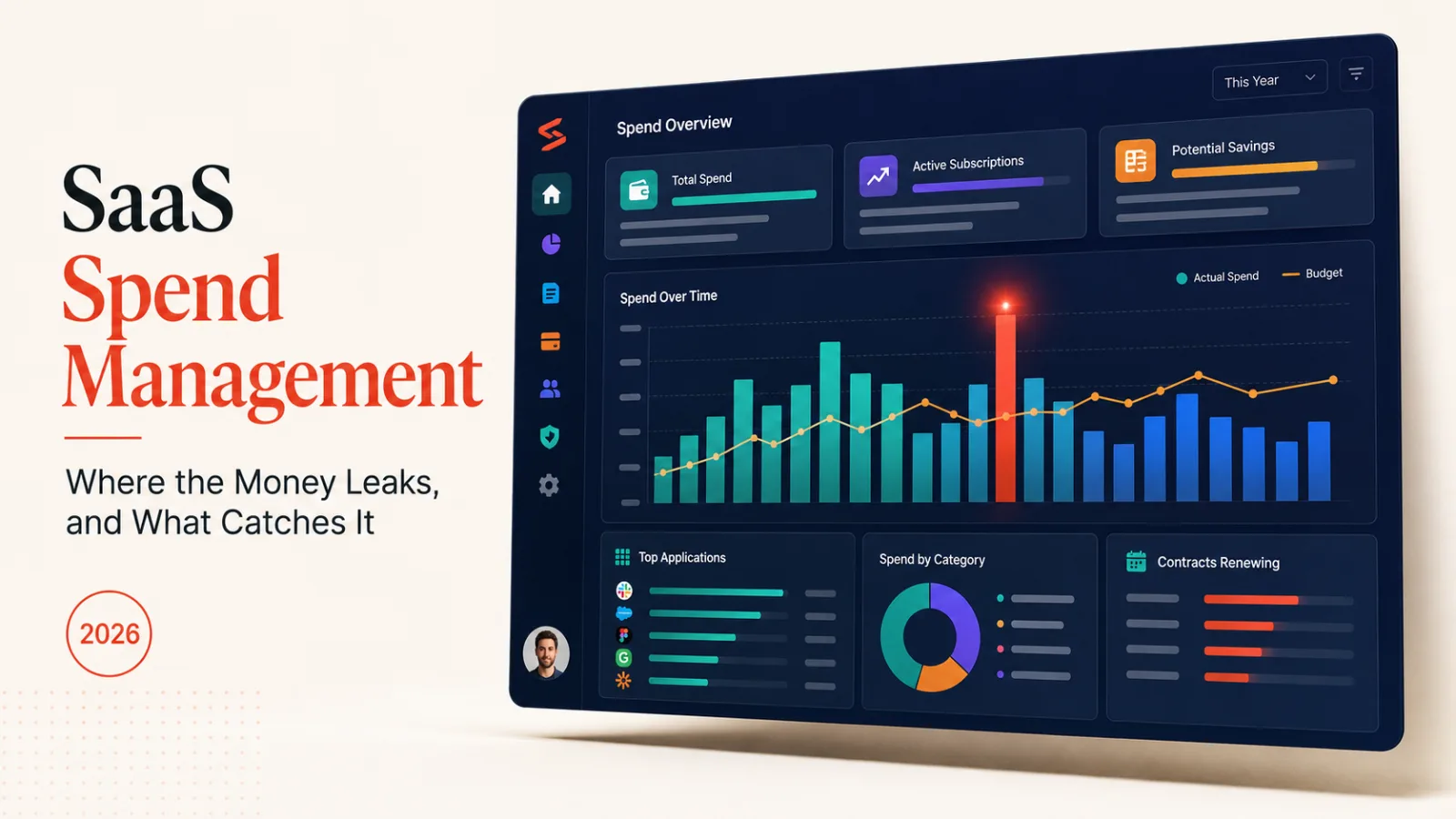
SaaS spend management is the practice of knowing what software your company pays for, who uses it, and what happens when nobody does. The short answer for most teams: the problem isn’t the big contracts you negotiate, it’s the small ones nobody renegotiates.
One thing has changed since the old playbook was written. AI tools bill by usage, not by seat, so counting licences no longer tells you what next month costs.
Four places the money leaks
Four leaks account for most of it, and they fail in different ways. Naming which one you have decides what you do about it, because the fixes don’t transfer.
- Idle seats: licences assigned to people who left or never logged in.
- Duplicates: two teams buying two tools that do one job.
- Silent renewals: annual contracts that roll over before anyone reviews them.
- Unbudgeted signups: a card payment nobody in finance approved.
- Usage overruns: a bill that scales with what your product did last month.
The first four are the classic list, and they’re all about counting. Something exists, somebody pays for it, and nobody checks. A spreadsheet and a calendar reminder fix more of that than software does.
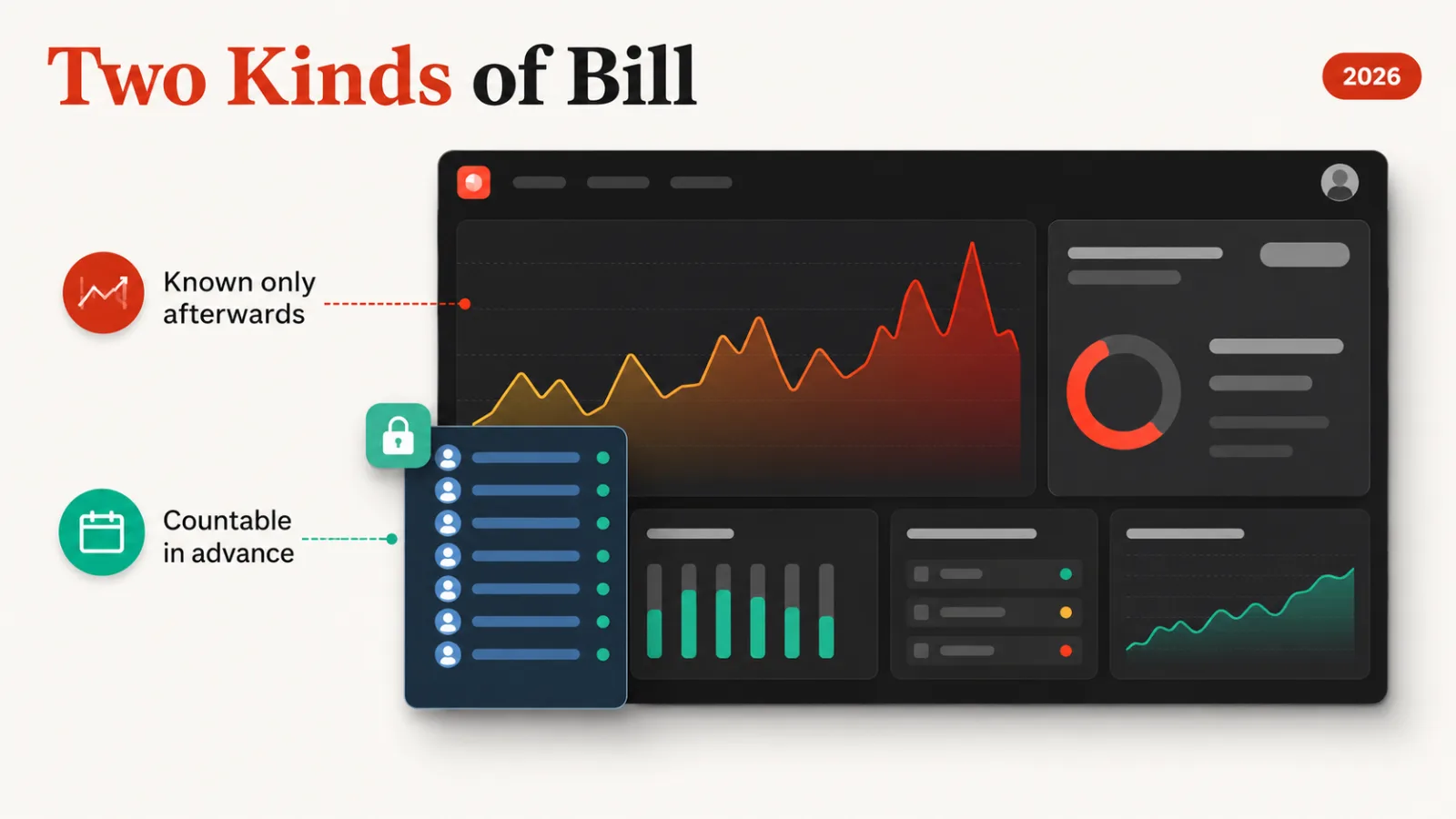
The fifth is newer and behaves differently. You can’t audit a usage bill by counting anything, because the number that matters hasn’t happened yet when the month starts.
Why AI spend breaks the old playbook
It breaks because the unit changed. A seat is a thing you can count on the first of the month, and tokens are a thing you find out about on the last.
That inverts the whole control loop. Seat-based waste is visible early and costs the same whether you act today or in March. Usage-based waste is invisible early and compounds daily, so a runaway job is cheap on Tuesday and expensive by Friday.
It also arrives scattered. Individual staff expense their own model subscriptions, engineering bills a provider directly, and a warehouse charges for the queries an analyst wrote. None of that lands in one place unless someone puts it there.
The practical consequence is that a monthly review is too slow. You want the alert on the day the spike starts, not the reconciliation six weeks later.
What to do first
To get control, work down the card statement rather than up from a tool. The statement is the only list that’s complete, because everything you pay for is on it by definition.
Group what you find by owner, not by category. A tool with no owner is the one that renews forever, and finding those is most of the value of the first pass.
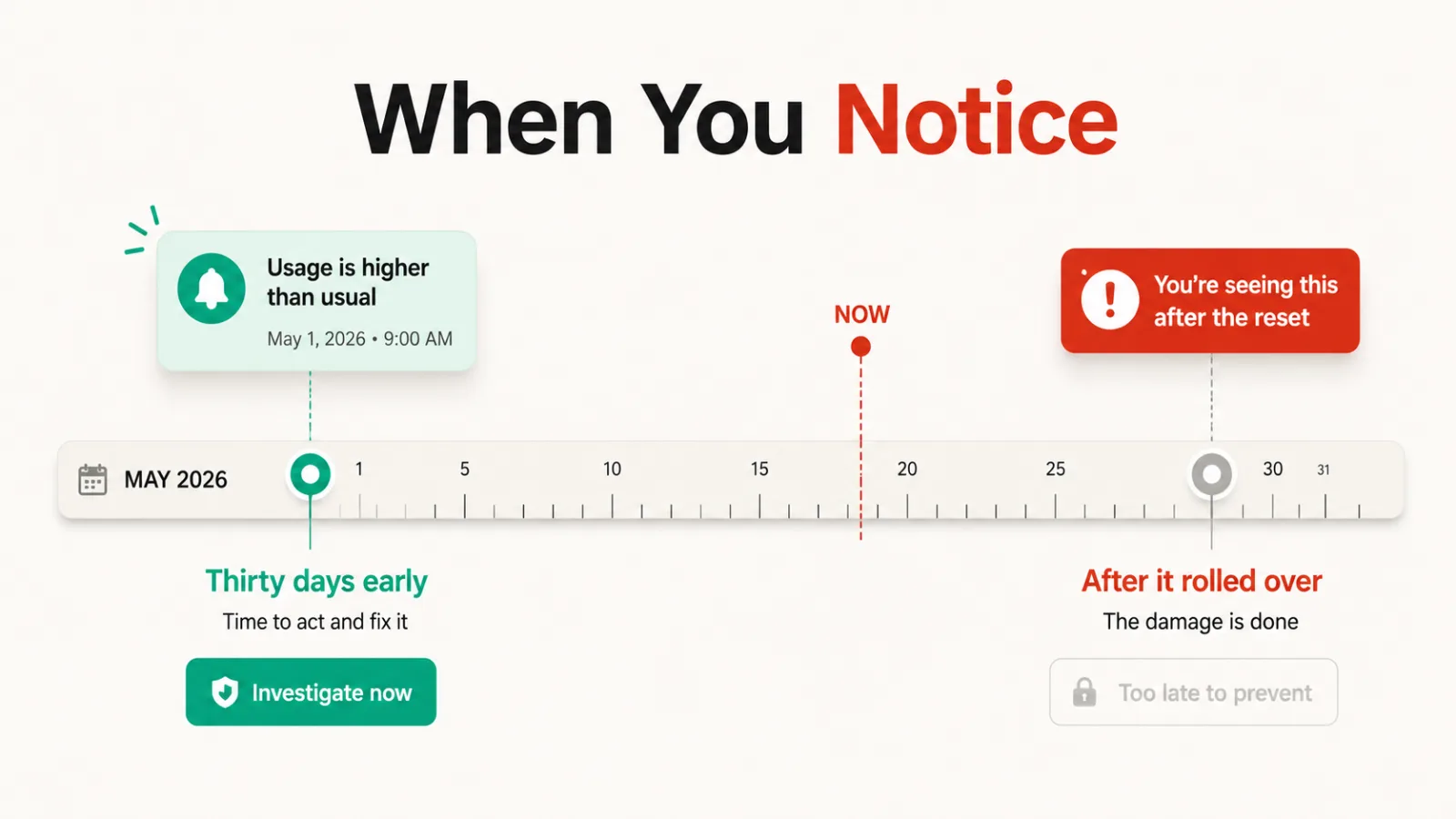
Then set renewal dates against calendar reminders 30 days out. A renewal you notice a month early is a negotiation, and one you notice afterwards is a refund request that usually fails.
Only after that is tooling worth buying. Software that reports overspend you were already going to find manually has bought you nothing but a dashboard.
Finding what nobody told you about
The card statement catches company-paid tools. It misses the ones bought on a personal card and expensed, which is where the quietest spending lives.
Three other lists fill that gap. Expense reports show reimbursed subscriptions, single sign-on logs show which apps staff open, and browser extension inventories show what got installed without a purchase at all.
Cross-referencing those against the statement usually surprises someone. A tool in the sign-on logs but on no invoice is either free or paid for by a person. Both are worth knowing.
Model subscriptions are the current version of this. Staff buy their own, expense them individually, and the total never appears as one line anywhere until somebody adds it up.
The renewal conversation
Most savings come from renewals rather than cancellations, and timing decides all of it. A vendor discounts to keep a customer who might leave, not one who already renewed.
Go in with your own usage numbers. Seats assigned versus seats active is the most useful figure in the room. It turns an opinion about value into arithmetic the vendor can check too.
Ask what the tier below costs before asking for a discount on the current one. Downgrading is often available where a discount isn’t, and it’s the cheaper outcome for a vendor to agree to.
Watch auto-renewal clauses and notice periods, which are usually 30 or 60 days. A contract you can only exit in a two-week window each year is a contract you’ll keep by accident.
Annual billing deserves the same scepticism. It’s genuinely cheaper per month, and it also removes the monthly decision point that would have surfaced a tool nobody uses.
Tools that track the newer half
Our catalogue is thin on classic licence-management platforms and better stocked on the AI side, which is the half most finance teams have no visibility into. The relevant listings sit in our AI infrastructure catalogue.
ToolSpend puts spend across every model provider in one dashboard and projects the month-end figure rather than reporting the total so far. It alerts on spikes the day they happen, and there’s a 14-day trial with no card.
Its own listing names the honest limit: it reports overspend without reducing it. It also wants read access to provider billing across your whole stack, which is a security conversation before it’s a finance one.
Intrascope attacks the scattered-subscriptions problem instead, replacing per-employee plans with one shared workspace balance and dashboards by model, user and project. Plans start at $41 a month.
Two cautions on that one. It’s an early-stage company still closing a pre-seed round, and the lower advertised rate requires annual billing, which is the commitment you were trying to avoid.
If the large line is a data warehouse rather than a model provider, Espresso AI works at the query level to cut Snowflake and Databricks costs. Its published savings percentages are the vendor’s own claims, and it isn’t worth the setup below meaningful warehouse spend.
For the card and the controls underneath all of this, Ramp carries no monthly fee on its core expense platform. It has also built a card aimed at autonomous agent transactions. Its advanced procurement and accounting automation sit behind paid add-ons.
How we rate the tools named here
Our rating for each tool comes from comparing published features, pricing and positioning against the rest of the catalogue. It isn’t a lab score, and we don’t run one company’s billing through every platform to produce it.
You won’t find a waste percentage in this guide. The standard opener for this topic is a figure about unused licences. We hold no sourced data behind any such number, so this guide describes mechanisms instead.
Where a vendor publishes a savings claim, we’ve said whose claim it is. Every price above is the starting price on that tool’s own listing, and each listing carries the date we last verified the product was live.
What to check before buying a tool for this
- Coverage: licence seats, usage bills, or both, since few tools do both well.
- Access: what billing permissions it needs across your providers.
- Speed: daily alerts or a monthly report, which decides whether spikes are catchable.
- Action: whether it only reports the number or can reduce it.
- Contract: whether the advertised rate needs annual billing.
- Owner: who reads the dashboard once the novelty passes.
The last one decides more outcomes than the feature list. A spend dashboard nobody owns becomes another subscription on the statement you were trying to shorten.
Our roundup of AI agents covers the tools now making their own purchase decisions, and accounting software covers the ledger this ends up in.
Questions buyers ask
What is SaaS spend management?
SaaS spend management is the practice of tracking what software a company buys, who uses it, what it costs and when it renews. It covers discovery, ownership, renewals and, increasingly, usage-based bills that no licence count predicts.
Do we need a tool, or will a spreadsheet do?
You need a spreadsheet first. A card statement grouped by owner with renewal dates catches idle seats, duplicates and silent renewals, which is most of the classic problem. Buy software once the usage bills outgrow a monthly review.
Why is AI spend harder to control?
It’s harder because the bill depends on what happens during the month rather than on the headcount you licensed at the start. A seat count is knowable in advance and token usage isn’t, so the review has to run daily instead of monthly.
Who should own this?
One named person in finance or operations, with engineering owning the usage-based lines. Splitting it across every budget holder is how tools end up with no owner, which is the condition that produces most of the waste.
How often should we review?
You should review licences quarterly and usage weekly, with automated alerts on spikes. Renewals need their own calendar entry 30 days ahead, because that’s the only point where you can still negotiate.
Does this apply to a small team?
The counting half matters less at five people, since you already know what you pay for. The usage half matters as much, because one misconfigured job costs the same whether the company has five staff or five hundred.