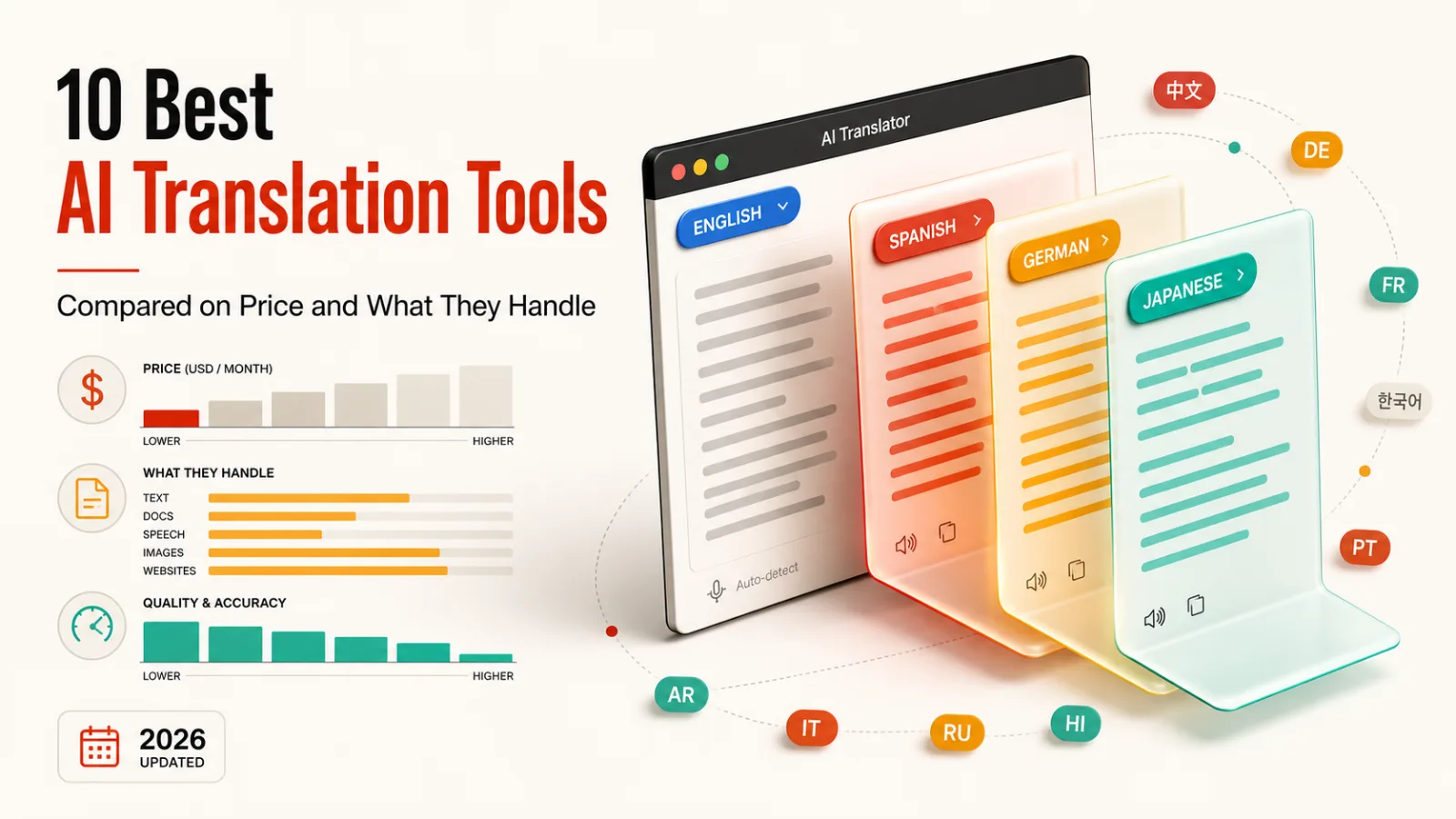
If you want an AI translation tool for everyday text, Google Translate is the highest-rated in our catalogue and costs nothing. Pairaphrase is the pick when the thing you’re translating is a document that has to come back looking like a document.
That gap runs through the whole list. Some of these translate text, and some translate the thing the text lives inside, which is a harder problem and a different purchase.
How this list is ordered, and what it leaves out
These ten are ordered by our editorial rating, then by whether a free plan exists, then by starting price. That rating comes from comparing features, pricing and positioning against the rest of our writing tools catalogue.
We don’t run the same passage through every engine and score the output, so you won’t find a quality ranking from us. Every price and limitation comes from that product’s listing, and each listing carries its own last-reviewed date.
Video dubbing is excluded on purpose. Our catalogue holds sixteen tools that translate speech in video, and that’s a different job with different buyers. Code translation tools are out too, since that’s another meaning of the word entirely.
| Tool | Rating | Free plan | From | Best at |
|---|---|---|---|---|
| Google Translate | 4.6 | Yes | Free | Everyday text, most languages |
| DeepL | 4.5 | Yes | $8.74 | European language quality |
| Lara Translate | 4.4 | Yes | $9 | Explaining its choices |
| Immersive Translate | 4.1 | Yes | $4.99 | Reading the web bilingually |
| Microsoft Translator | 4.0 | Yes | Free | Live conversation |
| SYSTRAN | 4.0 | No | On request | Data that can’t leave |
| MachineTranslation.com | 3.9 | Yes | $1.50 | Flagging what to check |
| ImageTranslate.AI | 3.8 | Yes | $8.30 | Text inside images |
| Pairaphrase | 3.8 | No | On request | Documents, formatting kept |
| AI Manga Translator | 3.7 | Yes | Free | Vertical text and panels |
1. Google Translate
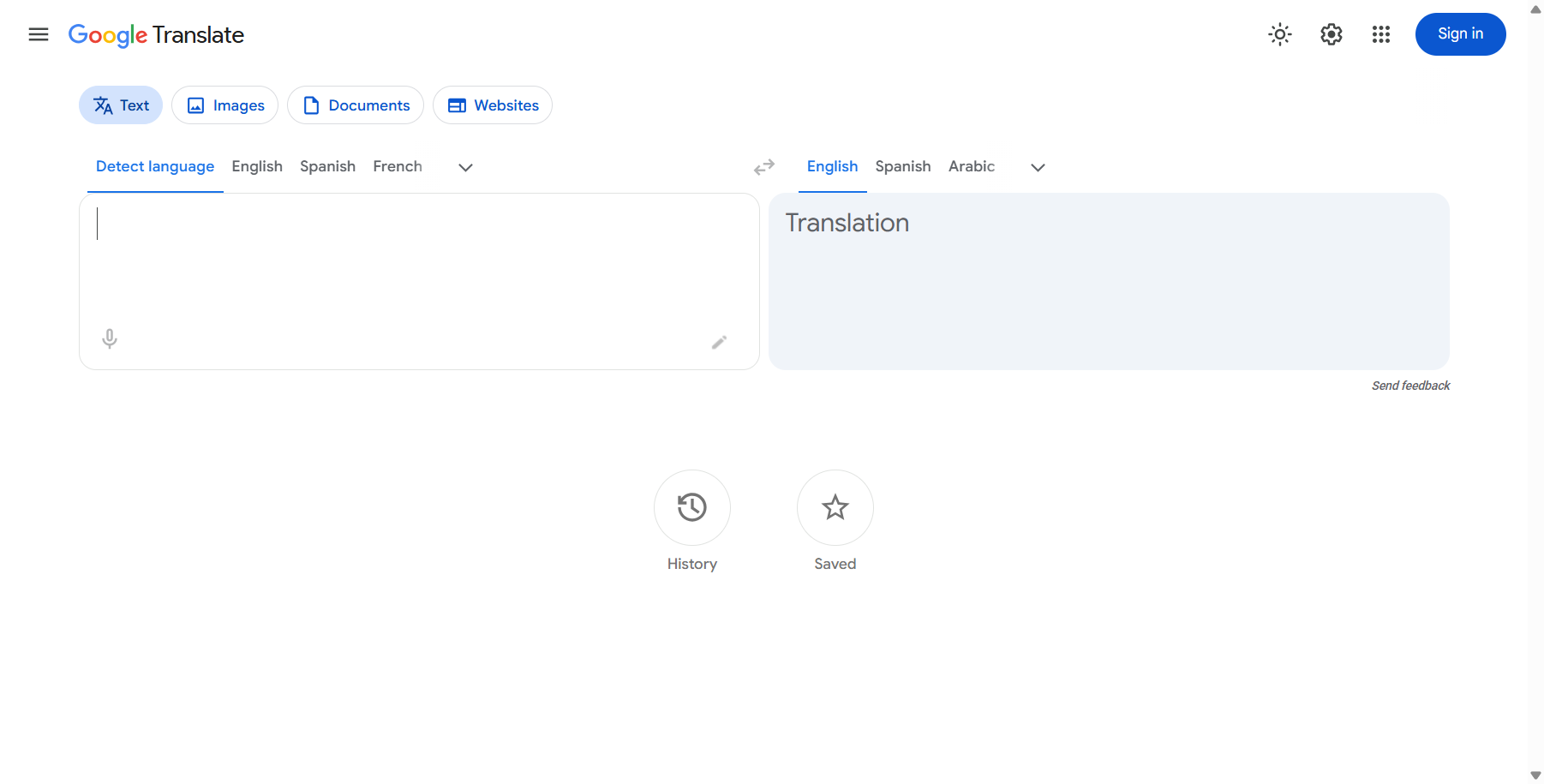
Google Translate covers more than a hundred languages and now runs on Gemini, which shows most in idiomatic and conversational text rather than in single words. It has been running since 2006.
Breadth is the reason it stays first. No other mainstream tool comes close on language coverage, and for personal use it’s free with no query limits at all.
Its live speech interpretation through headphones launched as a limited regional beta rather than everywhere at once, so check availability in your market before relying on it.
Two real limits. Nuance still degrades on low-resource languages with less training data behind them, and there’s no paid consumer tier, so no support channel if something goes wrong.
2. DeepL
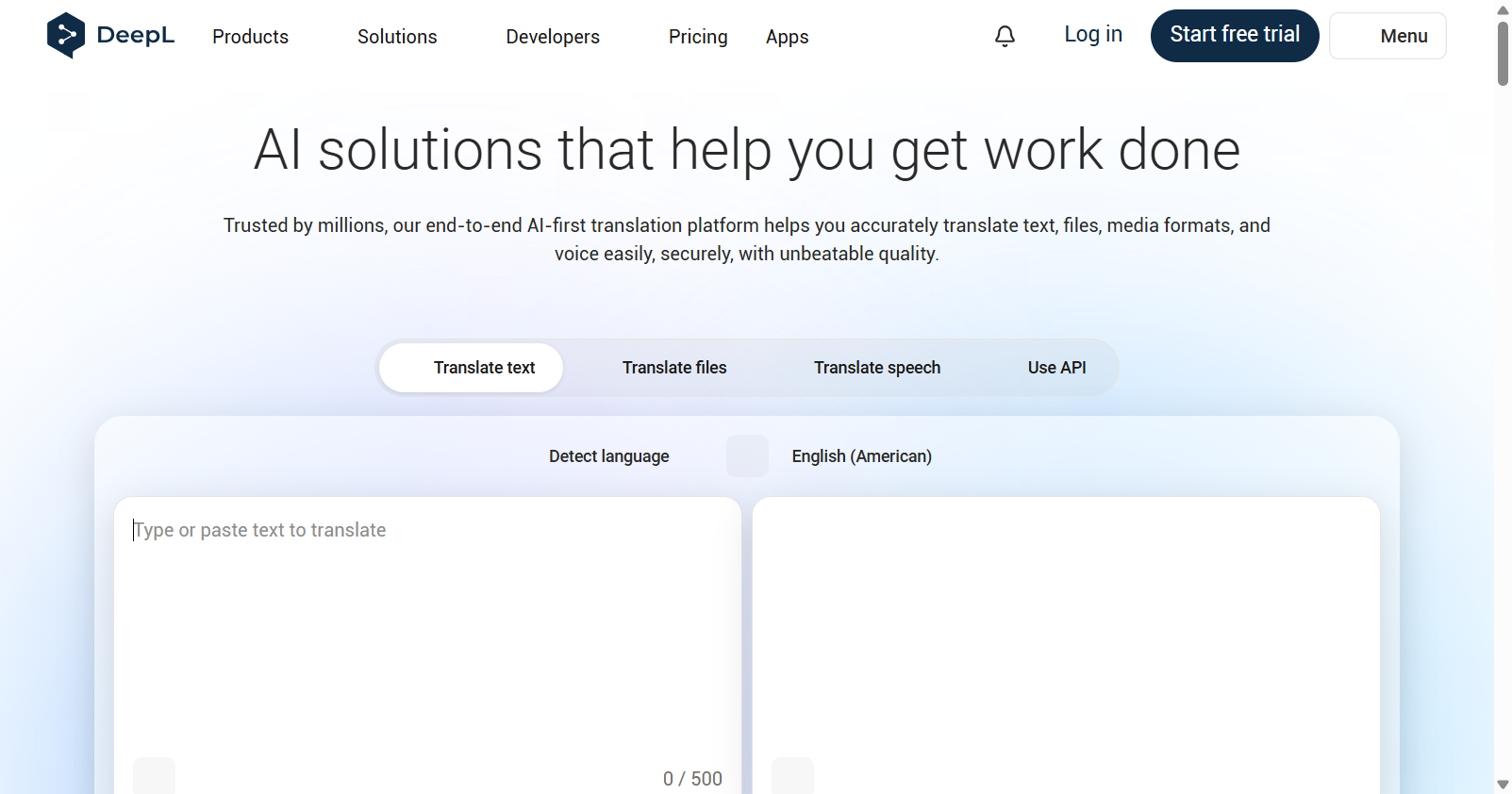
DeepL was founded in Germany in 2017 and built its reputation on translation quality for European languages rather than on coverage.
Be precise about the quality claim, because it’s the reason most people choose it. DeepL’s own positioning says it beats Google Translate in blind tests, and that’s the company’s claim rather than anything we measured.
A free tier covers real work before payment, and paid plans start at $8.74 a month. Document translation preserves formatting instead of handing back plain text, which few free tools do.
The trade-off is coverage. It supports around 33 languages against a hundred-plus elsewhere, so anything rare or low-resource sits outside its range, and Pro character limits need watching at volume.
3. Lara Translate
Lara Translate comes from Translated, a company with more than 25 years in professional translation, and it reasons about context rather than working sentence by sentence.
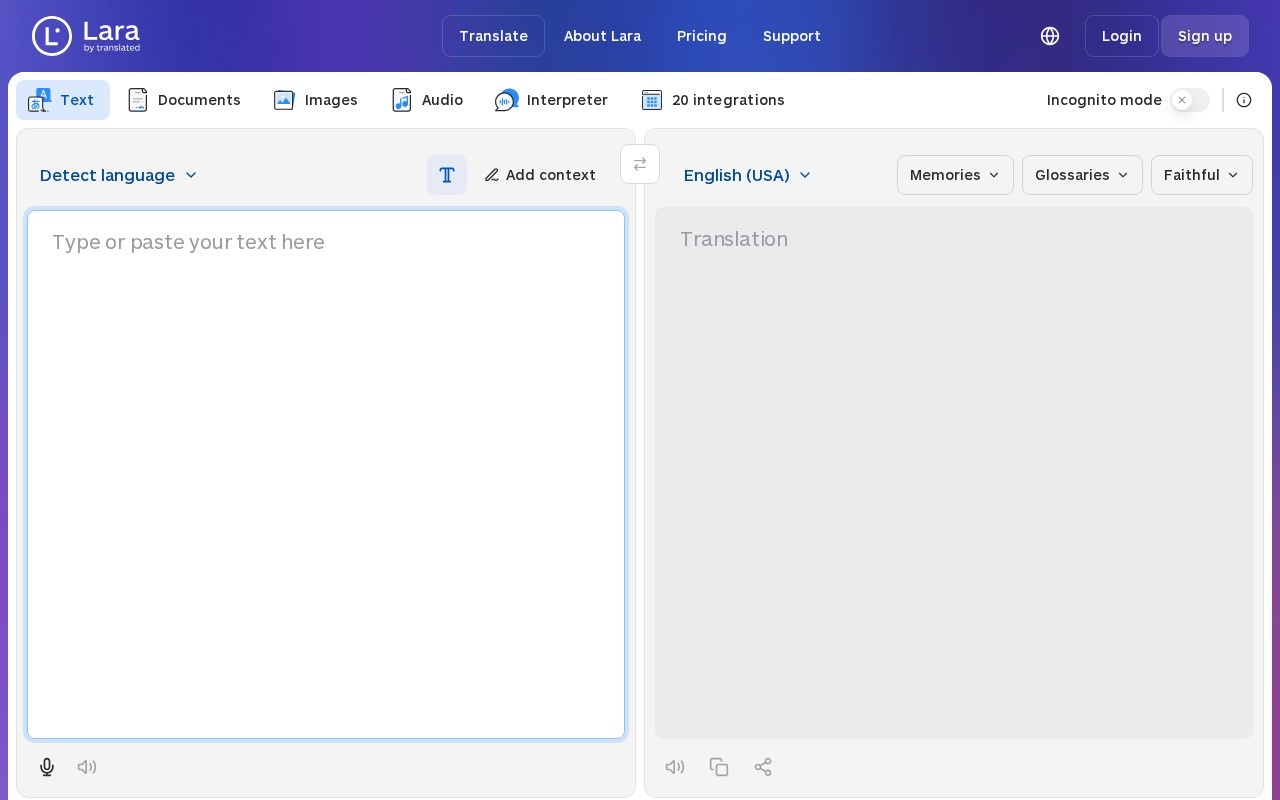
One feature separates it from everything else here. It explains why it chose a given translation, which is how you catch a context error without speaking the target language yourself.
The free tier is usable for everyday needs rather than a time-limited trial, and paid plans start at $9 a month. Documents, images, audio and a live interpreter mode all sit in the same interface.
Lara launched in 2024, so its own track record is short even though its parent’s isn’t. Pricing is quoted in euros, and the character-based free tier runs out quickly on full documents.
4. Immersive Translate
Immersive Translate is a browser extension that shows a page in both languages at once, side by side, rather than replacing the original. It covers web pages, documents, e-books and video subtitles.
Keeping both languages visible is the whole design, and it suits anyone learning a language or checking a translation they half understand. You choose the engine behind it, including Google, DeepL and OpenAI models.
It’s free with the default engines and no forced account, with paid plans from $4.99 a month. The premium engines are what the subscription buys once free usage caps out.
Two things to know. The source is closed despite a public code presence. Quality still swings by engine and language pair, so you end up switching engines by site rather than setting one and forgetting it.
5. Microsoft Translator
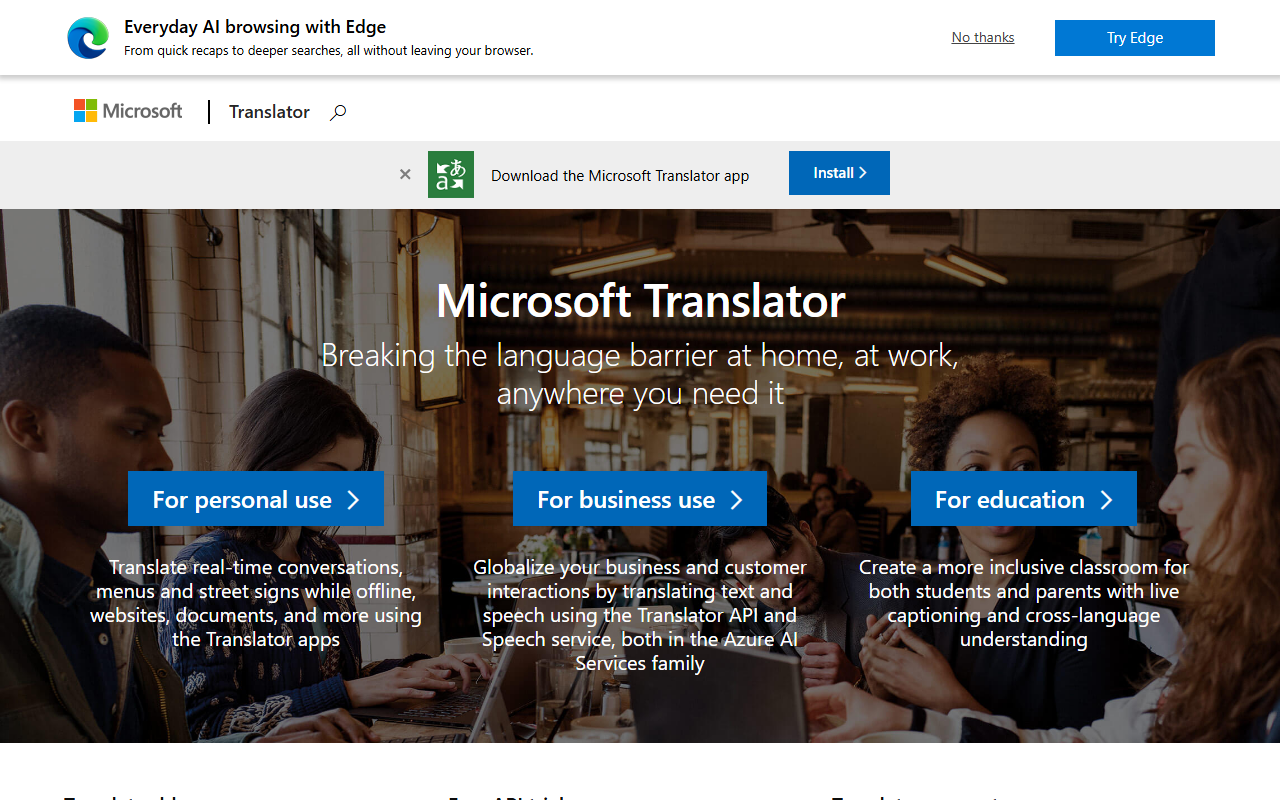
Microsoft Translator handles text, speech and conversation across devices, and it’s free. If your organisation already runs Microsoft products, it’s probably available to you now.
Its distinctive feature is genuinely distinctive. A whole group can join one live translated conversation, each reading in their own language, which is a different capability from translating a block of text.
Offline capability on mobile makes it a reasonable travel choice where signal is unreliable. Nothing here costs anything at the consumer level.
Quality varies substantially by language pair, more than the leaders above. Anything you intend to publish or sign still needs a human reader before it goes out.
6. SYSTRAN
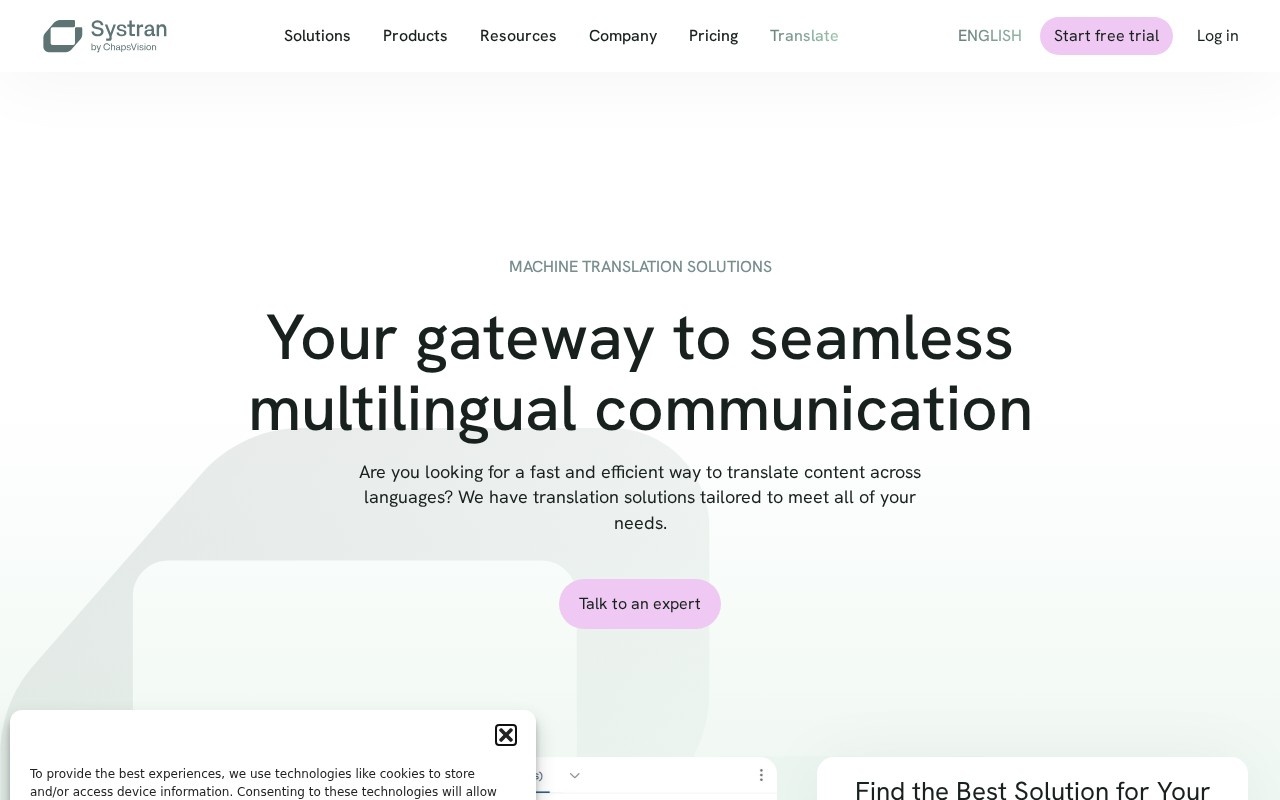
SYSTRAN has been doing machine translation for around fifty years, and it sells the two things consumer tools can’t: on-premise deployment and models trained on your own terminology.
That’s the entire reason to shortlist it. If the text legally cannot leave your building, a cloud translator is not an option regardless of how good it is.
Custom model training on your glossary matters for regulated or technical content where a generic engine renders a term three different ways across one document.
No pricing figures appear on any tier. Six product lines make choosing the right one confusing, and the translation-memory adaptation only helps if your organisation already has one.
7. MachineTranslation.com
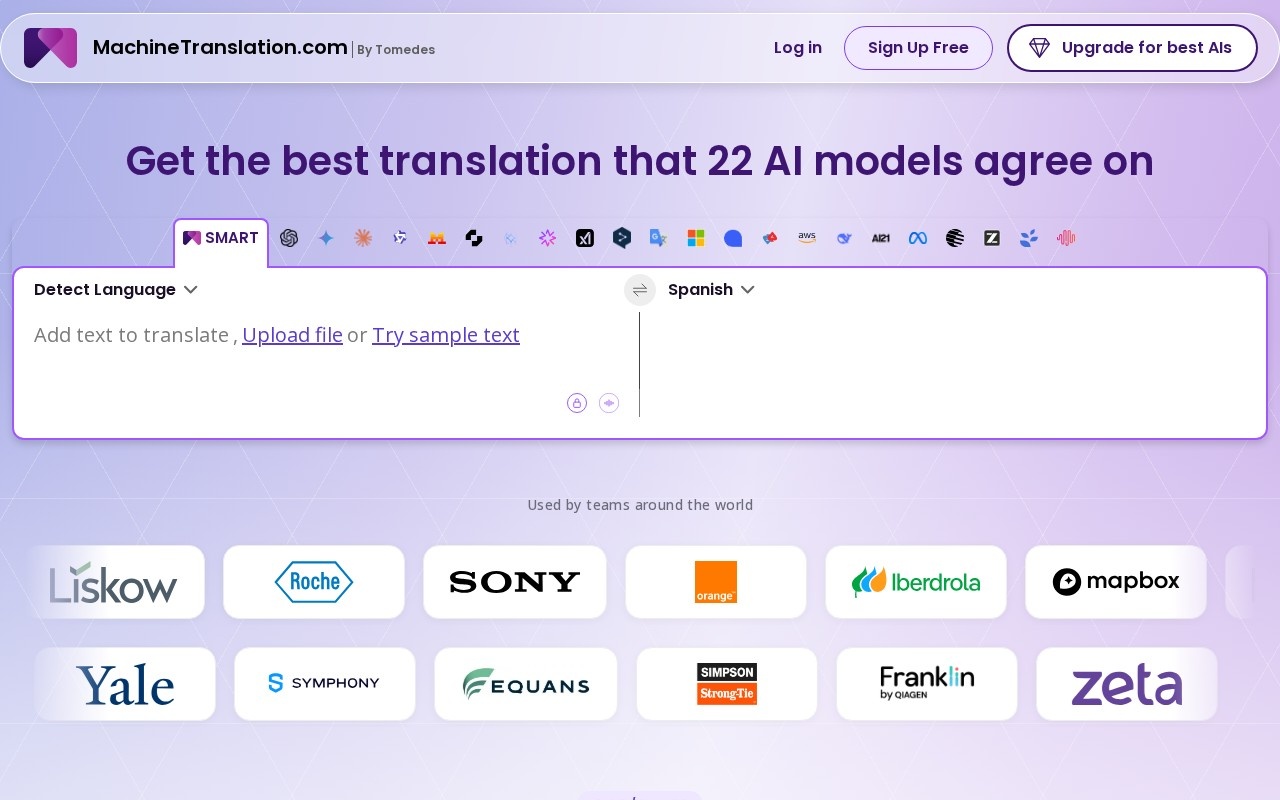
MachineTranslation.com runs a passage through 22 translation models and returns the reading they mostly agree on. It’s built by Tomedes, an established translation company.
The useful output isn’t the translation, it’s the disagreement. Where the models diverge is exactly where a human should look, which no single-engine tool can tell you.
Plans start at $1.50 and human review is available on demand for high-stakes content. That combination is unusual at this price.
Two cautions, both from its own listing. Its “90% error reduction” figure is a vendor claim with no published methodology, and consensus cannot catch an error that all 22 models share.
8. ImageTranslate.AI
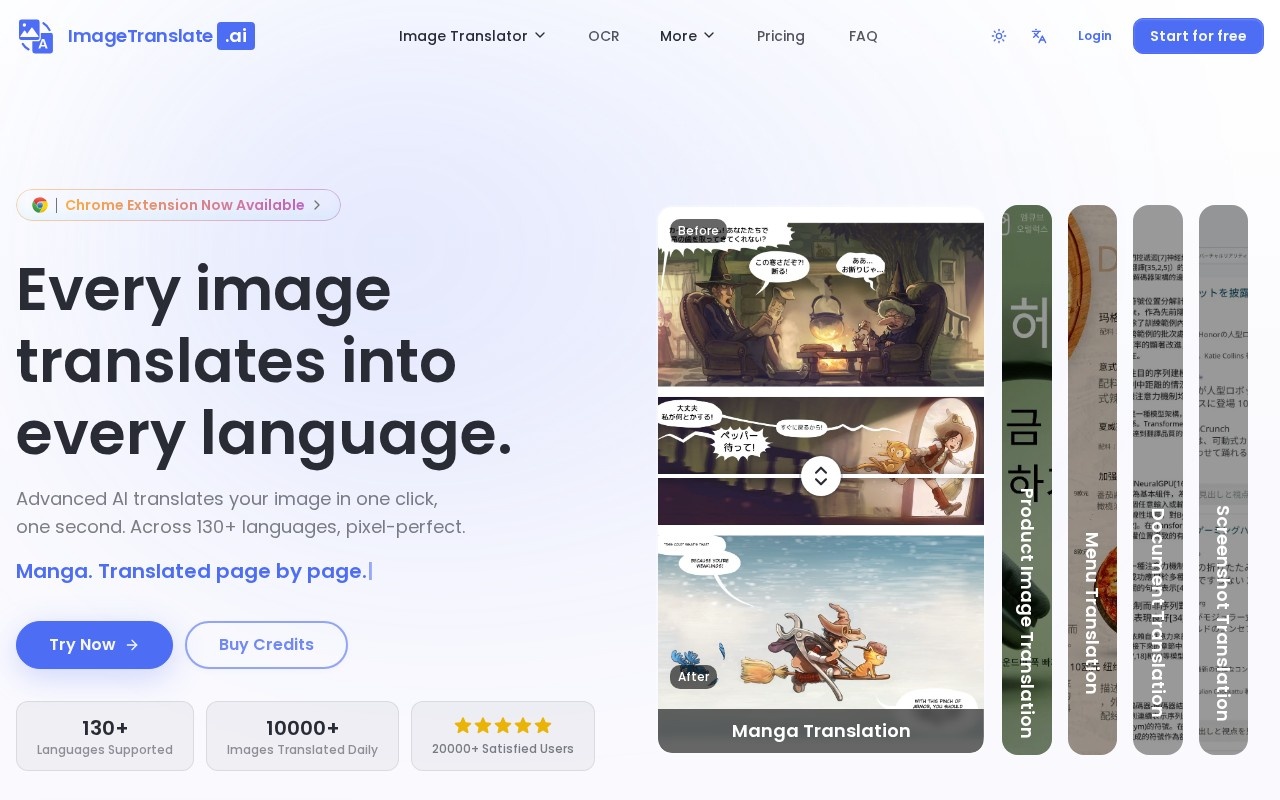
ImageTranslate.AI reads the text inside a picture, translates it, and puts it back in the same place with the same layout. It covers menus, screenshots, product images and comic pages.
Rebuilding the layout is the hard half. Extracting words from an image is routine; putting them back so it still looks like the original is not, and that’s what you’re paying for.
Tiers are fully published with a usable free allowance, and paid plans start at $8.30 a month. A browser extension covers the one-off case.
Its own listing raises the caveat we’d raise anyway: translating manga points at scanlation, which is infringement if you redistribute it. It’s also built by a single developer, and advertised rates need annual billing.
9. Pairaphrase
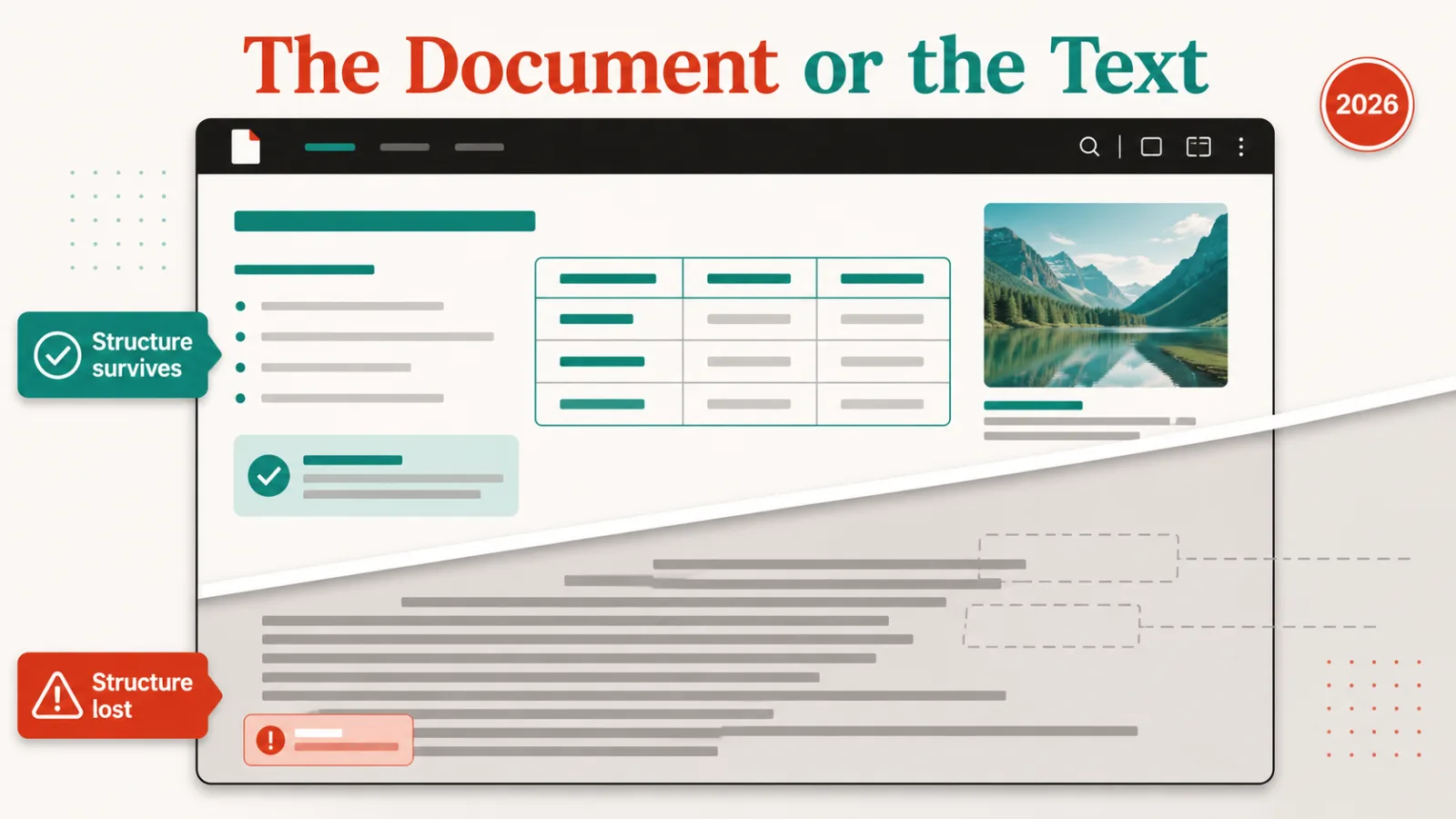
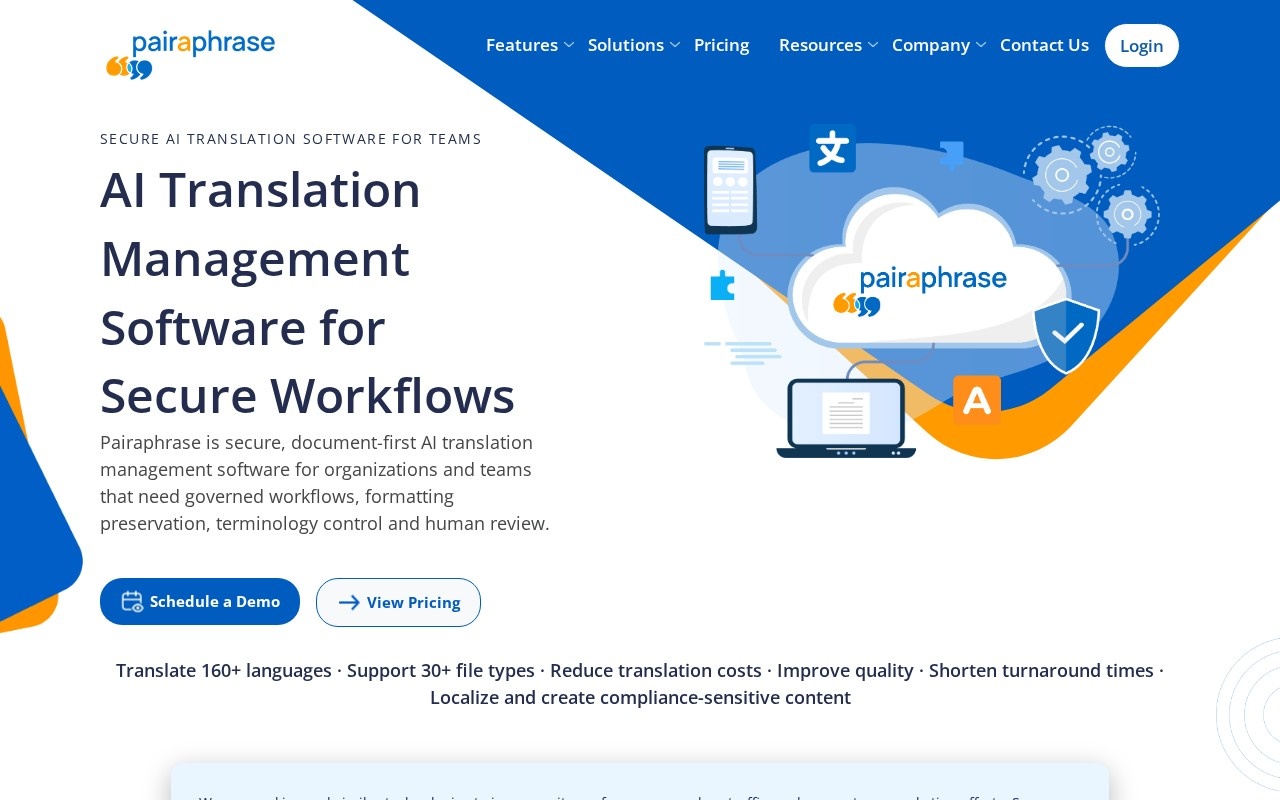
Pairaphrase translates the document rather than the text inside it, keeping formatting, glossaries and a human review step in one governed workflow. It supports over 30 file types.
Anyone who has pasted a contract into a free translator knows the problem it solves. You get back a wall of text with the structure gone, and rebuilding that costs longer than the translation saved.
Glossaries keep product and legal terms consistent between runs, which matters when the same term appears across a document set translated months apart.
No rates appear on the landing page. Its own listing names the sharpest risk in the category. Fluent machine errors are harder to spot than clumsy ones, so legal or safety-critical text still needs a qualified reader.
10. AI Manga Translator
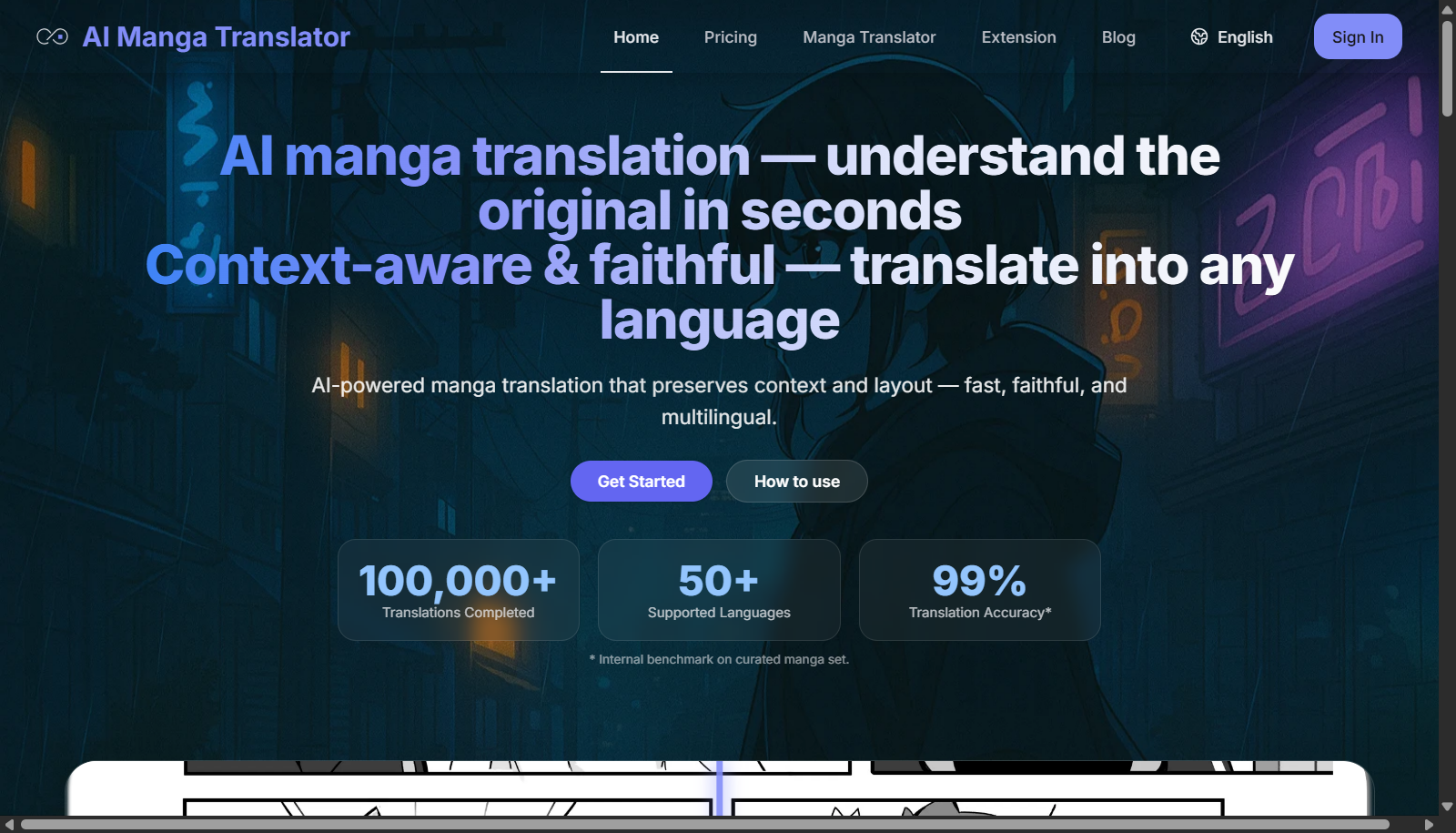
AI Manga Translator handles vertical Japanese text and keeps panel layout intact, which is the specific thing general translation tools get wrong on comic pages.
Reading order is the reason it exists. A tool that reads left to right turns a manga page into nonsense regardless of how good its language model is, and batch mode handles full chapters.
It’s free to use. Its site advertises 99% translation accuracy, carrying its own asterisk that reads “internal benchmark on curated manga set”, so treat it as the vendor’s own measurement.
The same copyright caveat applies here as above. Beyond that, machine translation still misses idiom and wordplay, quality depends on scan resolution, and the company behind it isn’t publicly documented.
How we rate these
Our rating comes from comparing published features, pricing and positioning against the rest of the catalogue. It isn’t a lab score, and we don’t push one passage through all ten and grade the results.
That matters more than usual here, because translation quality is the whole purchase and every vendor claims it. Where a figure appears above, we’ve said whose figure it is: DeepL’s blind-test claim, MachineTranslation.com’s error-reduction number and AI Manga Translator’s internal benchmark are all the vendor’s own.
What would be worth measuring is the same document through each engine, marked by a native speaker who didn’t know which tool produced what. Nobody here publishes that.
What to check before you buy
- Input: loose text, a formatted document, a web page or text inside an image.
- Language pairs: coverage counts mean little if your specific pair is weak.
- File shape: whether the file comes back looking like the file you sent.
- Data path: cloud or on-premise, which is a legal question before a technical one.
- Glossaries: whether the same term must render the same way twice.
- Review: who reads it before it goes out, because fluent errors hide well.
How to choose between them
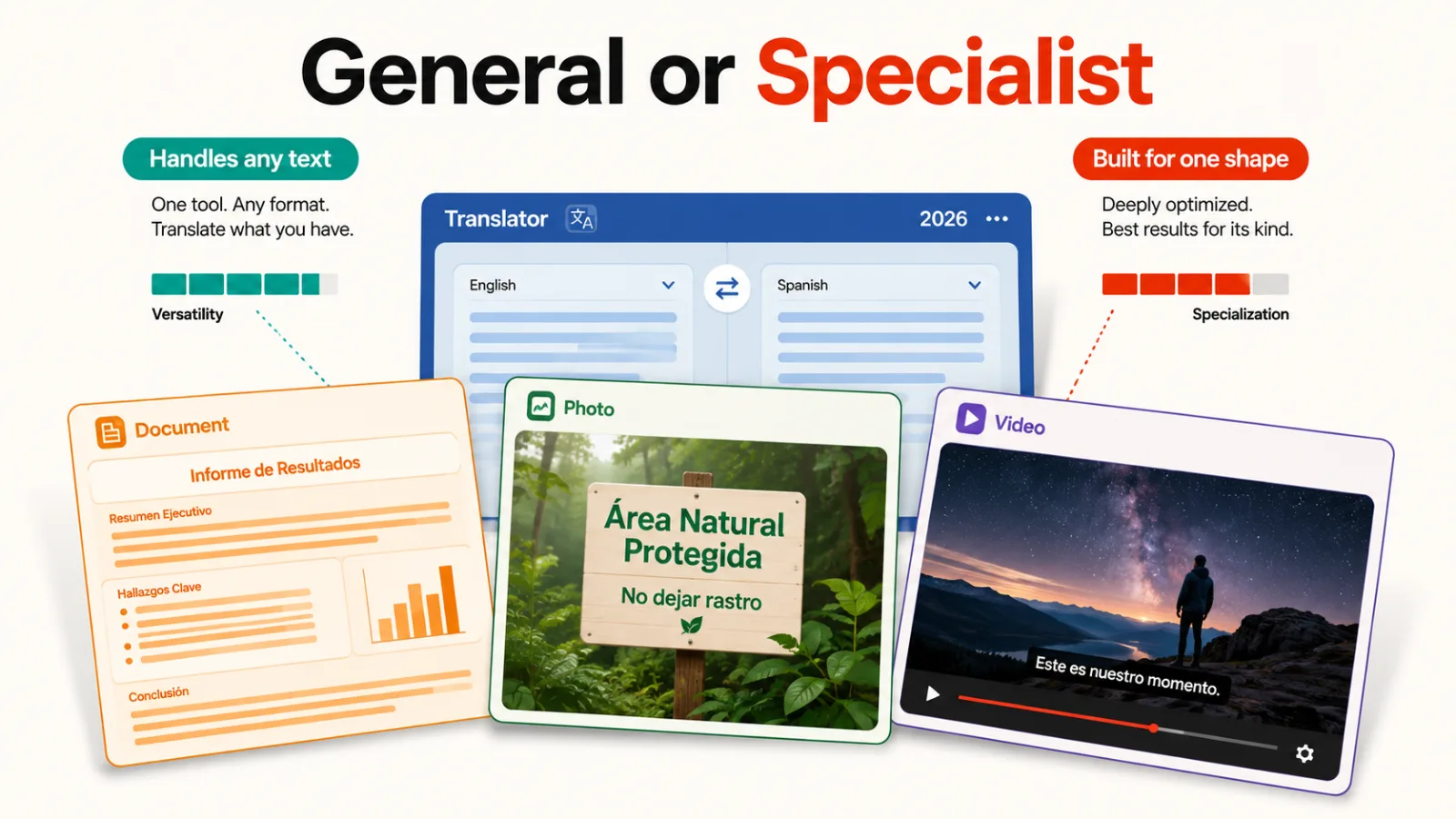
Start with what you’re handing over. Loose text points at Google Translate, DeepL or Lara, and a formatted file points at Pairaphrase or DeepL’s document mode. Text baked into a picture needs ImageTranslate.AI, because the others can’t put it back.
If the content is regulated, the question stops being quality. SYSTRAN is the only entry here that runs on your own hardware, which decides it for anyone whose text can’t cross a boundary.
For anything you’ll publish, spend the money on the review rather than the engine. MachineTranslation.com is useful precisely because it shows you where the engines disagreed, which is where to send a human.
Our roundup of AI writing tools covers drafting in one language, and AI voice assistants covers the spoken side these mostly don’t touch.
Questions buyers ask
What is an AI translation tool?
An AI translation tool converts text from one language to another using a trained model rather than a phrase dictionary. The better ones read surrounding context, which is why they handle idiom and tone more sensibly than older systems did.
Which of these are free?
Google Translate, Microsoft Translator and AI Manga Translator cost nothing to use. DeepL, Lara, Immersive Translate, MachineTranslation.com and ImageTranslate.AI all have real free tiers before payment. SYSTRAN and Pairaphrase quote after a conversation.
Can these replace a human translator?
Not for anything published, legal or safety-critical, and the listings don’t claim otherwise. Machine output now reads fluently enough that mistakes stop looking like mistakes, which makes review more necessary rather than less.
Is translating manga or comics legal?
Translating something for yourself is one thing; redistributing it is another. Two tools here are aimed at manga, and one of their own listings flags that this points at scanlation, which infringes copyright when shared. Check the rights before publishing anything you translate.
Why do coverage numbers differ so much?
Because supporting a language and translating it well are separate things. DeepL covers around 33 languages and is chosen for quality within them, while Google covers over a hundred and is chosen for reach. Neither number tells you about your pair.
What does an AI translation tool cost?
Published pricing here runs from free to $9 a month for individual use. The two enterprise entries publish nothing, which usually signals deployment and compliance work rather than a subscription.