
The best AI voice assistant to start with is ChatGPT or Google Gemini, and both begin on a free plan. ChatGPT holds the highest editorial rating here, 4.8, while Gemini’s free plan lists live voice conversation among its features.
If you want an assistant that answers your business phone, the question changes. Retell is the cheapest to start, at $0.07 to $0.31 a minute after $10 of free credits.
We read the pricing pages for Gemini and the five phone-agent platforms from a US server on 8 October 2026. ChatGPT, Copilot, Meta AI and Perplexity block automated checks, so their entries use our listings, last reviewed on 29 June 2026.
Two kinds of voice assistant, priced two ways
All five everyday assistants start free, while the five phone-agent platforms run from $0.07 a minute to $30,000 a year. Two of those five, PolyAI and SoundHound, publish no figure at all.
That gap is the real choice. An everyday assistant is an app you talk to. A phone agent is infrastructure that talks to your customers, and you pay for every minute it spends doing so.
Search results for this topic mix the two, which is why this comparison covers both. Pick your group first, then compare within it.
How this list is ordered
Each group is ordered by our editorial rating. The rating is an editorial assessment of published feature, plan and pricing data, not a lab score, so treat it as a starting point.
Every listing is verified live before publishing and carries a last-reviewed date. Where a vendor’s site blocked our price check, the entry says so and the table shows the listing’s figure.
An earlier version of this page ranked 15 assistants. We dropped Otter.ai, a meeting-notes tool covered in our meeting management software comparison, and Jasper, which is a writing tool. Six more had no listing we could verify.
The 10 AI voice assistants, compared
| Tool | Type | Editorial rating | Free plan | Lowest paid price |
|---|---|---|---|---|
| ChatGPT | Everyday | 4.8 | Yes | $20 a month (Plus) |
| Perplexity AI | Everyday | 4.6 | Yes, daily limits | $20 a month (Pro) |
| Google Gemini | Everyday | 4.4 | Yes | $4.99 a month (AI Plus) |
| Microsoft Copilot | Everyday | 4.3 | Yes, see entry | $20 a month (Pro) |
| Meta AI | Everyday | 4.2 | Yes | No paid plan |
| Vapi | Phone agent | 4.4 | $5 in credits | $29 a month (Core) |
| PolyAI | Phone agent | 4.3 | No | No published price |
| SoundHound AI | Phone agent | 4.3 | No | Demo only |
| Retell AI | Phone agent | 4.2 | $10 in credits | $0.07 to $0.31 a minute |
| Synthflow AI | Phone agent | 3.9 | No | $30,000 a year (enterprise) |
Everyday voice assistants
These five are apps for one person talking to one assistant, on a phone or a desktop. Voice is a feature of each rather than the whole product.
1. ChatGPT, rated 4.8, free to start

The product that took generative AI mainstream in late 2022
ChatGPT is the broadest of the five. Voice conversation sits beside image generation, web browsing, file analysis and custom GPTs in one app. The assistant that talks to you can also read a document you hand it.
The listing records a free plan, Plus at $20 a month and Team at $25 per user a month. OpenAI’s site blocked our automated check on 8 October, so those figures come from the listing, reviewed on 29 June 2026.
The limitation is the free tier. Its usage limits are tighter than some rivals’, and the most current models need a paid plan, so a heavy talker will likely hit a wall.
It suits anyone who wants one assistant for talking, writing and analysis. For rivals worth a look, our ChatGPT alternatives comparison covers 21.
2. Perplexity AI, rated 4.6, free with daily limits

The AI answer engine most competitors measure themselves against
Perplexity AI is built around cited answers. Every reply links its sources, which makes it the better choice when you’d rather check a claim than trust it.
The free tier has daily limits on its advanced features, and Pro costs $20 a month. Perplexity’s site blocked our check, so both figures are the listing’s, reviewed on 29 June 2026.
Our listing doesn’t detail the voice feature, and we couldn’t confirm it from Perplexity’s own pages. Open the app and try a spoken question before you rely on it.
It’s the pick for research by voice, such as asking a question while you cook and wanting the source afterwards. For writing or image work, ChatGPT covers more.
3. Google Gemini, rated 4.4, free with live voice

Multimodal from the ground up, deeply tied to Google's ecosystem
Gemini is the one entry where we confirmed the voice feature and the plans this month. Google’s subscriptions page lists Gemini Live in the free plan, next to image generation, Deep Research, Canvas and Gems.
Google AI Plus costs $4.99 a month for twice the free usage, and AI Pro costs $19.99 for four times. AI Ultra starts at $99.99 a month. We read all four prices on 8 October 2026.
Its depth comes from Google’s own apps, and our listing notes that the full value depends on already using Gmail, Docs and Workspace. Outside that ecosystem it’s one capable assistant among four.
It suits Android users and anyone who lives in Google’s apps. At $4.99, Plus is also the cheapest paid step up in this group.
4. Microsoft Copilot, rated 4.3, free with a catch

Microsoft's consumer assistant, built into Windows and Edge
Microsoft Copilot is built into Windows and Edge, so there’s nothing to install on a Windows machine. It grounds answers in the web by default, and Copilot Pro adds deeper Microsoft 365 integration.
Our listing records a free tier and Copilot Pro at $20 a month, reviewed on 29 June 2026. Microsoft’s site blocked our price check.
Here the sources disagree. Microsoft’s support page for Copilot Voice, read on 8 October, says voice needs an eligible Microsoft subscription and sessions may disconnect at a limit. Confirm what your own account gets first.
It’s the natural choice for Windows users and Microsoft 365 teams. It shouldn’t be confused with Microsoft Copilot Studio, the separate builder for business agents.
5. Meta AI, rated 4.2, free everywhere

Built into Instagram, WhatsApp, and Facebook by default
Meta AI lives inside Instagram, WhatsApp and Facebook, and also has a standalone app and a web version. You can start talking to it from a chat thread you already have open, with no new account.
Our listing records it as free across every surface, with no paid plan. Meta’s site blocked our check, so that comes from the listing, reviewed on 29 June 2026.
Two cautions apply. Meta funds it through advertising rather than a subscription. When the standalone app launched in April 2025, MacRumors reported voice conversations only in the US, Canada, Australia and New Zealand, and we couldn’t confirm today’s list.
It suits people who already spend their day in Meta’s apps and want a free assistant without leaving them. It’s less specialized for professional work than the others here.
Phone-call voice agents for businesses
These five answer or place calls on behalf of a company. They’re sold by usage or by contract, and buying one is closer to a procurement decision than a download. Our Customer Support category lists more.
6. Vapi, rated 4.4, from $29 a month

Infrastructure for building voice agents, not a voice model itself

Vapi doesn’t make voices or transcribe speech itself. It connects the speech-to-text, language model and text-to-speech providers you choose into one phone agent, with telephony and call logging built in.
New accounts get $5 in credits. Core costs $29 a month, and Pro costs $999 a month minimum plus 10% of Vapi’s hosting fee. We read these on 8 October 2026, along with a $2,000 a month add-on for health-data handling.
Those plan prices aren’t the whole bill. The providers underneath are listed separately, from about $0.0095 a minute for transcription to $0.0146 or more for the voice. Phone minutes add $0.008 inbound or $0.014 outbound on Twilio.
It needs a developer, and total cost depends on which providers you pick. It’s the right choice when you want to swap components as better ones appear.
7. PolyAI, rated 4.3, no published price

A proprietary voice model trained on over a billion enterprise calls
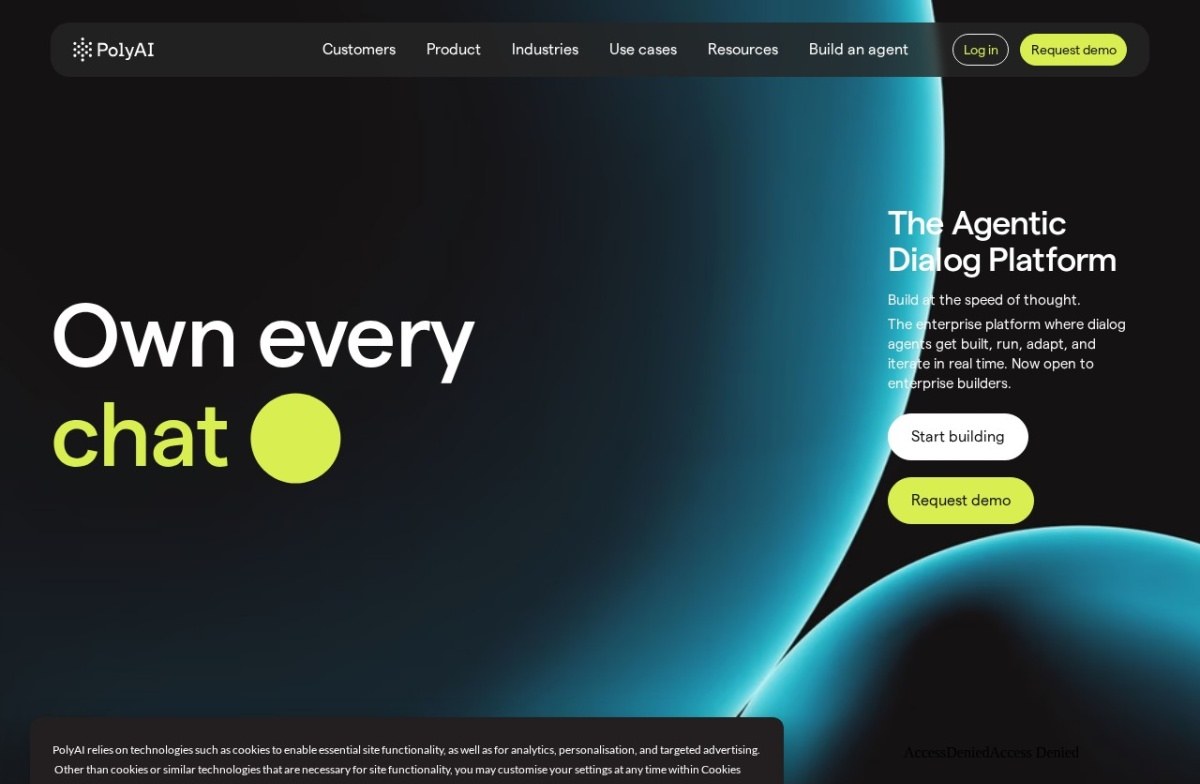
PolyAI sells enterprise voice agents for contact centers, built on its own Raven model rather than a general-purpose one. It offers a no-code Agent Builder and a developer kit on the same runtime.
Neither its home page nor its pricing page showed a figure on 8 October 2026. There’s no free tier, and evaluating it means going through sales.
Our listing records four compliance certifications, which matters for banks, clinics and insurers. Check each one against your own requirements, since the listing carries the vendor’s claim.
It suits a large operator handling high call volumes across regulated industries. A small team that wants to experiment before talking to anyone will find no way in.
8. SoundHound AI, rated 4.3, demo only

Voice-native AI agents behind drive-thrus, call centres and car dashboards.
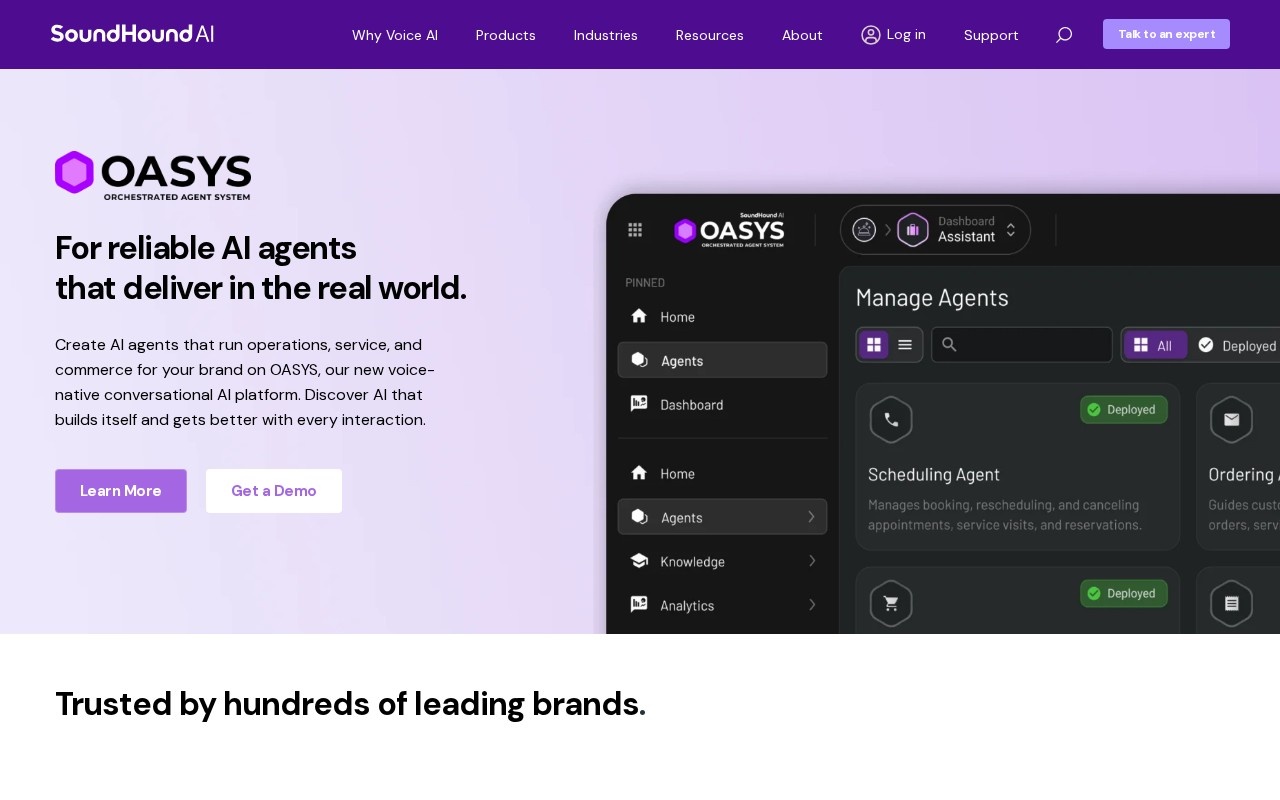
SoundHound AI builds voice-native agents for call centers, drive-thrus and car dashboards. Its voice platform is built around speech from the start, rather than adding a voice layer to a chat model.
Every product is priced by demo, and its home page showed no figure on 8 October 2026. The same page announces that SoundHound has completed its acquisition of LivePerson.
That deal widens the range to chat and messaging, so expect integration work rather than a sign-up. Our listing also notes that recognition accuracy still varies with accents and background noise.
It fits restaurants, automakers and large service desks with real volume. For a ten-person business, the sales process alone is likely too heavy.
9. Retell AI, rated 4.2, from $0.07 a minute

Phone-call AI agents at roughly 600 milliseconds of latency
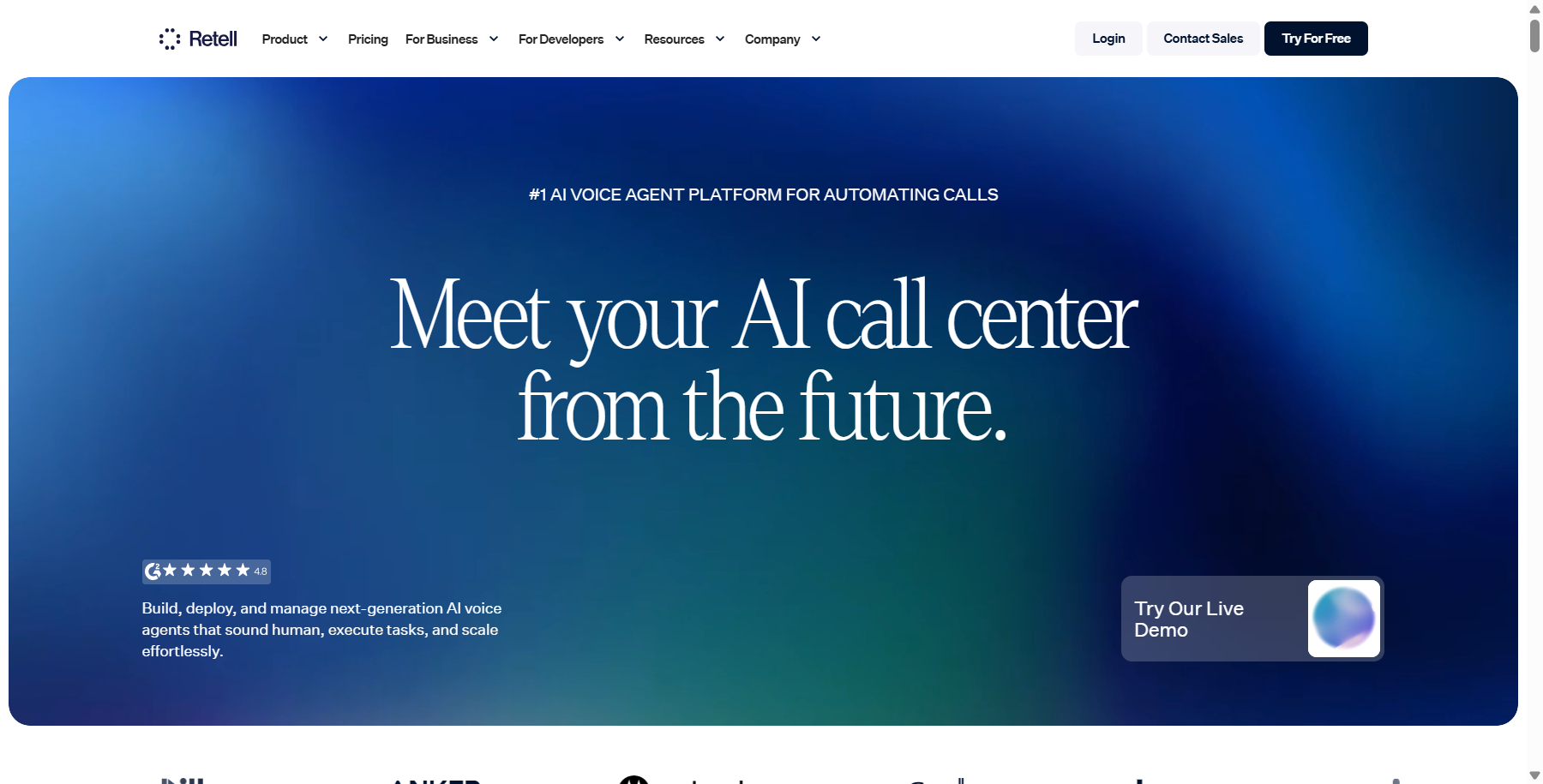
Retell AI builds voice agents for phone calls only: answering inbound calls, placing outbound ones, booking appointments and qualifying leads. It also lets you test an agent in simulation before it takes a real call.
Pay as you go costs $0.07 to $0.31 a minute for voice agents, with $10 in free credits and no commitment. Enterprise pricing is custom. We read this on 8 October 2026.
The range depends on the voice you pick: platform voices cost about $0.015 a minute on top, while ElevenLabs voices run from $0.04 to $0.10. Budget with your real call length and your chosen voice, not the lowest figure.
It’s phone-only, so it doesn’t cover chat or messaging. It’s the easiest way on this list to run a real pilot without talking to a salesperson.
10. Synthflow AI, rated 3.9, enterprise from $30,000 a year

No-code voice AI priced per minute, built for appointment scheduling and lead qualification calls
Synthflow AI is a no-code builder for phone agents that book appointments, qualify leads and handle support calls. It connects to calendars and CRMs without engineering work.
Its pricing page on 8 October 2026 showed enterprise contracts only, starting at $30,000 a year and scoped by call volume and telephony setup. Our listing still quotes roughly $0.09 a minute, which the page no longer shows.
Ask Synthflow directly whether a smaller plan exists before you plan around either number. The listing’s lower rating reflects a newer platform with a shorter track record.
It suits a team that wants no-code control and has an enterprise budget. A small business that read the older per-minute figure should recheck.
Siri, Alexa, Google Assistant and Bixby
These four ship with Apple, Amazon, Google and Samsung devices, so there’s no price to compare and no vendor page for us to check. None has a listing in our directory, which is why they sit outside the ten above.
If you already own the hardware, they’re the default. The assistants above are what you add when the built-in one falls short.
What to check before you choose
The cost of a wrong pick differs sharply between the two groups.
- Account: Copilot’s voice features depend on your Microsoft subscription, so sign in with the account you’ll use daily.
- Region: Meta AI’s voice conversations launched in four countries, and ChatGPT, Gemini and Copilot may differ by country too.
- Cost model: the everyday apps are flat monthly plans, while Retell, Vapi and the underlying providers bill by the minute.
- Telephony: Vapi sells the orchestration, so phone minutes and provider fees arrive as separate lines on the bill.
- Compliance: Vapi charges $2,000 a month for health-data handling, and PolyAI states four certifications that need checking.
- Exit: an agent built inside one platform doesn’t move to another, so leaving means rebuilding.
Model one month of real call minutes before comparing headline prices. A cheap per-minute rate can cost more than a flat contract once volume grows.
How to choose
To pick quickly, match your situation to a line below.
- For one assistant that does talking, writing and analysis, start with ChatGPT.
- If you live in Google’s apps or want the cheapest paid step, choose Gemini.
- For spoken research with sources, try Perplexity.
- If you use Windows and Microsoft 365, try Copilot, after checking what your account includes.
- For a free assistant inside the social apps you already use, pick Meta AI.
- To pilot a phone agent for a business, begin with Retell AI or Vapi.
- For regulated, high-volume call handling, ask PolyAI or SoundHound for a demo.
For agents that act beyond voice, see our AI agents comparison. If you only need a spoken voice for content, our AI voice generators guide and text to speech software comparison fit better.
Common questions
What is the best AI voice assistant overall?
The best AI voice assistant for most people is ChatGPT, with the highest editorial rating here at 4.8, or Gemini, whose free live voice we confirmed this month. For business phone calls, Retell AI is the cheapest to start.
Is there a free AI voice assistant?
Yes. All five everyday assistants have a free plan, though ChatGPT’s and Perplexity’s limits are tighter, and Copilot’s voice may depend on your subscription. Retell AI and Vapi give free credits instead.
How much does a business voice agent cost?
Published prices run from $0.07 a minute at Retell to $30,000 a year at Synthflow. PolyAI and SoundHound quote every deal, and Vapi’s bill adds provider and phone fees to its $29 or $999 plan.
Are these better than Siri or Alexa?
They do different jobs. Siri and Alexa control your device and home, while the everyday apps here are stronger at open-ended conversation, research and writing. We haven’t compared them directly, since the built-in assistants have no listing.
You can ask where voice data goes
Your voice data goes to the vendor’s servers on every plan here, and usually to a model provider too. You should check each vendor’s retention terms, and for health or payment calls, ask for compliance paperwork in writing.


