
If you just want the Best text to speech software For your setup, this shortlist cuts the noise and gets you to the right tool fast. The best overall pick is Speechify For an all-in-one voice AI workflow across devices, while NaturalReader Wins on natural-sounding voices, Balabolka Is the best free Windows desktop reader, ReadAloud Is the easiest browser-based free option, and TTSMaker Is the pick for browser use plus commercial MP3 export. Text to speech software converts written text, like PDFs, articles, and documents, into spoken audio you can listen to instead of read. The five tools below each win a different job, so match the pick to your device, budget, and whether you need to reuse the audio commercially.
How We Picked These 5 Text to Speech Tools
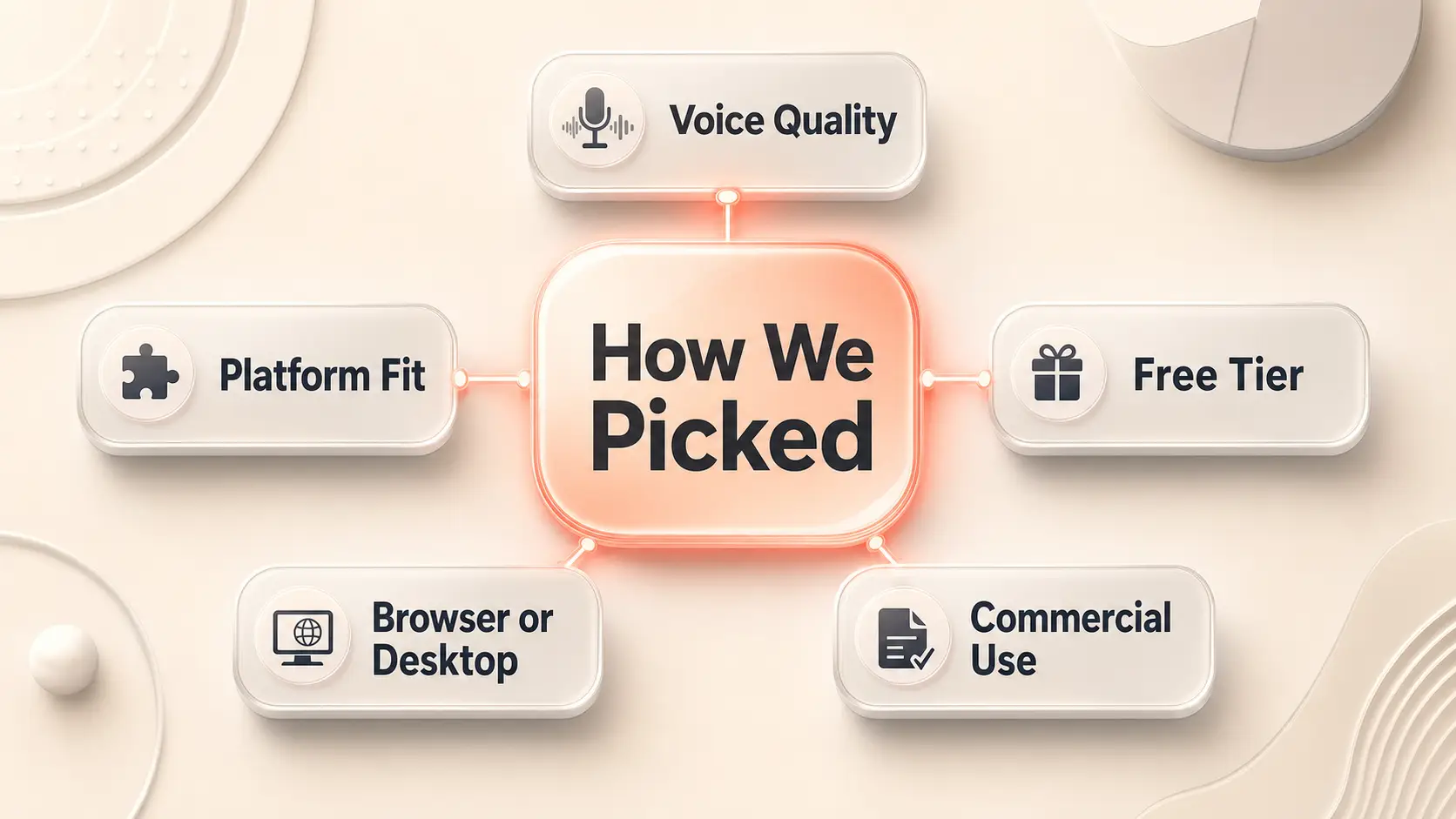
We prioritized tools that repeatedly surfaced across the search results and competitor roundups, then narrowed the shortlist by the factors readers actually weigh: voice naturalness, platform fit, free-tier value, browser-versus-desktop convenience, and commercial-use support. The goal is a comparison list you can act on, not a general explainer about how speech synthesis works.
Each pick wins a clear use case rather than a popularity contest. One tool earns “best overall” for breadth, another for voice realism, another for free Windows use, another for instant browser reading, and the last for downloadable audio you can use in commercial projects. Where exact pricing or a verified detail was not available in our research, we left it out rather than guessing, so nothing here is invented to fill a gap.
Best Text to Speech Software at a Glance
Here is the full shortlist on one screen, so you can pick a direction before reading the profiles below.
| Name | Best For | Starting Price |
|---|---|---|
| Speechify | All-in-one voice AI across devices | Free plan available |
| NaturalReader | Natural voices and personal reading | Free; Plus from $9.92/month |
| Balabolka | Free Windows desktop reading | $0 |
| ReadAloud | Browser read-aloud | $0 |
| TTSMaker | Browser-based commercial use | From $13.99/month |
The 5 Best Text to Speech Tools, Ranked by Job
Each tool below leads with what it is and who it is for, then carries the decision data you need to choose without rereading the whole list.
1. Speechify: Best Overall Pick

Built by a dyslexic founder to make any text audible
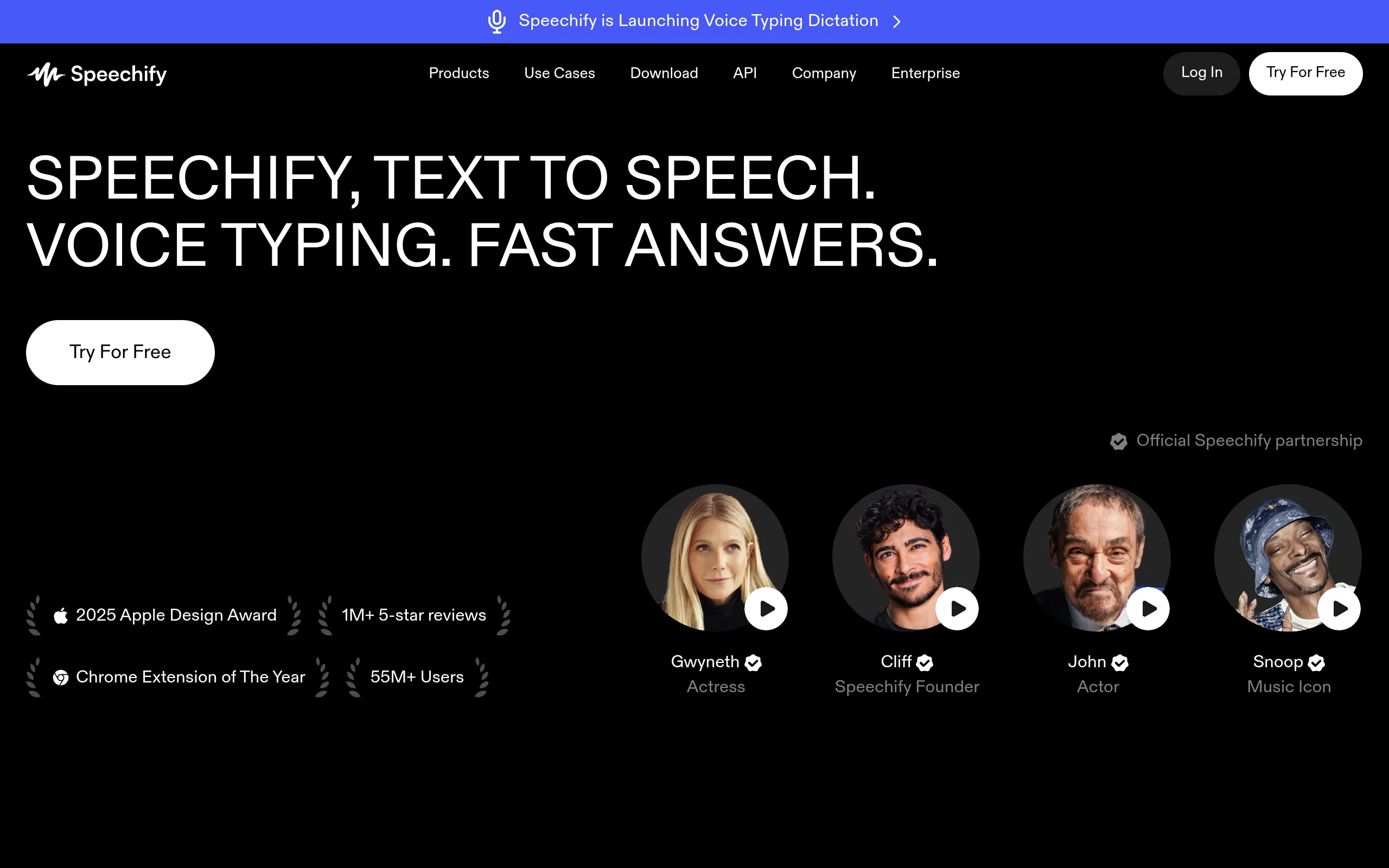
Speechify Is a cross-device voice AI app for anyone who wants one tool that reads, dictates, answers questions, and turns documents into audio. It earns “best overall” because it covers more jobs than a plain read-aloud reader, spanning web, Chrome, Edge, iOS, Android, Mac, and Windows.
The breadth is the point. You can listen to a PDF on your phone, dictate an email at your desk, and ask a webpage for a quick summary, all inside the same account. That makes it the widest use-case fit in this list, especially if you bounce between devices during the day.
The honest caveat: exact paid pricing and plan limits were not available in our research, so commit only after you confirm the entry-point cost on the current pricing page. The free plan and a premium trial exist, which is enough to test your real workflow before paying.
- Best for: People who want one voice AI layer for reading, dictation, Q&A, and podcast-style audio across devices
- Standout feature: Reads, writes, listens, and creates audio across web, browser extensions, mobile, and desktop apps
- Free tier: Yes, with a premium trial
2. NaturalReader: Best for Natural Voices
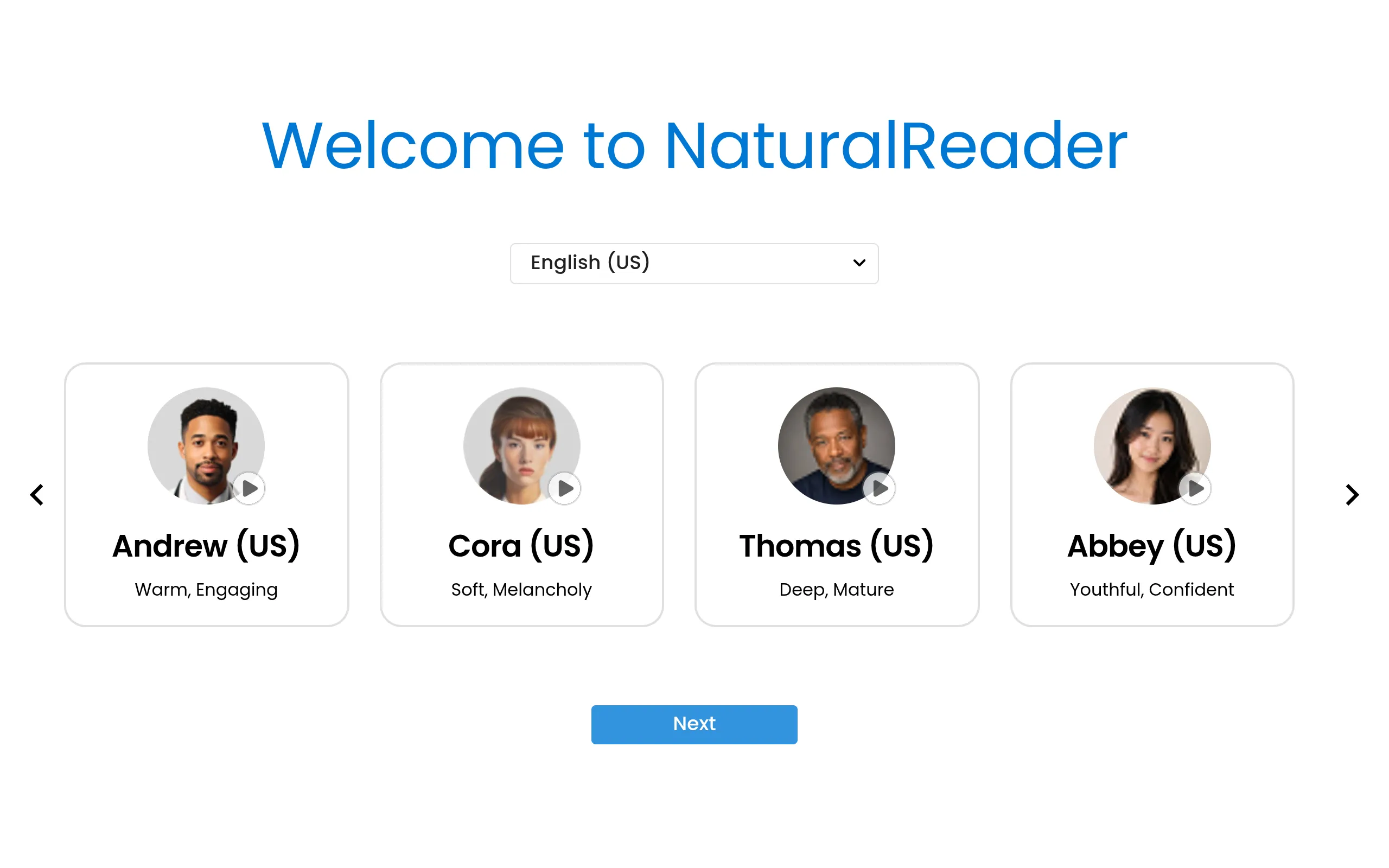
NaturalReader Is an AI voice reader for people who care most about how human the audio sounds. It turns PDFs, documents, books, webpages, and study materials into natural-sounding speech you can play in the browser, the app, or a Chrome extension.
Voice quality is its calling card. It offers hundreds of AI voices across 90 or more languages, with options powered by Gemini, ChatGPT, and Azure for more lifelike delivery. The tiered pricing is also transparent, which makes it easy to know what you are paying for before you commit.
One limit worth flagging: audio files from the personal-use product are for personal listening only and cannot be published, used commercially, or redistributed. If you need voiceovers for client work or public content, that belongs in the separate commercial version, not the personal plan.
- Best for: Turning PDFs, articles, and study material into the most natural-sounding personal audio
- Standout feature: Hundreds of AI voices across 90+ languages, including Gemini, ChatGPT, and Azure options
- Starting price: Free; Plus from $9.92/month; Pro from $13.25/month
- Free tier: Yes, free forever with no card required
3. Balabolka: Best for Free Windows Desktop Use
Balabolka is a free desktop reader for Windows users who want flexibility over polish. It opens almost any document directly, including ebooks, text files, and Word documents, or reads text you paste straight into the app.
The power-user touches set it apart from browser readers. There is a portable version that runs without installation, plus a command-line utility for people who like to script their workflow. For offline, file-heavy reading on a Windows machine, it is hard to beat at zero cost.
The trade-off is voice quality. The default voices are limited and can sound robotic, so this is the flexible free workhorse rather than the most natural-sounding option. If realism matters more than control, look to NaturalReader instead.
- Best for: Windows users who want a flexible, no-cost desktop reader for local files
- Standout feature: Opens almost any document directly and includes a portable, no-install version
- Starting price: $0
- Free tier: Yes, fully free
4. ReadAloud: Best Browser-Based Free Option
ReadAloud is a free browser extension for people who want to hit play on a page without installing desktop software. It works in Chrome, Edge, and Firefox, capturing the text on screen and reading it back through your chosen voice.
The voice range is better than you would expect for a free add-on. Its settings include premium voices from Amazon and Google, and it handles common reading targets like news articles, Google Docs, and PDFs inside the browser. For quick, low-setup listening, it is the easiest entry point in this list.
The limit is its scope. Because it lives in the browser, its usefulness drops sharply the moment you step outside a supported browser. If you mostly read on the web, that boundary will not bother you.
- Best for: Chrome, Edge, and Firefox users who want instant browser reading with no heavy install
- Standout feature: A wide voice range in settings, including premium voices from Amazon and Google
- Starting price: $0
- Free tier: Yes, fully free
5. TTSMaker: Best for Browser Use and Commercial Projects
TTSMaker is a browser-based text to speech app for creators and marketers who need audio they can actually reuse. You paste text, convert it online, then download the reading as an MP3 file for commercial projects.
That export-and-license combination is what separates it from a pure on-screen reader. If you are producing a voiceover for a client asset, a product video, or a business explainer, downloadable commercial-use audio is the feature that matters, and TTSMaker leads with it.
Watch the volume cap. Usage above 20,000 characters per week runs into limits, so this is the business-use pick rather than the tool for heavy long-form reading. For occasional commercial clips, that ceiling is generous enough; for audiobook-length work, plan around it.
- Best for: People who want browser-based TTS with MP3 export for commercial projects
- Standout feature: Download the reading as an MP3 and reuse it in commercial work
- Starting price: From $13.99/month
- Free tier: Yes, with a weekly character limit
Comparison Summary and Final Recommendation
Here is the shortlist side by side, so you can confirm your pick at a glance.
| Name | Best For | Starting Price |
|---|---|---|
| Speechify | All-in-one voice AI across devices | Free plan available |
| NaturalReader | Natural voices and personal reading | Free; Plus from $9.92/month |
| Balabolka | Free Windows desktop reading | $0 |
| ReadAloud | Browser read-aloud | $0 |
| TTSMaker | Browser-based commercial use | From $13.99/month |
If you want one tool that handles many workflows across phone, browser, and desktop, choose Speechify. If you care most about realistic voices with transparent pricing, choose NaturalReader. Pick Balabolka for free offline Windows reading, ReadAloud for quick browser-only listening, and TTSMaker when you need downloadable audio you can use commercially.
We built this shortlist around different jobs, not brand recognition, drawing the picks from the tools that recurred across the search results and competitor roundups, then sorting them by platform fit, voice quality, free-tier value, and commercial-use rights. Where exact prices or details were not confirmed in our research, we left them out instead of estimating. If you want to keep exploring, see our roundup of AI voice generators and TTS tools For more options.
Frequently Asked Questions
What is the best text to speech software purely for having text read out loud?
For simply having text read aloud to you, NaturalReader is the strongest pick because it focuses on natural-sounding voices for personal reading. It turns PDFs, articles, books, and webpages into clear audio without a steep setup, and the free tier lets you start listening immediately. If you mostly read inside a browser, ReadAloud is an even simpler option that plays any page on demand.
What is the best free text to speech software that actually works?
The best free choice depends on where you read. Balabolka is the strongest free desktop reader for Windows, handling local files and pasted text offline at no cost. ReadAloud is the best free browser extension for instant on-page reading in Chrome, Edge, and Firefox. NaturalReader also offers a free forever tier with no card required, which is useful if you want more natural voices without paying right away.
Which text to speech software sounds the most natural?
NaturalReader stands out for voice realism. It offers hundreds of AI voices across 90 or more languages, with options powered by Gemini, ChatGPT, and Azure for more human delivery. Speechify also leans heavily on lifelike voices across its apps, so if you want natural audio inside a broader cross-device workflow, it is a close second.
What is the best professional text to speech software?
For professional use, the answer splits by need. Picture a marketer producing a client voiceover: TTSMaker fits because it exports MP3 files cleared for commercial projects. If the professional need is reading and dictation across a workday rather than producing audio assets, Speechify covers more ground with its voice AI tools spanning desktop, browser, and mobile.
Which text to speech software is best for commercial use?
TTSMaker is the clearest pick for commercial use among these five, since it lets you download readings as MP3 files for commercial projects. NaturalReader supports commercial work too, but only through its separate commercial product, because audio from its personal-use plans cannot be published or redistributed. Always confirm the license tier before you use any generated audio publicly.
The honest reality is that no single tool wins every job, which is why this list sorts by use case instead of crowning one champion. Start with the free tier of whichever pick matches your device and budget, run your real document through it, and only pay once the voice and workflow feel right. Ready to keep comparing? Browse our breakdown of AI voice cloning tools To see what these platforms can do beyond plain read-aloud.


