
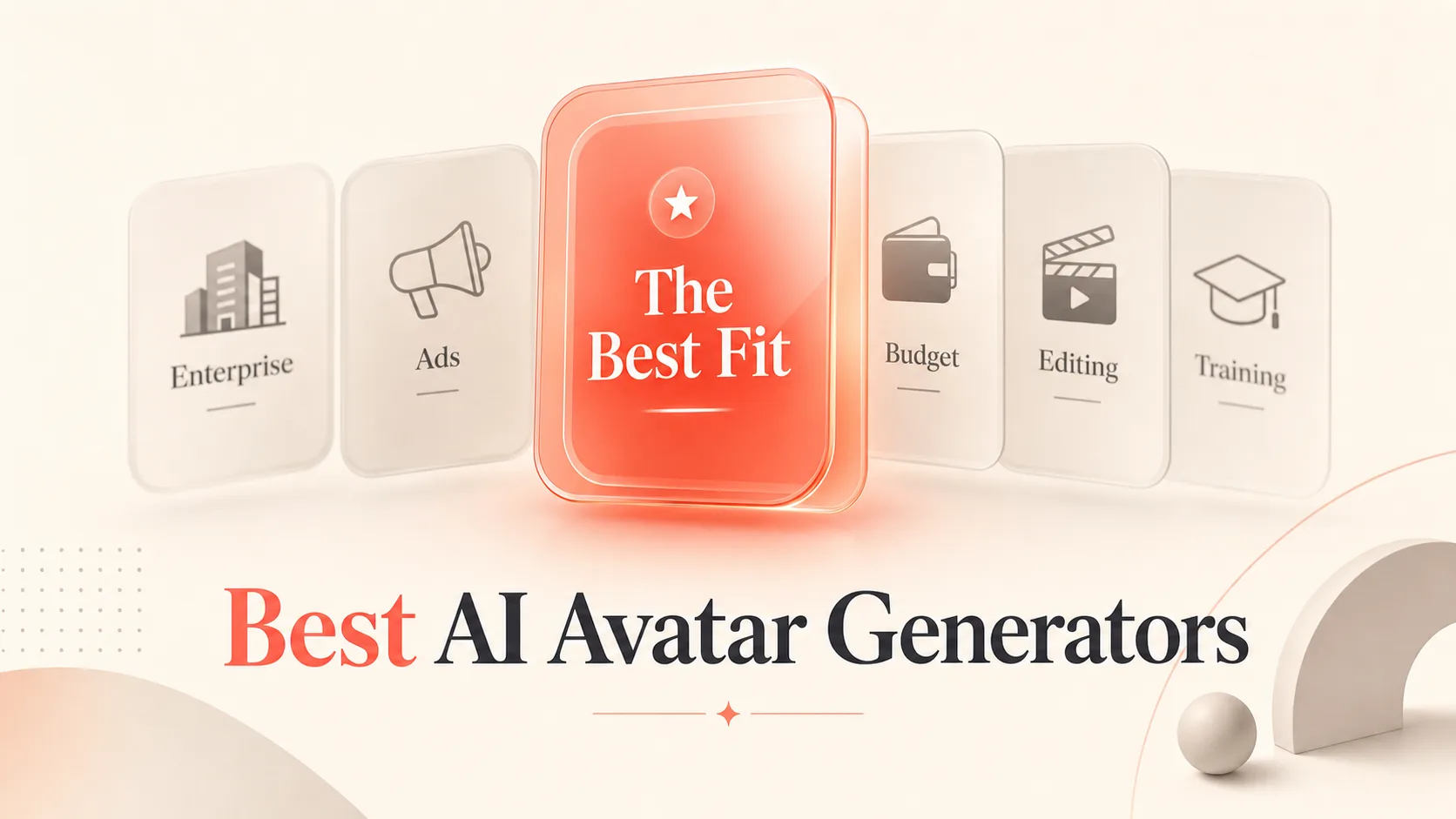
For most readers, HeyGen Is the best AI avatar generator because it balances realism, localization, and custom-avatar flexibility better than the rest. It turns text, images, or audio into talking-avatar videos, and it handles both stock presenters and digital twins without forcing you into one workflow. If your job is enterprise training and internal comms, Synthesia Is the safer pick. If you live in paid social and need creator-style ad creatives, Creatify Wins.
An AI avatar generator is a tool that creates video of a presenter who speaks your script, using a synthetic face and voice instead of a camera and a person. The rest of this list ranks eight of them by use case, price, and how cleanly they fit a real workflow, because the tool with the most lifelike face is rarely the one you actually keep.
How We Picked These 8 AI Avatar Generators
We ranked these tools on the criteria that decide whether avatar video is worth the trouble: avatar realism, lip-sync accuracy, localization quality, workflow experience, and overall stability. Those five things separate a tool you use weekly from one you abandon after the trial.
We also sorted the list by job, not by brand fame. Enterprise training, marketing videos, UGC ads, editing-first workflows, custom avatars and digital twins, content repurposing, and budget-friendly quick wins each get a clear winner. The list stays at eight tools on purpose, because padding a roundup to a round number forces weak picks onto a reader who only wants the right one.

The 8 Best AI Avatar Generators, Ranked by Use Case
Each tool below leads with what it is and who it’s for, then gives you one honest tradeoff and the data you need to choose. Pricing is the starting paid tier as documented in our research.
1. HeyGen: Best Overall

A market-leading AI avatar tool known for quality, ease of use, and live dubbing
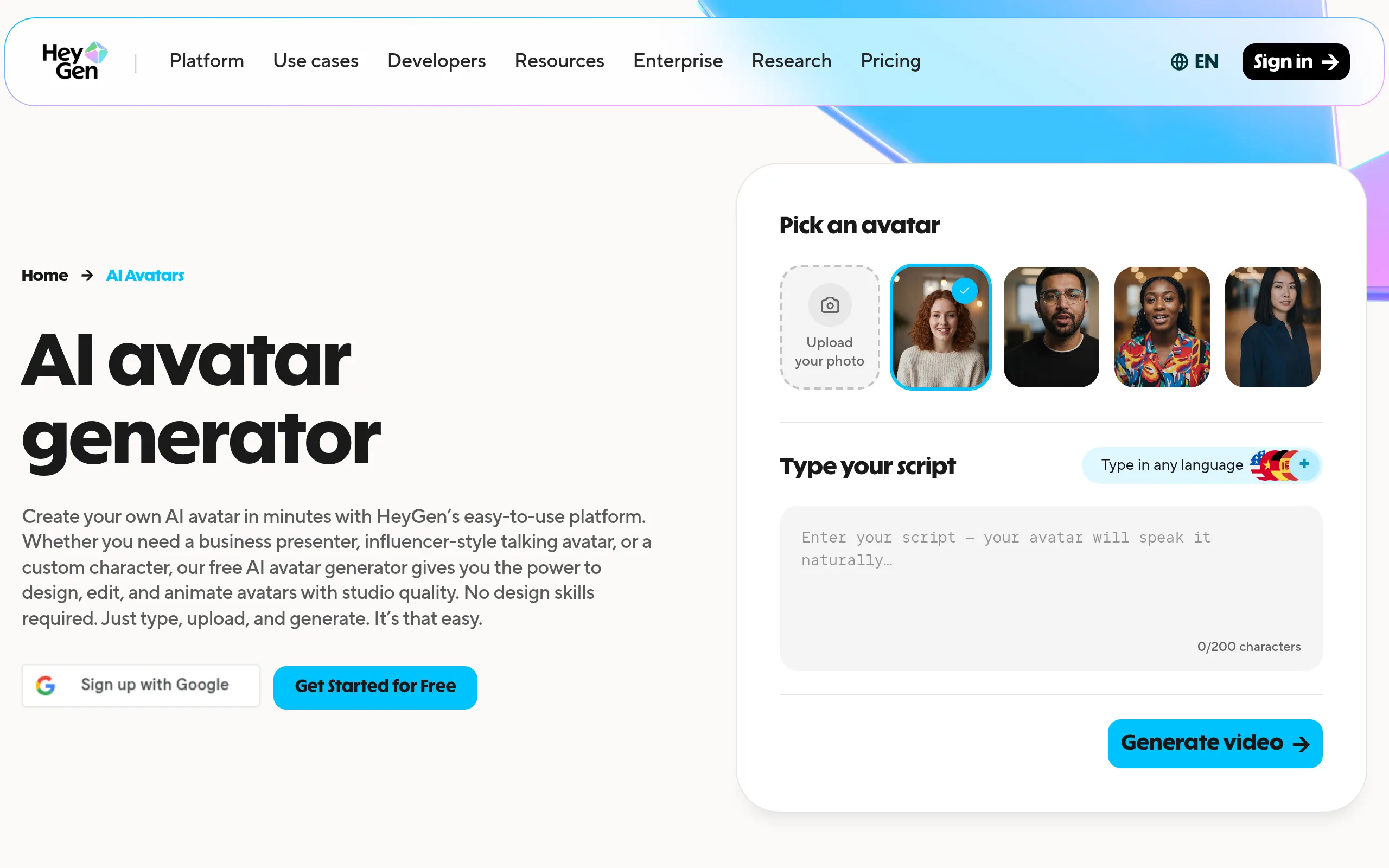
HeyGen Is a talking-avatar generator for marketers, creators, and teams who want one tool that handles stock presenters and personal digital twins. It turns text, images, or audio into video, which makes it the most flexible starting point for anyone who isn’t sure yet what their main use case will be.
Its avatars are the most expressive on this list, with natural facial movements and body language that hold up in marketing clips. The honest catch: the synthetic voice can read slightly robotic, and our research notes occasional failed renders and subtle lip-texture artifacts. Those are small frictions for general business video, but they matter if you need broadcast polish.
- Best for: Custom avatars, digital twins, and general marketing videos
- Standout feature: Highly expressive avatars with natural facial movement and body language
- Starting price: $29/mo (Creator)
2. Synthesia: Best for Enterprise Training

One of the earliest and most established AI avatar tools, enterprise-focused
Synthesia Is a presenter-style video tool built for learning and development teams producing onboarding, training, and internal communications at scale. It turns a script into a structured video, then lets you translate it into another language with one click, which is exactly what multilingual onboarding needs.
The realism is genuinely strong: natural facial expressions, micro-expressions, and subtle head movement. The tradeoff is speed and access. Rendering runs slower than several competitors, and our research notes it only supports Chrome and Microsoft Edge, so Safari users are locked out. For a training stack, those are livable. For fast-turn social content, they are not.
- Best for: Enterprise training, onboarding, and internal communications
- Standout feature: High realism with one-click translation and voice cloning
- Starting price: $29/mo (Starter)
- Free tier or trial: Yes
3. Creatify: Best for UGC-Style Ads

Turns a product URL into a finished video ad with AI avatars
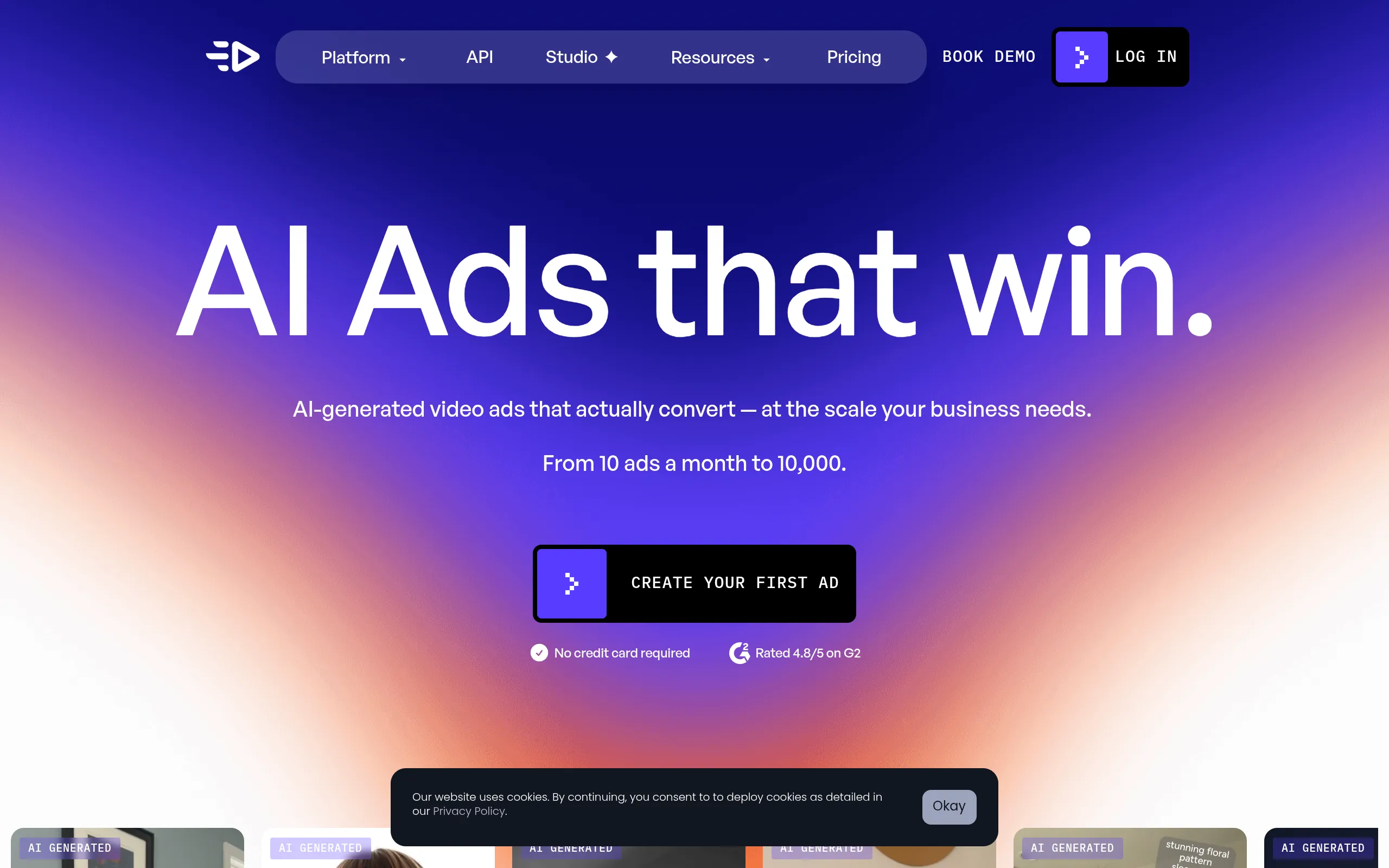
Creatify Is an AI avatar tool aimed squarely at performance marketers making creator-style ads. It converts product inputs and a script into vertical video that looks almost indistinguishable from the real UGC clips you scroll past on social, then pushes into ad platforms.
The direct integrations with TikTok and Meta are the real draw here, because they cut the gap between making a creative and testing it. Two honest limits: the free plan is described as very limited, and the tool does not automatically translate your script, so localization is manual work you’ll feel if you run global campaigns.
- Best for: UGC-style ads and performance marketing
- Standout feature: Output that mimics real social UGC, with TikTok and Meta ad integrations
- Starting price: $39/mo (Starter)
- Free tier or trial: Yes
4. Colossyan: Best for Multilingual Learning

AI avatar video built specifically for corporate training and L&D content
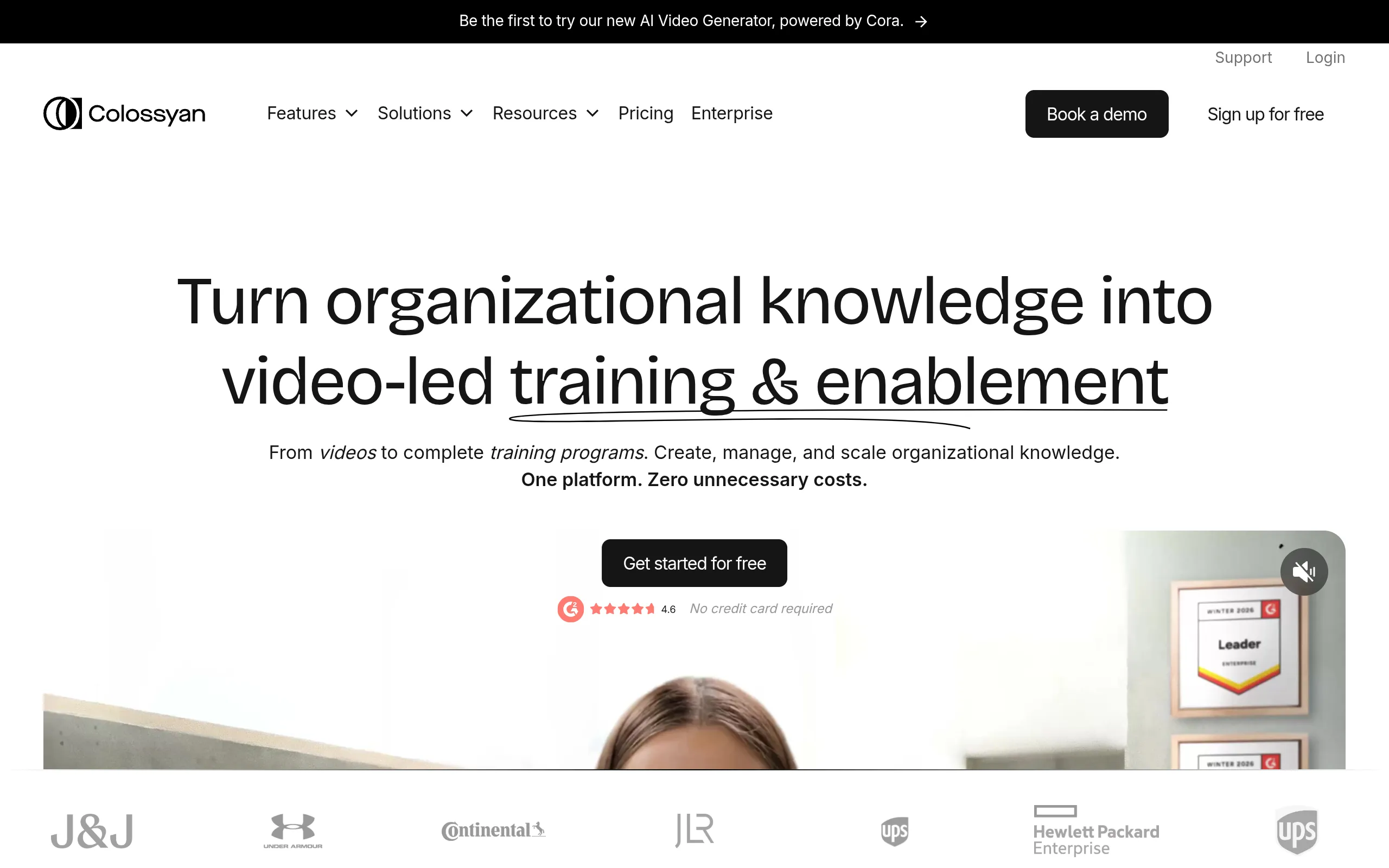
Colossyan Is a corporate-learning avatar tool for HR, compliance, and training teams who need video that does more than play. It adds quizzes and branching scenarios on top of avatar video, and it supports SCORM exports straight into your learning management system, which makes it a true learning tool rather than a video maker.
That interactivity is the reason to choose it over a plainer presenter tool. The honest weakness sits in the avatars themselves: our research describes the movement as rigid and unnatural, and the faces as lacking emotion. If your training is about clear delivery and tracked completion, that’s a fair trade.
- Best for: Localization, multilingual training, and corporate learning
- Standout feature: Quizzes and branching scenarios with SCORM export for an LMS
- Starting price: $27/mo (Starter)
- Free tier or trial: Yes
5. VEED: Best for Editing-First Workflows

A comprehensive, browser-based all-in-one editor with strong subtitle tools
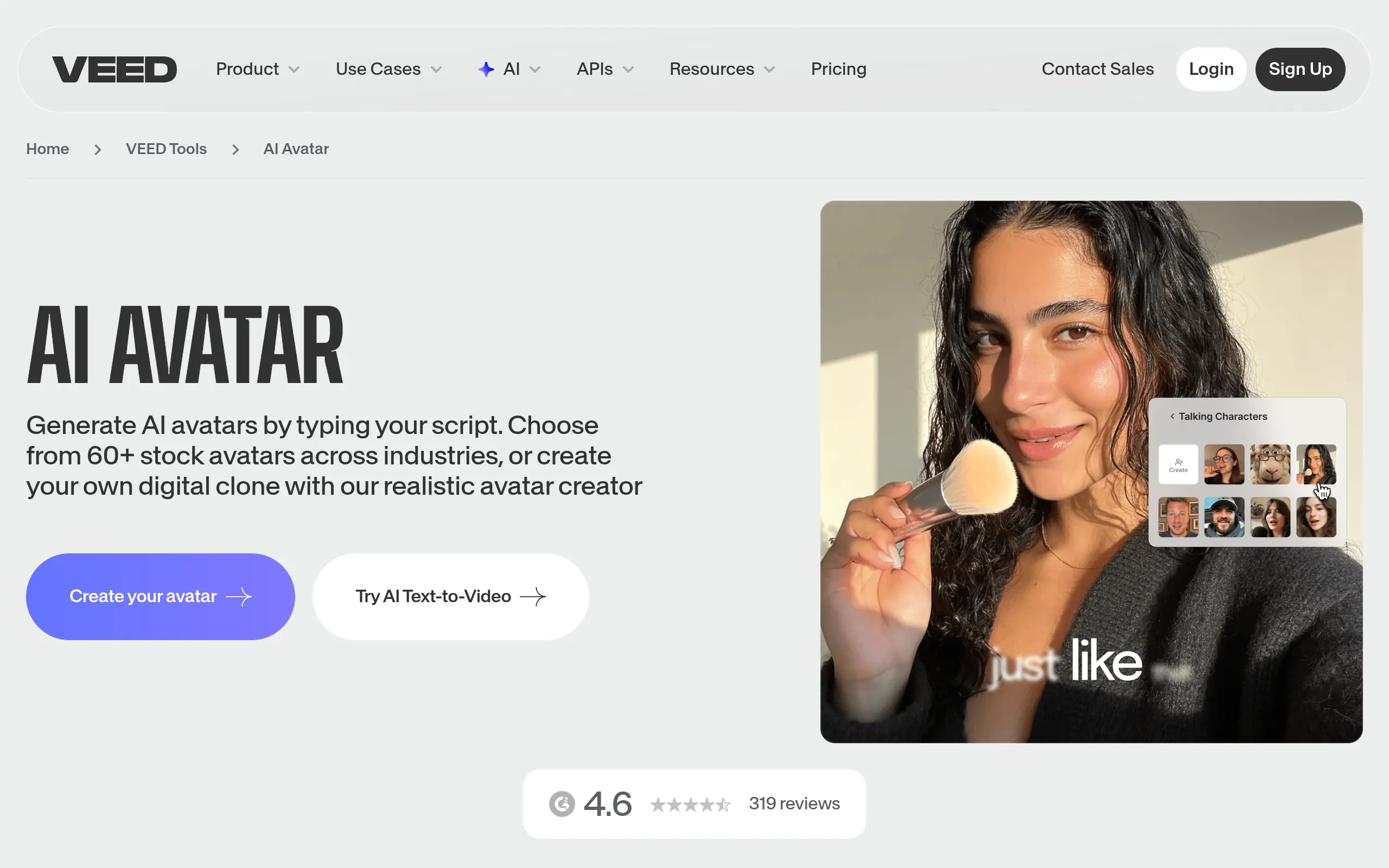
VEED Is a browser-based video editor with an avatar generator built in, made for creators who treat the avatar as one step inside a larger edit. You generate a talking head, then trim, caption, and brand it on the same timeline, which beats bouncing between separate apps.
The full timeline-based editor is the genuine differentiator, since most avatar tools hand you a finished clip and little control after that. The catch our research flags: strange avatar movements and a robotic voice that lacks emotional depth. Choose VEED when editing convenience outranks avatar realism.
- Best for: Editing-first workflows and quick talking-head videos
- Standout feature: A full timeline-based editor wrapped around avatar creation
- Starting price: $19/mo (Lite)
6. Elai: Best for Content Repurposing

Converts PowerPoint decks directly to avatar video, with personalization at scale
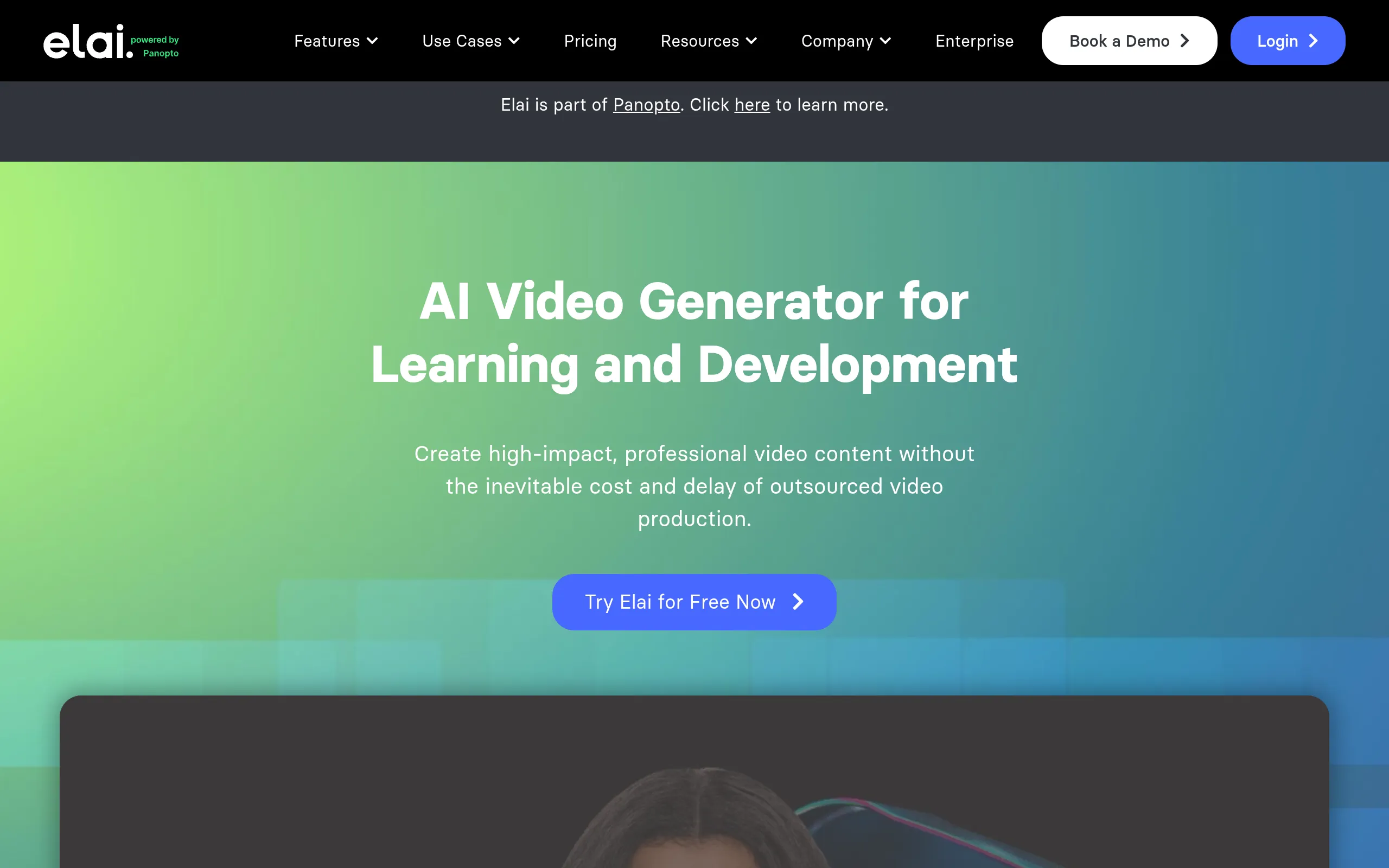
Elai Is an automation-first avatar tool for teams turning existing assets into video fast. It converts a URL or a PowerPoint deck into an avatar-led video and supports SCORM export, which makes it a quick way to recycle a blog post or slide deck into a training clip.
Its rendering speed is a real strength when you’re producing volume. The honest limits stack up on quality, though: our research notes robotic voices, visible compositing issues, and highly restricted movement. Pick Elai for throughput and repurposing, not for a hero video.
- Best for: Content repurposing and automation-first workflows
- Standout feature: URL and PowerPoint to video with fast rendering and SCORM export
- Starting price: $29/mo (Creator)
7. D-ID: Best Budget Pick

The category's original pioneer, animating a single static photo since 2017
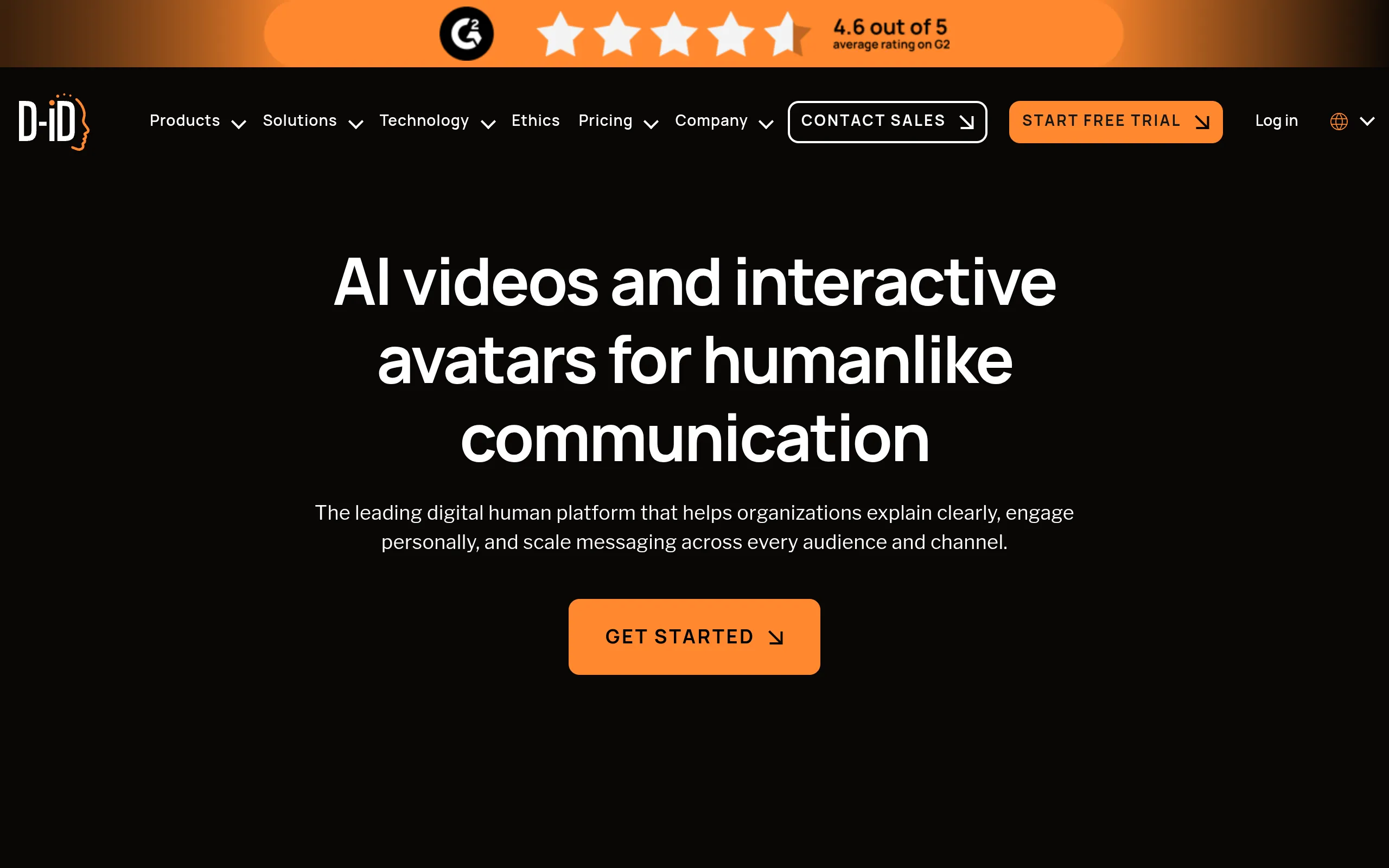
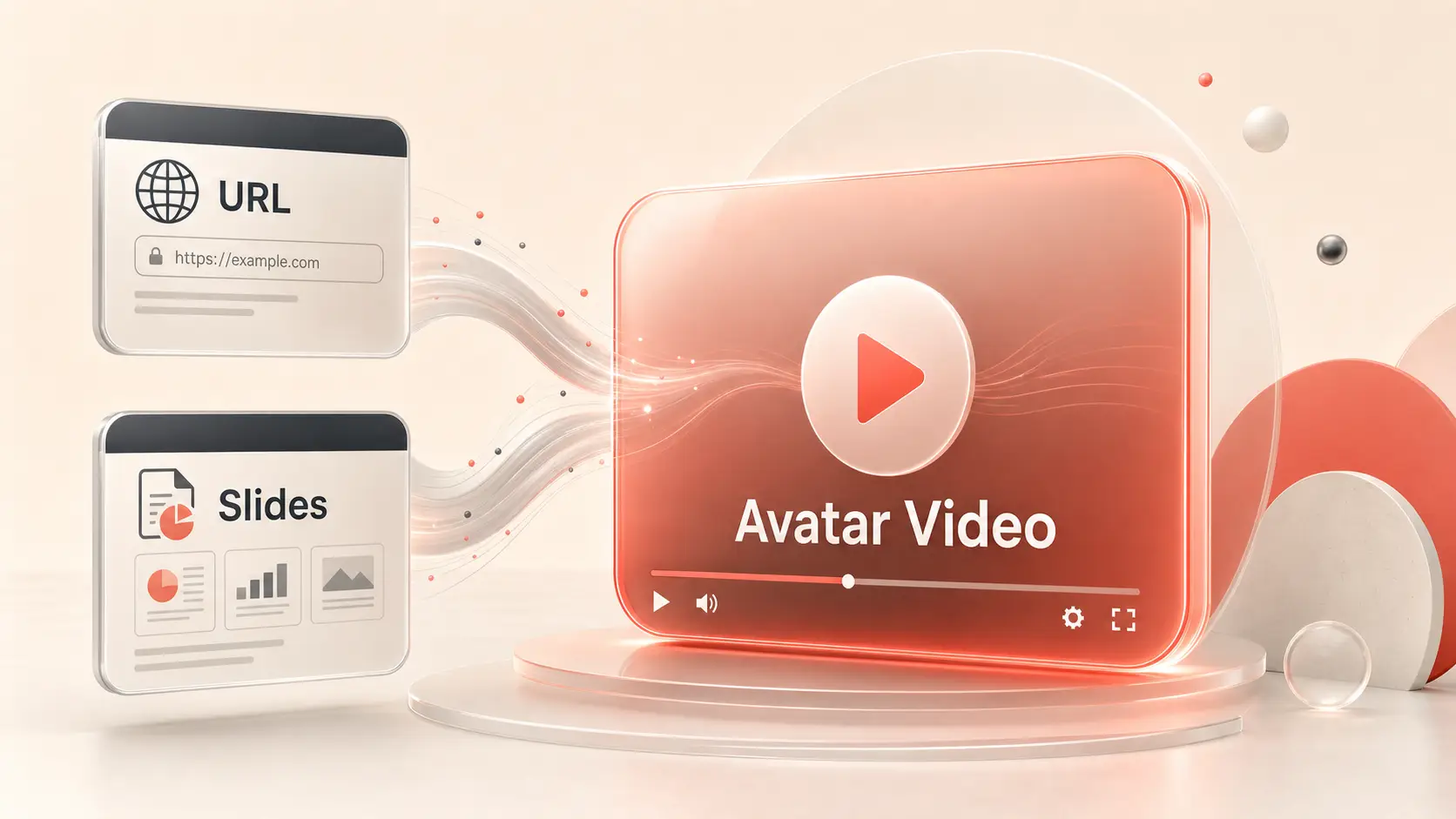
D-ID Is a lightweight, fast talking-head generator for small teams who want cheap, quick avatar clips and don’t need rich motion. Our research cites generation times around 15 seconds, so it’s the tool for outreach clips and simple explainers where speed beats polish.
The low entry price and the API-first architecture make it easy to slot into custom workflows. The honest reality: there are no hand gestures or full-body movement, and scene control is very limited. You get a head that talks quickly, not a presenter who performs.
- Best for: Budget-friendly basic avatar videos
- Standout feature: Extremely fast rendering, roughly 15 seconds per clip
- Starting price: $4.70/mo (Lite)
8. AI Studios: Best for Simple Explainers

AI avatar video generator that turns scripts into narrated videos in 150-plus languages.
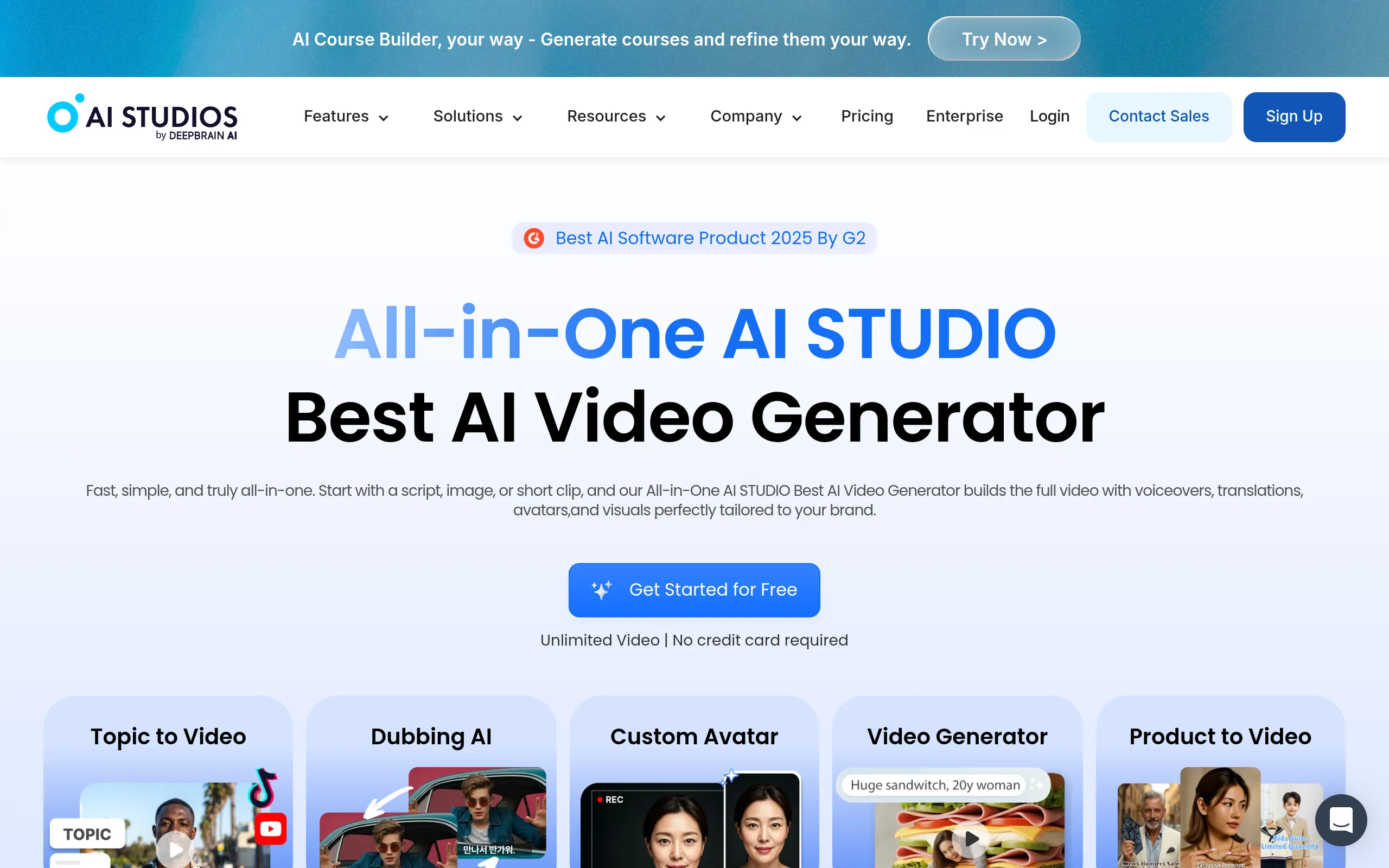
AI Studios Is a straightforward avatar tool for small businesses making social, product, or explainer videos without a steep learning curve. Its manual gesture control gives you a bit of direction over how the avatar moves, which helps when you want a specific beat emphasized.
It’s the most honest entry to end on, because our research is candid about the weak spots: avatar realism isn’t great, emotion is limited, and the default voice quality is noticeably weaker, though you can move to ElevenLabs voices on higher tiers. Choose it for simple, functional explainers, not for anything that needs to feel premium.
- Best for: Social, product, and explainer videos with a simple workflow
- Standout feature: Manual gesture control over avatar movement
- Starting price: $29/mo (Personal)
Comparison Summary Table
Here is the full lineup in one scan, in the same order as the ranking above.
| Name | Best For | Starting Price |
|---|---|---|
| HeyGen | Custom avatars and general marketing | $29/mo (Creator) |
| Synthesia | Enterprise training and onboarding | $29/mo (Starter) |
| Creatify | UGC-style performance ads | $39/mo (Starter) |
| Colossyan | Multilingual learning and compliance | $27/mo (Starter) |
| VEED | Editing-first workflows | $19/mo (Lite) |
| Elai | Content repurposing | $29/mo (Creator) |
| D-ID | Budget basic avatar videos | $4.70/mo (Lite) |
| AI Studios | Simple explainer videos | $29/mo (Personal) |
We picked and ranked these eight on five criteria drawn from our research: avatar realism, lip-sync accuracy, localization quality, workflow experience, and stability. Order reflects how well each tool serves a specific job, and every entry carries at least one real limitation rather than a clean sales pitch.
How to Choose the Right AI Avatar Generator
Match the tool to your job, not to the most lifelike face. The right pick depends almost entirely on what you’re producing and how often you’ll update it.

Use this quick map to narrow the field:
- Enterprise training and onboarding: Synthesia or Colossyan
- UGC and performance ads: Creatify
- Editing-first workflows: VEED
- Budget or basic avatar videos: D-ID
- Custom avatars and digital twins: HeyGen
- Content repurposing and automation: Elai
- Simple social, product, or explainer videos: AI Studios
One thing decides more than the avatar’s face: how often you’ll re-edit. If your content updates monthly, a tool that lets you swap a line of script without re-recording saves more time than a marginally prettier presenter. That’s worth more attention than realism scores. If voice quality is your priority, our roundup of Top AI voice generators Covers the engines several of these tools lean on.
FAQ: The Buyer Questions Readers Actually Ask
What is the best AI avatar generator?
HeyGen is the best AI avatar generator for most people. It balances expressive avatars, localization, and custom digital-twin creation without forcing you into a single use case, which makes it the safest default before you know exactly how you’ll use it. Specialists should still pick by job, since Synthesia and Creatify each beat it in their own lane.
Is HeyGen better than Synthesia?
It depends on the job. HeyGen is the better all-around choice for marketing video and custom avatars, with more expressive faces. Synthesia is the stronger pick for enterprise training and internal comms, because of its high realism and one-click translation. A small team making varied content leans HeyGen; an L&D department producing multilingual onboarding leans Synthesia.
Which AI avatar generator is best for enterprise training?
Synthesia is the strongest enterprise training pick, with Colossyan close behind. Synthesia delivers realistic presenters and built-in translation for multilingual rollout, while Colossyan adds quizzes, branching scenarios, and SCORM export for your learning management system. Pick Colossyan when tracked, interactive learning matters more than polish.
Which AI avatar generator is best for UGC-style ads?
Creatify is the best tool for UGC-style ads. Its output mimics real social creator content closely, and it integrates directly with TikTok and Meta so you can move from creative to live test fast. The catch is manual translation, so global campaigns need extra localization work.
Are there free AI avatar generators worth trying?
Yes, several offer free entry points worth testing first. Synthesia and Colossyan include free tiers in our research, and Creatify has a free plan that’s described as very limited. Run your real script through a free tier before paying, because the gap between a tool’s demo reel and your actual workflow is where most regret happens.
Picking the Tool You’ll Actually Keep
HeyGen is the right starting point for most readers, with Synthesia for enterprise training and Creatify for UGC-style ads when your work pulls in those directions. The honest takeaway is that workflow fit beats avatar realism every time: the prettiest face means nothing if updating a video means re-recording from scratch. Run your real use case through a free tier before you commit a cent, then keep the tool that fits how you actually work. For the bigger picture, compare these against our full breakdown of the Best AI video generators.


