The Best transcription software in 2026 is not one winner, but the right pick for your specific job: GoTranscript for accuracy, Vook.ai for fast AI output, Fellow for meetings, HappyScribe for human-reviewed quality, Scribie for budget, Trint for team collaboration, OpenAI Whisper for private local processing, and Alice for automation-heavy workflows. Transcription software turns recorded speech into searchable, editable text, and the category has split into clear lanes where different tools win. This guide ranks eight of them by the use case each one serves best, so you can match a tool to your workflow instead of chasing a single “best” that does not exist.
Criteria for Choosing the Best Transcription Software
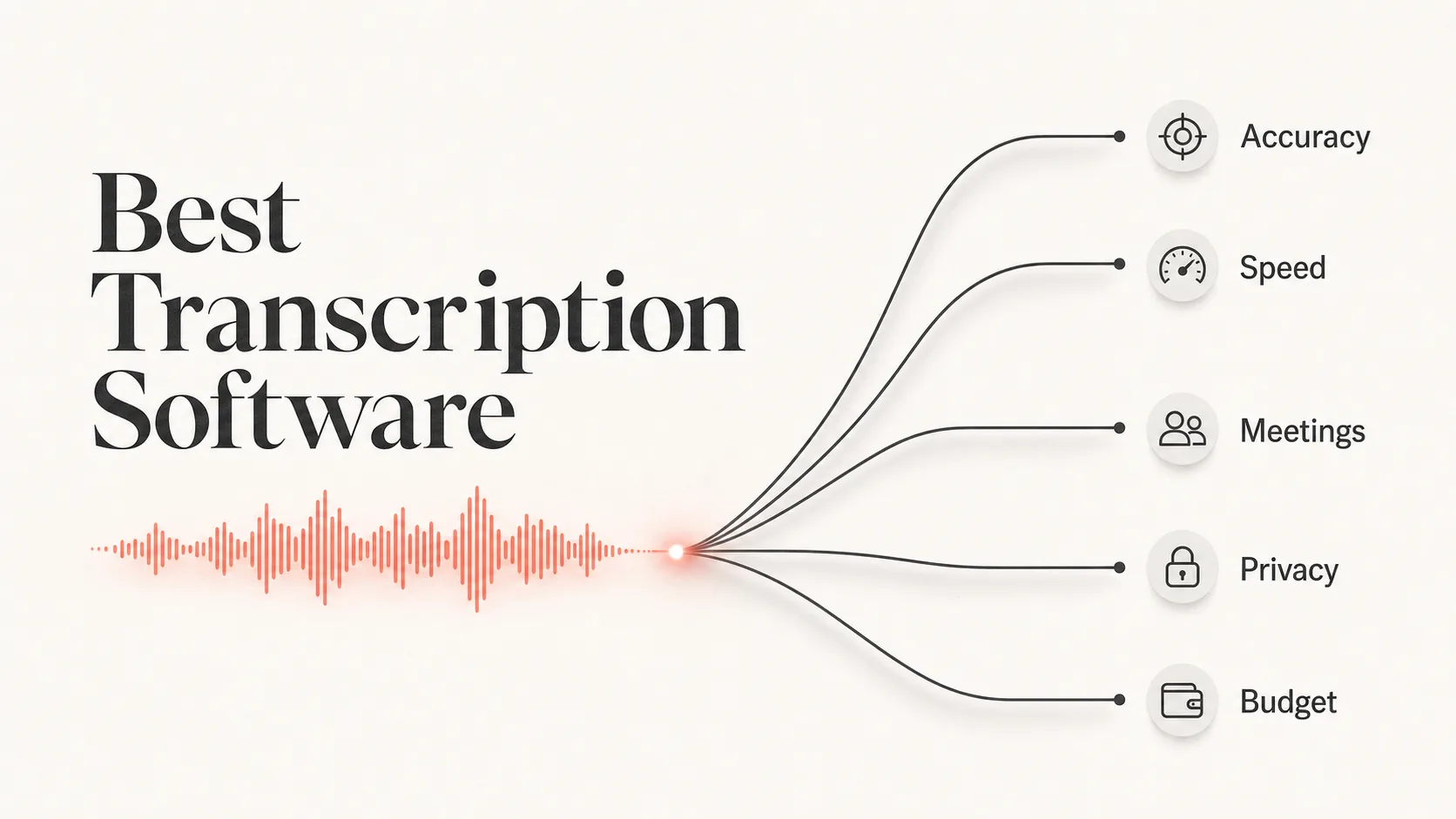
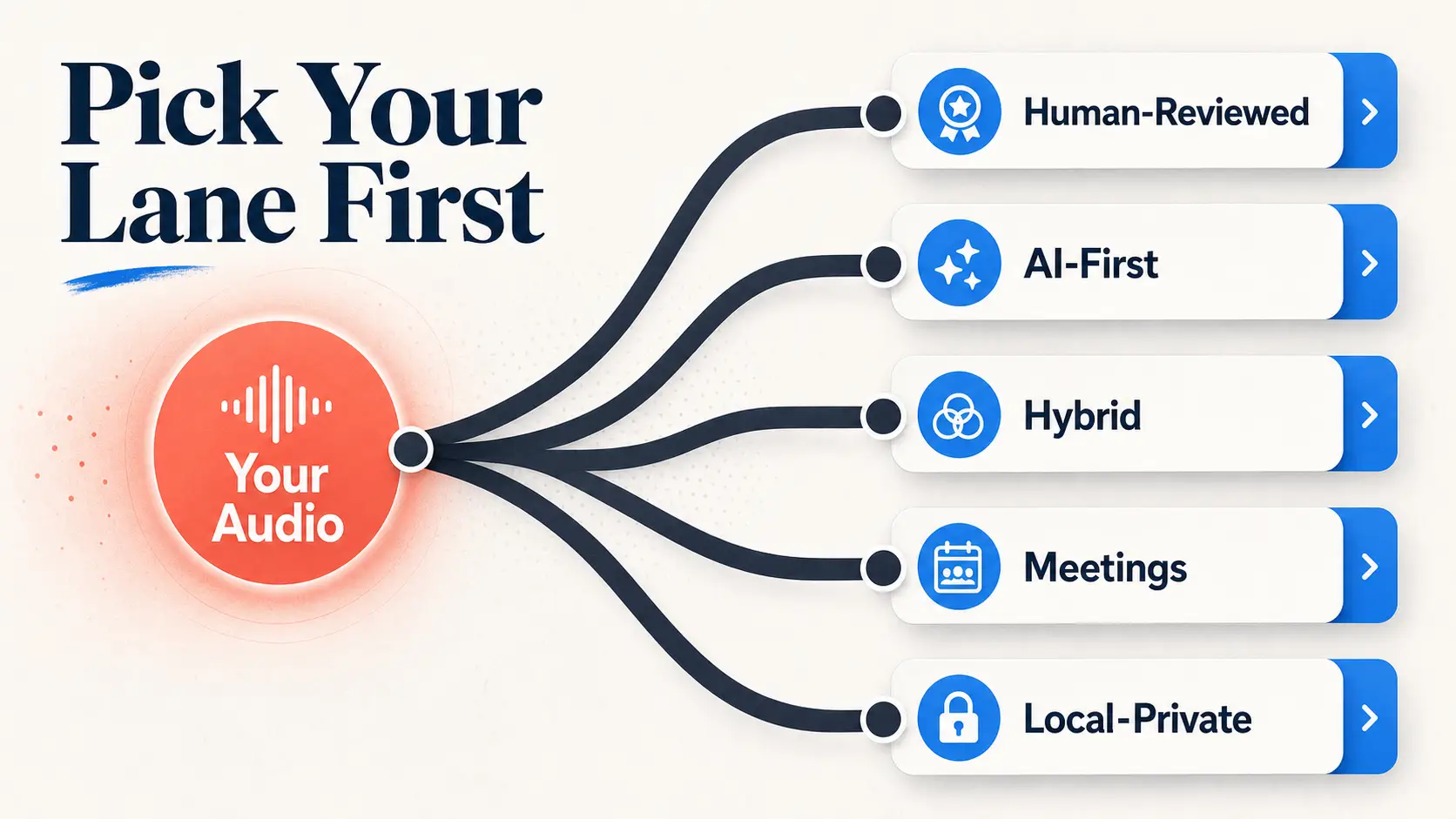
Transcription choices fall into five real buckets: human-reviewed services, AI-first apps, hybrid tools, meeting-focused assistants, and local or private processing. The right bucket depends less on raw features and more on what you do with the transcript afterward.
The factors that actually decide a winner are consistent across this category. Accuracy sets the floor, since a paid service should clear 95% and a strong one pushes past 99%. Speed matters when you need text in minutes, not days. Speaker labeling separates a usable interview transcript from a wall of text. Export options decide whether you can drop the result into subtitles, a document, or a CMS. Privacy and security matter for sensitive recordings. Integrations decide how much manual copy-pasting you avoid. And the pricing model, per minute versus per seat versus per hour, changes the math depending on volume.
This list stays use-case-led on purpose. You will not find a generic feature dump, because the question that matters is not “what does it do” but “which one is right for what I record.”
How We Picked
We kept the list to eight tools because the SERP and the major 2026 roundups cluster tightly between five and eight products, with eight-tool comparisons appearing prominently. From there, we filtered on the criteria above: accuracy, speed, speaker labels, export options, privacy, integrations, and pricing model. Each tool earned its slot by clearly winning one job a real reader searches for, and every entry carries at least one honest limitation so the list reads like a shortlist, not an ad.
The Accuracy and Speed Picks
Most transcription buyers start in one of two places: they either need the cleanest possible transcript, or they need usable text fast. These two tools own those opposite ends.
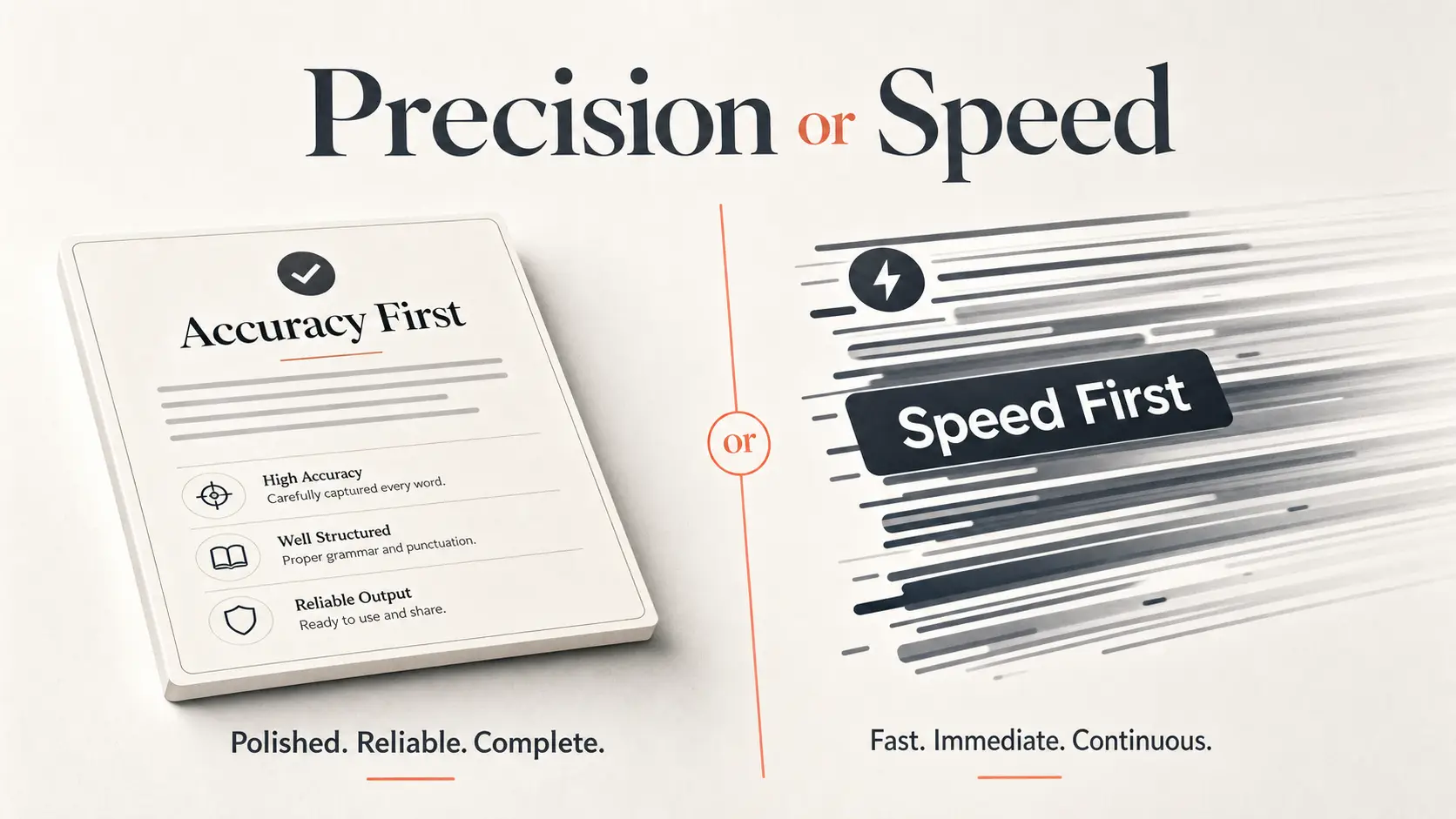
1. GoTranscript: Best Overall for Accuracy
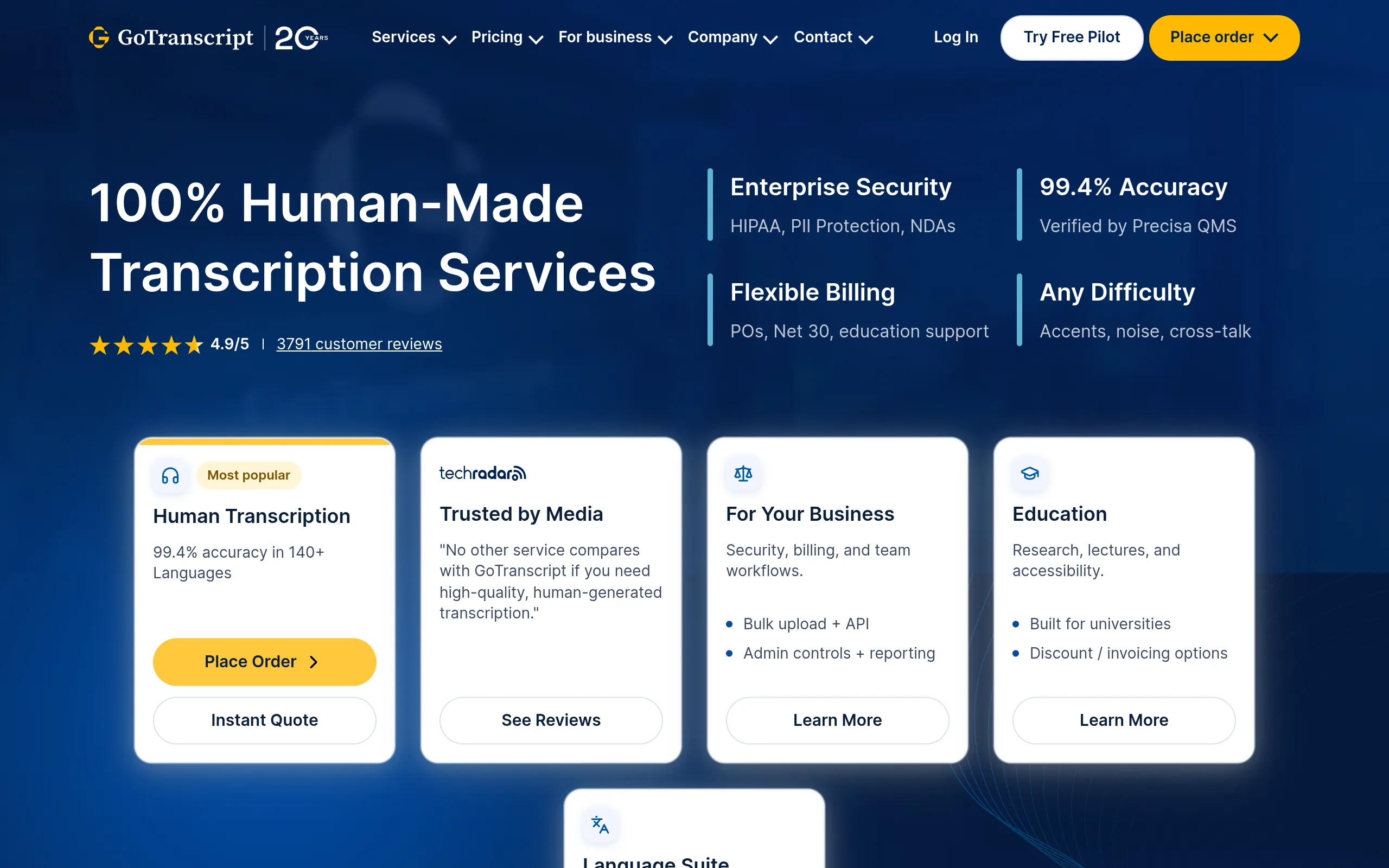
GoTranscript Is a human-plus-AI transcription service for anyone who needs the most accurate transcript they can get. It accepts uploaded audio or video, then returns either human-reviewed or automated text you can export.
It earns the top slot because accuracy is its whole identity. Its human transcription is positioned for over 99% accuracy in under a day, and even its custom automated option is treated as the most accurate AI transcription in the major 2026 tests. That makes it the safe pick for legal, academic, and research work where a misheard word changes the meaning. The honest catch: the web app is fairly basic and lacks an in-app dictionary, so it is built for output quality, not for a slick editing workspace.
- Best for: Users who need the most accurate transcripts for high-stakes recordings
- Standout feature: Over 99% human accuracy plus a custom AI option rated the most accurate automated service tested
- Starting price: From $1.20/min for human transcription, $0.20/min for automated
- Free tier or trial: Yes, a free AI preview of your first two minutes
2. Vook.ai: Best for Fast AI Transcriptions
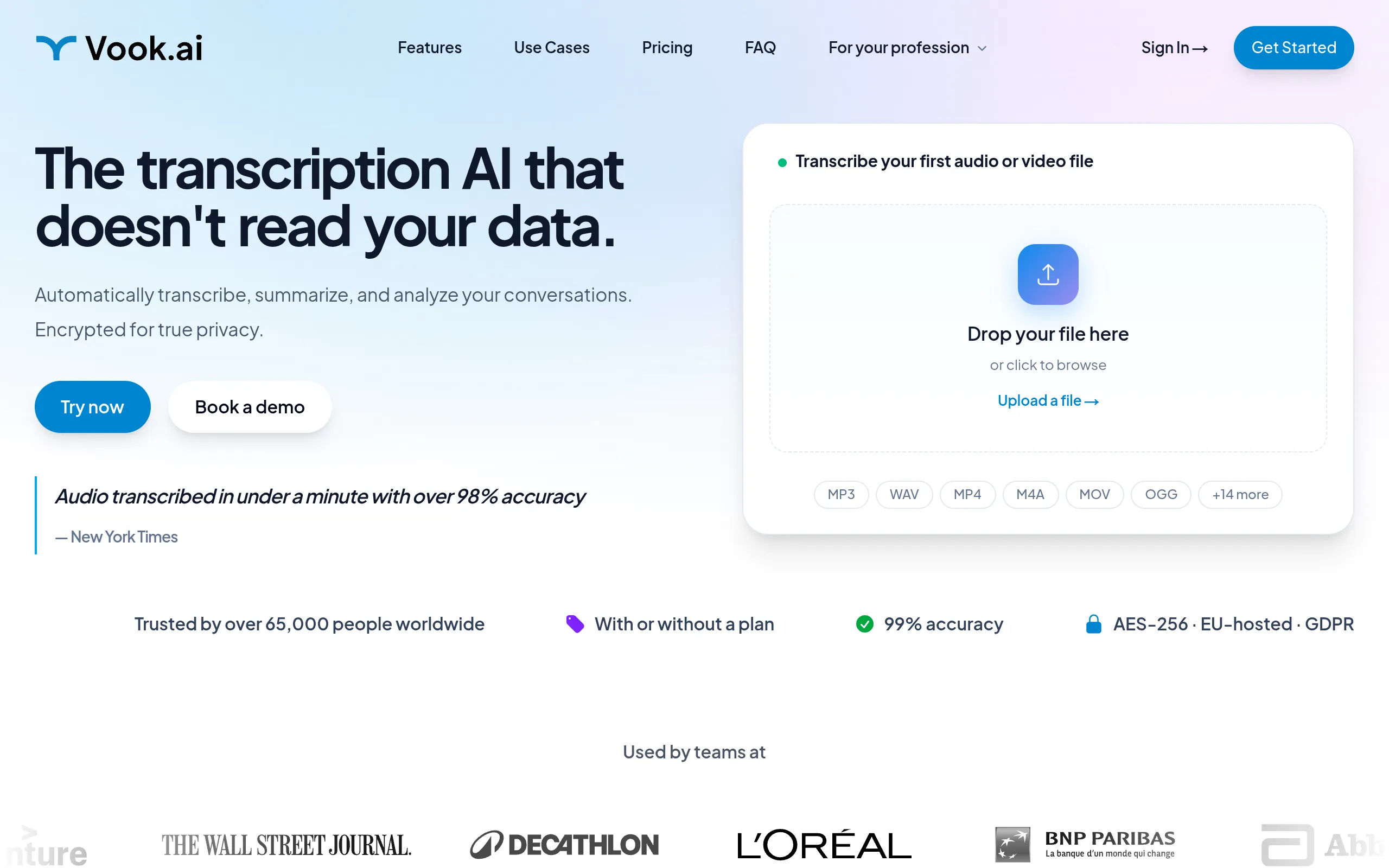
Vook.ai Is a speed-first AI transcription tool for creators and marketers who want usable text in minutes. You upload audio, and it returns a clean automated transcript fast.
Where GoTranscript chases human-grade precision, Vook.ai chases low-friction output at a low per-hour rate, with accuracy reported above 98% in the research behind these picks. That tradeoff is exactly right for transcribing a podcast clip, a voice memo, or a quick interview when you do not need a polished workflow around it. It struggles with crosstalk and carries fewer features, so a messy multi-speaker recording is not its strength.
- Best for: Fast, accurate-enough AI transcripts at a low per-hour cost
- Standout feature: Highly accurate transcripts produced in minutes, with 98%+ accuracy
- Starting price: From $3 per hour
- Free tier or trial: Yes, your first 30 minutes are free
The Meeting and Human-Reviewed Picks
The next two tools answer two separate searches that buyers often compare side by side: capturing meetings cleanly, and getting publish-ready accuracy across languages.
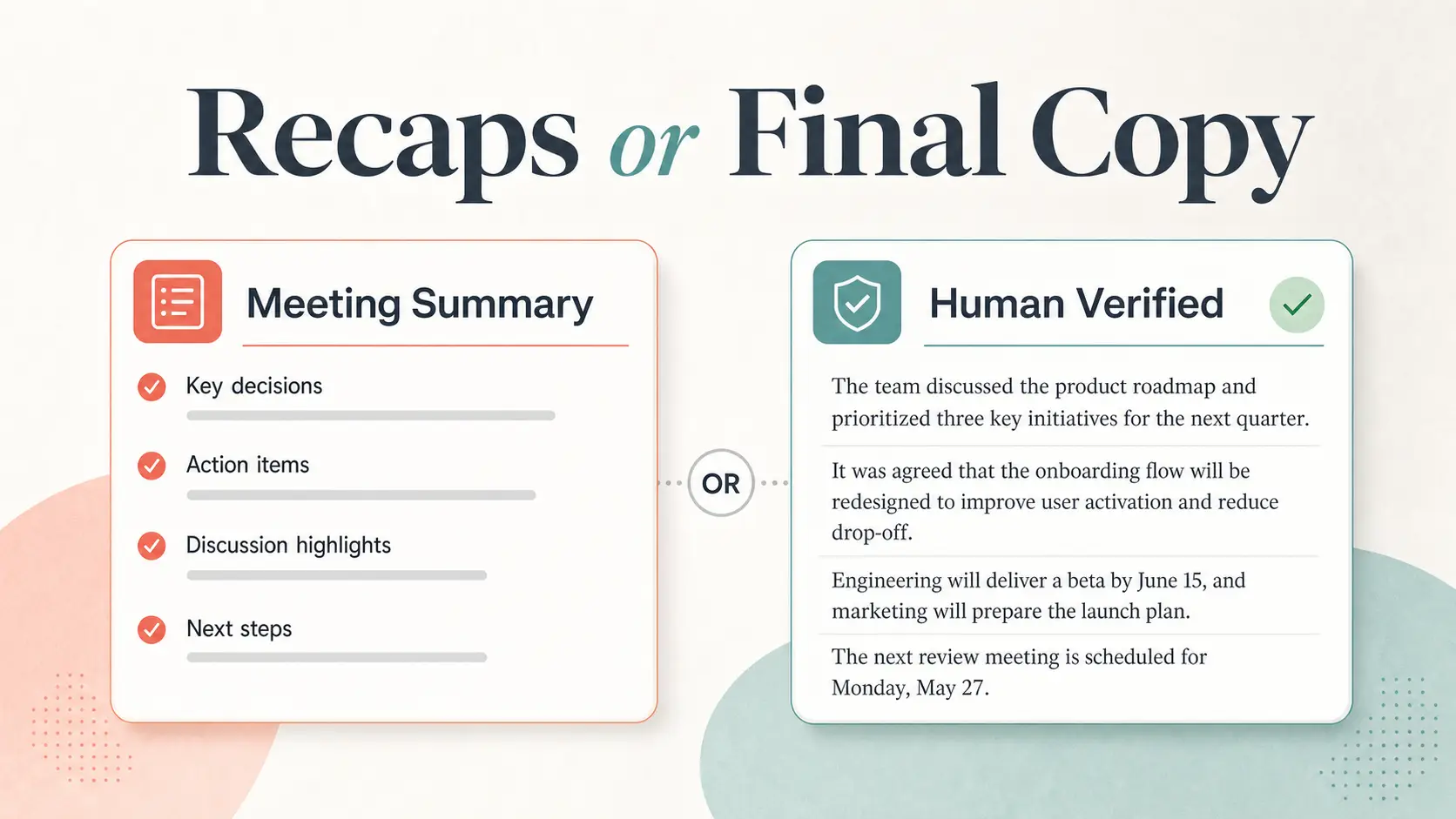
3. Fellow: Best for Meeting Transcription and Summaries
Fellow Is an AI meeting assistant for teams that care more about the recap than the raw transcript. It captures calls, then produces transcripts, summaries, and scannable meeting notes.
It wins the meeting job because its summaries are the strongest part: accurate transcripts paired with easy-to-scan recaps that surface key points after the call ends. If your real output is “what did we decide and who owns it,” that is what Fellow is built around. Two honest limits: it does not show live captions during the call, and its auto-generated action items can be inconsistent, so you will still skim them.
- Best for: Transcribing and summarizing meetings into shareable recaps
- Standout feature: A well-rounded AI meeting-assistant set with summaries that highlight key points
- Starting price: Basic from $11/month, Business from $23/user/month
4. HappyScribe: Best for Human-Reviewed Accuracy
HappyScribe Is a hybrid AI-and-human transcription platform for teams that need accurate, multilingual, publish-ready text. You run speech through AI, then escalate to human review when precision matters.
It separates itself from GoTranscript with broad language coverage, supporting transcription in over 150 languages, plus a security-conscious workflow built for content teams. Human transcription is positioned to reach 99%+ accuracy, which makes it a strong fit for international content that has to read cleanly. The tradeoff is real: there is no permanent free plan, so ongoing use means paying once the trial ends.
- Best for: AI plus human-made accurate, secure transcription across 150+ languages
- Standout feature: Human transcription that reaches 99%+ accuracy
- Starting price: Starter from $12 per 60 minutes
- Free tier or trial: Yes, a free trial, but no permanent free plan
The Budget and Collaboration Picks
Price and teamwork are the two axes buyers narrow on next. One tool keeps human cleanup at the lowest cost, the other is built for editing and searching transcripts as a group.
5. Scribie: Best for Budget Human-Powered Transcription
Scribie Is the lowest-cost human-in-the-loop service in this shortlist, built for budget-conscious users who still want a person checking the copy. AI transcribes first, then human editors clean it up.
At $0.80 per minute, it undercuts the other human-powered options here while keeping that editing pass, which is the right call for a one-off interview or a small batch of recordings on a tight budget. The clear tradeoff for that price: it does not support subtitle or caption formats, so it is not the tool for captioning video.
- Best for: The most affordable human-powered transcription
- Standout feature: AI drafts first, then human editors clean up the copy
- Starting price: $0.80/min
6. Trint: Best for Collaboration and Large-Volume Work
Trint Is a collaboration-first transcription platform for media teams and research groups handling lots of audio. You upload files, then search, edit, comment on, and share transcripts in a shared workspace.
Unlike Fellow, which is built for meeting recaps, Trint is built for working the transcript itself: full-text search, sharing, comments, and a full-featured mobile app make it strong for high-volume libraries. The honest limit is accuracy, reported around 95% in testing, with some errors that changed meaning, so meaning-critical transcripts still need a careful read.
- Best for: Collaborative editing and large-volume transcription
- Standout feature: Full-text search, sharing, comments, and a full-featured mobile app
- Starting price:
The Privacy and Power-User Picks
The last two tools close the list at the edges most roundups skip: one keeps your audio on your own machine, the other turns transcripts into an automated, searchable workflow.
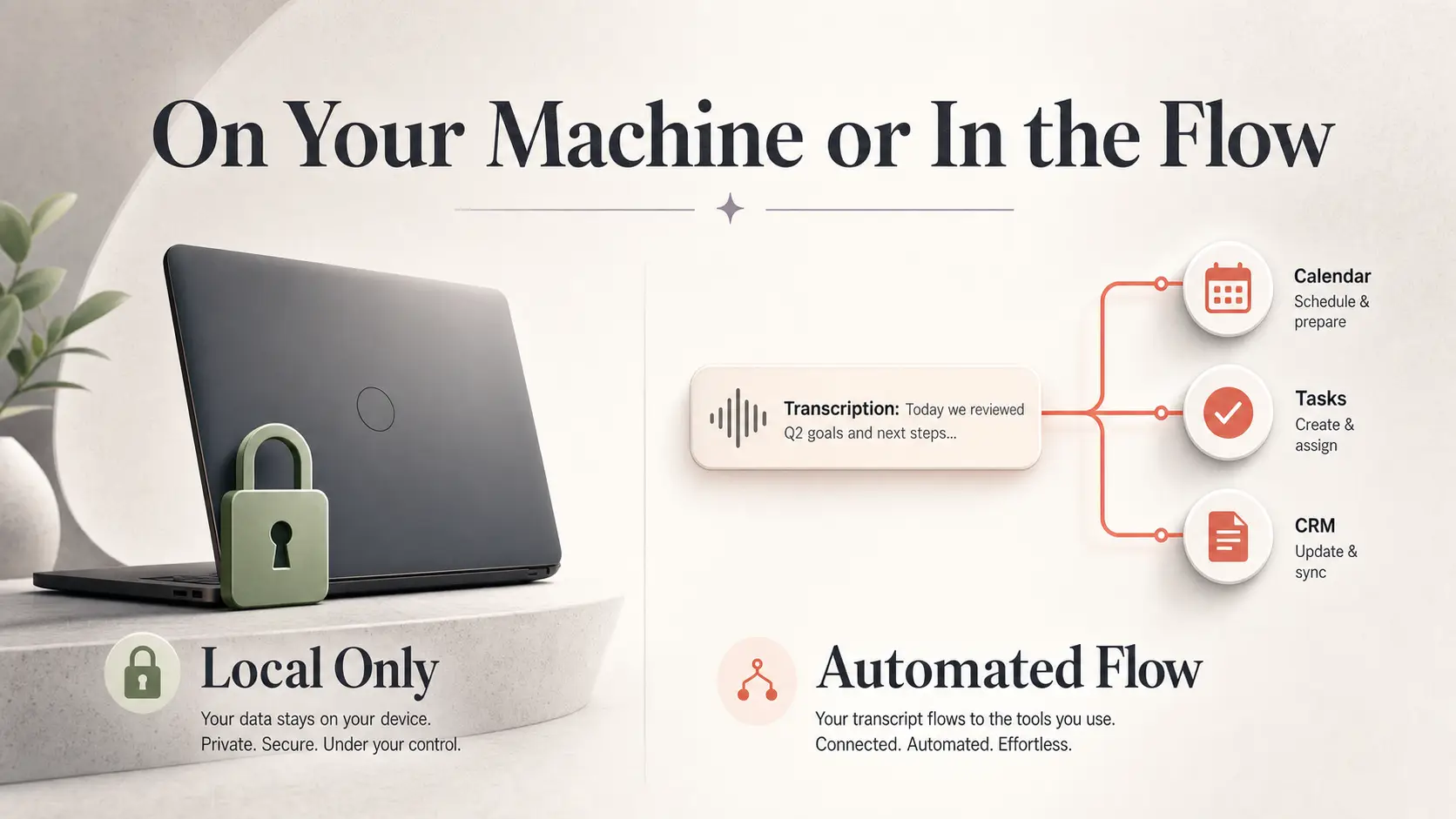
7. OpenAI Whisper: Best for Free Local Transcription
OpenAI Whisper Is an open-source, locally run transcription model for privacy-sensitive users who want their audio to stay on their own computer. It converts speech to text without sending files to a hosted app.
It is the privacy pick because it can run entirely on-device, which keeps confidential recordings off third-party servers, and it is free and MIT-licensed. Its larger model is reported around 98.7% accurate in testing, which is strong for a no-cost option. The catch: it does not include speaker tracking or timestamps out of the box, so you trade convenience features for control. If those gaps matter, wrappers like MacWhisper and Aiko add a friendlier layer on top.
- Best for: Free, locally processed, private AI transcripts
- Standout feature: Open-source transcription that runs locally on any computer
- Starting price: Free
- Free tier or trial: Yes, fully free and open-source
8. Alice: Best for Advanced Workflows and Automation
Alice Is an automation-friendly transcription app for power users who want every transcript searchable and connected to their other tools. It transcribes uploads, indexes them account-wide, and pushes output into your stack.
Where Whisper keeps everything local, Alice is built for the opposite: cloud search across your whole transcript library plus integrations with Slack, Trello, Zapier, Dropbox, Google Drive, OneDrive, and Claude. That makes it the pick for a consultant or operator who wants to retrieve old transcripts and trigger automations. Its honest weakness is accuracy on messy audio, where it can miss names and technical words, so noisy recordings need a second pass. If automation is central to how you work, our guide to AI workflow automation tools Pairs well with it.
- Best for: Advanced workflows, automation, and searchable transcript libraries
- Standout feature: Account-wide transcript search plus broad integrations
- Starting price: First 60 minutes free, then from $9.99/hour, large plan at $2.99/hour
- Free tier or trial: Yes, first 60 minutes free
Comparison Summary Table
Use this table to narrow the shortlist fast. The deeper pros, cons, and caveats sit in each tool’s section above.
| Name | Best For | Starting Price |
|---|---|---|
| GoTranscript | Best overall for accuracy | From $1.20/min |
| Vook.ai | Fast AI transcriptions | From $3/hour |
| Fellow | Meeting transcription and summaries | From $11/month |
| HappyScribe | Human-reviewed accuracy | From $12 per 60 min |
| Scribie | Budget human-powered transcription | $0.80/min |
| Trint | Collaboration and large-volume work | |
| OpenAI Whisper | Free local transcription | Free |
| Alice | Advanced workflows and automation | First 60 min free, then $9.99/hr |
We selected these eight by matching the criteria above, accuracy, speed, speaker labels, export options, privacy, integrations, and pricing model, against the use cases readers actually search for, then keeping one clear winner per job. For teams choosing transcription alongside other shared tools, our roundup of The best collaboration tools Covers the wider workflow.
Frequently Asked Questions
What is the most accurate transcription software?
GoTranscript is the most accurate option here, with human transcription positioned past 99% accuracy and a custom AI option rated the most accurate automated service in recent testing. For meaning-critical work like legal or research, its human-reviewed transcripts are the safest choice, since a single misheard word can change the record. HappyScribe is a close human-reviewed alternative when you also need many languages.
Is there any free transcription software worth using?
Yes. OpenAI Whisper is genuinely free and open-source, runs locally, and posts strong accuracy, which makes it the best no-cost pick if you are comfortable with a setup step. Several paid tools also offer free entry points worth testing first: Vook.ai gives you 30 free minutes, Alice covers your first 60 minutes free, and GoTranscript previews the first two minutes of any file.
What transcription software is best for meetings and summaries?
Fellow is the strongest meeting pick because it pairs accurate transcripts with scannable summaries that surface key points after the call. It connects to Zoom, Microsoft Teams, and Google Meet, plus your calendar, Slack, and email, so the recap lands where your team already works. Just know it does not show live captions during the call and its action items can be inconsistent.
What is the best private or local transcription tool?
OpenAI Whisper is the best choice for privacy because it runs on your own machine and keeps audio off third-party servers. That matters for confidential interviews, medical notes, or anything under an NDA, where uploading to a cloud service is a risk you do not want. The tradeoff is that it lacks built-in speaker labels and timestamps, so you give up some convenience for control.
Should I choose human transcription or AI transcription?
Choose AI when speed and cost matter and the stakes are low, like a podcast draft or a quick voice memo, where tools like Vook.ai return clean text in minutes. Choose human or hybrid transcription when accuracy is non-negotiable, such as legal records, research interviews, or anything you will publish, where GoTranscript, HappyScribe, or Scribie add a person to catch what AI misses. Many teams use both: AI for volume, human review for the recordings that count.
The honest reality is that your best transcription tool depends entirely on the recording in front of you and what you do with it next. Pick the one that matches your real workflow: GoTranscript when accuracy is everything, Vook.ai when speed wins, Fellow for meetings, and Whisper when you want free, private, local transcription. Compare the rest of our software roundups to round out your toolkit before you commit to a paid plan.