
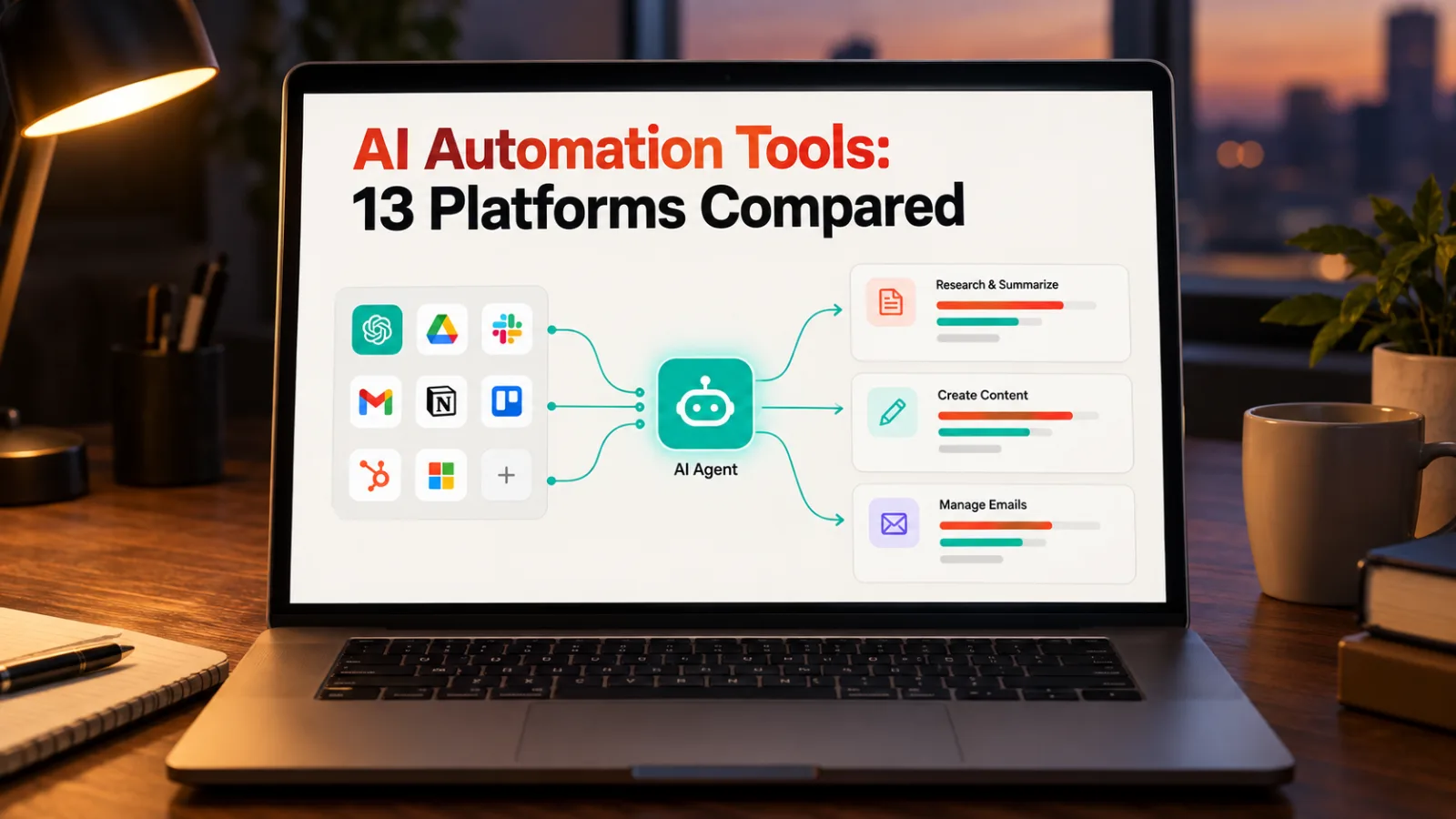
The best AI automation platform for most teams is Zapier for app coverage, n8n when data must stay on your own servers, and Workato or Tray.ai when enterprise governance matters. Pipedream has the top editorial rating here (4.6) and suits developers.
An AI automation platform connects your apps and moves work between them without a person in the loop. The newer ones also run AI agents, which choose their own steps. Prices below were read from vendor pricing pages on 24 September 2026 for a US visitor, so check each vendor's pricing page before you buy.
Which AI automation platform should you pick?
Match your situation to a line:
- Widest app coverage: Zapier, or Make if you prefer building visually.
- Data cannot leave your servers: self-host n8n or Activepieces.
- Already on Microsoft 365: Microsoft Power Automate.
- You write code: Pipedream.
- You want an assistant, not a builder: Lindy. For non-technical teams building agents: Gumloop.
- Enterprise procurement, permissions and audit trails: Workato, Tray.ai or Relevance AI (all quote-only).
- Cheapest paid plan, personal use: IFTTT Pro at $2.99 a month billed yearly.
The 13 platforms at a glance
| Tool | Editorial rating | Free plan | Lowest paid price |
|---|---|---|---|
| Pipedream | 4.6 | Yes | $29 a month, billed yearly |
| Activepieces | 4.5 | Yes | $16 a month, billed yearly |
| Zapier | 4.5 | Yes | $19.99 a month, billed yearly |
| Make | 4.5 | Yes | Not confirmed |
| Lindy | 4.5 | No, 7-day trial | $29.99 per user a month |
| Gumloop | 4.5 | No, 14-day trial | $37 a month |
| Workato | 4.5 | No | Quote only |
| n8n | 4.4 | Self-hosted only | €20 a month, billed yearly |
| Tray.ai | 4.4 | No, free trial | Quote only |
| Microsoft Power Automate | 4.3 | No, 30-day trial | $15 per user a month, billed yearly |
| IFTTT | 4.2 | Yes, 2 Applets | $2.99 a month, billed yearly |
| Bardeen | 4.2 | Yes, 100 credits | $10 a month |
| Relevance AI | 4.1 | No | Quote only |
The rating is an editorial assessment of published feature, plan and pricing data, so treat it as a starting point. Make's site blocks automated checks, so its paid price is not confirmed.
What changed: from app connections to agents
Twelve of the 13 platforms now sell AI agents as well as app connections. IFTTT adds AI steps to its Applets instead. A trigger-and-action workflow does the same thing every time and fails loudly. An agent decides its own steps, which is more useful and harder to audit. That is why permissions, logs and failure reporting matter more than they did.
What is the best AI automation software for content and creative pipelines?
For concept-to-execution content work, pick a general platform that orchestrates your existing tools (briefs, asset generation, review, publishing) rather than one that generates assets itself. None of these 13 is a creative-asset generator; they route work between the tools that are.
- Enterprise scale and approvals: Workato or Tray.ai, with central permissions and audit trails.
- Fast setup across many apps: Zapier or Make, which connect briefing, storage, review and publishing tools.
- Custom or high-volume pipelines: n8n or Pipedream, where you can add code and call any model API.
Pair one of these with your asset-generation tools, and test one real brief end to end before committing. For marketing-specific tools, see our AI marketing automation tools comparison.
What are the most affordable options for repetitive tasks?
Start with free plans: Activepieces (100 credits a day), Pipedream (100 credits a month), Zapier (100 tasks a month), Make (1,000 credits a month) and IFTTT (2 Applets). For paid work, Activepieces at $16 a month is the cheapest business plan here. Self-hosting n8n or Activepieces costs nothing in licence fees, but someone must run and patch it.
Which tools handle permissions and data security best?
Many of these vendors, including Zapier, Make and Tray.ai, describe their security compliance on their own trust or security pages, so ask each vendor for its current SOC 2 report. For permissions and audit trails, Workato and Tray.ai are built for central governance. For full control of data location, self-host n8n (including air-gapped networks) or Activepieces. Gumloop states zero data retention agreements with its model providers. Get any such claim in writing if customer data will pass through an agent.
Do these tools integrate with project management platforms?
Most connect to common PM tools such as Asana, Jira, Trello, ClickUp and Monday through native integrations or webhooks. Zapier (9,000+ apps) and Make (3,000+) have the widest catalogues. Activepieces (760+) and Tray.ai (700+) are smaller, so check your exact tool on each vendor's integrations page first.
The 13 platforms in detail
1. Pipedream, rated 4.6, from $29 a month

Real code inline, built by and for developers
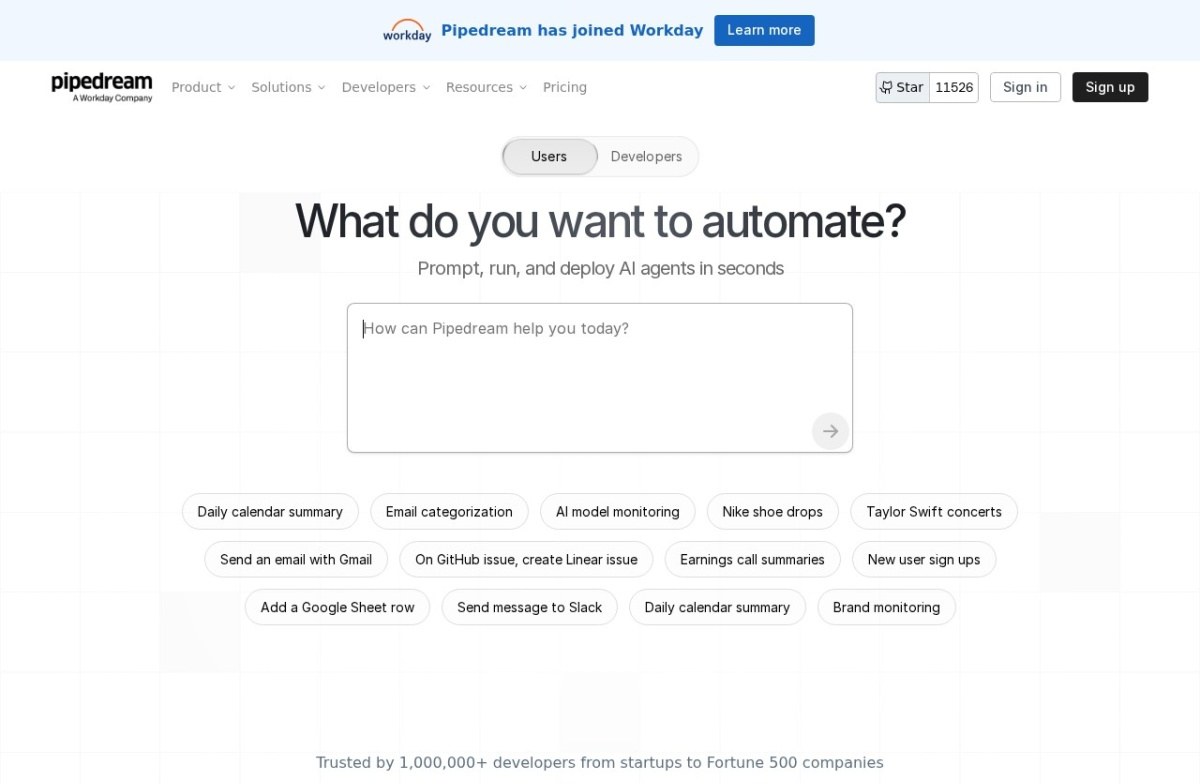
The developer's pick. Any step can run Node.js, Python, Go or Bash, and it offers managed sign-in to more than 3,000 APIs for teams building agents. The free plan has 100 credits a month and three active workflows. Advanced adds unlimited workflows and premium apps.
Limits: non-coders will find it harder than Zapier, and usage past included credits is billed on top. Workday announced its acquisition in November 2025, so that is the parent company you are buying from.
2. Activepieces, rated 4.5, from $16 a month

Open-source, self-hostable, built for teams wary of vendor lock-in
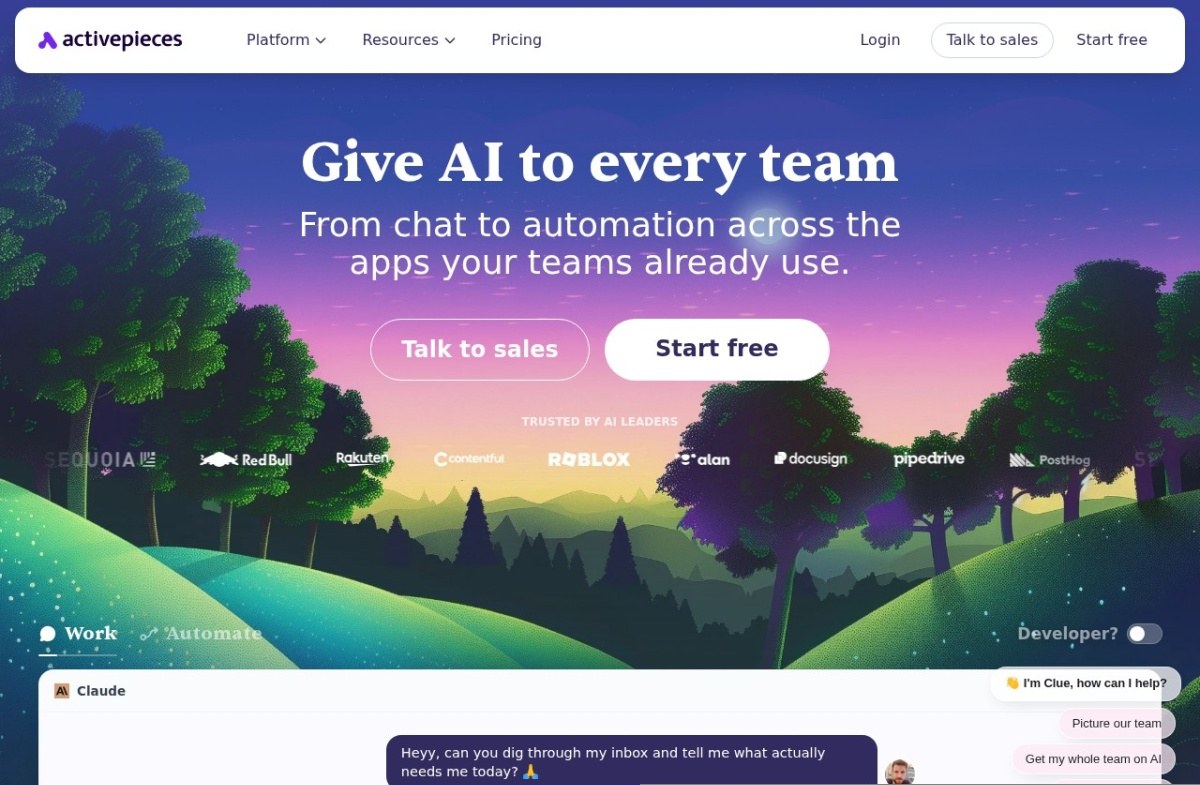
Chat, agents, flows and tables in one workspace, with 760+ integrations ("pieces") published under an open-source license. Self-host with Docker or Kubernetes for free, or use the cloud (free plan; Plus is $16 a month yearly, $20 monthly, for up to five users). The managed cloud runs in Frankfurt, which helps with European data residency.
Limits: a much smaller library than Zapier, and self-hosting means your team patches it.
3. Zapier, rated 4.5, from $19.99 a month

Still the widest app library after more than a decade
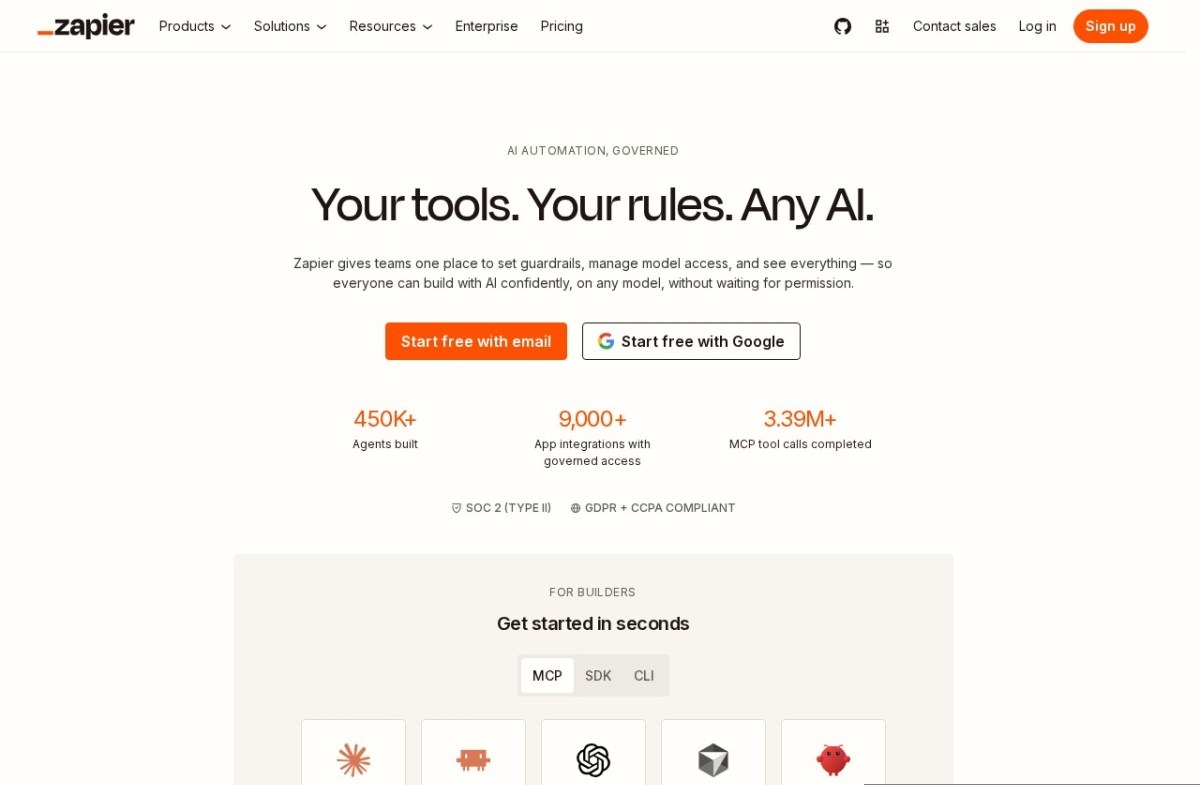
The default for breadth: no-code automation across 9,000+ apps, plus agents, chatbots and tables. The free plan runs 100 tasks a month; Professional is $19.99 a month yearly ($29.99 monthly) and rises with task volume.
Each completed action counts as a task, so long workflows cost more than on n8n, which counts a whole run as one execution. It states SOC 2 Type II and SOC 3 compliance, with single sign-on on higher plans.
4. Make, rated 4.5, price not confirmed

Circular flow diagrams instead of a simple linear list
A visual builder where scenarios are connected modules, with an assistant, Maia, that builds automations and agents from a prompt. It connects to 3,000+ apps and is part of Celonis. The free plan has 1,000 credits a month and two active scenarios.
Every module action costs a credit, so a ten-step scenario uses ten credits per run. Price your real volume on its credit slider before comparing with Zapier. An on-premises agent reaches systems inside your network.
5. Lindy, rated 4.5, from $29.99 per user a month

Build a named AI employee instead of an abstract workflow
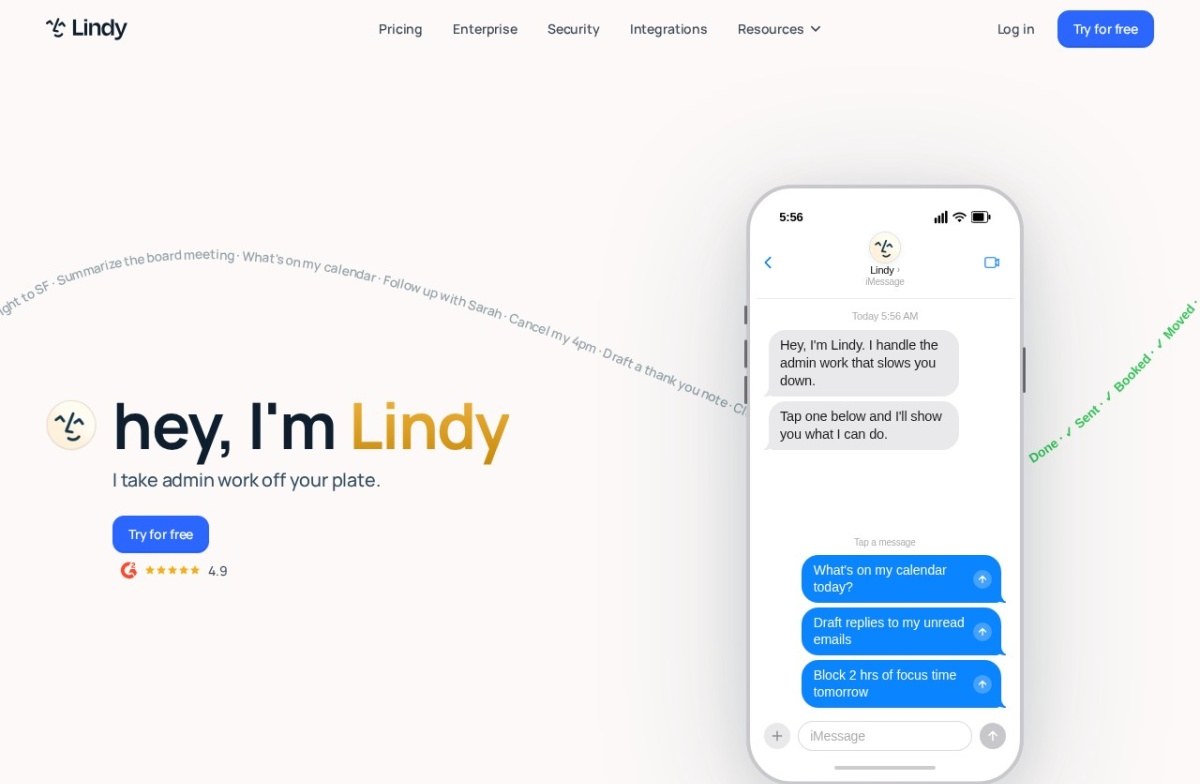
Lindy is an AI teammate in Slack that handles inboxes, meeting notes and follow-ups across Gmail, Notion, HubSpot and 1,000+ apps. No free plan; seats get a 7-day trial. Plus has 3,000 credits.
Per-seat pricing means ten people cost about $300 a month before anything is built. It is built for delegating tasks, not high-volume data movement. Enterprise adds single sign-on and audit logs.
6. Gumloop, rated 4.5, from $37 a month

No-code building blocks with AI reasoning baked into each node
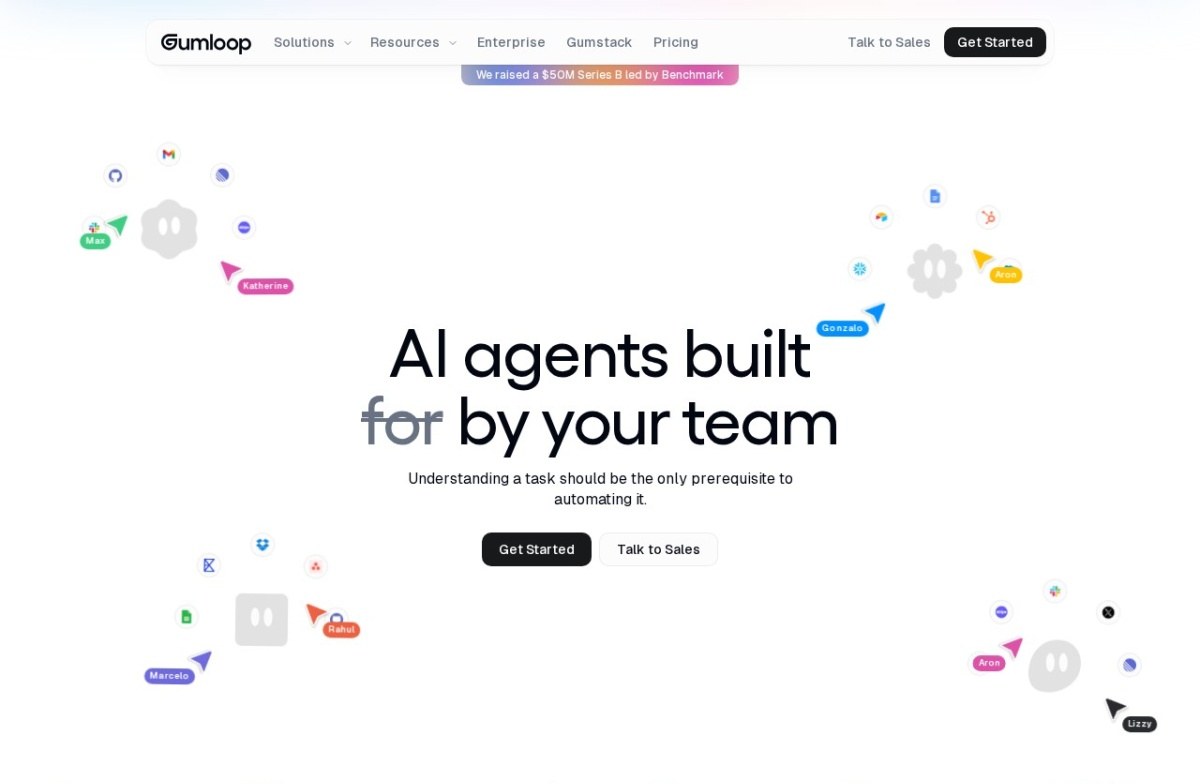
Gumloop sells agents your team builds, shares and controls, and lists its original workflow builder as Legacy. It has a 14-day trial; Pro has 20,000 credits and unlimited seats, plus an 8% orchestration fee on model and tool costs (16% if you bring your own model keys). The bill is hard to predict until real work has run.
7. Workato, rated 4.5, price on quote

Enterprise-grade governance meets business-user-friendly building
Workato is the enterprise end: governing AI, connecting apps and data, and running workflows and agents, with data pipelines, API management, document processing and RPA too. All plans are quote-only. It fits when business teams build while a central team controls permissions and audit trails; it is too heavy for a ten-person team.
8. n8n, rated 4.4, free to self-host

Source-available and self-hostable, favored by developers
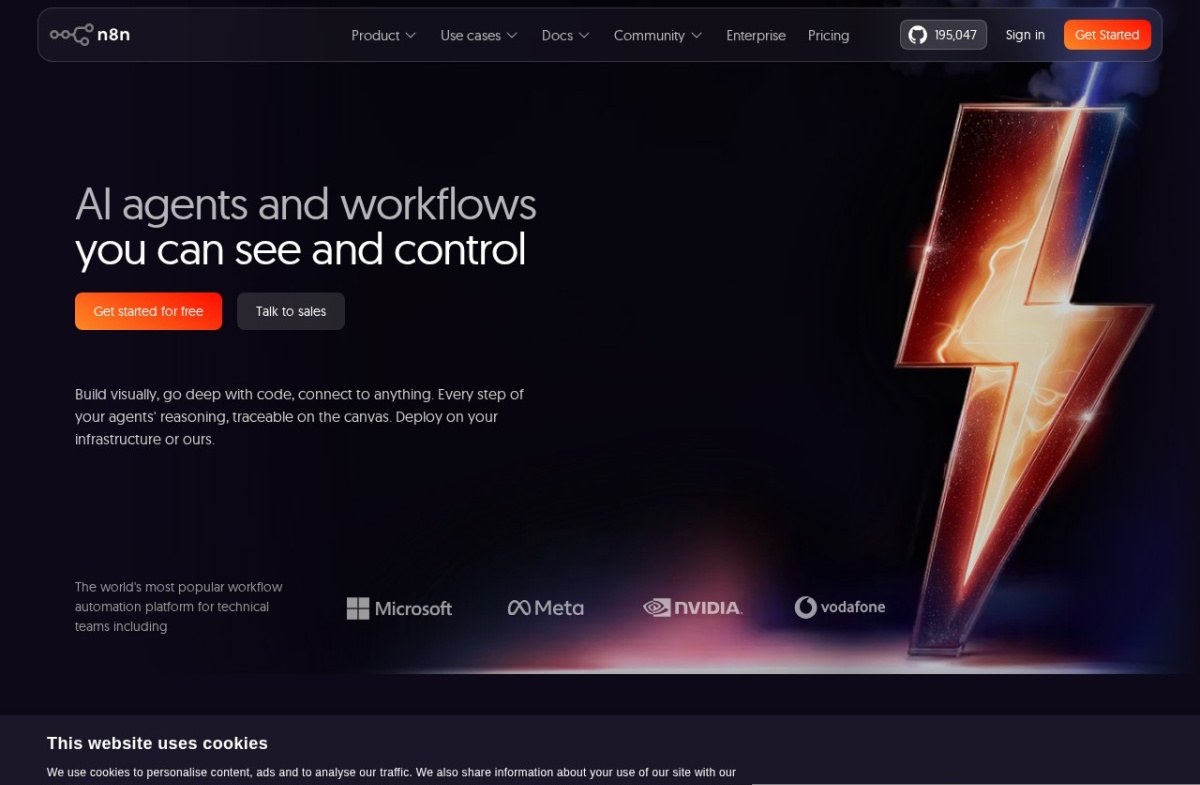
Visual building with JavaScript or Python where a node is not enough, and traceable agent reasoning on the canvas. The Community Edition is free to self-host. Cloud Starter is €20 a month yearly for 2,500 executions; Pro is €50 for 10,000.
The license is source-available, not fully open source, which matters if you plan to resell or embed it. It assumes a technical team.
9. Tray.ai, rated 4.4, price on quote

Rebranded to Tray.ai, with a governed agent-builder called Merlin
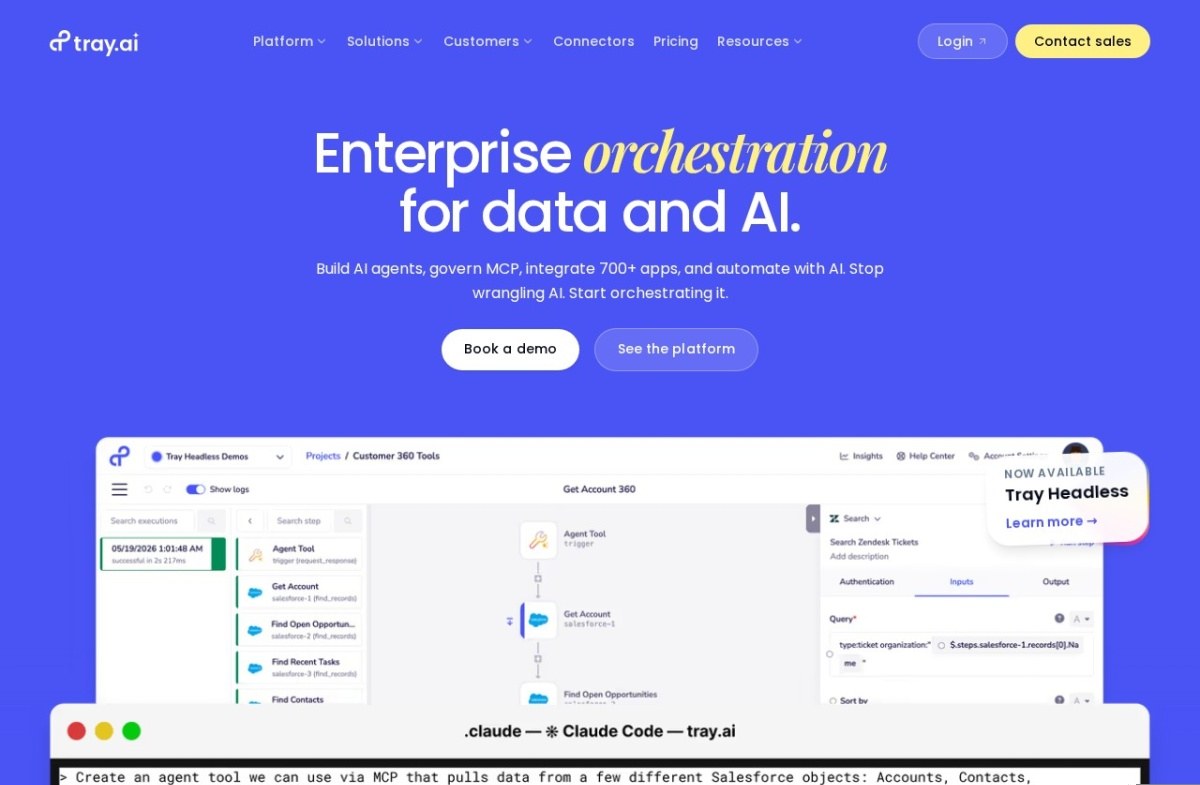
Listed under its old name Tray.io, it offers one platform for integrations, automations and agents across 700+ connectors, with an agent builder called Merlin. A free trial exists; pricing is quote-only and billed in tasks. It states SOC 1 and SOC 2 Type 2 audits, with an audit trail on every agent action. Out of reach for small teams.
10. Microsoft Power Automate, rated 4.3, from $15 per user a month

Cloud flows and desktop RPA under one Microsoft roof
Microsoft Power Automate is the choice when work lives in Microsoft 365. Cloud flows pair with desktop flows that drive older software, and Copilot drafts flows from plain-language descriptions. 30-day trial, no free plan. Unattended bots cost $150 a month each. Microsoft's agent builder, Copilot Studio, is in the same family.
11. IFTTT, rated 4.2, from $2.99 a month

The original trigger-action automation, running since 2010
The original trigger-and-action tool, linking 1,000+ apps and devices through Applets. Free gives two Applets; Pro is $2.99 a month yearly for 20 Applets and webhooks; Pro+ at $8.99 adds unlimited Applets and AI services. Right for personal and smart-home use, not long branching business workflows.
12. Bardeen, rated 4.2

Agentic web scraping and lead enrichment for sales teams
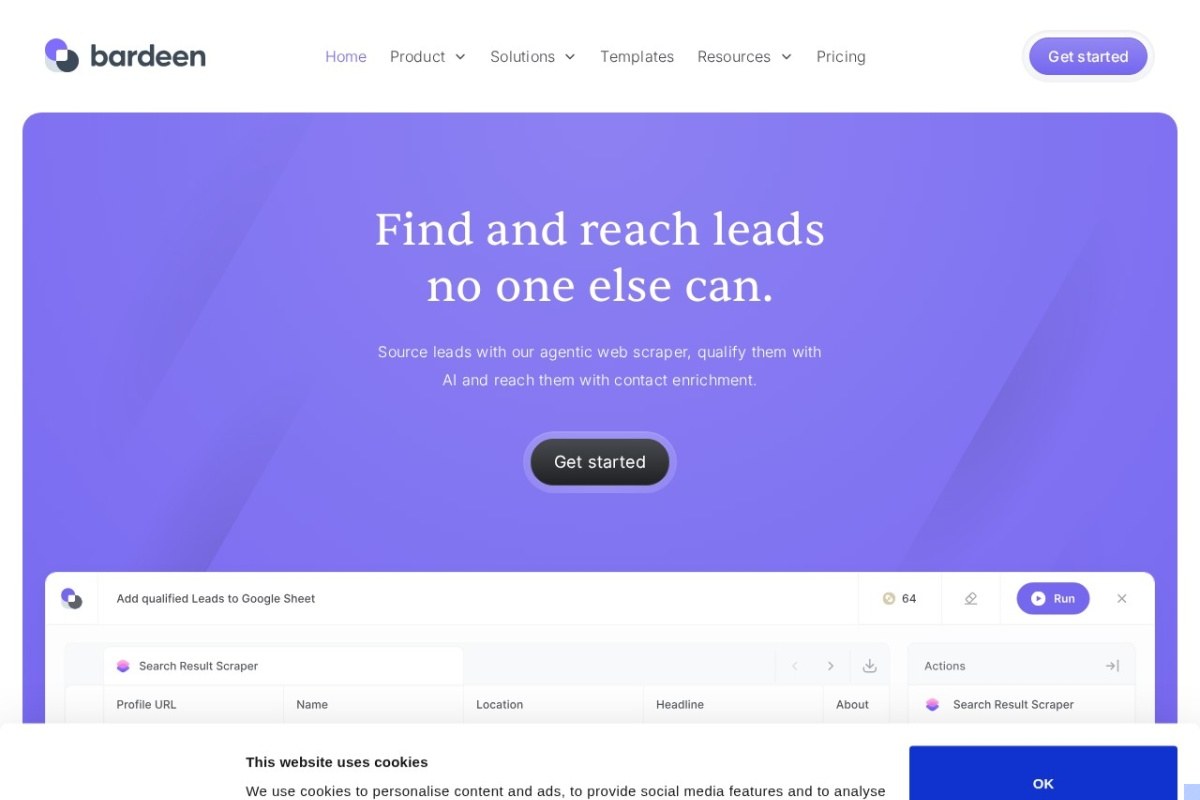
Bardeen now sells lead sourcing: an agentic web scraper, AI lead qualification and contact enrichment, not general automation. Every account keeps 100 free credits; Basic is $10 a month, Premium $50 a month. Enrichment costs three credits per row, so budget per contact.
13. Relevance AI, rated 4.1, price on quote

An 'AI workforce' builder that started life as a data platform
Specialist agents for sales, customer success, marketing and people teams, which it calls an AI workforce. No self-serve plan; everything goes through sales. It states SOC 2 Type II compliance, data residency options and no training on your data.
What to check before you buy
- Cost model: Zapier and Tray.ai count tasks, n8n counts runs, Make and most others count credits, Lindy and Power Automate charge per seat. Model a month of your real volume before comparing headline prices.
- Ownership: Pipedream belongs to Workday, Make to Celonis, and Gumloop is young and venture-funded.
- Failure visibility: a fixed workflow fails loudly; an agent can fail quietly with a wrong answer.
- Exit cost: workflows do not transfer between platforms, so leaving means rebuilding.
Process automation that drives software through its screens is a different purchase: see robotic process automation tools, which covers UiPath, Automation Anywhere and Nintex. Browse every listing in the Automation category, compare AI agents, or see the no-code AI platforms guide for building apps.


