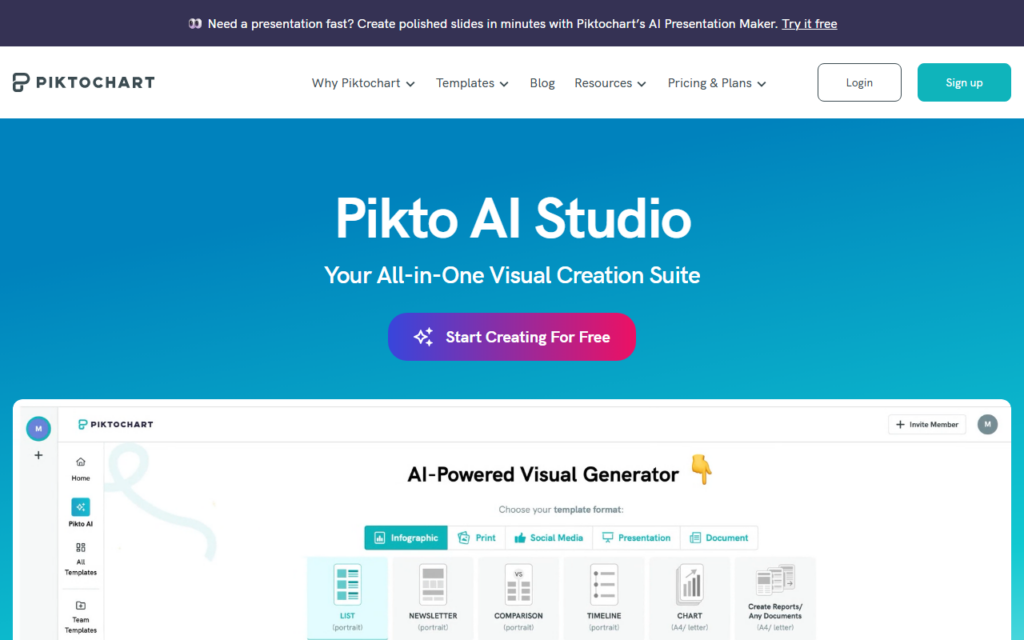
Pikto AI Studio is Piktochart's AI visual suite, and its own framing states the thesis directly: most AI image tools solve one specific problem, while this aims at the entire visual creation workflow on one platform.
That workflow argument carries weight for business users. Producing a usable visual is rarely one generation step; it involves generating, editing, resizing for different placements, applying brand consistency and exporting. Doing each in a different tool is where the time actually goes, and it is why so many teams give up and reuse an old graphic.
It benefits from Piktochart's existing position in business visuals, particularly infographics and presentations, so the AI capability arrives on top of a mature product rather than as a standalone experiment. The trade-off is the usual one: a suite optimised for business communication rather than for artistic range.
Key features
Covers the full visual workflow rather than a single generation step
Brand consistency controls across generated assets
Resizing and export for multiple placements
Built on Piktochart's established business visuals platform
Aimed at business communication rather than artistic output
Screenshots & demo
Demo video
Screenshots
Pricing
Pikto AI Studio offers a free plan, with paid upgrades for higher limits and more features.
Pricing is provided as a guide. Check the official site for the latest plans.
Is Pikto AI Studio expensive?
Pikto AI Studio has no advertised paid tier. Among the 122 priced tools we list in Image Generation, the median entry price is $10 a month.
66% of Image Generation tools in the directory offer a free tier, and this is one of them.
Compared against every priced listing in Image Generation, recalculated as the catalogue changes. Method and the full market breakdown are in our AI tool pricing study.
Pros & cons
Pros
Workflow coverage removes the tool-switching that eats the time
Built on a mature product rather than a standalone experiment
Brand consistency is genuinely handled
Cons
Optimised for business visuals rather than artistic range
Suite pricing assumes regular rather than occasional use
Pikto AI Studio is Piktochart's AI visual suite, and its own framing states the thesis directly: most AI image tools solve one specific problem, while this aims at the entire visual creation workflow on one platform.
Is Pikto AI Studio free?
Yes, Pikto AI Studio offers a free plan. Paid plans unlock more features and higher usage limits.
What are the best Pikto AI Studio alternatives?
The closest matches in the directory are Canva Magic Media, Stockimg AI, and Recraft, compared side by side above.
Stable Diffusion-powered art generation with inpainting, avatar creation, and reverse-image similarity search – unlimited generations on the Pro plan for $15/month.