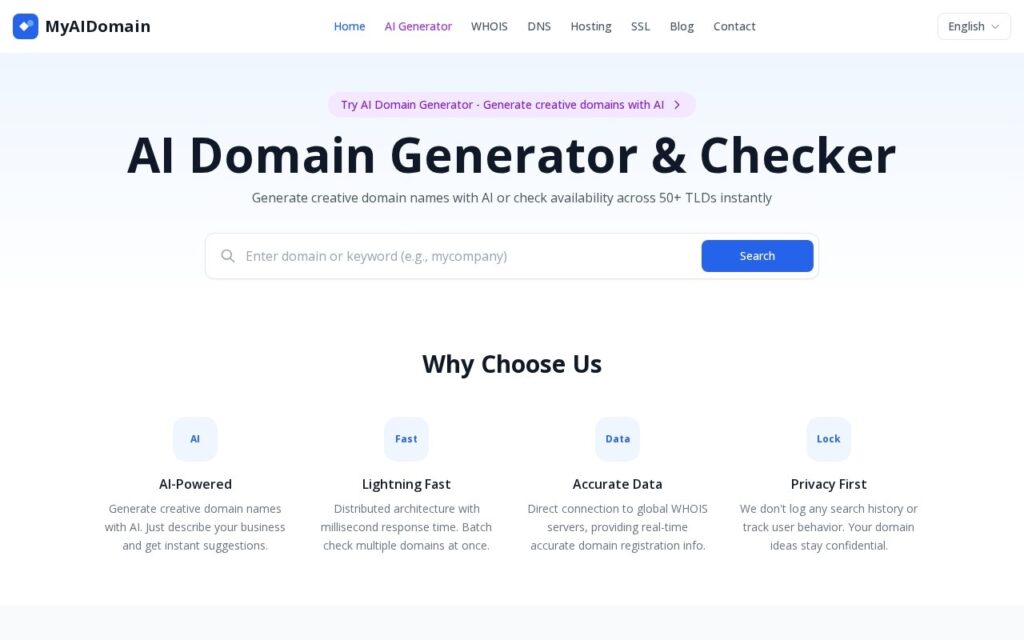
MyAIDomain is an AI domain name generator. You describe your business in plain language, it suggests domain names, and it checks each one for availability across a wide range of top-level domains (TLDs) such as .com, .io, .ai and .dev. You see ideas and what is actually available in one step, with no separate lookups. Check the site for the current list of supported extensions.
Checking availability the moment names are generated closes the gap most naming tools leave open. A creative name is useless if the domain is taken, and the usual loop of generating a name, checking it elsewhere, finding it gone and starting over wastes time. Privacy matters for domain research, because an idea that leaks before you register it can be taken by someone else, so read the tool’s privacy policy to see how it handles search data.
Beyond name generation, MyAIDomain includes a WHOIS lookup (registrar, creation and expiry dates, name servers), a DNS record lookup (A, MX, NS and TXT records) and SSL certificate verification. The tool supports batch checking of several domains at once. Check the site for current pricing and whether registration is required.
How to get better results from MyAIDomain
You get the best suggestions by describing what the business does, who it serves and the tone you want, rather than entering a single keyword. Run a few variations of the description and compare the available names across several TLDs.
- Write one or two sentences about your business, audience and style.
- Review the generated names and note which TLDs are available.
- Say each name aloud and check it is easy to spell and remember.
- Search for existing trademarks before you commit, because availability as a domain does not mean the name is legally clear.
- Use the WHOIS and DNS tools to inspect any domain that shows as taken, then register your choice with a registrar.