A Practical Workflow for Animating Still Images and Revising Characters
Bringing a still image to life takes far more than nudging a few pixels into motion. A good result depends on planning, visual consistency, the right choice of assets and a careful review at every step. Anyone who has watched an old family photograph suddenly blink and smile knows how powerful the effect can be, and how quickly it can tip into something unsettling if the details are off. Revising a character inside an existing scene brings its own set of challenges, because the updated figure has to sit naturally within the original composition without disturbing the story, the lighting or the world around it. A new face that doesn’t quite belong is spotted almost instantly.
A structured workflow helps creators handle these challenges while respecting ownership rights, getting consent where it’s needed and spotting technical limits before too many hours disappear into production. The goal might be a short film, a social media clip, an educational project or a playful storytelling experiment. Whatever it is, each stage works best with a clear purpose and a clear sense of what “good enough” looks like before moving on.
1. Begin with Approved and Well-Organized Assets
The first job, before anything moves, is working out exactly which images and character materials can actually be used. Approved assets might include original photographs, commissioned illustrations, licensed stock images and artwork supplied with explicit permission for this particular project. Having a file on a hard drive isn’t the same as having the right to use it.
A simple asset inventory makes life much easier. It records each file’s source, owner, usage permissions and any restrictions attached. Keeping original files separate from edited versions means every change can be undone, and descriptive filenames in tidy folders save a great deal of hunting later. Nobody enjoys scrolling through forty files called “final_edit” trying to remember which one the client actually liked.
Approval needs to cover the real intended use, not just the fact that someone has the file. An image found online isn’t automatically free for commercial adaptation, redistribution or transformation. In the same way, permission to use a photograph doesn’t necessarily include permission to change the appearance of a recognizable person in it. A friend happy to appear in a holiday snapshot may feel very differently about seeing their face animated in an advert.
On projects involving clients, collaborators or outside contributors, it’s essential to confirm that all the necessary approvals are in place before any animation or character variations are generated. Sorting this out at the start is far easier than unpicking a finished piece later.
2. Prepare Still Images for Animation
The quality of an animated sequence is often decided before a single frame moves. The original image deserves a careful look for resolution, composition, lighting, perspective and any details likely to cause trouble once motion begins. A slightly blurry background might pass unnoticed in a still. Once it starts to move, the flaws become much harder to hide.
It helps to decide on the intended movement early. A portrait might only need a subtle turn of the head, a blink or a gentle change of expression, while a seaside landscape could come alive with drifting clouds, shifting light or a slow camera glide along the shore. The more ambitious the movement, the more important it becomes to think about what the original image doesn’t show. If a character turns their head, the software has to invent the side of the face that was never photographed.
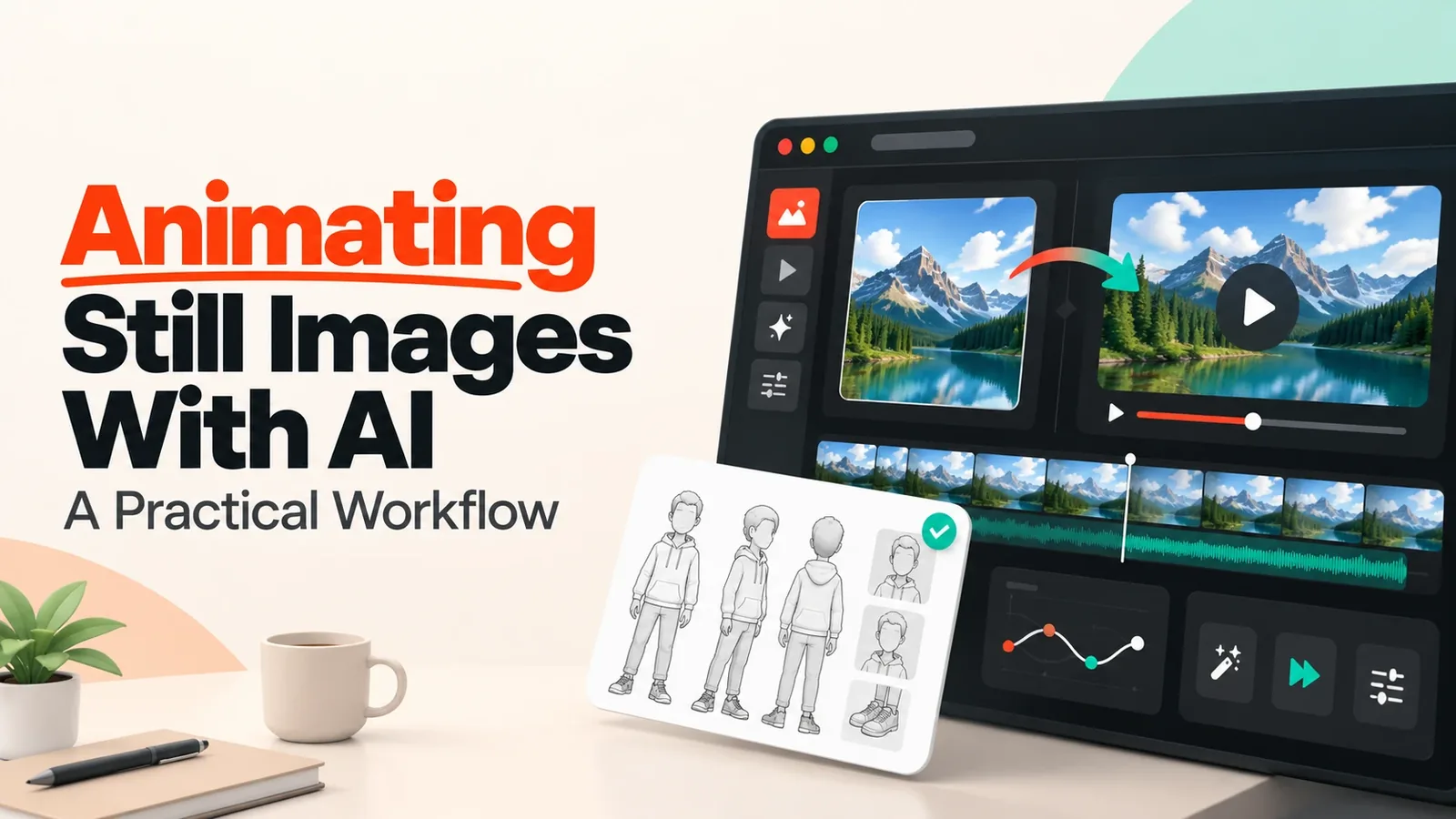
An image to video AI workflow can help turn a static visual into a moving sequence using an image and a set of descriptive instructions. Generated movement is best treated as a draft that needs checking, though, not as a guaranteed version of what the creator had in mind. The first result is a starting point, not the finish line.
Prompts work best when they describe the desired action, camera behavior, atmosphere and any elements that must stay stable. A prompt might, for example, ask for a gentle camera push towards a character sitting at a kitchen table while keeping the room layout and clothing details exactly as they are. The clearer the instruction, the less guesswork the software has to do.
Short sequences with limited movement make the best starting point. They make it far easier to catch unwanted distortions early, before the animation is extended or more complicated actions are added. Fixing a two-second clip is quick. Fixing a twenty-second one can eat up an afternoon.
3. Establish Character Continuity
Character continuity simply means a character stays recognizably themselves throughout a sequence, even as their pose, expression, clothing or position changes. Viewers forgive a great deal, but a face that subtly shifts from shot to shot pulls them straight out of the story.
A reference sheet is the backbone of good continuity. It documents key characteristics such as facial proportions, hairstyle, clothing, accessories, body shape and distinguishing features, ideally with front-facing and three-quarter views where they’re available. That sprinkle of freckles across the nose or the small scar above an eyebrow is exactly the kind of detail that quietly vanishes without a reference to check against.
The environment plays its part in continuity too. A character standing beside a sunny window needs lighting that makes sense for that spot. Shadows, reflections, perspective and the direction of movement all have to agree with the frames on either side. A face lit warmly from the left in one shot and coolly from the right in the next feels wrong, even if viewers can’t quite say why.
When several shots are generated, comparing them side by side works far better than reviewing each one on its own. A face can look perfectly convincing in a single frame yet drift noticeably over a sequence. Small changes in eye spacing, clothing patterns or proportions become surprisingly distracting once the shots are cut together. A red scarf that turns slightly maroon halfway through is the sort of thing an audience somehow always notices.
Keeping a record of approved versions, prompt changes and editing decisions lowers the risk of accidentally swapping a great result for an inconsistent one. It also means that when something works beautifully, it can be repeated.
4. Revise Characters Without Disrupting the Scene
Character replacement needs particular care, because the revised figure has to belong in the existing scene rather than simply look good on its own. A beautifully rendered character who appears to be floating in front of the background is still a failed edit.
A workflow involving Magic Hour AI character replacement can be considered when exploring AI-assisted character revision as part of a wider production process. What matters most is judging whether the new character suits the intended composition, keeps recognizable features where they’re needed and interacts believably with its surroundings.
Before any replacement begins, it’s worth pinning down exactly what must stay the same. That might be the background, the camera angle, nearby objects, clothing colors or the positions of other characters. Writing this list down takes a couple of minutes and prevents a surprising number of headaches.
The replacement then needs checking for differences in scale, pose, perspective and lighting. Do the character’s feet actually rest on the floor, or do they hover a few millimeters above it? Do shadows fall in the same direction as everything else in the room? Do nearby objects pass naturally in front of or behind the figure? These small details are what separate a convincing edit from one that feels slightly off.
Hair, fingers, facial expressions and overlapping objects deserve extra attention, because these are where generation errors most often give themselves away. A hand with one finger too many or hair that melts into the wallpaper is easy to miss on a first watch and impossible to ignore once spotted. If the replacement runs across several frames, the whole sequence needs watching to make sure the character’s appearance holds steady.
Wherever possible, keeping the original image and using non-destructive editing techniques is the safer route. It means the replacement can be adjusted or reversed without rebuilding the entire scene from scratch. Being able to step back is worth a great deal when a client changes their mind on a Friday afternoon.
5. Respect Consent, Copyright, and Usage Rights
Being able to do something technically doesn’t mean there’s legal permission to do it. Replacing a face or generating movement from someone’s photograph can raise questions about privacy, publicity rights, copyright or contracts, depending on the circumstances and the law that applies. The software won’t ask these questions. People have to.
When identifiable individuals are involved, informed consent is essential wherever it’s required or simply the right thing to do. That means explaining the purpose of the project, what kind of alteration will be made, where the finished material might appear and whether it will be used commercially. A short, honest conversation at the start can save a very awkward one later.
Synthetic representations that could mislead viewers about what a real person said or did need particular care. Altered footage is never something to pass off as authentic evidence, and synthetic changes are best disclosed whenever there’s a risk of confusion. Trust is far easier to keep than to rebuild.
For fictional characters, ownership and licensing terms need reviewing before any protected design is adapted. Client agreements also benefit from spelling out who can approve changes, who owns the final deliverables and whether the project allows future edits or reuse. Clear agreements make for calmer collaborations.
Permission records and relevant license documents are best kept alongside the production files. If questions come up months later, those records show clearly what the project was authorized to do. A tidy folder of signed permissions is one of the most underrated assets in any production.
6. Understand Technical Limitations
AI-generated animation can produce visual inconsistencies even when the input image and instructions are perfectly clear. Common problems include shifting facial details, distorted hands, unstable textures, unnatural movement and objects that appear or vanish between frames. A teacup that quietly disappears from a table mid-scene is a classic example.
Movement that looks believable in isolation can also clash with the physical logic of a scene. A character might seem to glide across the floor without taking a step, turn without moving their body properly or cast a shadow that doesn’t match the light. These are the moments that make an audience feel something is off, even if they can’t name it.
Complex interactions, fast motion, multiple characters and large camera changes generally need much closer supervision than subtle animation. The original image may also lack information about hidden body parts or whatever sits behind a subject, which limits how convincingly those areas can be reconstructed. The software can guess. It can’t know.
When a result doesn’t pass review, the answer might be to simplify the requested action, rewrite the prompt, adjust the source image or fix the problem with conventional editing. Generating again and again isn’t always the smartest solution. Some flaws are simply quicker to correct by hand than to chase through a dozen new attempts.
7. Use Human Review Before Publication
Human review works best when it happens throughout production, not just once the final file has been exported. Problems caught early are small. Problems caught at the end tend to be expensive.
The first step is inspecting individual frames for artifacts, unwanted changes and identity inconsistencies. Next comes watching the complete sequence at normal speed to judge pacing, movement, transitions and continuity. Finally, the finished video needs reviewing in the format it will actually be shown in, which helps catch compression problems, awkward cropping or details that become hard to see on a phone screen. A scene that looks rich and detailed on a large monitor can turn into a murky blur on a commuter’s phone.
A useful checklist includes:
- Are all source assets approved for their intended use?
- Does the animation match the creative brief?
- Does the character remain visually consistent?
- Are lighting, shadows, perspective and movement believable?
- Have consent and licensing requirements been addressed?
- Are synthetic alterations represented honestly?
- Has the final output been checked for technical defects?
Any unresolved issues need documenting, and the right stakeholder’s approval needs securing before anything is published. Automated generation can speed production up enormously, but responsibility for accuracy, rights and presentation stays with the people overseeing the project. The machine makes the frames. People stand behind them.
Building a Dependable Animation Workflow
Animating still images and revising characters works best as a controlled creative process rather than a single press of a button. Approved assets, clear movement instructions, continuity references, responsible character editing and careful human review all add up to far more dependable results. Each step quietly protects the ones that come after it.
By recognizing technical limits early and treating consent and ownership as essential parts of production, creators can make animated visuals that feel more consistent, more credible and better suited to their audience. The real goal was never just to make an image move. It’s to create a coherent sequence that holds on to the project’s creative intent and treats the people and materials involved with respect.