
Kite was an AI code autocomplete tool that suggested lines of code inside your editor, with Python as its strongest language. The company shut the product down, so Kite is no longer a tool you can adopt.
If you landed here wondering whether Kite still works, the short answer is no. What follows covers what it did, why it matters as history, and how to pick a replacement.
What Kite Did
Kite was a coding assistant that predicted what a developer would type next and offered it as an inline suggestion. It ran as a plugin for popular editors rather than as a standalone app.
Its pitch was speed. You wrote less boilerplate, looked up fewer function signatures, and stayed in the editor.
Kite arrived years before chat-style coding assistants became common. That makes it an early example of the category, not a competitor to the current crop.
How Kite Worked
Kite combined an editor plugin with machine learning models trained on open-source code. As you typed, the plugin used the surrounding code as context for the model, and a ranked suggestion appeared in the completion list. For details on the models and what data left the machine, check the company's own published documentation.
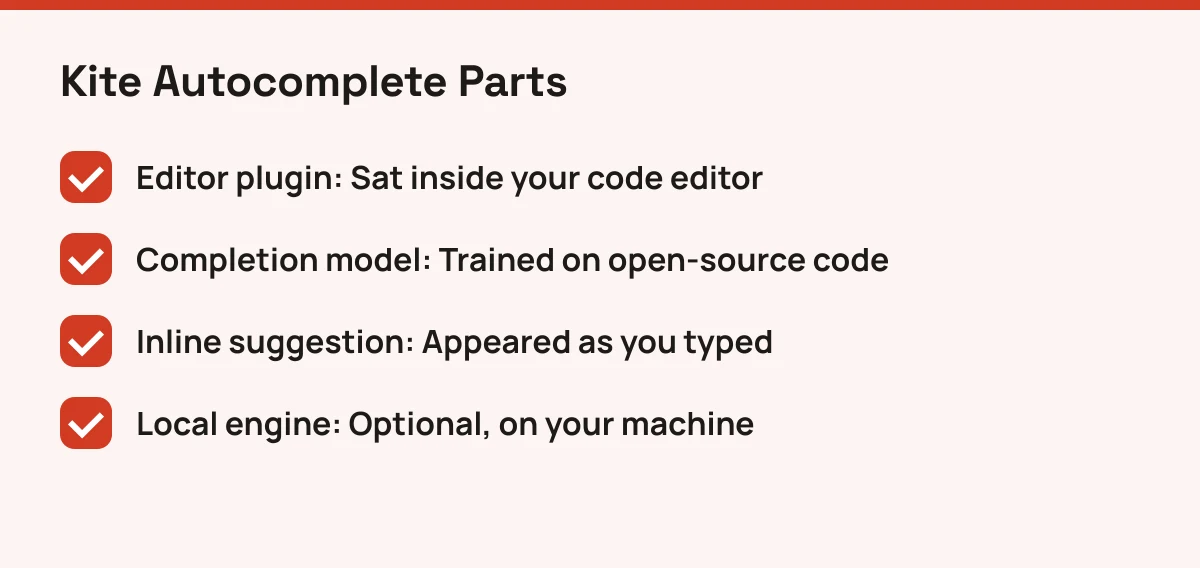
A local processing option mattered to some teams. Running completions on your own machine meant less code leaving it. Which plans included it varied, so check the company's own documentation for specifics.
Kite also surfaced documentation next to the code you were writing. That saved a browser tab, though it wasn't a conversation. You couldn't ask it to refactor a file or explain an error.
Why Kite Closed
Kite's team ended the product and published their reasoning on their own site. Check that announcement for the exact wording rather than relying on summaries, including this one.
The wider context is easy to see. Large language models made general-purpose assistants far more capable, and big vendors bundled them into the editors developers already used. A focused autocomplete product faced a very different market by the end.
Who Should Look at Kite Today
Almost no one should install Kite now. Unmaintained editor plugins break when editors update, and a closed service can't fix security issues.
Two readers still have a reason to care:
- Researchers and students studying how early ML autocomplete was built, especially if parts of the code were open-sourced. Check the company's official announcement or its public code repositories to see what is available.
- Teams migrating off it who need to know which features to replace.
For everyone else, pick a current assistant. Choose by workflow: inline completion if you want what Kite gave you, chat and agent features if you want help beyond the next line. GitHub Copilot, Tabnine and Codeium were common names in the same space, but confirm each one's current plans, pricing and status on its official site before committing.
Browse the Coding category hub to compare active AI coding tools side by side, and weigh data handling first if your code is sensitive.