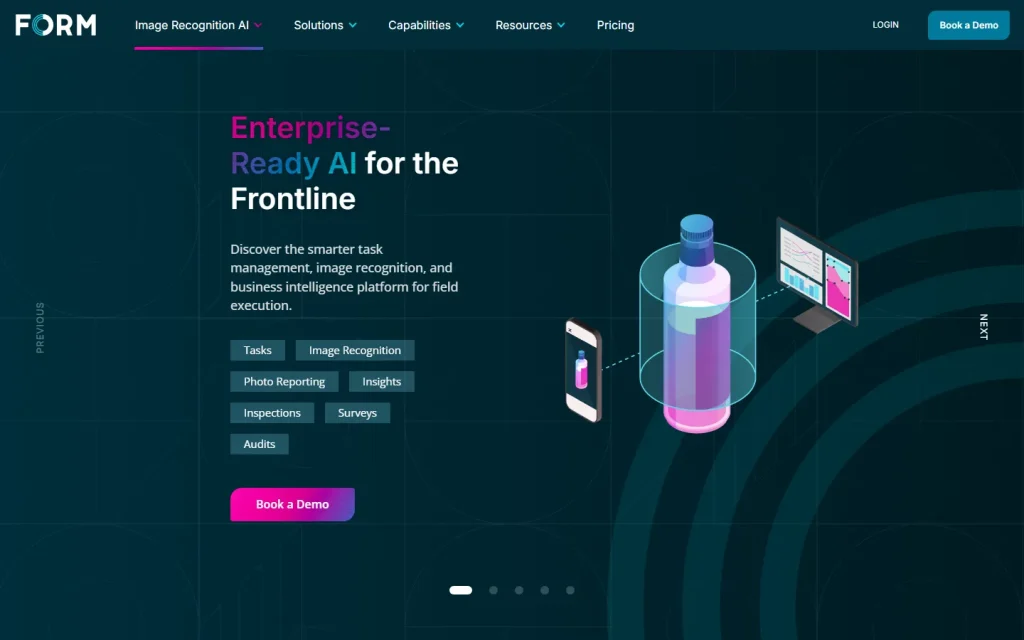
FORM is a mobile platform that gives field teams tasks, audits, photo reporting and image recognition AI, so work stops living in spreadsheets and paper. If you searched for "Form Cue," this is the product at form.com, which now also carries the GoSpotCheck name.
What FORM Is and the Name Confusion
FORM is an enterprise workflow and field execution platform, run by a company of the same name. The official site describes it as "the digital assistant for the frontline." It joined forces with GoSpotCheck, a mobile task management and image recognition product, and the two now sell under one brand.
We couldn't find a product called "Form Cue" on the vendor's site, so treat that phrase as a search variant.
Don't confuse FORM with generic form builders either. If you want a lightweight online form or survey, forms.app is a different kind of tool. FORM is built for teams that execute work in stores, plants and facilities.
Who FORM Is Built For
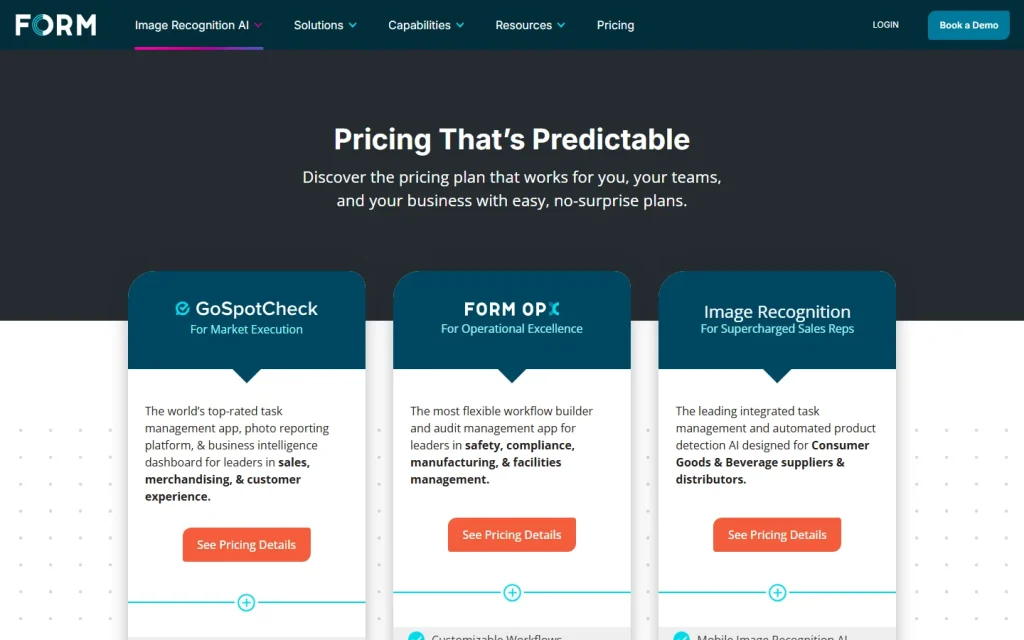
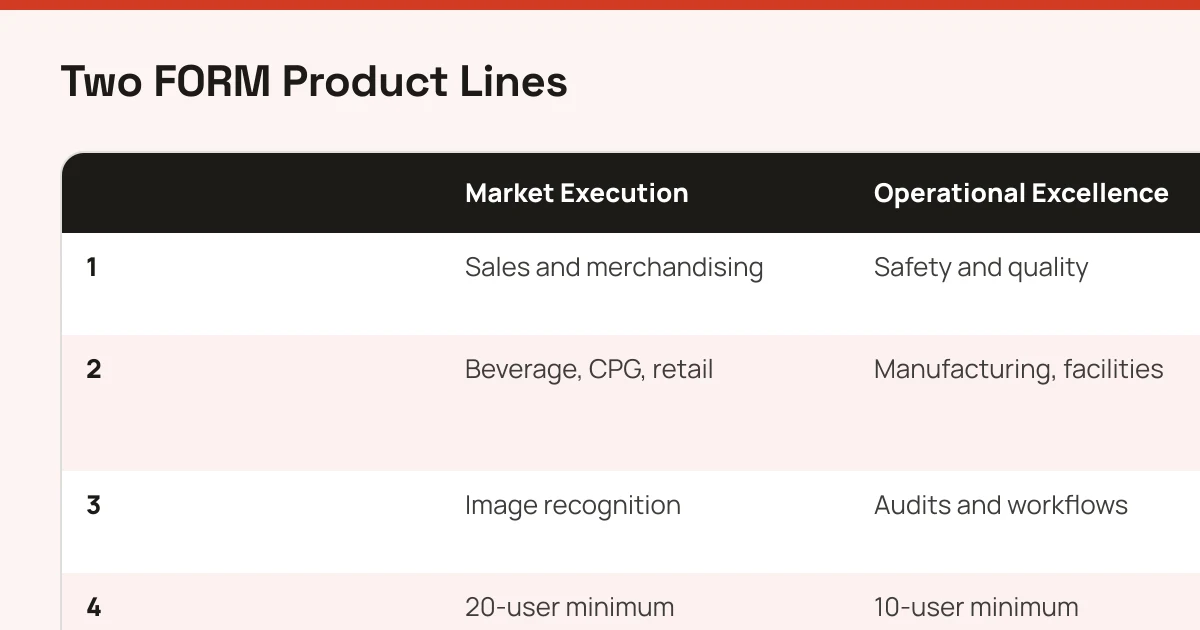
FORM suits large teams that send people into the field and need proof the work happened. The vendor splits its audience in two: market execution (sales, merchandising and customer experience in beer, wine and spirits, restaurants, consumer packaged goods and retail) and operational excellence (safety, quality, manufacturing and facilities, including healthcare and natural resources).
Small teams should look elsewhere. Published plans carry user minimums, which signals an enterprise rollout rather than a quick sign-up.
How FORM Works in the Field
FORM runs in three steps: deploy, guide, learn. A manager builds a task or workflow without code and assigns it by team structure. Field staff complete it on a phone, attaching photos, and managers read the results in configurable dashboards.
The image recognition piece is the sharper differentiator. According to the vendor, one photo can detect products, prices and point-of-sale materials on a display, which replaces manual counting. Treat the vendor's own performance claims as marketing until a customer confirms them in a pilot.
What Sets FORM Apart from Spreadsheets and Generic Form Builders
FORM's pitch is that task assignment, photo evidence, alerts and reporting sit in one system. A spreadsheet can't escalate a missed audit automatically. A generic form builder collects answers but rarely ties them to an assigned team or a KPI dashboard.
The trade-off is weight. You're buying a platform, an account manager and an onboarding effort, not a form you publish in an afternoon. An open API helps connect it to back-office systems, but integration work is still on your plan.
Choosing Between the Two Product Lines
Pick the market execution line if your problem is shelf, display or menu compliance and sales reps need image recognition. Pick the operational excellence line (FORM OpX) if your problem is audits, inspections and safety workflows in plants or facilities.
Mixed needs call for a conversation with the vendor, since trials are typically scoped to a single use case. Browse the wider AI tools directory of field and workflow options before booking a demo, and shortlist two vendors so you can compare how each handles your actual checklist.