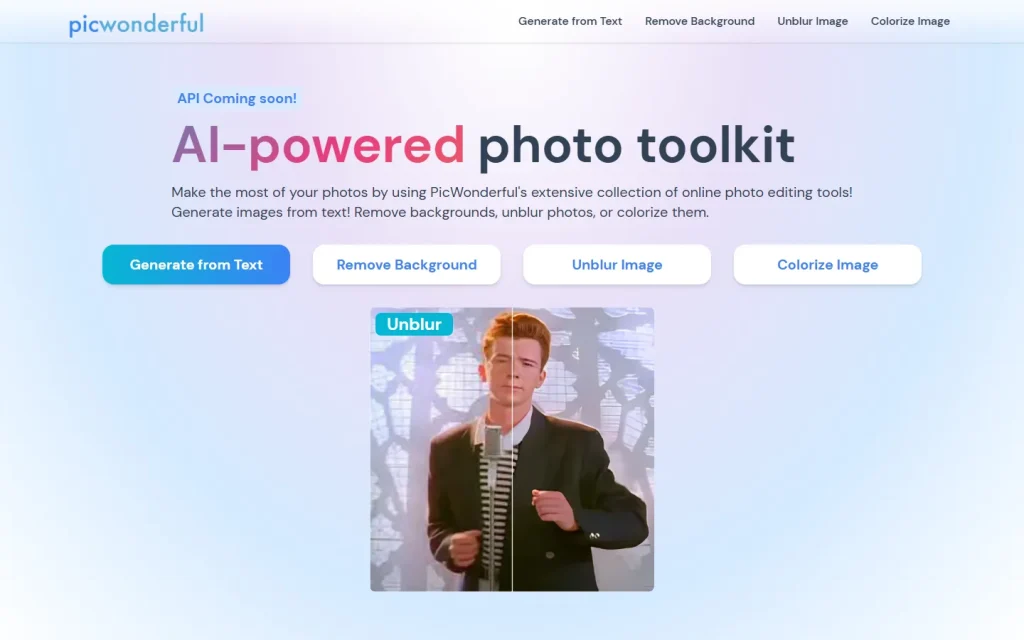
PicWonderful is a browser-based photo toolkit with four jobs: generating images from text, removing backgrounds, unblurring photos and colorizing black and white shots. It suits people who want a quick fix without learning an editor. It isn't a Photoshop replacement.
What PicWonderful Does
PicWonderful bundles four single-purpose AI tools on one website. You pick a tool, upload a photo (or type a prompt), and download the result.
- Generate from Text: creates an image from a written description.
- Remove Background: cuts out the subject automatically.
- Unblur Image: sharpens low-resolution or soft photos.
- Colorize Image: adds color to black and white pictures.
The site's FAQ compares it to a "mini Photoshop". That's a stretch. The pages describe one-click automatic tools, not layers, masks or manual retouching.
Who It Suits
PicWonderful suits casual users with a specific, small job. Think of a seller who needs a clean product cutout, someone restoring an old family portrait, or a person who wants a soft phone photo a bit crisper.
If you edit photos daily, you'll want finer control than a one-click tool gives. If you only need one of these tasks now and then, a focused site like this is faster than opening a full editor.
Pricing and Limits to Check First
PicWonderful's homepage doesn't state prices, a free tier or usage caps. The FAQ talks about editing photos online "for free", but it doesn't say what the free allowance is.
Before you rely on it, check three things: whether results carry a watermark, what resolution you can download, and how many images you can process before paying. An API is listed as "coming soon", so don't plan a workflow around it yet.
The footer reads "2021- 2024". That doesn't prove the service has stopped, but test one image before you commit to a project.
When to Pick Something Else
Skip PicWonderful when you need precise edits, batch processing at scale or a documented API today. A full editor or a dedicated tool with published plans is the safer pick for those jobs.
Pick it when the task is one of its four and you want a fast answer. Compare it with other options in our Image Generation category or look at a similar single-task tool such as Magic Eraser by Magic Studio before you decide.