
Freemium Verified

Skyvern

Sees a webpage the way a person does, not just its HTML

4.4 Automation
4.4 Very good 4.4

Bottom line: Sees a webpage the way a person does, not just its HTML. Free plan available.

Visual approach survives website changes better than selector-based tools Vision-based processing can run slower than direct selector targeting
Reviewed by Challenging Voice Editorial · Updated Jul 2026 How we rate
PricingFrom $29/mo
Free planYes
CompanySkyvern
PlatformsAPI, Web
Best forAutomation
Founded2023
Visits26
Last reviewedJun 2026
UpdatedJul 2026
Ask AI about Skyvern ChatGPT Claude Perplexity

Overview

Skyvern, founded in 2023, takes a different technical approach to browser automation than most competitors: rather than relying on a website's underlying HTML structure or fixed element selectors, which break the moment a site's code changes, it combines computer vision with language models to interpret a page visually, the way a human looks at a screen and identifies a button or field by sight.

That visual-first approach makes it more resilient to the layout and code changes that regularly break traditional selector-based scrapers and RPA bots, a meaningful advantage for automating sites that update their design or restructure their code without warning. Use cases lean toward form-filling, data extraction, and multi-step web workflows that need to survive those changes without constant manual fixing.

A free tier covers limited monthly runs, and paid plans start around $29 a month for more usage. For anyone automating interactions with websites that change their layout unpredictably, where traditional selector-based tools require ongoing maintenance every time something shifts, Skyvern's vision-based approach is built specifically to survive that kind of change.
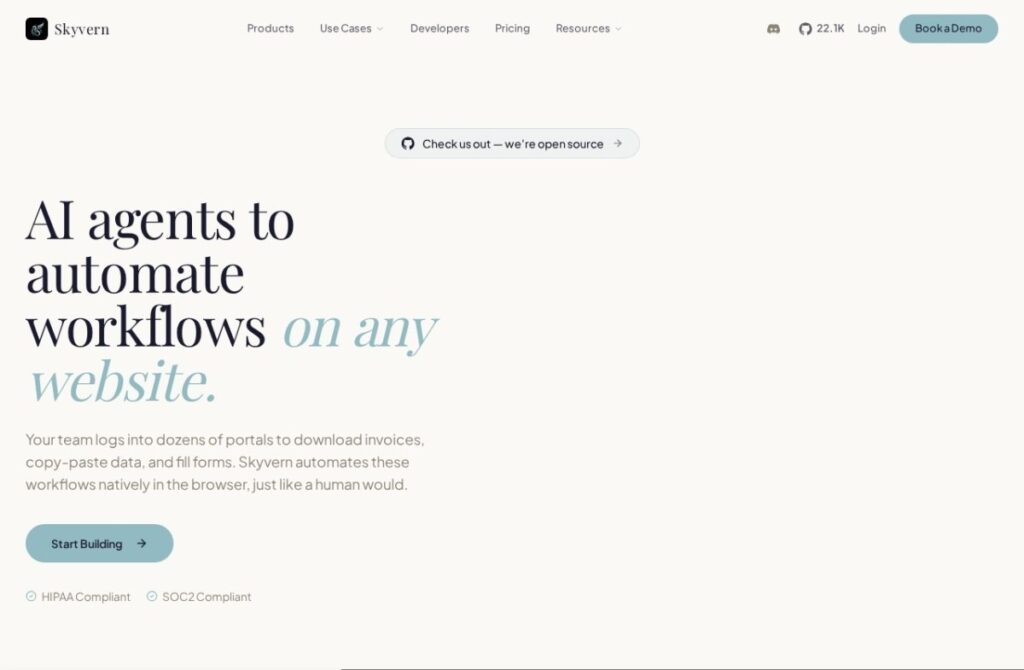

Key features

  • Computer vision plus LLM-based page interpretation
  • Resilient to website layout and code changes
  • Form-filling, extraction, and multi-step web workflows
  • No reliance on fixed HTML selectors
  • Free tier with limited monthly runs
  • Built for sites that update their design frequently

Screenshots & demo

Demo video

Screenshots

Skyvern screenshot 1

Pricing

Skyvern has a free plan, and paid plans start at $29/mo.

  • Pricing modelFreemium
  • Starting priceFrom $29/mo
  • Free planYes
Visit Skyvern

Pricing is provided as a guide. Check the official site for the latest plans.

Is Skyvern expensive?

Skyvern starts at $29, which is 16% above the Automation median of $25 a month across the 51 priced tools we list in that category.

The cheapest paid option in Automation starts at $0.6 and the most expensive at $2,500.

40% of Automation tools in the directory offer a free tier, and this is one of them.

Compared against every priced listing in Automation, recalculated as the catalogue changes. Method and the full market breakdown are in our AI tool pricing study.

Pros & cons

Pros

  • Visual approach survives website changes better than selector-based tools
  • Reduces the ongoing maintenance selector-based scrapers require
  • Handles complex, multi-step web interactions
  • Free tier available for testing

Cons

  • Vision-based processing can run slower than direct selector targeting
  • Newer company with a shorter track record than established RPA vendors
  • Still less predictable than automation built against a stable, known API

How it compares

ToolRatingFreeFromBest known for
Skyvern (this tool)4.4Yes$29/moComputer vision plus LLM-based page interpretation
Jsonify3.9No$99/moSelector-free extraction using computer vision and AI code generation
SOLA3.9NoComputer vision and language models to operate software through its interface
Browse AI4.4Yes$19/moPoint-and-click training to extract website data

Alternatives to Skyvern

4 tools matched to Skyvern on what they do, their category and their price.

SOLA

3.9

Agentic process automation using language models and computer vision to work through existing interfaces.

Contact for Pricing Automation

Frequently asked questions

What is Skyvern?
Skyvern is an automation tool. Sees a webpage the way a person does, not just its HTML.
Is Skyvern free?
Yes, Skyvern offers a free plan. Paid plans unlock more features and higher usage limits, starting at $29/month.
How much does Skyvern cost?
Skyvern starts at $29 per month. See the pricing plans above for full details.
What are the best Skyvern alternatives?
The closest matches in the directory are Jsonify, SOLA, and Browse AI, compared side by side above.

Reviews

4.4 No reviews yet

Write a review

More tools like Skyvern

Automaited

3.9

An AI assistant automates document and order-processing workflows for operations teams without scripted rules.

Contact for Pricing Automation