
Freemium Verified

Aide

A fully open-source VS Code fork, not just an extension

4.1 Coding
4.1 Very good 4.1

Bottom line: Aide is a strong coding tool, best known for full VS Code fork, not an extension. It has a free plan.

Genuinely open source, unlike most competing AI-native editors Smaller team and community than venture-scale competitors
Reviewed by Challenging Voice Editorial · Updated Jul 2026 How we rate
PricingFree
Free planYes
CompanyCodestory
PlatformsMac, Windows
Best forCoding
Founded2024
Visits14
Last reviewedJul 2026
UpdatedJul 2026
Ask AI about Aide ChatGPT Claude Perplexity

Overview

Aide, built by Codestory since 2024 and backed by Y Combinator, forks VS Code entirely rather than running as an extension on top of it, giving its AI features, a combined chat-and-edit flow, proactive agents that iterate on linter errors, and AST-based code navigation, deeper access to the editor itself than a plugin architecture allows.

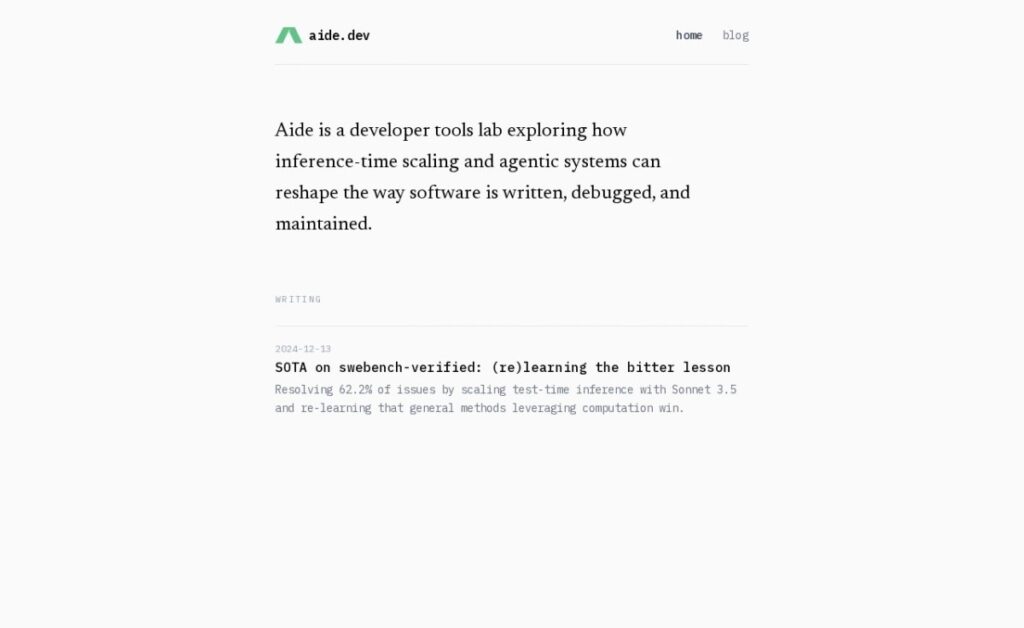
Unlike several other AI-native code editors in this category built on the same VS Code foundation, Aide keeps its entire codebase open source under the Codestory organization, letting developers self-host, audit, or modify it directly rather than trusting a closed-source fork. The project reports a 62.2% score on SWE-bench Verified, a benchmark measuring real-world agentic coding performance on actual GitHub issues.

Aide is free to use. For a developer who wants an AI-native editor built for multi-file, iterative problem-solving specifically, and who values being able to inspect or self-host the actual code powering it rather than trusting a closed platform, Aide's open-source status is a genuine point of difference from its closed-source competitors.

Key features

  • Full VS Code fork, not an extension
  • Fully open-source codebase
  • Proactive agents that iterate on linter errors automatically
  • AST-based code navigation across files
  • 62.2% reported score on SWE-bench Verified
  • Combined chat-and-edit interaction flow

Screenshots & demo

Demo video

Screenshots

Aide screenshot 1

Pricing

Aide offers a free plan, with paid upgrades for higher limits and more features.

  • Pricing modelFreemium
  • Starting priceFree
  • Free planYes
Visit Aide

Pricing is provided as a guide. Check the official site for the latest plans.

Pros & cons

Pros

  • Genuinely open source, unlike most competing AI-native editors
  • Deep editor-level integration rather than extension-level access
  • Strong reported benchmark performance on real-world coding tasks
  • Completely free to use

Cons

  • Smaller team and community than venture-scale competitors
  • Fork-based editors require migrating away from existing VS Code extensions and settings
  • Less enterprise support infrastructure than commercial alternatives

How it compares

ToolRatingFreeFromBest known for
Aide (this tool)4.1YesFreeFull VS Code fork, not an extension
Cursor4.5Yes$20/moMulti-line Tab autocomplete predicting full edits
Claude Code4.6No$20/moTerminal-native agent with direct codebase and shell access
Aider4.6YesFreeTerminal-based, no IDE required

Our verdict

4.1 / 5 4.1

Aide is a strong coding tool, best known for full VS Code fork, not an extension. It offers a free plan.

What makes it different: Aide stands out for full VS Code fork, not an extension.

How we score it
Overall 4.1
Value for money 4.7
Feature depth 4.9
Popularity 4.0
Best for DevelopersEngineering teamsStudentsIndie hackers

Frequently asked questions

What is Aide?
Aide is a coding tool listed in the Challenging Voice directory. A fully open-source VS Code fork, not just an extension.
Is Aide free?
Yes, Aide offers a free plan. Paid plans unlock more features and higher usage limits.
What are the best Aide alternatives?
Popular alternatives to Aide include build0, Fenado AI, and Jam. Browse them all in the Coding category.
Is Aide any good?
Aide scores 4.1 out of 5 based on our editorial review.

Reviews

4.1 No reviews yet

Write a review

Similar tools you might like