
Freemium

Flowblock

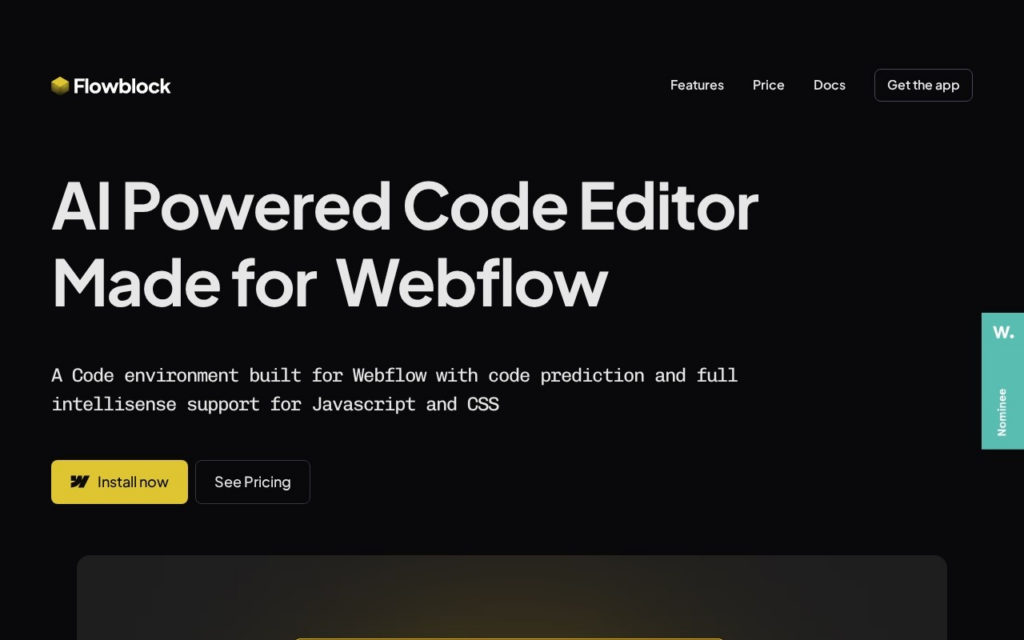
AI code editor embedded in Webflow for writing and predicting custom JavaScript and CSS.

3.8 Coding
3.8 Good 3.8
Runs natively inside the Webflow Designer instead of requiring an external IDE Narrow use case limited entirely to the Webflow ecosystem
Reviewed by Challenging Voice Editorial · Updated Aug 2026 How we rate
PricingFrom $4/mo
Free planYes
CompanyFlowblock
PlatformsWeb
CategoryCoding
Founded2024
Visits23
Last reviewedAug 2026
UpdatedAug 2026
Ask AI about Flowblock ChatGPT Claude Perplexity

Overview

Flowblock is an AI-powered code editor built to run inside the Webflow Designer, letting Webflow users write custom JavaScript and CSS without leaving their project. The tool was founded in 2024 by Harminder Singh, who is also connected to Finsweet, a known Webflow apps and tooling studio, and it is listed directly in the official Webflow Apps marketplace.

Rather than replacing the Webflow Designer, Flowblock docks an editor alongside it with Visual Studio Code-style autocompletion, real-time JavaScript and CSS suggestions, and an AI assistant summoned with a keyboard shortcut to generate or explain code on request. Files are hosted on Flowblock's own content delivery network, with a staging/production split so code first serves to a project's webflow.io testing domain before going live on a custom domain.

Flowblock targets Webflow designers and freelancers who need custom interactions or scripts but do not want to run a separate local development setup. A free plan covers a capped number of code completions and AI prompts per month, with the Dev plan starting at $4/month and a Pro plan at $7/month for higher usage limits.

Key features

  • AI assistant triggered by a keyboard shortcut for generating and explaining JavaScript/CSS
  • Real-time code completion and IntelliSense-style suggestions inside Webflow Designer
  • Built-in error detection with fix recommendations
  • Native content delivery network for hosting custom code files
  • Staging and production file separation tied to webflow.io and custom domains
  • Listed directly in the Webflow Apps marketplace for one-click install

Screenshots & demo

Flowblock screenshot 1

Pricing

Free
$0/mo
  • Unlimited editor access
  • 10 saved files per project
  • 1,000 code completions
  • 50 AI prompts
Dev
$4/mo
  • Unlimited editor access
  • 100 saved files per project
  • 6,000 code completions
  • 600 AI prompts
Pro
$7/mo
  • Unlimited editor access
  • Unlimited saved files
  • 20,000 code completions
  • 2,000 AI prompts

Is Flowblock expensive?

Flowblock starts at $4, which is 80% below the Coding median of $19.99 a month across the 87 priced tools we list in that category.

The cheapest paid option in Coding starts at $1 and the most expensive at $500.

66% of Coding tools in the directory offer a free tier, and this is one of them.

Compared against every priced listing in Coding, recalculated as the catalogue changes. Method and the full market breakdown are in our AI tool pricing study.

Pros & cons

Pros

  • Runs natively inside the Webflow Designer instead of requiring an external IDE
  • Free tier gives new users a working code editor at no cost
  • Paid tiers are low-cost relative to general-purpose AI coding tools
  • Built specifically around Webflow's staging/production domain structure

Cons

  • Narrow use case limited entirely to the Webflow ecosystem
  • Monthly caps on code completions and AI prompts even on paid tiers
  • Young company (founded 2024) with a limited public track record
  • Not useful for anyone building outside Webflow

How it compares

ToolRatingFreeFromBest known for
Flowblock (this tool)3.8Yes$4/moAI assistant triggered by a keyboard shortcut for generating and explaining JavaScript/CSS
Fronty3.1NoAI image-to-code conversion from design uploads
Refact.ai4.3Yes$10/moFull self-hosting including the underlying model, not just the client
Windframe3.8YesFreeAI-powered Tailwind CSS visual builder

Alternatives to Flowblock

4 tools matched to Flowblock on what they do, their category and their price.

Fronty

3.1

Upload a design image, get clean HTML and CSS back – edit visually, connect a database, publish on your own domain, 3 months free with no credit card.

Free Trial Coding

Windframe

3.8

AI-generated Tailwind CSS UIs, exportable to React, Vue, Next.js, Angular or plain HTML – 1,000+ templates, drag-and-drop refinement.

Freemium Coding

Frequently asked questions

What is Flowblock?
Flowblock is an AI-powered code editor built to run inside the Webflow Designer, letting Webflow users write custom JavaScript and CSS without leaving their project.
Is Flowblock free?
Yes, Flowblock offers a free plan. Paid plans unlock more features and higher usage limits, starting at $4/month.
How much does Flowblock cost?
Flowblock plans: Free $0/mo; Dev $4/mo; Pro $7/mo.
What are the best Flowblock alternatives?
The closest matches in the directory are Fronty, Refact.ai, and Windframe, compared side by side above.

Reviews

3.8 No reviews yet

Write a review

More tools like Flowblock

ml5.js

3.7

Machine learning for the browser, built for artists and students – pose estimation, image/sound classification, and custom neural nets on TensorFlow.js.

Free Coding