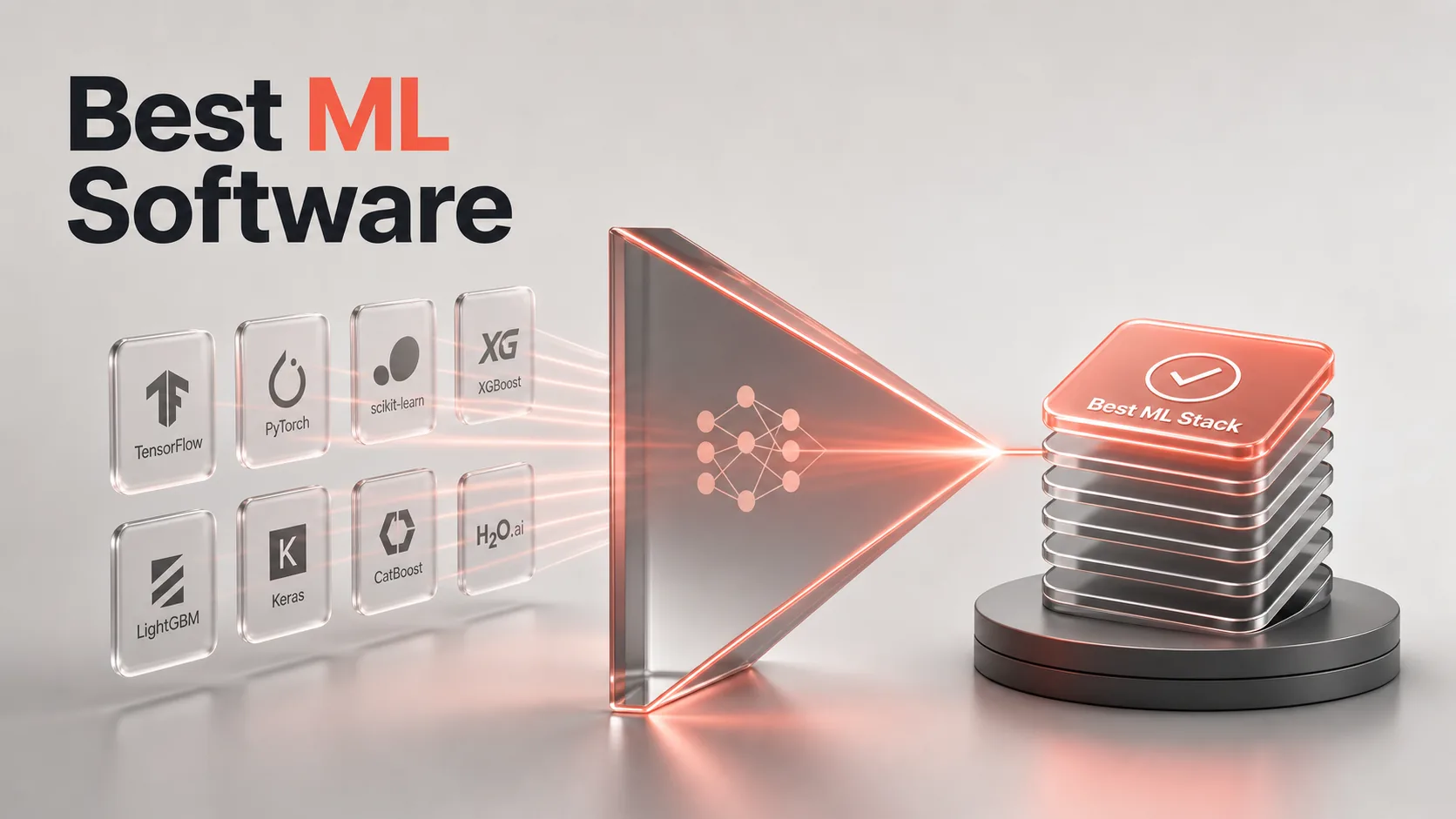
If you’re choosing the Best machine learning software, the fastest way to narrow the field is to sort the options into model-building frameworks, notebook workflows, and environment tools, then pick one from each group. This is a practical shortlist of 8 tools, not a course in machine learning theory. Each pick below tells you what it is, who it’s for, its standout strength, and one honest limit, so you can map a tool to your project in a couple of minutes. The list leans open-source and Python-friendly, because that’s where most teams actually build today.
How We Picked These Machine Learning Tools
The search results for this topic are dominated by ranked tool roundups carrying 8 to 11 items each, so this post follows the same list-first format instead of a long definition-first explainer. We prioritized tools that show up again and again across those roundups, especially the open-source staples and workflow tools that cover the full job: environment setup, experimentation, model building, and evaluation.
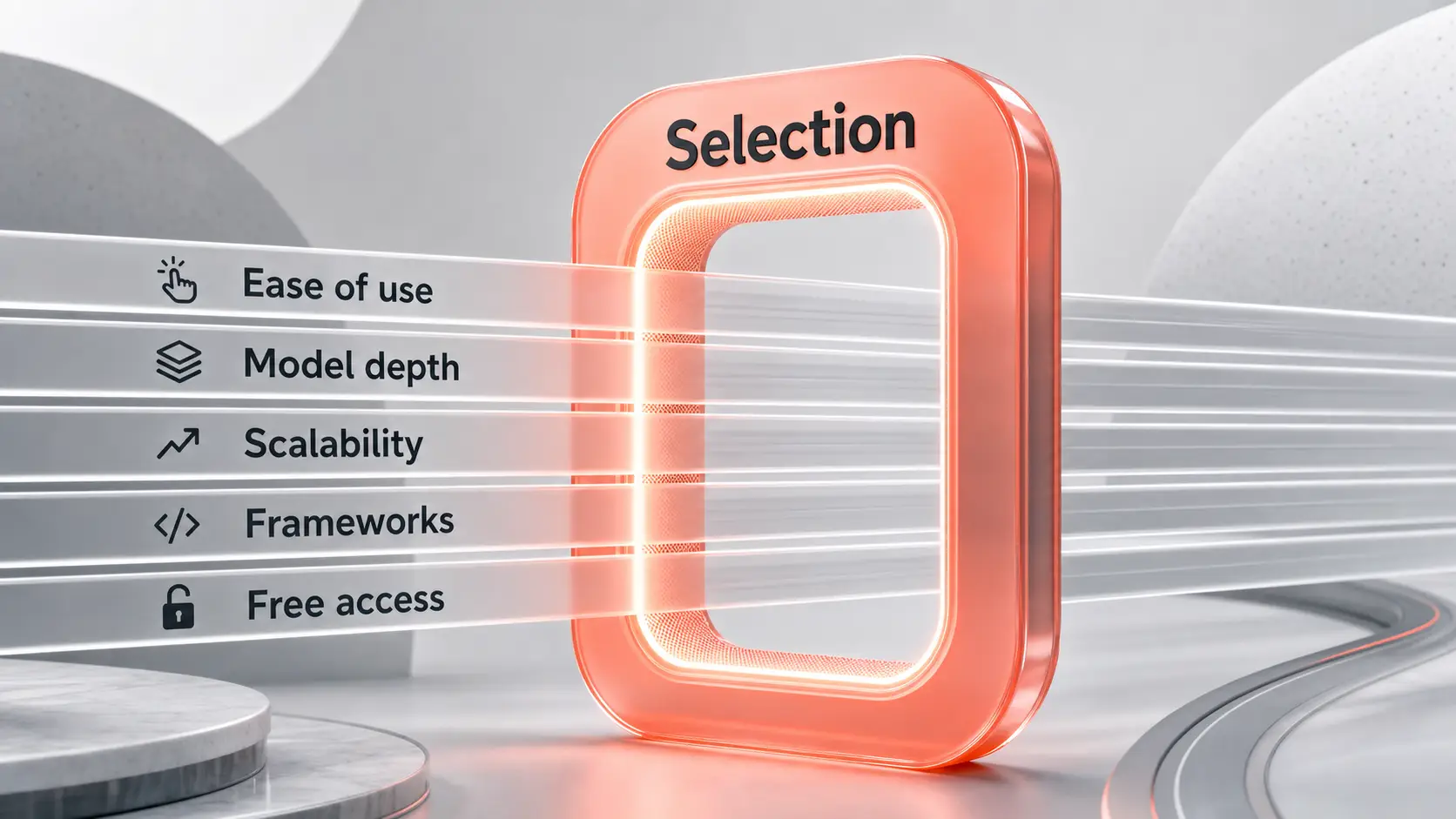
The criteria stayed practical: ease of use, model-building depth, scalability, supported frameworks, deployment fit, and free or open access. We did not run a hands-on benchmark, and we’re not claiming one. This ranking is editorial curation built from the repeated use-case and ecosystem signals in the source material, not a lab test.
Best Machine Learning Software Picks
Here are the eight tools worth your shortlist, ranked by how much practical ground they cover for a working team. A quick note on fit: several of these are complementary, not rivals, so you’ll likely pair a framework with a notebook and an environment tool rather than pick just one.
1. TensorFlow
TensorFlow Is a widely used deep learning framework for building, training, and deploying models at scale. It’s the pick when your model has to leave the notebook and run in production. It runs tensor computations across CPU, GPU, and TPU hardware, which is why teams reach for it when deployment scale and cloud integration matter more than pure research flexibility. The tradeoff is real: it can feel heavier and less beginner-friendly than a simple classical-ML library, so it’s overkill if you only need quick tabular models.
- Best for: Creating and training models that must scale into cloud deployment
- Standout feature: GPU-accelerated computation with a mature cloud-friendly ecosystem
- Free tier: Yes, open-source

2. PyTorch
PyTorch Is a deep learning framework built for flexible, Python-first model building, and it’s the favorite of research teams and anyone iterating on custom architectures. Its dynamic execution lets you change model behavior mid-development, which makes experimentation feel natural rather than rigid. Where TensorFlow leans toward deployment scale, PyTorch leans toward research freedom. The honest catch: that flexibility means larger teams need internal discipline to standardize production workflows, or things drift.
- Best for: Natural language processing and computer vision projects with custom architectures
- Standout feature: Dynamic, Pythonic model-building that’s easy to adjust while you work
- Free tier: Yes, open-source
3. Scikit-learn
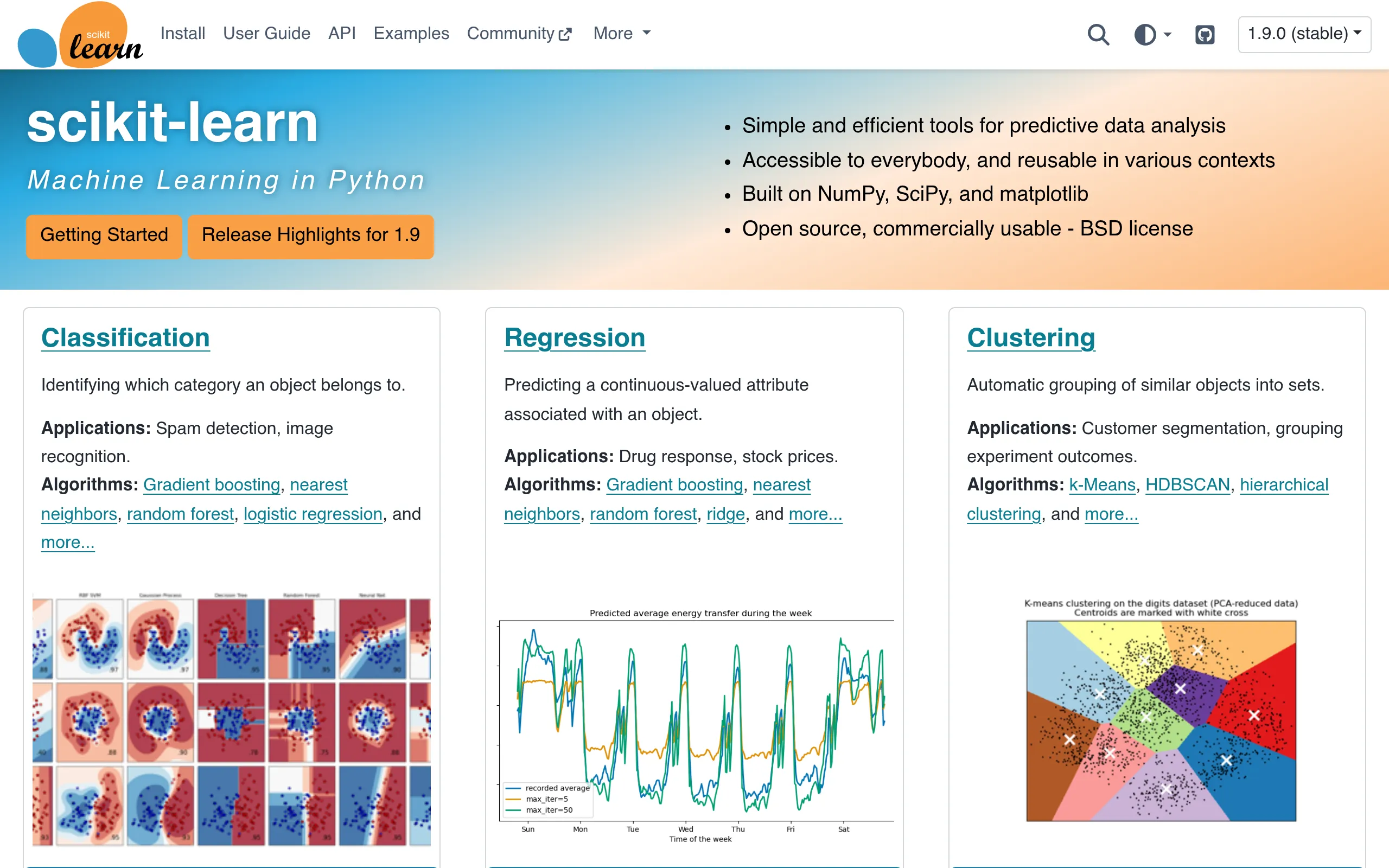
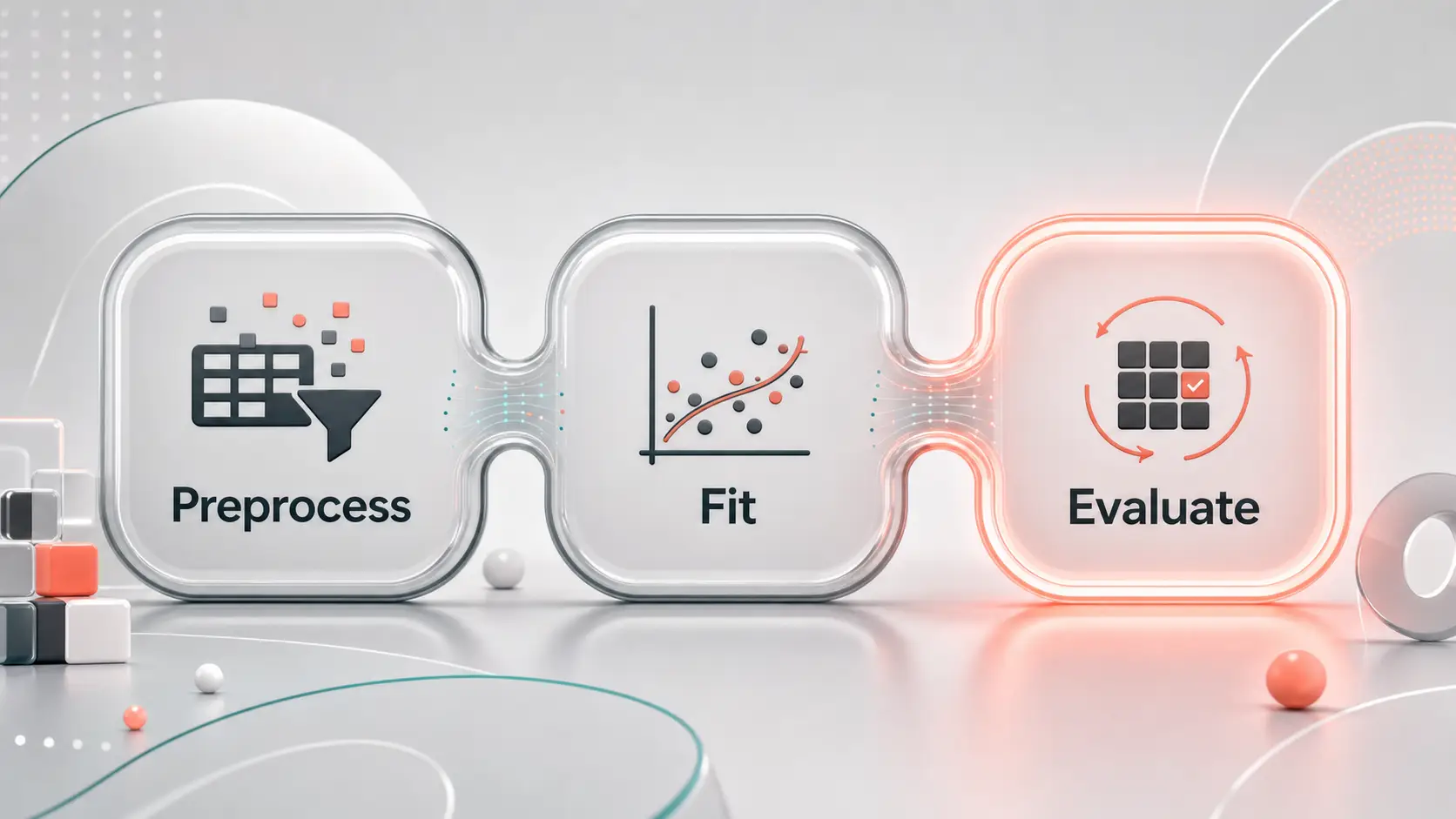
Scikit-learn Is a classical machine learning library for preprocessing, model building, and evaluation, and it’s the most practical starting point for anyone working with tabular data. It handles feature scaling, model fitting, prediction, and cross-validation in one consistent Python API, so you can compare models fairly before you commit. Built-in cross-validation is the reason it earns trust for real evaluation work. It’s not the tool for deep learning or distributed neural network training, and it never pretended to be.
- Best for: Building and testing models that need solid preprocessing and evaluation
- Standout feature: Built-in cross-validation for strong model comparison
- Free tier: Yes, open-source
4. Jupyter Notebook
Jupyter Notebook Is an interactive environment that runs code in cells alongside text and visuals, and it’s the easiest place to prototype, explore data, and document an experiment in one file. Its Markdown support lets you mix runnable code, notes, and charts cleanly, which makes analysis genuinely shareable. That same freedom is its weakness: notebooks turn messy fast if a team tries to run production systems inside them, so keep them for exploration and move stable code elsewhere.
- Best for: Prototyping, data analysis, and creating shareable reports
- Standout feature: Markdown support that blends code, text, and visuals in one document
- Free tier: Yes, open-source
5. Anaconda
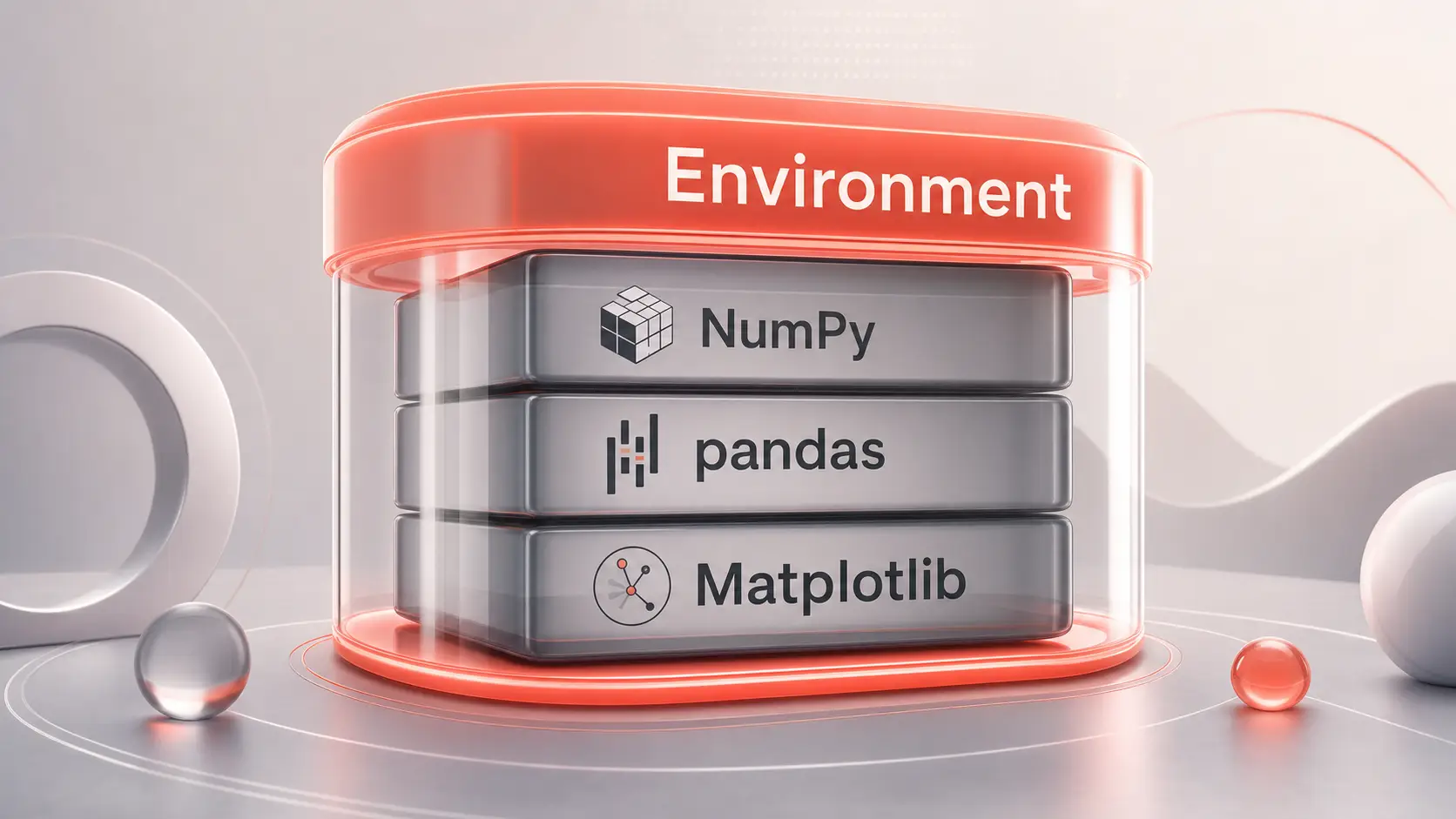
Anaconda Is an environment and package-management platform that simplifies Python-based machine learning setup across projects and machines. It solves one of the most common early headaches in ML work: dependency conflicts and inconsistent environments. It ships with pre-installed libraries like NumPy, pandas, and Matplotlib, so you can start a project immediately instead of fighting installs. Just remember it manages your workspace, it doesn’t build models, so you still need a framework to do the actual learning.
- Best for: Managing ML workflows and keeping environments consistent across projects
- Standout feature: Package management and environment setup that cut dependency headaches
- Free tier: Yes
6. Keras
Keras Is a high-level neural network interface for rapid prototyping, and it’s the fastest way to sketch and test a model without writing low-level code. You define networks at a high level and hand execution to a backend framework for training. It supports multi-input and multi-output models and works with TensorFlow, PyTorch, and JAX, which keeps you flexible about what runs underneath. The abstraction that makes it quick also gives you less fine control, so drop to a lower-level framework when you need to tune the internals.
- Best for: Quickly prototyping and experimenting with neural network architectures
- Standout feature: Multi-input/output models plus compatibility with TensorFlow, PyTorch, and JAX
7. Python
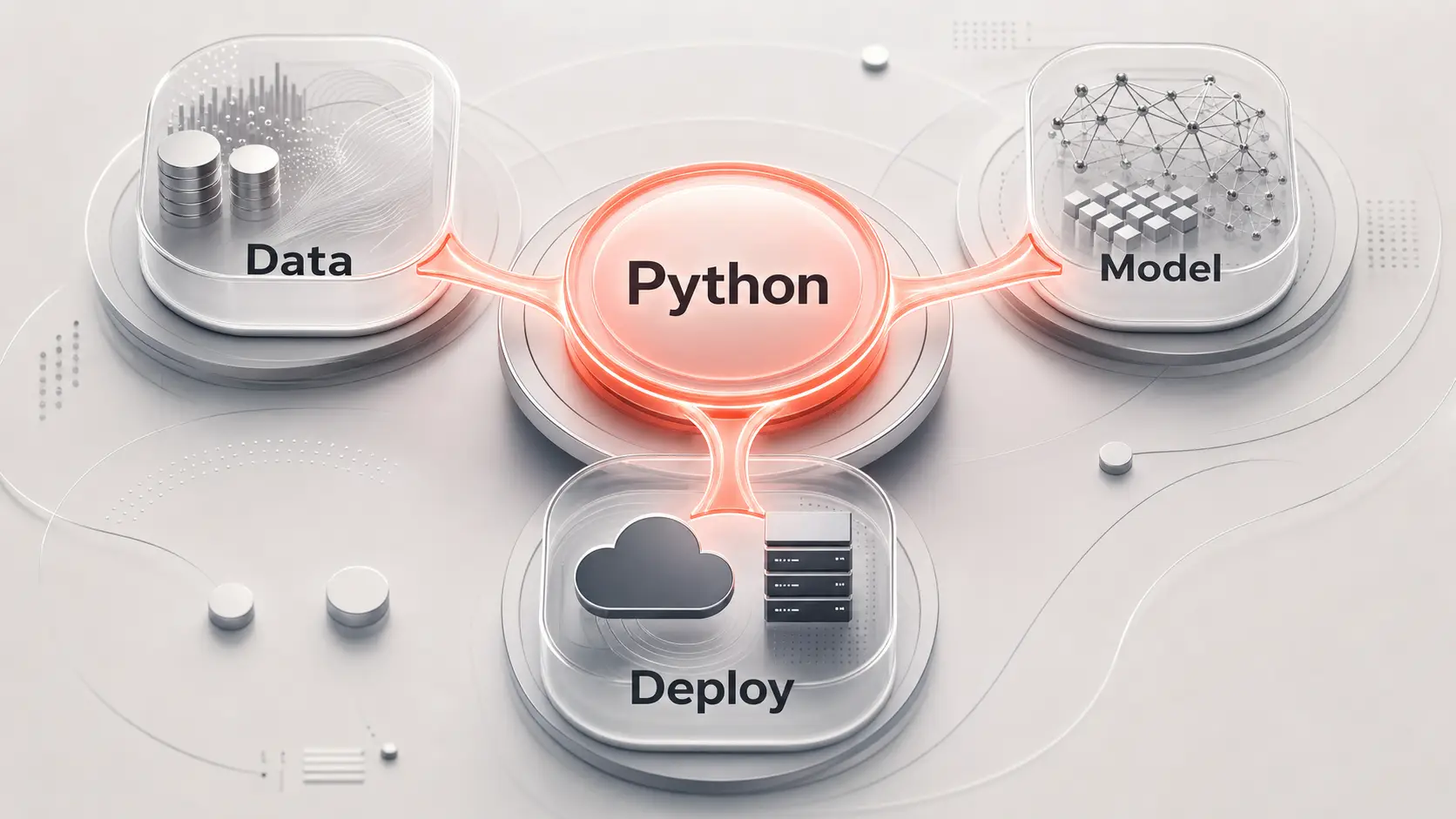
Python Is the general-purpose programming language that underpins most modern machine learning, and it’s the glue connecting data prep, model libraries, and deployment code. Its beginner-friendly syntax and readable structure are why so many teams build their entire stack around it, whether they’re prototyping algorithms or shipping end-to-end models. One thing to keep straight: Python is a language, not a turnkey ML platform, so it still leans on libraries like TensorFlow and scikit-learn to do the real modeling.
- Best for: Prototyping algorithms, integrating ML solutions, and building end-to-end models
- Standout feature: Readable, beginner-friendly syntax that scales from first script to production
8. R
R Is a statistics-first language that still holds a strong place in data-heavy machine learning, especially for exploratory analysis and research-grade visualization. It shines in fields like bioinformatics and economics, where statistical depth and polished charts matter as much as the model itself. Packages such as ggplot2, caret, mlr3, and h2o cover visualization through to modeling. The honest limit: for production ML deployment, Python is usually the preferred choice, so reach for R when analysis quality is the goal.
- Best for: Exploratory data analysis, bioinformatics, economics, and statistics-heavy projects
- Standout feature: Strong visualization and modeling packages including ggplot2, caret, mlr3, and h2o
Comparison Summary Table
Here’s the shortlist side by side, sorted in the same order as the ranking, so you can scan for fit fast. Every tool below is free to use, so the deciding factor is what each one is for.
| Name | Best For |
|---|---|
| TensorFlow | Scalable model training and cloud deployment |
| PyTorch | Custom deep learning architectures |
| Scikit-learn | Classical ML with preprocessing and evaluation |
| Jupyter Notebook | Interactive prototyping and reporting |
| Anaconda | Environment and dependency management |
| Keras | Fast neural network prototyping |
| Python | General-purpose ML development |
| R | Statistical analysis and exploratory modeling |
How we picked: we prioritized tools that recur across the current top-ranking roundups and together cover the full machine learning workflow, from environment setup to modeling and evaluation. We judged them on ease of use, model-building depth, scalability, supported frameworks, and open access, without staging a hands-on benchmark the source material does not document.
Which Machine Learning Tool Fits Which Job
The ranking matters less than the match. Most teams end up running two or three of these together, because a framework, a notebook, and an environment tool solve different problems. Here’s the quick mapping by need.
- If you’re new to ML, start with scikit-learn inside Jupyter Notebook, managed by Anaconda.
- If you’re doing deep learning research with shifting architectures, start with PyTorch.
- If you need models that scale into cloud production, start with TensorFlow.
- If you want to prototype neural networks fast, start with Keras on top of a framework.
- If your work is statistics-first, start with R and its analysis packages.
For the data prep that feeds any of these, our guide to AI data cleaning and transformation tools Covers the step before modeling. Once your models are producing forecasts, The best AI predictive analytics tools Show how teams put those outputs to work. And when you need to present results clearly, AI-powered data visualization tools Pick up where R and Matplotlib leave off.
Machine Learning Software FAQ
What tools should every machine learning practitioner be using?
Most practitioners run a language, a modeling library, a notebook, and an environment manager together. In practice that usually means Python as the base, scikit-learn or a deep learning framework for modeling, Jupyter Notebook for experimentation, and Anaconda to keep environments clean. The exact mix shifts with the project, but that four-part stack covers setup, building, and evaluation for nearly any workflow.
Which machine learning software is best for beginners?
Scikit-learn is the best starting point for most beginners. It handles classical machine learning with a consistent, readable API, so you learn the core ideas of preprocessing, training, and evaluation without deep learning complexity. Run it inside Jupyter Notebook and set it up with Anaconda, and you’ll skip most of the install and dependency problems that trip up new learners.
Is TensorFlow or PyTorch better for machine learning?
Neither is universally better; they suit different priorities. TensorFlow is the stronger pick when deployment scale and cloud integration matter most, thanks to its mature production ecosystem. PyTorch wins for research and custom architectures, because its dynamic, Python-first design makes iteration easier. A research team prototyping a new model that changes weekly will usually be happier in PyTorch, while a team shipping a model to cloud infrastructure often leans TensorFlow.
What is the best free machine learning software?
All eight tools on this list are free and open-source, so you can build a full workflow at no cost. For a completely free classical-ML setup, pair scikit-learn, Jupyter Notebook, and Anaconda. For free deep learning, TensorFlow, PyTorch, and Keras cover model building without a license fee. Open-source also means you avoid vendor lock-in and can inspect how the tools work.
Do I need Python for machine learning?
You don’t strictly need Python, but it’s the most practical choice for most people. The majority of modern ML libraries, including TensorFlow, PyTorch, scikit-learn, and Keras, are built around Python, so choosing it unlocks the widest set of tools and tutorials. R remains a strong alternative for statistics-heavy analysis, but for end-to-end and production work, Python is the safer default.
The fastest way to make this real is to stop comparing and start building. Pick one model-building framework and one workflow tool, TensorFlow or PyTorch alongside Jupyter and Anaconda, and run a single real project through both. You’ll learn more from one weekend of hands-on work than from another hour of shortlists. When you’re ready to go deeper, compare the rest of our AI and data tool breakdowns to round out your stack.