

Contact for Pricing

Qonqur

Webcam-based gesture control for interacting with software without a mouse.

3.2 Productivity
3.2 Good 3.2

Bottom line: Qonqur is a capable productivity tool, best known for gesture control using a standard webcam.

Works with hardware people already own Early stage, access by request rather than open signup
Reviewed by Challenging Voice Editorial · Updated Aug 2026 How we rate
PricingContact for Pricing
Free planNo
PlatformsMac, Web, Windows
Best forProductivity
Visits1
Last reviewedAug 2026
UpdatedAug 2026
Ask AI about Qonqur ChatGPT Claude Perplexity

Overview

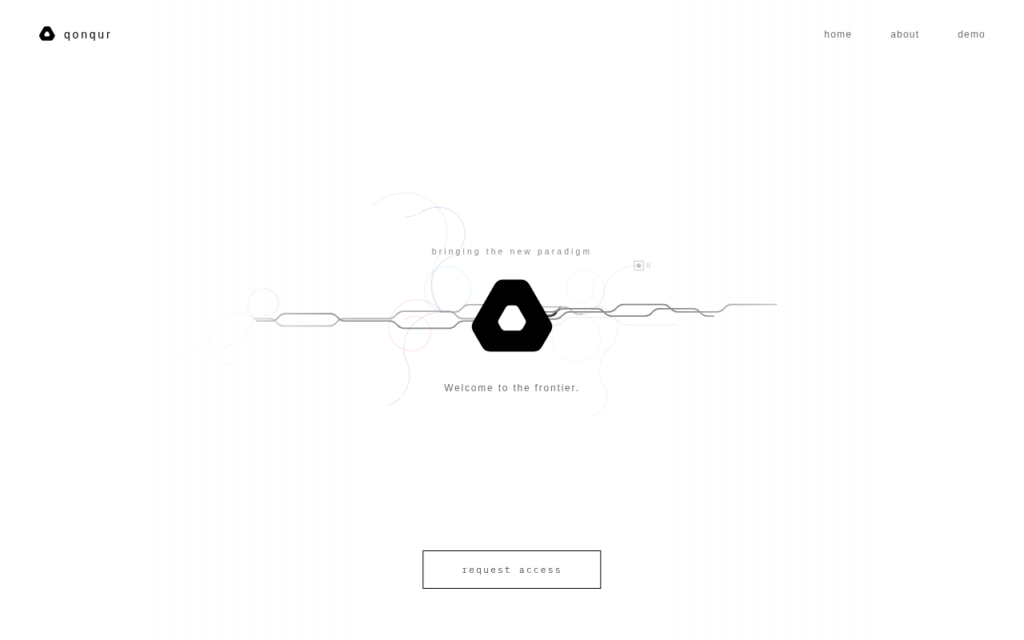
Qonqur uses an ordinary webcam to turn hand gestures into computer input, so software can be operated without touching a mouse or keyboard. Requiring no special hardware is the practical point: previous attempts at gesture control depended on depth cameras or wearables that nobody owned.

The clearest applications are situations where touching a device is inconvenient or unhygienic, presenting, cooking, working in a lab or workshop, and accessibility for people who cannot comfortably use a mouse. In those contexts it addresses a genuine need rather than offering a novelty.

The product is early stage, operating on a request-access basis rather than open signup, and the framing on its own site is forward-looking rather than describing a settled product. Gesture interfaces also have a long history of feeling impressive in demonstration and tiring in sustained use, which is the thing to test.

Key features

  • Gesture control using a standard webcam
  • No specialised hardware or wearables required
  • Hands-free operation for presenting and lab or workshop use
  • Accessibility application for users who cannot use a mouse
  • Request-access programme rather than open signup

Screenshots & demo

Qonqur screenshot 1

Pricing

Qonqur uses custom pricing. Contact their team for a quote based on your needs.

  • Pricing modelContact for Pricing
  • Starting priceCustom
  • Free planNo
Visit Qonqur

Pricing is provided as a guide. Check the official site for the latest plans.

Pros & cons

Pros

  • Works with hardware people already own
  • Genuine accessibility and hands-free use cases
  • No wearables or depth cameras needed

Cons

  • Early stage, access by request rather than open signup
  • Gesture interfaces often tire in sustained use

How it compares

ToolRatingFreeFromBest known for
Qonqur (this tool)3.2NoGesture control using a standard webcam
Jace3.8No$20/moContext-aware Gmail draft replies based on prior thread history
Notta4.4Yes$8/moBroad multi-language transcription with strong Japanese support
Merlin4.0Yes$29/moCtrl/Cmd+M shortcut for AI access on any website

Our verdict

3.2 / 5 3.2

Qonqur is a solid productivity tool, best known for gesture control using a standard webcam.

What makes it different: Qonqur stands out for gesture control using a standard webcam.

How we score it
Overall 3.2
Value for money 4.2
Feature depth 4.9
Popularity 3.7
Best for ProfessionalsTeamsFoundersFreelancers

Frequently asked questions

What is Qonqur?
Qonqur is a productivity tool listed in the Challenging Voice directory. Webcam-based gesture control for interacting with software without a mouse.
Is Qonqur free?
Qonqur does not offer a free plan.
What are the best Qonqur alternatives?
Popular alternatives to Qonqur include Ayfie, FuseBase, and DeepL. Browse them all in the Productivity category.
Is Qonqur any good?
Qonqur scores 3.2 out of 5 based on our editorial review.

Reviews

3.2 No reviews yet

Write a review

Similar tools you might like

Ayfie

4.0

An enterprise AI search platform indexes a company's files, email, and systems to answer questions grounded in its own data.

Contact for Pricing Productivity