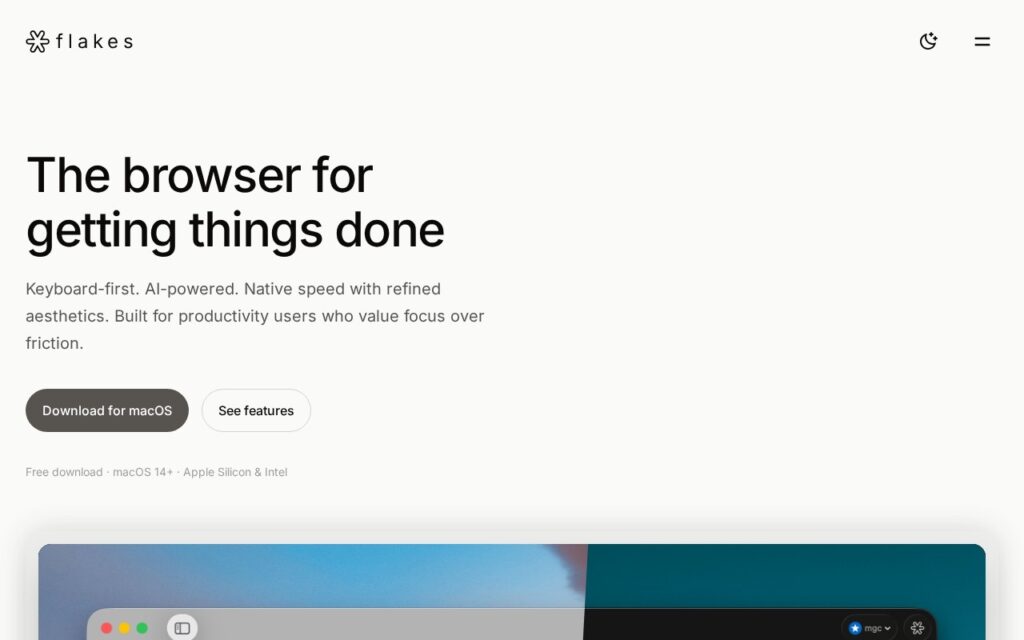
Flakes is a browser for macOS built around the keyboard, with AI that works against the tabs already open rather than as a sidebar chat that knows nothing about them. Its stated aim is designing for thinking rather than scrolling, which in practice means removing the mouse from navigation.
Keyboard-first browsing suits a particular kind of user, the sort who already lives in a terminal and a text editor and finds reaching for a trackpad to switch tabs an interruption.
It is free and macOS only, which rules it out entirely for Windows and Linux users. Switching browsers is also the single stickiest change in anyone’s software, so the bar for adoption is high regardless of how good the product is.
Key features
Keyboard-first navigation
AI aware of open tabs
Built natively for macOS
Focus-oriented interface
Free to download
Screenshots & demo
Pricing
Flakes offers a free plan, with paid upgrades for higher limits and more features.
Pricing is provided as a guide. Check the official site for the latest plans.
Is Flakes expensive?
Flakes has no advertised paid tier. Among the 196 priced tools we list in Productivity, the median entry price is $10 a month.
70% of Productivity tools in the directory offer a free tier, and this is one of them.
Compared against every priced listing in Productivity, recalculated as the catalogue changes. Method and the full market breakdown are in our AI tool pricing study.
Pros & cons
Pros
Genuinely keyboard-driven rather than keyboard-friendly
AI has context from tabs already open
Free
Cons
macOS only, with no Windows or Linux version
Switching browsers is a high bar for any new entrant
ChatGPT and DALL-E combined into one Mac menu-bar assistant – send emails, draft documents, schedule appointments, and generate images without switching apps.
Flakes is a browser for macOS built around the keyboard, with AI that works against the tabs already open rather than as a sidebar chat that knows nothing about them.
Is Flakes free?
Yes, Flakes offers a free plan. Paid plans unlock more features and higher usage limits.
What are the best Flakes alternatives?
The closest matches in the directory are Helper, Alter, and ChaiBar, compared side by side above.
Select text in any Mac app, hit Space, run a custom AI command, paste the result back – no window switching, bring your own OpenAI key, pay once for lifetime access.