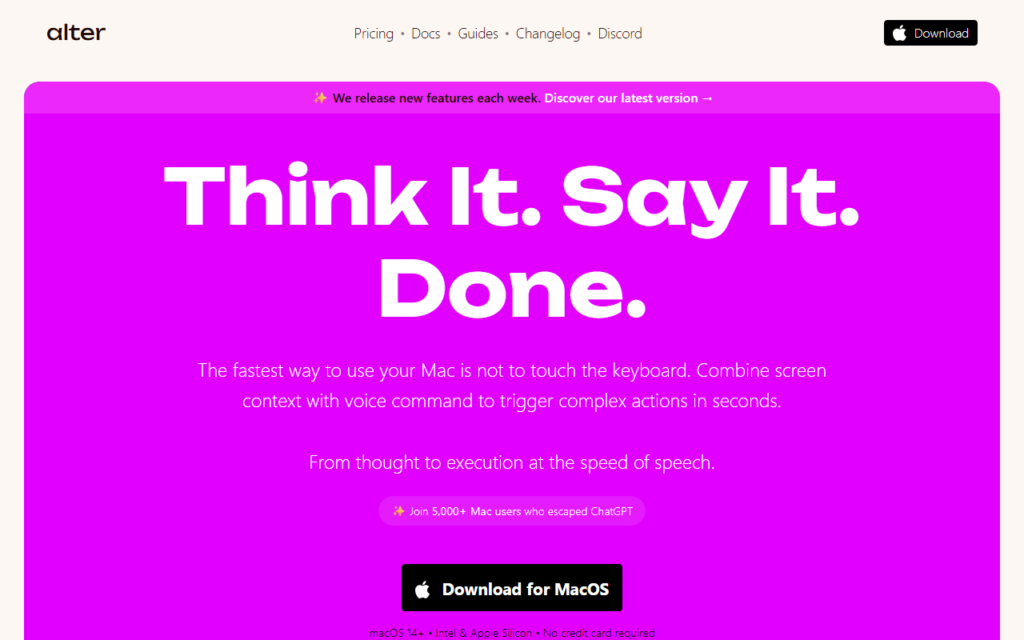
Alter is built around a complaint about chat assistants: the answer arrives as text that the user then has to act on. Alter sits at the system level on macOS and performs the action instead — moving a file, drafting in the current app, pulling context from whatever is on screen — triggered by a keyboard shortcut or voice rather than a separate window.
Because it reads on-screen context, it can operate on the document in front of the user without copy-paste round trips. That model suits power users who live in a fixed set of native apps and want an assistant that respects the app they are already in, rather than one that pulls them into a browser tab.
Privacy control is a stated design point, with the user deciding what context is shared. Anyone evaluating it for regulated work should confirm which model providers receive data on the chosen plan. There is a free tier, with paid plans covering heavier usage.
Key features
System-wide macOS assistant triggered by shortcut or voice
Executes actions inside native apps rather than returning chat text
Reads on-screen context to skip copy-and-paste steps
Per-context privacy controls over what gets shared
Custom action library the user can extend
Free tier with paid plans for heavier usage
Screenshots & demo
Demo video
Screenshots
Pricing
Alter has a free plan, and paid plans start at $20/mo.
Pricing is provided as a guide. Check the official site for the latest plans.
Is Alter expensive?
Alter starts at $20, which is 100% above the Productivity median of $10 a month across the 187 priced tools we list in that category.
The cheapest paid option in Productivity starts at $0.29 and the most expensive at $165.
71% of Productivity tools in the directory offer a free tier, and this is one of them.
Compared against every priced listing in Productivity, recalculated as the catalogue changes. Method and the full market breakdown are in our AI tool pricing study.
Pros & cons
Pros
Removes the copy-paste loop between a chat window and real work
Keyboard-first design suits users who avoid the mouse
Privacy controls are exposed rather than buried
Cons
macOS only, with no Windows or Linux build
Action coverage depends on which apps expose automation hooks
Select text in any Mac app, hit Space, run a custom AI command, paste the result back – no window switching, bring your own OpenAI key, pay once for lifetime access.