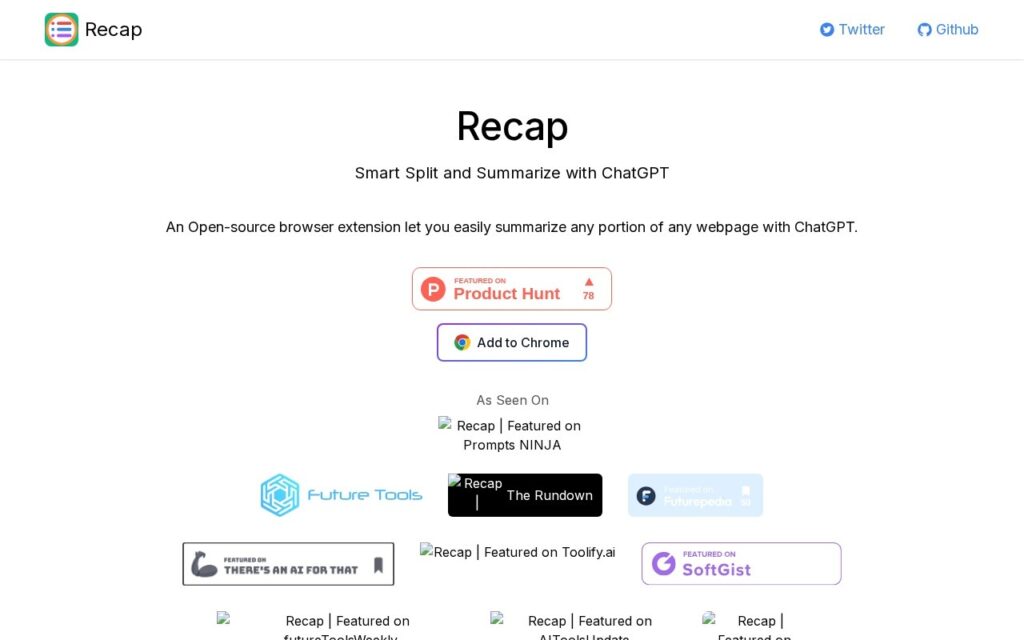
Recap summarises a selection rather than a page. Highlight the section you care about, and it sends that to ChatGPT and returns a summary, without copying, pasting or switching tabs.
Selective summarising is the correct default and most tools get it wrong. A whole-page summary of an article wrapped in navigation, comments and adverts produces a summary of the wrapper, and the part anyone actually wants condensed is usually three paragraphs in the middle.
It is open source and built by an individual developer, Yaozhi Wang, and free to use. That also sets the expectations: there is no company behind it, no support commitment, and it is Chrome-only. Whether ChatGPT API costs fall to the user is not spelled out on the page.
Key features
Summarises a highlighted selection, not the whole page
ChatGPT integration in the browser
No copying, pasting or tab switching
Open source
Free to use
Screenshots & demo
Pricing
Recap offers a free plan, with paid upgrades for higher limits and more features.
Pricing is provided as a guide. Check the official site for the latest plans.
Is Recap expensive?
Recap has no advertised paid tier. Among the 187 priced tools we list in Productivity, the median entry price is $10 a month.
71% of Productivity tools in the directory offer a free tier, and this is one of them.
Compared against every priced listing in Productivity, recalculated as the catalogue changes. Method and the full market breakdown are in our AI tool pricing study.
Pros & cons
Pros
Selective summarising avoids condensing navigation and adverts
Open source, so the behaviour is inspectable
Free with no account tier to climb
Cons
No company behind it and no support commitment
Chrome only
Unclear whether ChatGPT API costs fall to the user