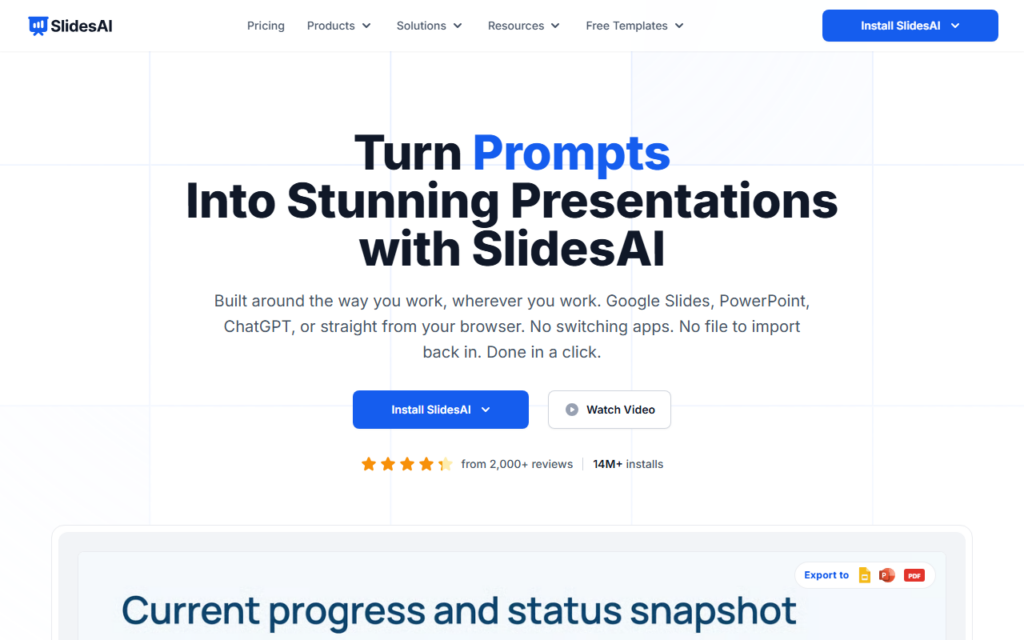
SlidesAI converts written material into a structured deck: paste notes, upload a document or PDF, and receive slides with a sensible split of content across them. It runs inside Google Slides and PowerPoint rather than in a proprietary editor, which is the detail that decides whether a deck tool gets used in a company.
Working in the existing editor means the output is a normal file — editable by colleagues, compliant with a corporate template, and presentable from the tools already installed. Standalone AI deck builders lose their advantage the moment a deck needs sharing with someone who does not use them.
Generated structure needs an editing pass, particularly slide-level content density, which tends to run long. A free tier covers evaluation before monthly plans.
Key features
Deck generation from notes, documents and PDFs
Add-ons for Google Slides and PowerPoint
Automatic content splitting across slides
Output as standard editable presentation files
Web and ChatGPT access paths
Free tier before monthly plans
Screenshots & demo
Demo video
Screenshots
Pricing
SlidesAI has a free plan, and paid plans start at $10/mo.
Pricing is provided as a guide. Check the official site for the latest plans.
Is SlidesAI expensive?
SlidesAI starts at $10, which is right at the Productivity median of $10 a month across the 187 priced tools we list in that category.
The cheapest paid option in Productivity starts at $0.29 and the most expensive at $165.
71% of Productivity tools in the directory offer a free tier, and this is one of them.
Compared against every priced listing in Productivity, recalculated as the catalogue changes. Method and the full market breakdown are in our AI tool pricing study.
Pros & cons
Pros
Produces normal editable files rather than a locked format
Runs inside the presentation tools teams already use
Handles document and PDF input, not only typed notes
Cons
Generated slides run content-heavy and need trimming
Design range is limited compared with a template library
LISA, a language model trained specifically for presentations, turns a topic into a full deck in seconds – compatible with PowerPoint and Google Slides.
SlidesAI converts written material into a structured deck: paste notes, upload a document or PDF, and receive slides with a sensible split of content across them.
Is SlidesAI free?
Yes, SlidesAI offers a free plan. Paid plans unlock more features and higher usage limits, starting at $10/month.
How much does SlidesAI cost?
SlidesAI starts at $10 per month. See the pricing plans above for full details.
What are the best SlidesAI alternatives?
The closest matches in the directory are PresentationGPT, MagicSlides, and Presentations.AI, compared side by side above.