
Free Trial

Audioread

Turns articles, PDFs and emails into audio you can play in an ordinary podcast app.

4.0 Audio
4.0 Very good 4.0
Plays through podcast apps people already use How well it reads depends on the source formatting
Reviewed by Challenging Voice Editorial · Updated Aug 2026 How we rate
PricingFree Trial
Free planNo
CompanyAudioread
PlatformsWeb
CategoryAudio
Last reviewedAug 2026
Ask AI about Audioread ChatGPT Claude Perplexity

Overview

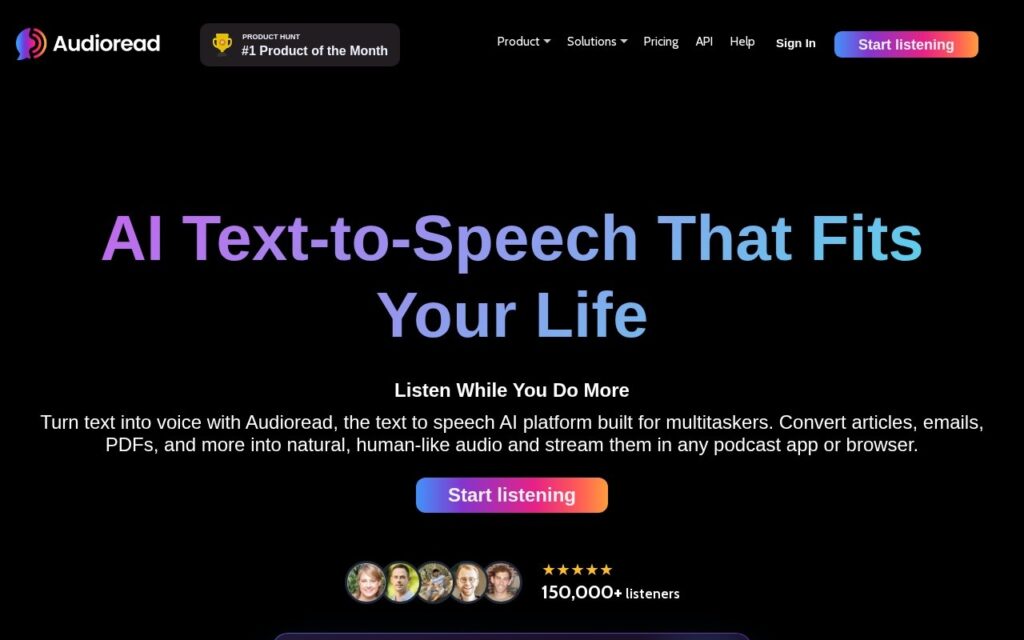
Audioread converts articles, PDFs and emails into spoken audio. The useful part is where the audio ends up: alongside its own player it syncs to Apple Podcasts and Spotify, so a reading queue plays through the app someone already opens on a commute rather than through another dedicated player.

Handling PDFs and email as well as web pages covers the documents that usually fall outside read-it-later tools, which tend to be built around article URLs and leave attachments behind.

It is free to start. Voice control is limited next to dedicated speech products, how well a document reads depends on how cleanly it was formatted, and the pricing tiers past the free plan are not laid out on the homepage.

Key features

  • Articles, PDFs and emails converted to speech
  • Natural-sounding synthetic voices
  • Syncs to Apple Podcasts and Spotify
  • Its own listening app
  • Free to start without a card

Screenshots & demo

Audioread screenshot 1

Pricing

Visit the Audioread website for current plans and pricing.

  • Pricing modelFree Trial
  • Starting priceCustom
  • Free planNo
Visit Audioread

Pricing is provided as a guide. Check the official site for the latest plans.

Pros & cons

Pros

  • Plays through podcast apps people already use
  • Covers PDFs and email, not only web articles
  • Free to start with no card required

Cons

  • How well it reads depends on the source formatting
  • Less voice control than dedicated speech tools
  • Pricing past the free plan is not detailed publicly

How it compares

ToolRatingFreeFromBest known for
Audioread (this tool)4.0No—Articles, PDFs and emails converted to speech
iListen3.5No—Converts articles and webpages into podcast-style audio
Pod Genie3.2No$49/moArticles and RSS feeds turned into podcast episodes
BlogAudio3.1No—158 premium AI voices across 43 languages, trained by Google

Alternatives to Audioread

4 tools matched to Audioread on what they do, their category and their price.

iListen

3.5

Turns any article or webpage into a listenable podcast – a Chrome extension for "no time to read" days.

Free Trial Audio

Pod Genie

3.2

AI service that turns articles and RSS feeds into podcast episodes with distribution and video shorts, from $49 a month.

Paid Audio

BlogAudio

3.1

Turn any blog post into a podcast-quality voiceover in seconds – 158 AI voices across 43 languages, trained by Google, no coding required.

Free Trial Audio

Frequently asked questions

What is Audioread?
Audioread converts articles, PDFs and emails into spoken audio.
Is Audioread free?
Audioread does not offer a free plan.
What are the best Audioread alternatives?
The closest matches in the directory are iListen, Pod Genie, and BlogAudio, compared side by side above.

Reviews

4.0 Editorial rating No reviews yet

Write a review

More tools like Audioread

Voicera

3.5

AI text-to-speech tool from TETHICS TECHNOLOGIES that turns articles and blogs into embeddable audio in 200+ languages, from a free plan.

Freemium Audio

SpeechEasy

3.3

Paste text or a web link and AI reads it back in studio-grade audio across nearly a dozen voices – free tier includes every voice, no restrictions.

Freemium Audio

BeyondWords

3.9

Audio CMS for publishers that turns articles into narrated audio with cloned or library voices, an embeddable player and listen analytics.

Contact for Pricing Audio

Playlistable

3.4

AI playlist generator for Spotify and Apple Music that builds a playlist of up to 50 tracks from a mood, artist or song.

Free Trial Audio