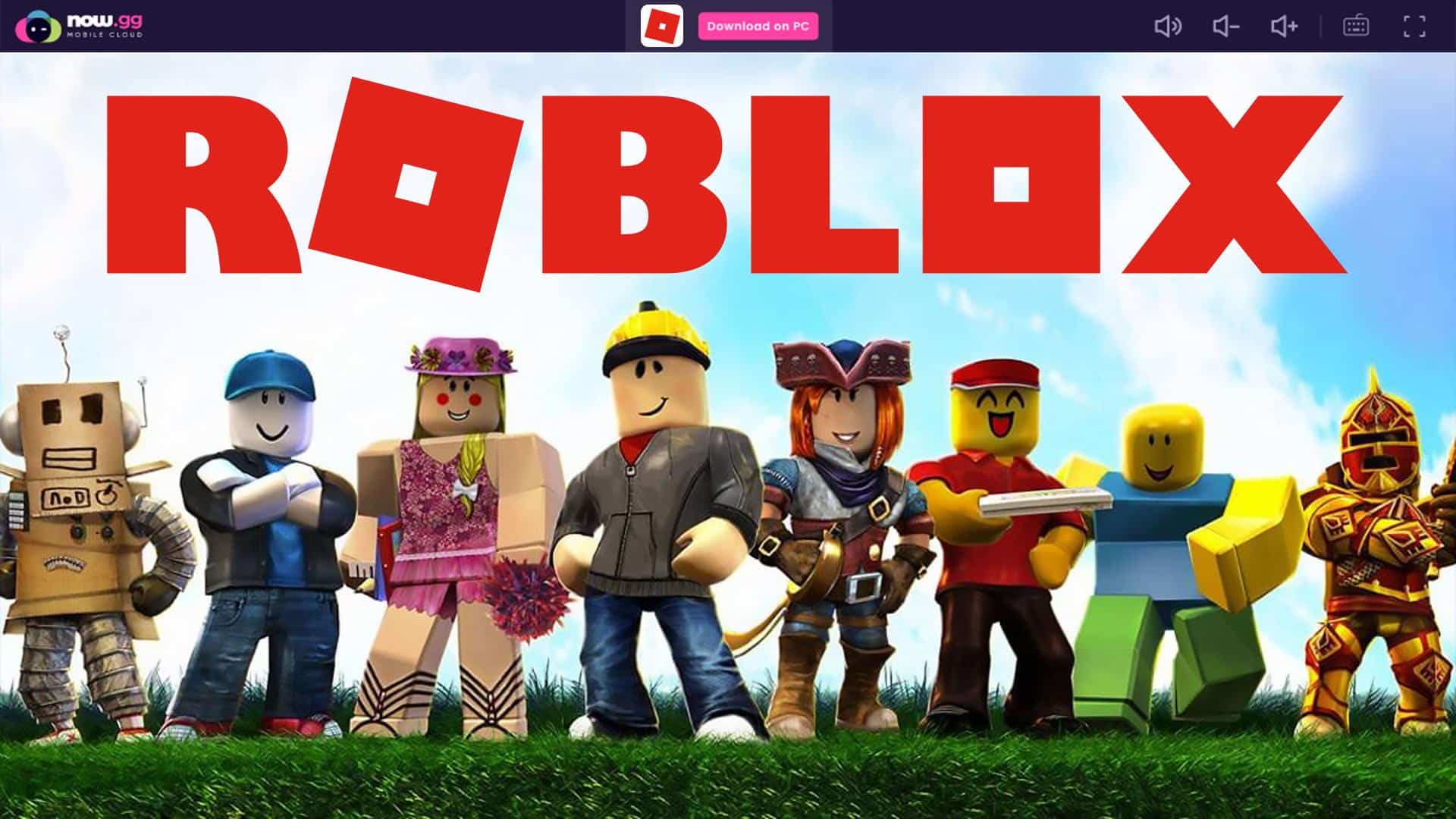
Now.gg Roblox is the Roblox Android app running on now.gg’s cloud servers and streamed to your browser, so you can play without installing anything. You open Roblox’s page on now.gg, click Play in Browser, and log in with your normal Roblox account. It won’t get you past a network filter that blocks now.gg itself.
[toc]
Now.gg is a mobile cloud gaming platform. The game runs on remote servers, while your browser shows the video stream and sends your taps and keystrokes back.
That’s why a low-end Chromebook can run it, and why a weak connection ruins it.
What is Now.gg Roblox?
Now.gg Roblox is Roblox’s own mobile app running inside now.gg’s cloud, not a separate version of the game. Your account, friends, avatar and experiences are the same ones you’d see in the official app.
The appeal is clear on devices you don’t control, like a school Chromebook where app installs are locked.
But school and workplace filters often block now.gg’s domain too. Getting around them can break your school’s acceptable-use policy, so check the rules before you try.
Because the game runs in the cloud, it takes no local storage and puts little load on your device’s processor.
The trade-off is a total dependence on your connection. Lag and blurry frames show up fast on busy Wi-Fi.
What Now.gg Does Well for Roblox
- No install needed: you play from any device with a modern browser and a steady connection, including a Chromebook.
- Cloud hardware: now.gg runs games on its own servers with nowCloudOS, a cloud operating system built to stream Android apps, so performance doesn’t depend on your device.
- No storage cost: nothing is downloaded, and your progress lives in your Roblox account, not on the device.
- Same account: you log in with your existing Roblox username, so your friends and purchases carry over.
Read More: Https //www.microsoft.com/link code, Sign In Xbox Instructions
How Does Now.gg Roblox Compare to the Official Apps?
Now.gg Roblox wins only when you can’t install Roblox. On a phone or PC you control, the official app or desktop client is the steadier choice, because there’s no stream sitting between you and the game.
| Factor | Now.gg in a browser | Official Roblox app | Roblox desktop client |
|---|---|---|---|
| Install needed | No | Yes | Yes |
| Works where installs are locked | Yes, unless now.gg is blocked | No | No |
| Depends on connection quality | Heavily, for every frame | Only for online play | Only for online play |
| Uses your device’s hardware | Barely | Fully | Fully |
| Run by Roblox itself | No, a third-party stream | Yes | Yes |
How to Play Roblox on Now.gg in Your Browser
Playing Roblox on now.gg works from a phone, tablet, laptop or Chromebook browser. You’ll need a Roblox account before you start.
Roblox isn’t always available on now.gg, and availability can change by device and region.
If the page won’t load, use the official Roblox app or the desktop client from roblox.com instead.
Follow these steps to launch Roblox on now.gg:
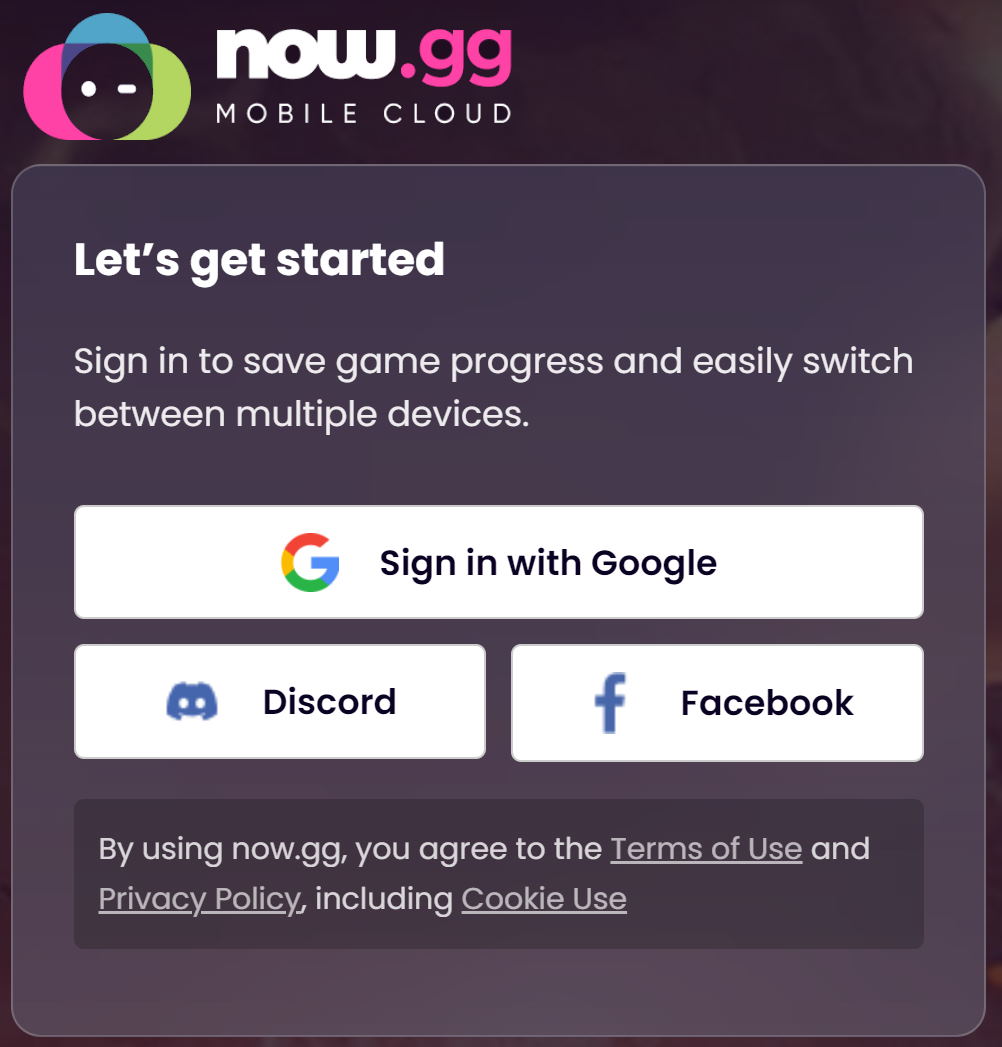
- Open Now.gg and follow the on-screen prompts. If the site asks you to create an account or log in, do so before you start playing.
- Open your browser and go to Roblox’s page on now.gg.
- Click the Play in Browser button below the app description, then wait while the stream loads.
- When loading finishes, click the Launch game button.
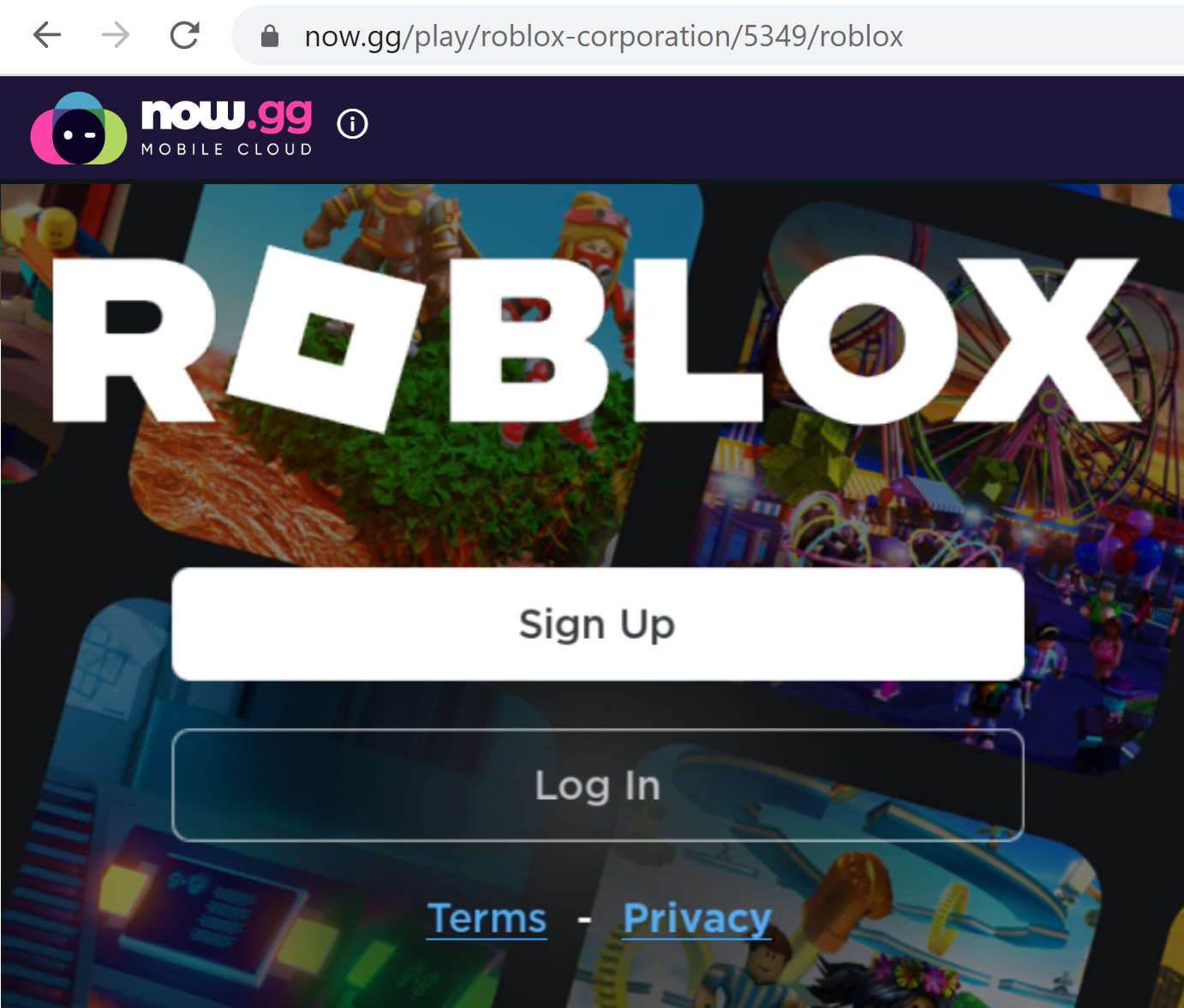
- The Roblox login screen appears. Click Log In and enter your Roblox username and password.
- You’re in. Your progress saves to your Roblox account, so it’s there the next time you play on any device.
Chrome isn’t required. Other up-to-date browsers such as Safari and Edge usually work too, but check now.gg for the browsers it currently supports.
Is Now.gg Worth Using for Roblox?
Now.gg is worth it when you can’t install Roblox and you’re on a fast, stable connection. On your own phone or PC, the official app runs smoother and doesn’t depend on a third-party stream.
If now.gg is blocked on a school device, treat that as the admin’s answer rather than a puzzle to solve. Play on a device you own instead, where the official Roblox app gives you the full experience.
Frequently Asked Questions
Is Now.gg Roblox Free to Play?
Roblox itself is free, with optional Robux purchases inside the game. Now.gg lets you stream it without paying for the stream. Any Robux you buy go to your Roblox account, not to now.gg.
Why Won’t Now.gg Roblox Load at School?
Most often, the school’s web filter blocks the now.gg domain. A browser stream can’t get past a blocked domain, and trying to bypass the filter can break the school’s device rules. A slow or crowded network will also stall the stream before the game appears.
Is It Safe to Log In to Roblox Through Now.gg?
You’re typing your Roblox password into a streamed copy of the Roblox app, so only do it on now.gg’s real site. Turn on 2-step verification in your Roblox security settings. That way, a leaked password alone won’t open your account.
Is Roblox.gg the Same as Now.gg?
No. Roblox’s official site is roblox.com, and now.gg is a separate cloud gaming service. Treat any other look-alike domain that offers Roblox as unofficial, and never enter your Roblox login there.