Contact for Pricing

Vmaker AI

Screen recorder and AI editor in one, from 4K capture to short clips and subtitles.

3.9 Video
3.9 Good 3.9

Bottom line: Screen recorder and AI editor in one, from 4K capture to short clips and subtitles.

Recording and editing in one product, so no export step No pricing on the homepage
Reviewed by Challenging Voice Editorial · Updated Sep 2026 How we rate
PricingContact for Pricing
Free planNo
CompanyVmaker
PlatformsWeb
Best forVideo
Visits13
Last reviewedAug 2026
UpdatedSep 2026
Ask AI about Vmaker AI ChatGPT Claude Perplexity

Overview

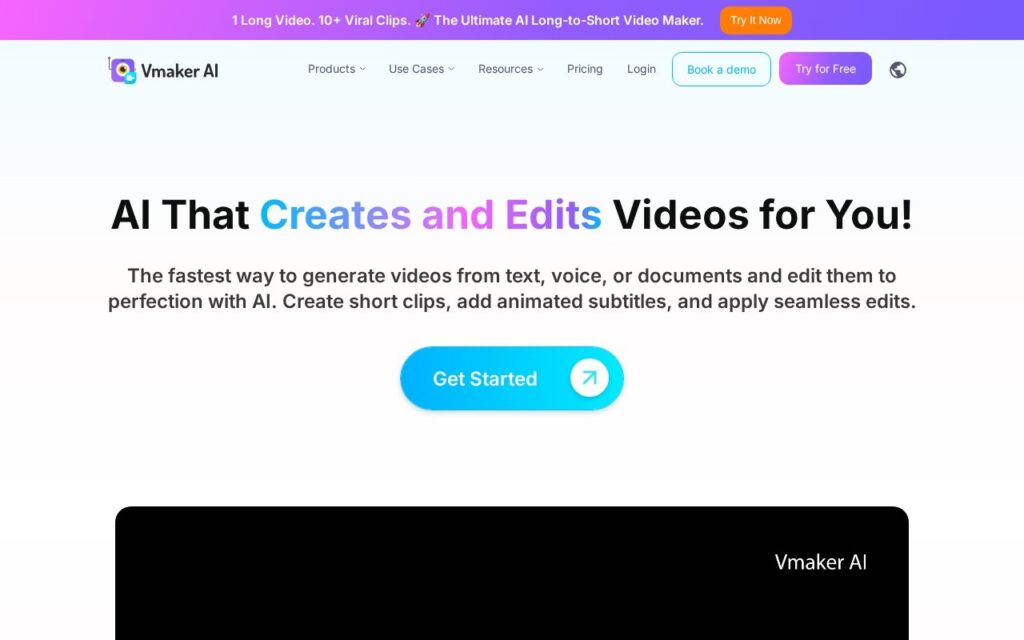
Vmaker covers capture and editing together: 4K screen and webcam recording, then AI editing that turns long recordings into short clips, generates subtitles in 35-plus languages, removes video backgrounds, reframes for different aspect ratios and builds video from text, documents or PDFs.

Owning the recording step is the practical difference. Most AI video editors start from a file you produced elsewhere, which means two tools, an export and a quality decision made before the editor ever sees it; recording inside the same product means the source is always right for what happens next.

It reports over 2 million users with Amazon, Visa, McDonald’s and GSK named, and is GDPR compliant and ISO 27001 certified. No pricing appears on the homepage. Automatic long-to-short selection picks on pattern rather than meaning, generated subtitles across 35 languages vary in accuracy, and breadth across recording, editing and generation means depth in none.
Key features

  • 4K screen and webcam recording
  • Long-form to short-form clipping
  • Subtitles in 35-plus languages
  • Video background removal and AI reframe
  • Script, document and PDF to video

Screenshots & demo

Vmaker AI screenshot 1

Pricing

Vmaker AI uses custom pricing. Contact their team for a quote based on your needs.

  • Pricing modelContact for Pricing
  • Starting priceCustom
  • Free planNo
Visit Vmaker AI

Pricing is provided as a guide. Check the official site for the latest plans.

Pros & cons

Pros

  • Recording and editing in one product, so no export step
  • ISO 27001 and GDPR for enterprise use
  • Deployed at Amazon, Visa and McDonald's

Cons

  • No pricing on the homepage
  • Automatic clip selection picks on pattern rather than meaning
  • Breadth across capture, editing and generation means depth in none

How it compares

ToolRatingFreeFromBest known for
Vmaker AI (this tool)3.9No4K screen and webcam recording
Wisecut3.7YesFreeAutomatic silence cutting
Flowjin4.0No$19/moAutomatic detection of highlight-worthy moments in long recordings
quso.ai4.0Yes$29/moMoment detection with virality scoring

Alternatives to Vmaker AI

4 tools matched to Vmaker AI on what they do, their category and their price.

Wisecut

3.7

Automates the tedious half of video editing – silence cuts, reframing, captions, punch-ins and music – for podcasts and YouTube.

Freemium Video

Flowjin

4.0

AI clipping platform that turns long-form video and audio into short, captioned social clips.

Paid Video

Submagic

4.0

123-language captions at 99% accuracy, Magic Clips to pull several shorts from one long video – trusted by 4M+ businesses including Shopify and Uber.

Freemium Video

Frequently asked questions

What is Vmaker AI?
Vmaker AI is a video tool. Screen recorder and AI editor in one, from 4K capture to short clips and subtitles.
Is Vmaker AI free?
Vmaker AI does not offer a free plan.
What are the best Vmaker AI alternatives?
The closest matches in the directory are Wisecut, Flowjin, and quso.ai, compared side by side above.

Reviews

3.9 No reviews yet

Write a review

More tools like Vmaker AI

Choppity

3.5

AI video editor that turns long-form footage into dozens of short clips, aimed at creators repurposing podcasts and streams.

Freemium Video