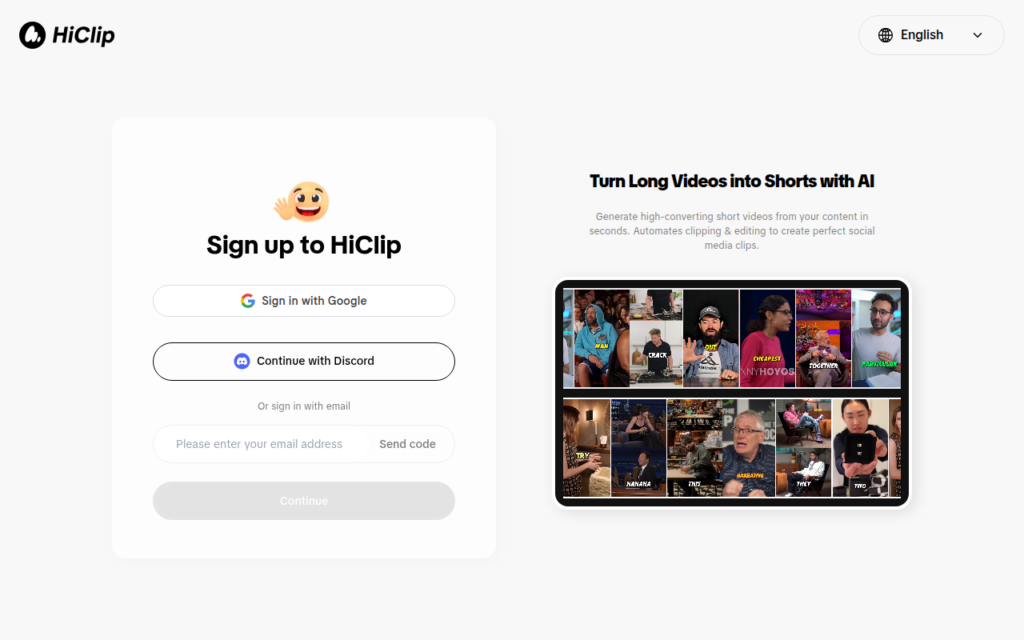
HiClip converts long-form video into short vertical clips, identifying high-engagement moments, adding captions and reframing for each platform's aspect ratio. It targets the most common repurposing task in video: a podcast, webinar or stream that already exists and could feed a short-form channel.
Moment selection is the part that actually determines whether the output is usable. Cutting a video into arbitrary segments produces clips nobody watches, because a short needs a self-contained hook. Identifying moments that stand alone is the difference between repurposing and slicing.
Reframing matters because horizontal footage cropped to vertical usually cuts the speaker out of frame, and captions matter because most short-form viewing is muted. Handling all three in one pass is what makes this practical for creators with no editing skills, and the output remains a strong starting point rather than a finished edit.
Key features
Automatic identification of self-contained high-engagement moments
Reframing from horizontal to vertical keeping the subject in frame
Caption generation for muted viewing
Output sized for Shorts, Reels and TikTok
No editing skills required
Screenshots & demo
Demo video
Screenshots
Pricing
HiClip offers a free plan, with paid upgrades for higher limits and more features.
Pricing is provided as a guide. Check the official site for the latest plans.
Is HiClip expensive?
HiClip has no advertised paid tier. Among the 130 priced tools we list in Video, the median entry price is $15.95 a month.
65% of Video tools in the directory offer a free tier, and this is one of them.
Compared against every priced listing in Video, recalculated as the catalogue changes. Method and the full market breakdown are in our AI tool pricing study.
Pros & cons
Pros
Moment selection is what makes repurposing actually work
Reframing avoids the cropped-out-speaker problem
Covers selection, framing and captions in one pass
Cons
Automated moment selection still misses some of the best clips
Output benefits from a final human edit before posting
HiClip converts long-form video into short vertical clips, identifying high-engagement moments, adding captions and reframing for each platform's aspect ratio.
Is HiClip free?
Yes, HiClip offers a free plan. Paid plans unlock more features and higher usage limits.
What are the best HiClip alternatives?
The closest matches in the directory are OpusClip, Choppity, and Flowjin, compared side by side above.
Open-source Python library that reads a video's transcript to find the best moments, then uses AI speaker detection to reframe it into vertical clips automatically.