If you want the best AI document tool for legal teams and you sit in-house, GC AI is built for exactly that job at $500 a month. goHeather is the only one here you can start free.
These nine all do the same core work: read a legal document, mark what’s wrong with it, and draft the next one. What separates them is whose documents they’re built for.
How this list is ordered, and what it leaves out
These nine are ordered by our editorial rating, then by whether a free plan exists, then by starting price. That rating comes from reviewing each product’s features, pricing and positioning against the rest of our legal tools catalogue.
We don’t run these platforms over a shared set of contracts, so you won’t find an accuracy score from us. Every price and limitation below is drawn from that product’s listing, each of which carries its own last-reviewed date.
Seven well-known names sit out because we’ve covered them elsewhere. Our roundups of AI contract analysis tools and AI legal research tools hold Kira, Luminance, Ironclad, CoCounsel, Harvey and Spellbook.
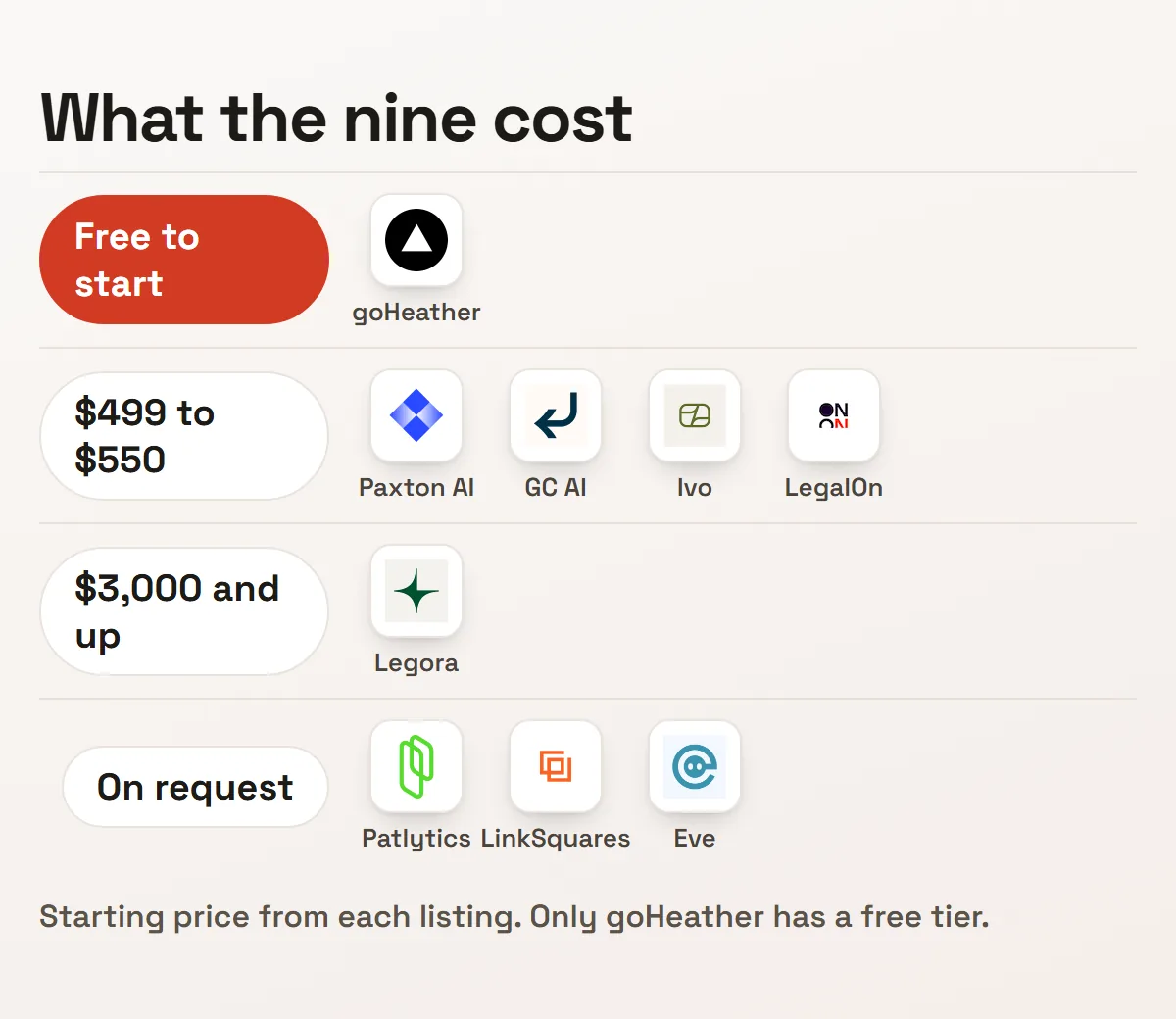
One number is worth knowing before you read on. Only one of these nine has a free tier, and three won’t publish a price at all. Most of this list starts with a sales call, not a trial.
| Tool | Rating | Free plan | From | Built for |
|---|---|---|---|---|
| Patlytics | 4.4 | No | On request | Patent work |
| Paxton AI | 4.3 | No | $499 | Research and drafting |
| Legora | 4.3 | No | $3,000 | Large firms |
| LegalOn | 4.2 | No | $550 | Review from day one |
| LinkSquares | 4.2 | No | On request | Life after signature |
| Eve | 4.2 | No | On request | Plaintiff firms |
| GC AI | 4.1 | No | $500 | In-house counsel |
| Ivo | 4.1 | No | $500 | Redlining in Word |
| goHeather | 4.0 | Yes | $99 | Teams without counsel |
1. Patlytics
Patlytics covers the whole patent lifecycle: drafting applications, prosecution support, infringement and invalidity analysis, and portfolio management. Paul Lee and Arthur Jen founded it in January 2024.
It has moved fast for a two-year-old company. Roughly $65 million raised across three rounds, and adoption in more than 40% of Am Law 100 firms.
Pricing is entirely custom, so budgets are hard to compare up front. It’s built for firms with real filing volume, not a solo inventor, and that funding pace means the product is still changing quickly.
Adoption is the part worth weighing. Drafting, prosecution and invalidity work sit in one place, so a matter stops moving between a drafting tool and a separate analysis one. That also puts your portfolio data inside a two-year-old vendor.
2. Paxton AI
Paxton AI handles regulatory research, drafting and monitoring for regulatory change. Michael Ulin and Tanguy Chau founded it in 2023, and it closed a $22 million round in January 2025.
Its useful trick is grounding. You upload your own files and the assistant answers from those rather than from general legal knowledge, which is what makes a drafted memo defensible.
It runs $499 per user a month, a real barrier for a small firm, and enterprise pricing goes through sales. Its listing also notes a co-founder departure in mid-2025.
Its drafting surface is wider than research alone. Memos, emails and briefs all come out of the same assistant. Regulatory change monitoring runs alongside it, which matters when one team answers both research and watch duties.
3. Legora
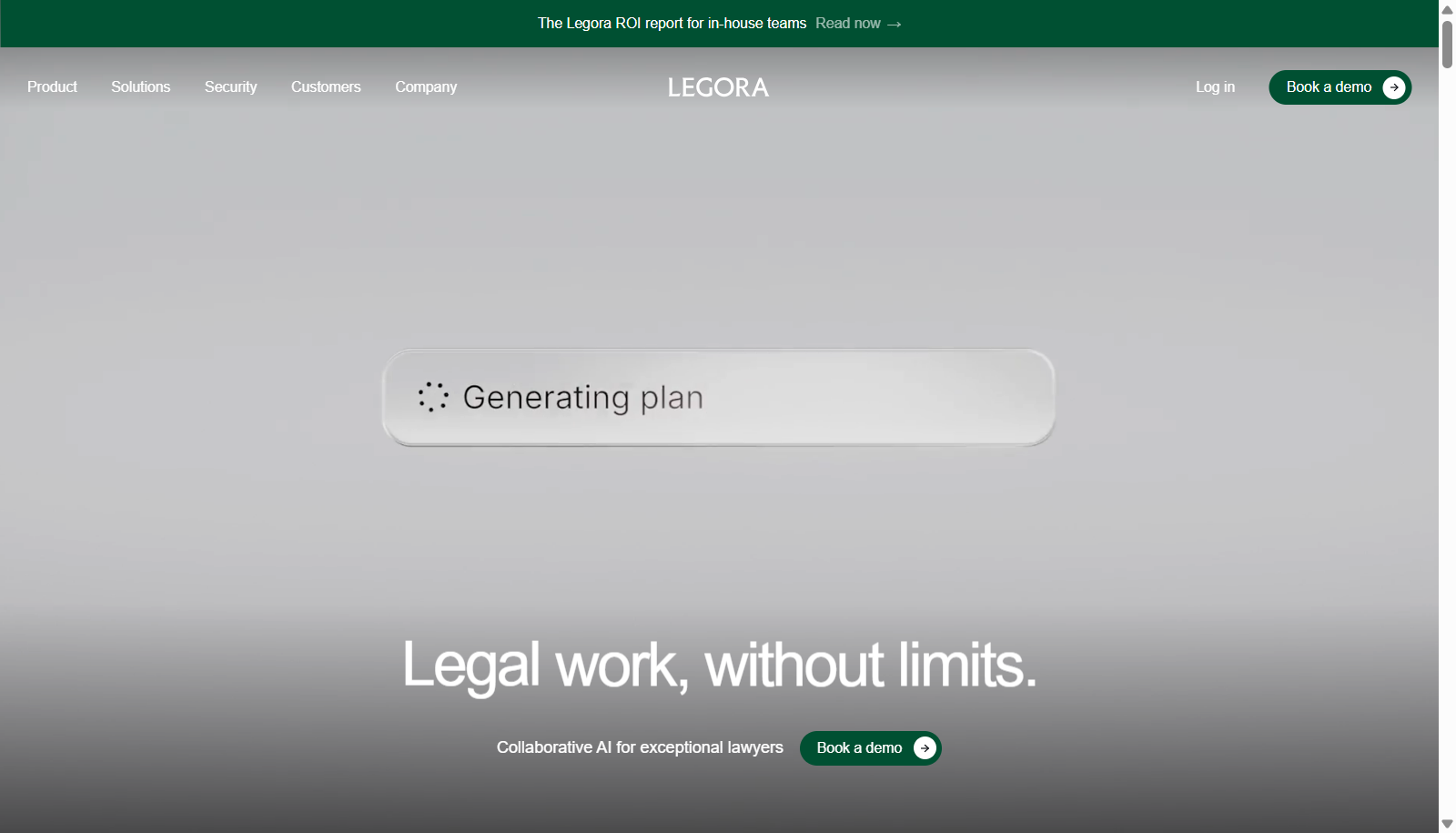
Legora gives lawyers one workspace across public legal sources and the firm’s own documents. Max Junestrand and Sigge Labor founded it in Stockholm in 2023.
Its growth is the headline: $100 million in annual revenue in its third year, $866 million raised, and a $5.6 billion valuation as of April 2026. It competes directly with Harvey for large-firm budgets.
Per-user pricing runs $300 to $800 a month, so our listing records $3,000 as an entry commitment. It’s a three-year-old company selling to firms that measure vendors in decades.
The workspace framing is the product. One login covers public legal sources and the firm’s own files, so research and drafting share context. Choosing between it and Harvey is a procurement decision more than a feature comparison.
4. LegalOn
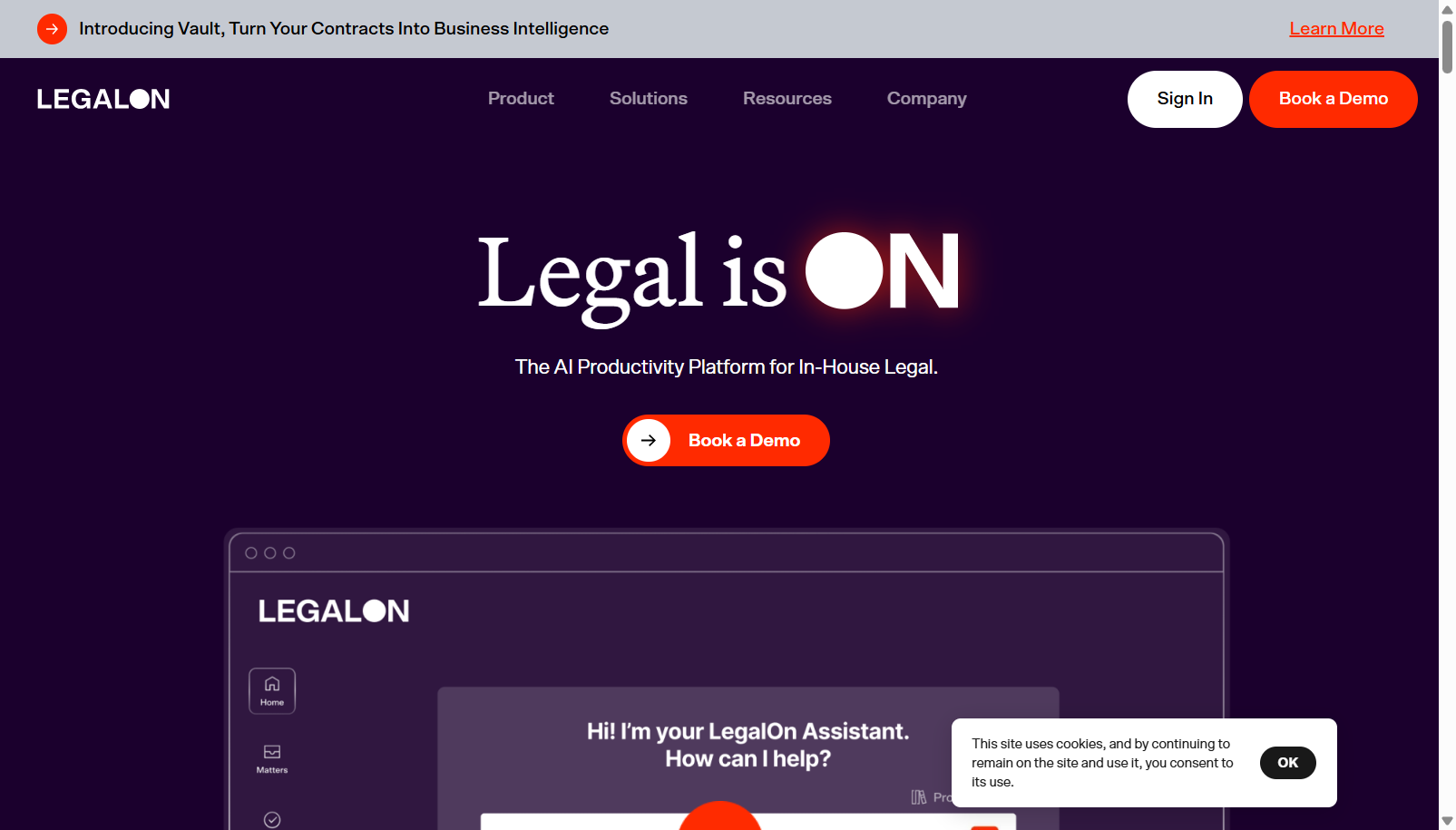
LegalOn was built by two former corporate attorneys in 2017 and became one of Japan’s most-adopted contract review platforms before expanding into the United States in 2022.
The difference is where the standards come from. Its playbooks are attorney-built and ready on day one, so a team reviews against them immediately instead of writing its own criteria first.
It passed $65 million in annual revenue in October 2025 and raised $50 million led by Goldman Sachs Alternatives. The individual plan is $550 a month, steep for a solo practitioner.
The playbook question decides who it suits. Teams without review criteria of their own get a working standard on day one. A firm with settled positions may find the supplied playbooks argue the wrong way, and reworking them is a project.
5. LinkSquares
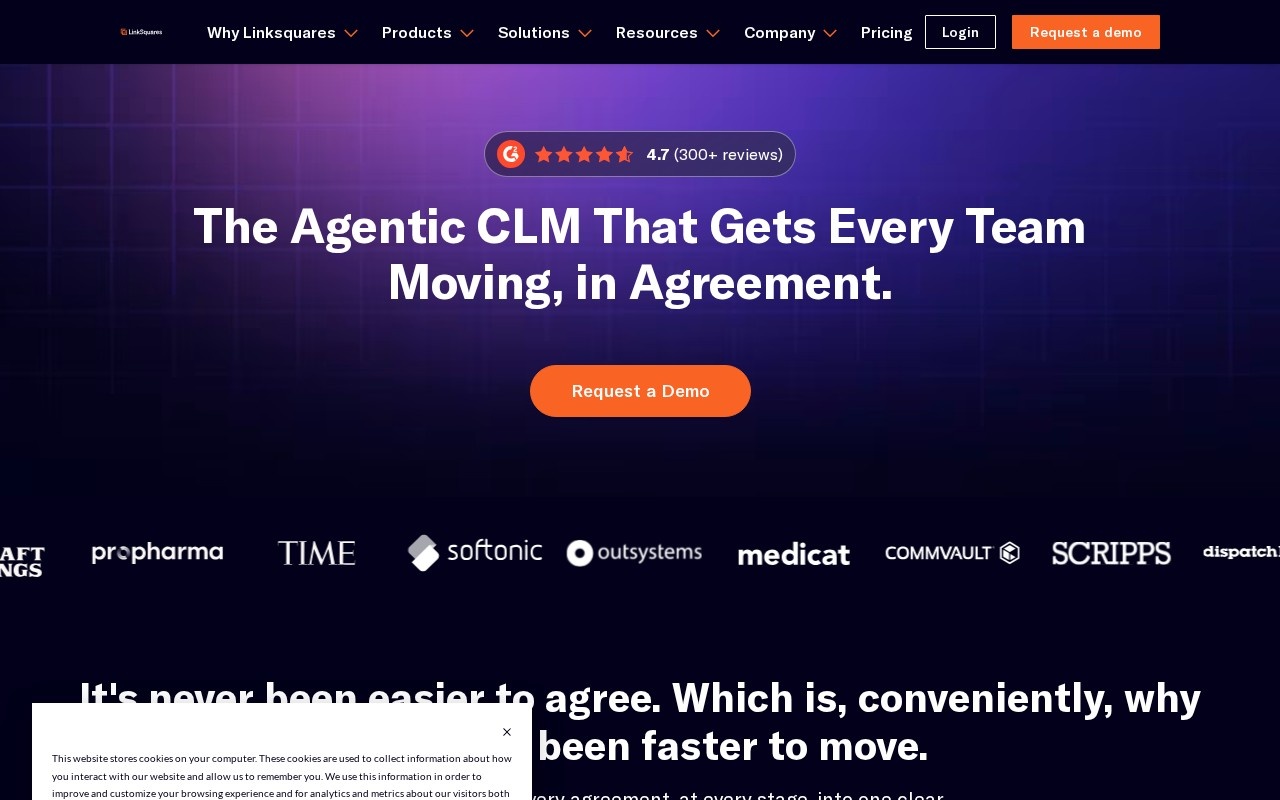
LinkSquares handles contracts end to end: drafting, review against internal standards, and tracking the obligations inside agreements once they’re signed.
That last part is where it earns its money. Renewal dates and commitments buried in executed agreements are invisible until someone looks, and usually nobody does until it costs something.
Pricing isn’t published and sales is demo-led. Extracted terms still need a lawyer to check them, and adopting it means migrating whatever repository you already have.
Search is the quiet half of it. Executed agreements land in one repository you can query, so a question about indemnity across 400 contracts takes a search rather than a week. Review still runs against your internal standards.
6. Eve
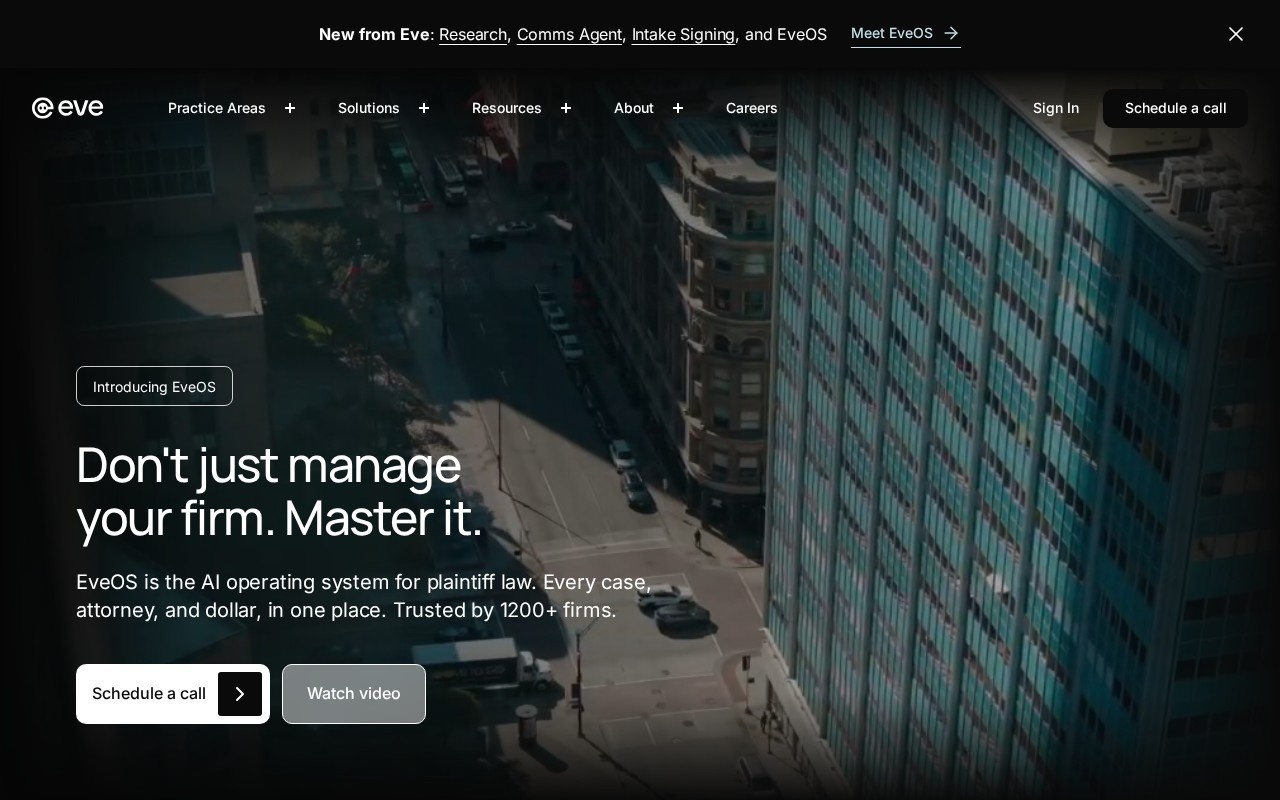
Eve is built for one side of litigation. Plaintiff firms earn on case throughput and settlement value rather than billable hours, so the software that helps is the software that moves cases.
It covers intake, case handling across the matter lifecycle, and settlement workflow. Its own site now leads with EveOS, positioned as an operating system for plaintiff law.
Pricing isn’t published. The focus cuts both ways: it’s no use to a defence or transactional practice, and the firm count it quotes is the vendor’s own figure.
Coverage runs from intake through settlement rather than stopping at documents. For a plaintiff firm that matters, because the bottleneck is usually case throughput, not drafting speed. Its site claims more than 1,200 firms, which is the vendor’s own count.
7. GC AI
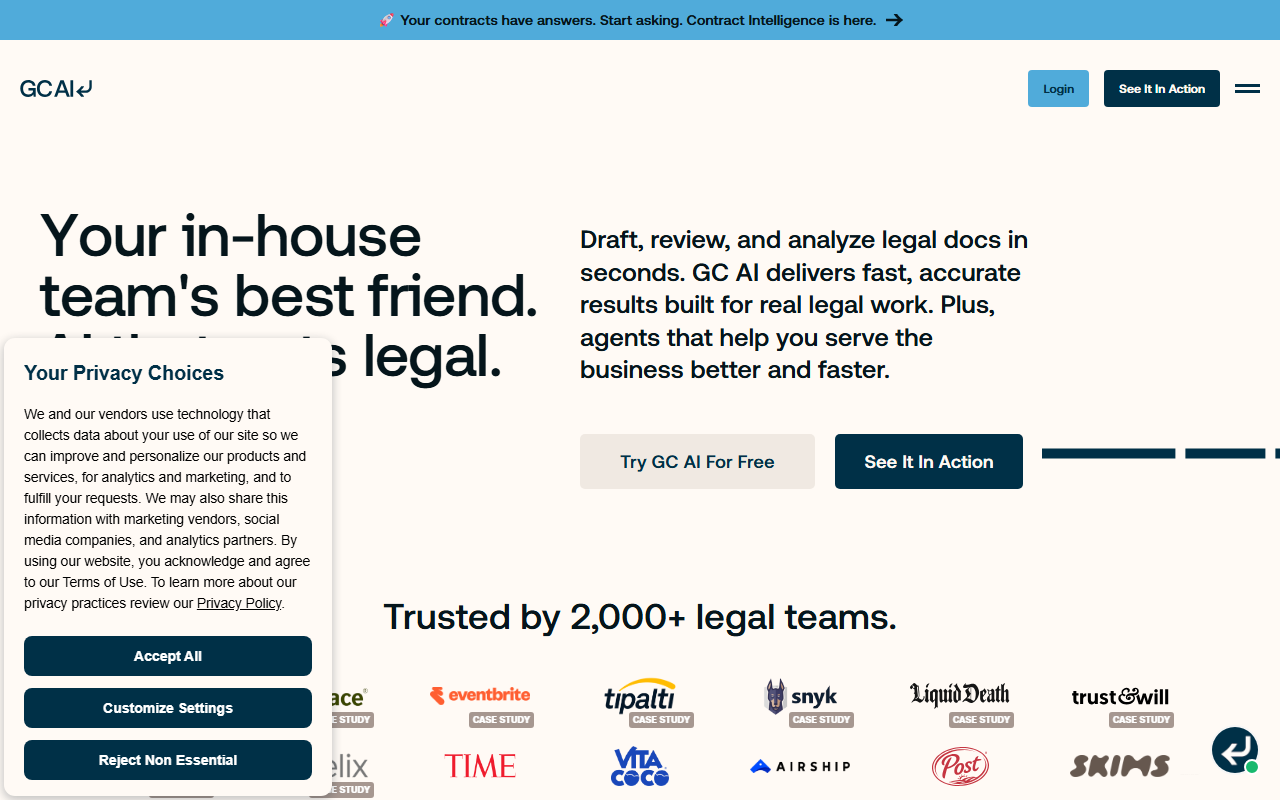
GC AI is scoped to in-house counsel rather than law firms, and the scoping shapes the product. In-house teams carry high contract volume on small headcount.
So it concentrates on drafting, review across sets of agreements, and fast research, skipping litigation tooling and billable-hour workflows entirely. Its site claims more than 2,000 legal teams.
Seat pricing starts near $500 and adds up across a larger department. Confidentiality controls are treated as a product requirement, and output still needs a qualified lawyer to sign it off.
Confidentiality is treated as a feature rather than a policy page. Company documents carry controls by default, which is the objection in-house teams raise first when legal work meets a general assistant. Its site claims more than 2,000 legal teams.
8. Ivo
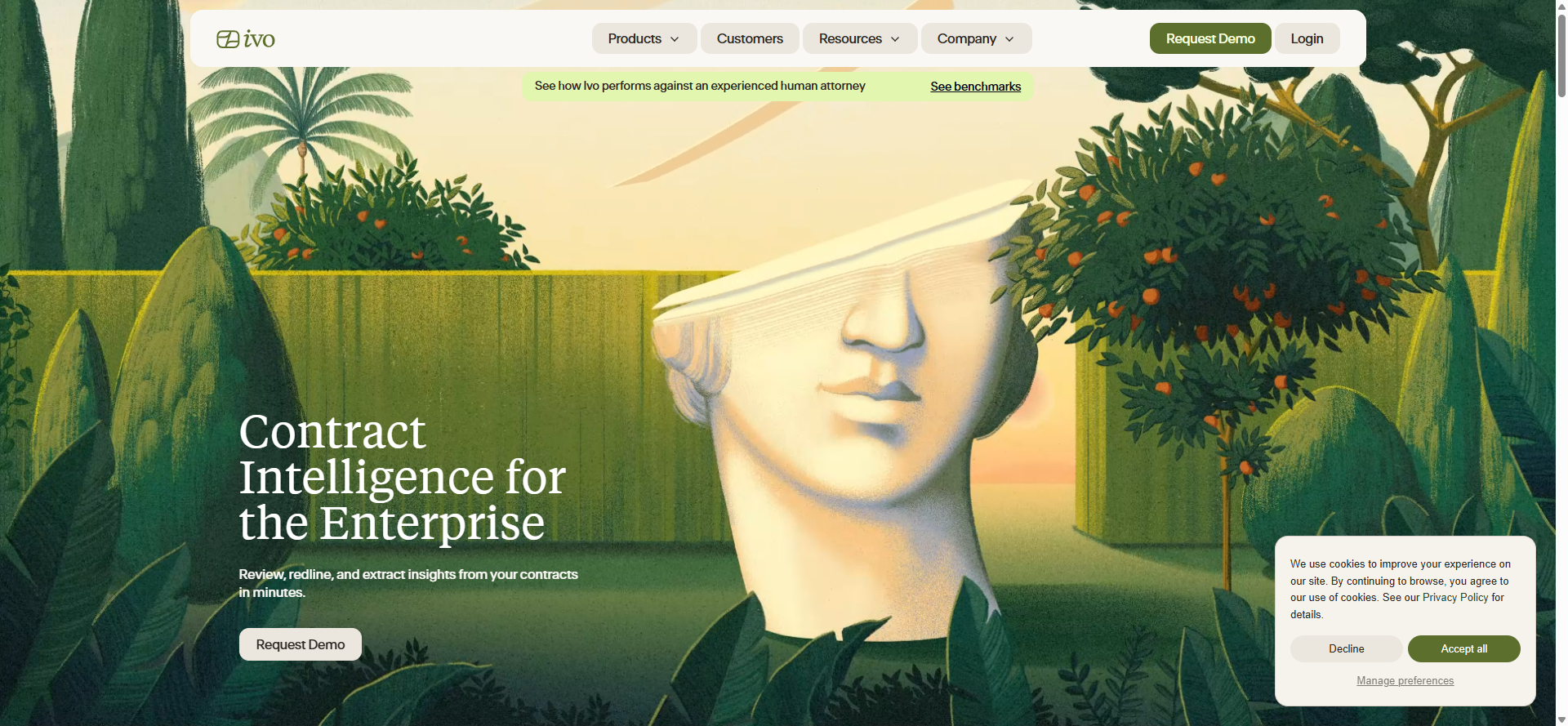
Ivo redlines agreements against a company’s own approved playbooks and precedents rather than generic drafting norms. Min-Kyu Jung and Jacob Duligall founded it in 2021 as Latch, renaming it in April 2024.
It works inside Microsoft Word rather than a separate review interface, which is the difference between a tool a lawyer uses and one they open occasionally. It reports up to 75% less review time.
At $6,000 per user a year there’s no visible lower tier. And playbook-driven output is only as good as the playbook, so the work moves rather than disappearing.
Working inside Word changes adoption more than the model does. A lawyer redlines where they already draft, so use is passive rather than a habit to build. The cost lands elsewhere: somebody has to own and maintain the playbook.
9. goHeather
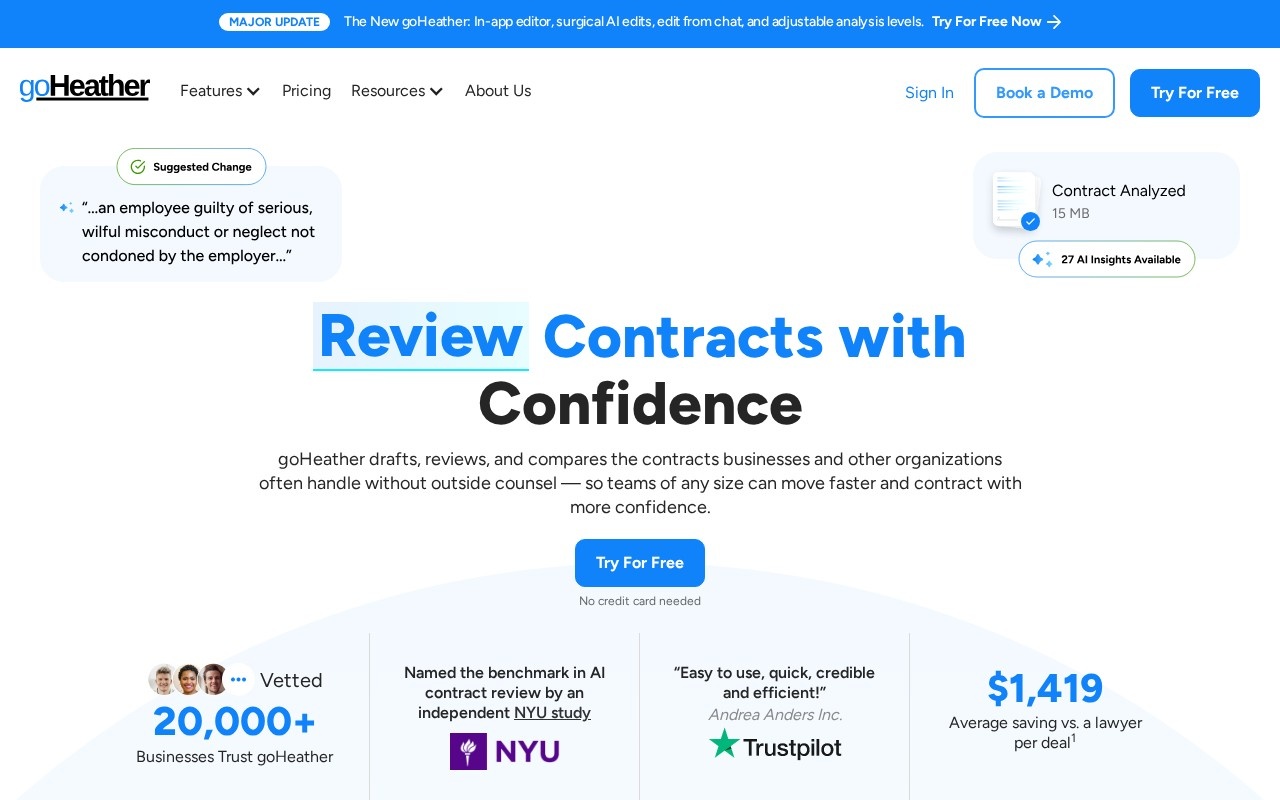
goHeather redlines contracts against a built-in or custom playbook and explains the risk in ordinary language, tied to the clause. It was incorporated in Toronto in 2021 and works from Toronto and San Francisco.
Two details set it apart from the enterprise tools above. Review is jurisdiction-aware, and it works out which side of the contract you’re on before it suggests anything.
It’s the only free start here, with paid plans from $99 a month. It’s a small company of two to ten people, and its own disclaimer says plainly that it doesn’t replace a lawyer.
Two details earn it a place against far pricier tools. Review is jurisdiction-aware, and it works out which side of the agreement you’re on before suggesting anything, which is the difference between generic redlines and useful ones.
How we rate these
Our rating comes from reading each product’s features, pricing and positioning against the rest of the legal category. We then check the product is still live and still sold as described. It isn’t a lab score.
That distinction matters here, because the thing worth measuring is review accuracy on your own agreements. No public benchmark answers that, and a vendor’s own figure answers it for their documents rather than yours.
So treat the order as a shortlist, not a verdict. Each listing carries its own last-reviewed date, and every price here came from that listing rather than from a sales page we read once.
What to check before you buy
Six questions separate the tools that stick from the ones that lapse after a quarter. None of them is about model quality.
- Playbook: supplied by the vendor, or yours to write and maintain
- Surface: inside Word, or a separate window your team must remember
- Documents: where your agreements sit and who at the vendor can read them
- Price: per seat, per matter, or an annual commitment
- Sign-off: which qualified lawyer approves output before it leaves
- Exit: what leaving costs once the repository holds your contracts
How to choose between them
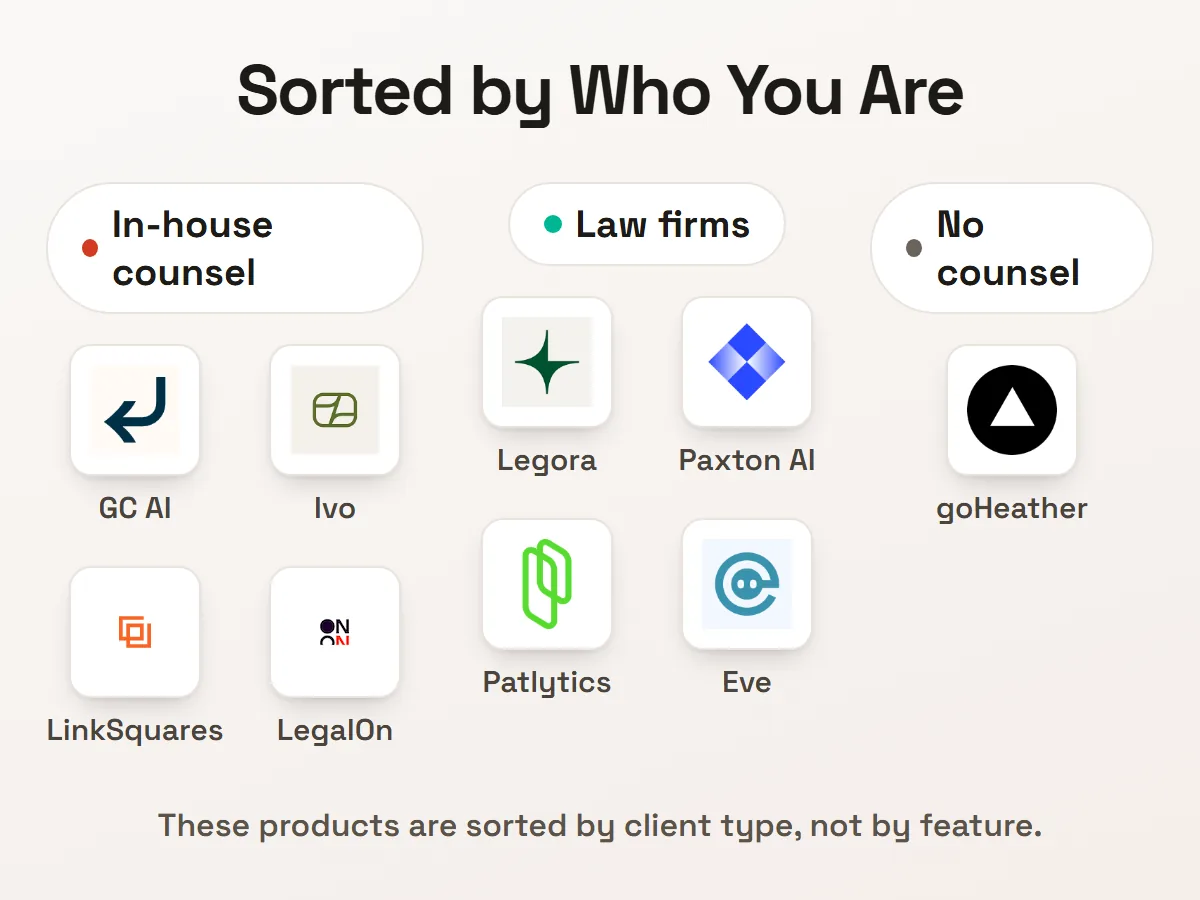
Start with who you are, because these products are sorted by client type rather than by feature. In-house teams want GC AI or Ivo, plaintiff firms want Eve, and patent practices want Patlytics.
Then ask where the standards come from. LegalOn ships attorney-built playbooks you can use immediately, where Ivo expects you to bring your own, and building a playbook is a project, not a setting.
If you work in construction, Document Crunch is the vertical answer and now sits inside Trimble. It flags contractual risk across project documents rather than general agreements.
One habit matters whichever you pick: a qualified lawyer signs off the output. Every listing here says so, goHeather’s disclaimer says so, and the tools that extract terms all note the same limit. For the surrounding ground, our compliance monitoring tools roundup covers what happens after signature.
Questions buyers ask
What is an AI document tool for legal teams?
An AI document tool for legal teams reads a legal document, marks what needs changing against a standard, and drafts new text. The standard is either a playbook the vendor supplies or one your team writes. A lawyer still approves the result.
Which of these are free to try?
One: goHeather, which starts free and bills from $99 a month. Paxton AI, LegalOn, GC AI and Ivo publish per-seat prices from $499 to $6,000 a year. Patlytics, LinkSquares and Eve quote through sales.
Can these replace a lawyer?
No, and the vendors say so themselves. goHeather’s own disclaimer states it outright, and the contract tools note that extracted terms need legal review. They move the work from reading everything to checking what was flagged.
How much does AI contract review cost?
Published prices here run from $99 a month to $6,000 per user a year. The spread tracks who the buyer is rather than what the tool does. Tools aimed at in-house counsel cost roughly five times those aimed at teams without counsel.
Where do our documents go?
You should ask each vendor directly, because the answer varies and rarely sits on the pricing page. GC AI’s listing names confidentiality controls as a product requirement. Anything holding a contract repository deserves the question in writing.
Do they work inside Word?
They vary, and it matters more than it sounds. Ivo redlines directly inside Microsoft Word, goHeather takes an uploaded file, and the platform products run in their own interface. A tool outside the drafting window gets opened less.