Contact for Pricing

LinkSquares

Contract lifecycle management that drafts, reviews and tracks agreements for legal teams.

4.2 Legal AI
4.2 Very good 4.2
Covers post-signature obligations, not just review Pricing is not published and sales is demo-led
Reviewed by Challenging Voice Editorial · Updated Aug 2026 How we rate
PricingContact for Pricing
Free planNo
CompanyLinkSquares
PlatformsWeb
CategoryLegal AI
Last reviewedAug 2026
Ask AI about LinkSquares ChatGPT Claude Perplexity

Overview

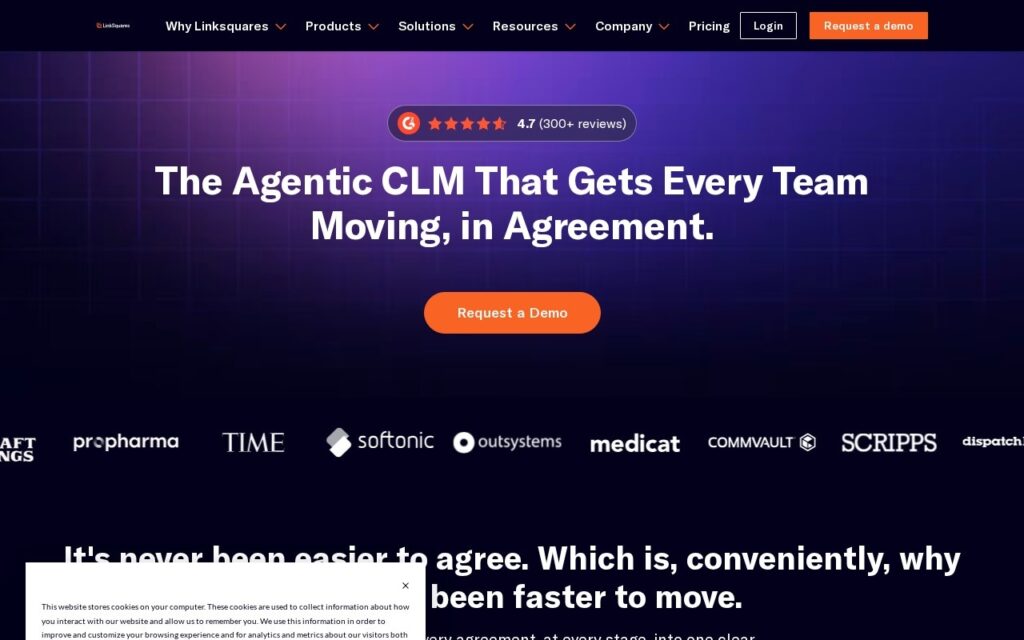
LinkSquares handles contracts end to end: drafting, review, and managing the obligations inside agreements once they are signed. That last part is where most contract software earns its keep, since the renewal dates and commitments buried in executed agreements are invisible the moment nobody is looking for them.

It is built for in-house legal teams rather than firms, which is a different workload. In-house counsel are usually reviewing a high volume of routine agreements against internal standards rather than negotiating each one from scratch.

It is enterprise software with no published pricing and a demo-led sales process. Extracted terms still need legal review, since an obligation missed by automation is missed entirely, and adopting it means migrating an existing contract repository.

Key features

  • Contract drafting support
  • Automated review against internal standards
  • Obligation and renewal tracking after signature
  • Searchable contract repository
  • Built for in-house legal teams

Screenshots & demo

Demo video

Screenshots

LinkSquares screenshot 1

Pricing

LinkSquares uses custom pricing. Contact their team for a quote based on your needs.

  • Pricing modelContact for Pricing
  • Starting priceCustom
  • Free planNo
Visit LinkSquares

Pricing is provided as a guide. Check the official site for the latest plans.

Pros & cons

Pros

  • Covers post-signature obligations, not just review
  • Built for in-house workload rather than law firm practice
  • Established product with an enterprise customer base

Cons

  • Pricing is not published and sales is demo-led
  • Extracted terms still require legal review
  • Adoption means migrating an existing contract repository

How it compares

ToolRatingFreeFromBest known for
LinkSquares (this tool)4.2No—Contract drafting support
Fynk4.0No€89/moCollaborative contract drafting with dynamic fields and conditional logic
GC AI4.1No$500/moContract drafting tailored to in-house workflows
Dioptra3.7No—AI redlining driven by your own playbooks

Alternatives to LinkSquares

4 tools matched to LinkSquares on what they do, their category and their price.

Fynk

4.0

AI-powered contract lifecycle management platform for drafting, reviewing, and e-signing agreements.

Paid Legal AI

Dioptra

3.7

AI contract redlining that works from your own playbooks and previously executed contracts, rather than generic legal templates.

Contact for Pricing Legal AI

Frequently asked questions

What is LinkSquares?
LinkSquares handles contracts end to end: drafting, review, and managing the obligations inside agreements once they are signed.
Is LinkSquares free?
LinkSquares does not offer a free plan.
What are the best LinkSquares alternatives?
The closest matches in the directory are Fynk, GC AI, and Dioptra, compared side by side above.

Reviews

4.2 Editorial rating No reviews yet

Write a review

More tools like LinkSquares

ContraxAware

3.7

AI reads your contracts so you don't have to – automatic term, party, and date extraction with expiration alerts, no complexity tax.

Paid Legal AI

Lexion

4.2

AI-powered contract management and workflow platform, now part of Docusign, that centralizes deal review for legal, sales, procurement and HR teams.

Contact for Pricing Legal AI

LexCheck

3.8

LLM-powered contract review that runs inside MS Word, with LexCheck Copilot marking up agreements against your playbook.

Contact for Pricing Legal AI