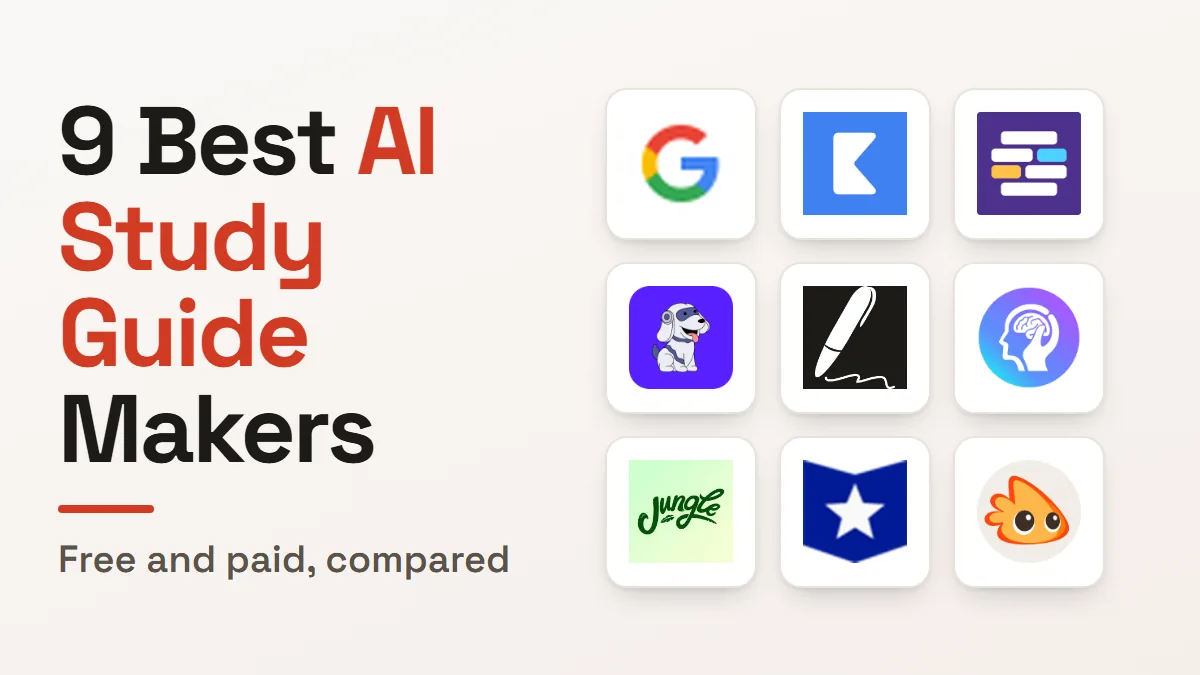
If you want an AI study guide maker for material you already have, NotebookLM is the highest-rated in our catalogue and costs nothing. Jungle is the one that turns a slide deck into flashcards fastest.
All nine below start from your sources rather than a general topic. Eight of the nine are free to start, so the real question is which one fits the material you’re revising from.
How this list is ordered, and what it leaves out
These nine are ordered by our editorial rating, then by whether a free plan exists, then by starting price. That rating comes from reviewing each product’s features, pricing and positioning against the rest of our education tools catalogue.
The selection needed narrowing. Our education category holds 78 listings, and most of the highest-rated are built for teachers, not students: lesson generators, grading assistants and classroom quiz platforms.
This list keeps only tools that take a student’s own lecture, slide deck or reading and hand back study material. Quizlet sits out because it stores flashcards you make, and our roundup of AI tutoring tools already covers it.
Photomath, Socratic and Brainly also sit out. They answer one question at a time, which is homework help rather than revision material, and that’s a different evening.
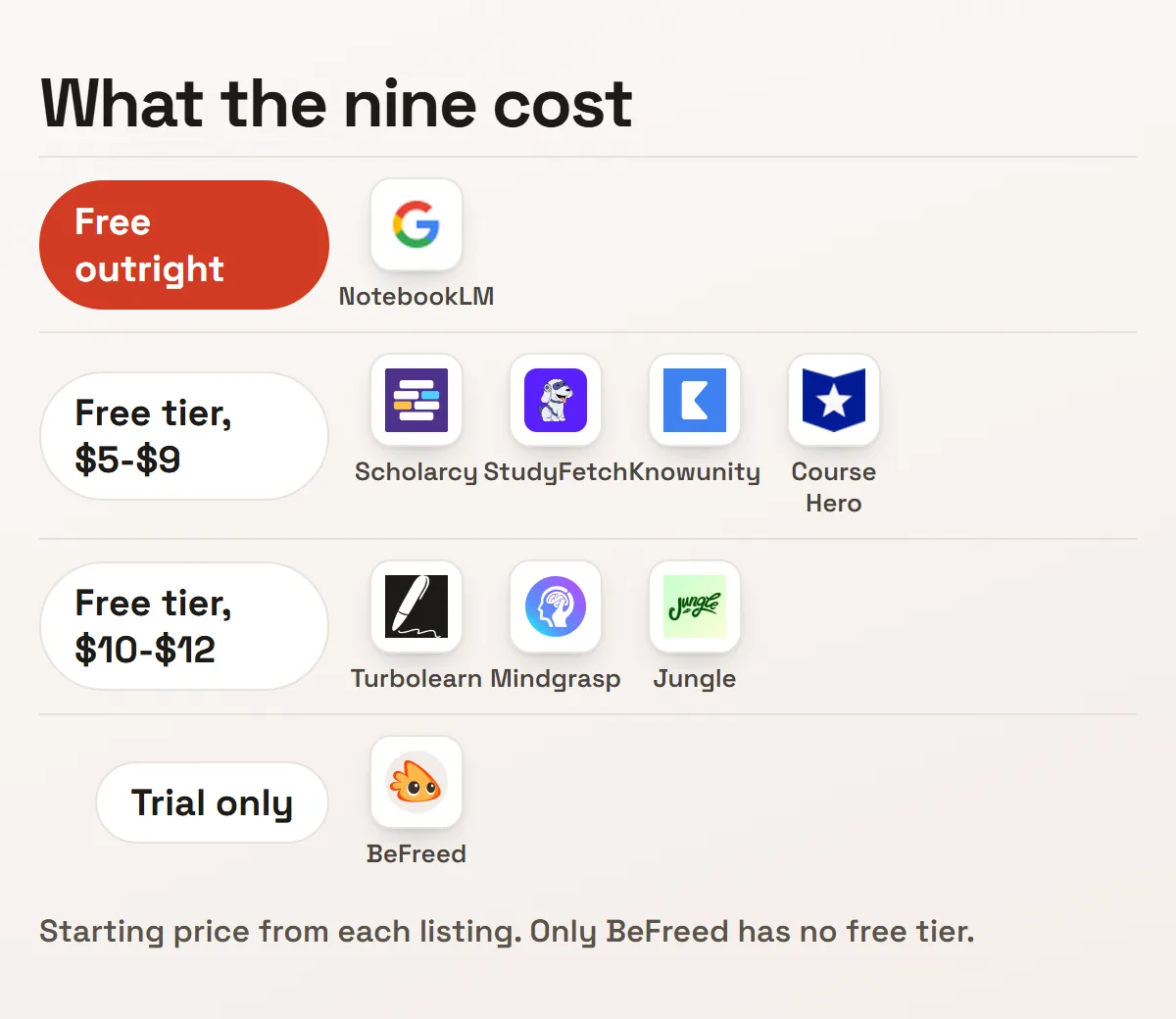
| Tool | Rating | Free plan | From | Starts from |
|---|---|---|---|---|
| NotebookLM | 4.5 | Yes | Free | Documents you upload |
| Knowunity | 4.4 | Yes | $7 | Other students’ notes |
| Scholarcy | 4.3 | Yes | $5 | Research papers |
| StudyFetch | 4.1 | Yes | $5 | A live conversation |
| Turbolearn | 4.1 | Yes | $10 | The lecture as it happens |
| Mindgrasp | 4.1 | Yes | $10 | Recordings and notes |
| Jungle | 4.1 | Yes | $12 | Slides, PDFs and video |
| Course Hero | 4.0 | Yes | $9 | A shared document library |
| BeFreed | 3.9 | No | $12.99 | Books and podcasts |
1. NotebookLM
NotebookLM restricts its answers to the sources you put in the notebook and refuses to reach for general web knowledge. Google launched it in 2023, and it takes documents, web pages, videos and pasted text.
That restriction is the feature. An answer can only come from your reading list. A revision summary reflects what your course said, not what the internet thinks about the topic.
Its Audio Overview turns the same sources into a spoken discussion between two voices. For anyone who revises on a commute, that converts a reading list into something you can listen to without recording anything yourself.
It’s completely free. Two limits: the source-only rule makes it poor for discovering material you don’t have yet, and it lacks the citation formatting a dissertation needs. Audio takes noticeably longer to generate than text.
2. Knowunity
Knowunity starts somewhere different: notes other students already wrote. More than 1.6 million have been contributed since it launched in 2020, with an assistant layered over that library.
Its reach is genuinely international. More than 30 million students across 30-plus countries, with heavy adoption in Germany, France, Japan, Brazil and the Philippines rather than concentrated in one market.
The assistant builds study plans and quizzes from that peer content, so you start from someone who already sat your syllabus rather than a blank page. That works best where your course is widely taught. Students can also work with academic tutors for additional guidance in specific subjects.
It’s free to use, with paid plans from $7 a month. The trade is inherent to the model. Peer-written quality varies, the structure is looser than an institutional tool, and the assistant is only as good as the notes underneath.
3. Scholarcy
Scholarcy turns a paper into a structured summary card rather than a block of prose. Key claims, methodology and findings each get their own labelled section. Scholarcy Limited has run it since 2018.
A browser extension generates the card on the paper’s own page, so you never move the file anywhere. For a reading list of thirty papers, that’s the difference between triage and a lost weekend.
The card format is built for deciding what to read closely. It answers “is this paper relevant” faster than anything else here, which is the question that blocks a literature review.
A free tier covers standard use, with paid plans from $5 a month. Its own limitation is honest. Cards don’t take follow-up questions the way a chat interface does, and it works as a step before close reading rather than instead of it.
4. StudyFetch
StudyFetch is built around Spark.E, a tutor you talk to by voice and can show a problem to through your camera. It answers based on what it sees. The company started in 2023.
That makes it the odd one here. Everything else processes material in a batch; this one holds a conversation, which suits a worksheet you’re stuck on rather than a chapter you need condensed.
It generates the usual assets too: podcast-style audio summaries, flashcards in four formats, and short teaching videos on a topic. Those run from material you upload in the normal way.
A free tier covers limited use, with paid plans from $5 a month. Live conversation burns more resource than static generation, so the caps bite sooner, and it has a shorter track record than the older tools here.
5. Turbolearn
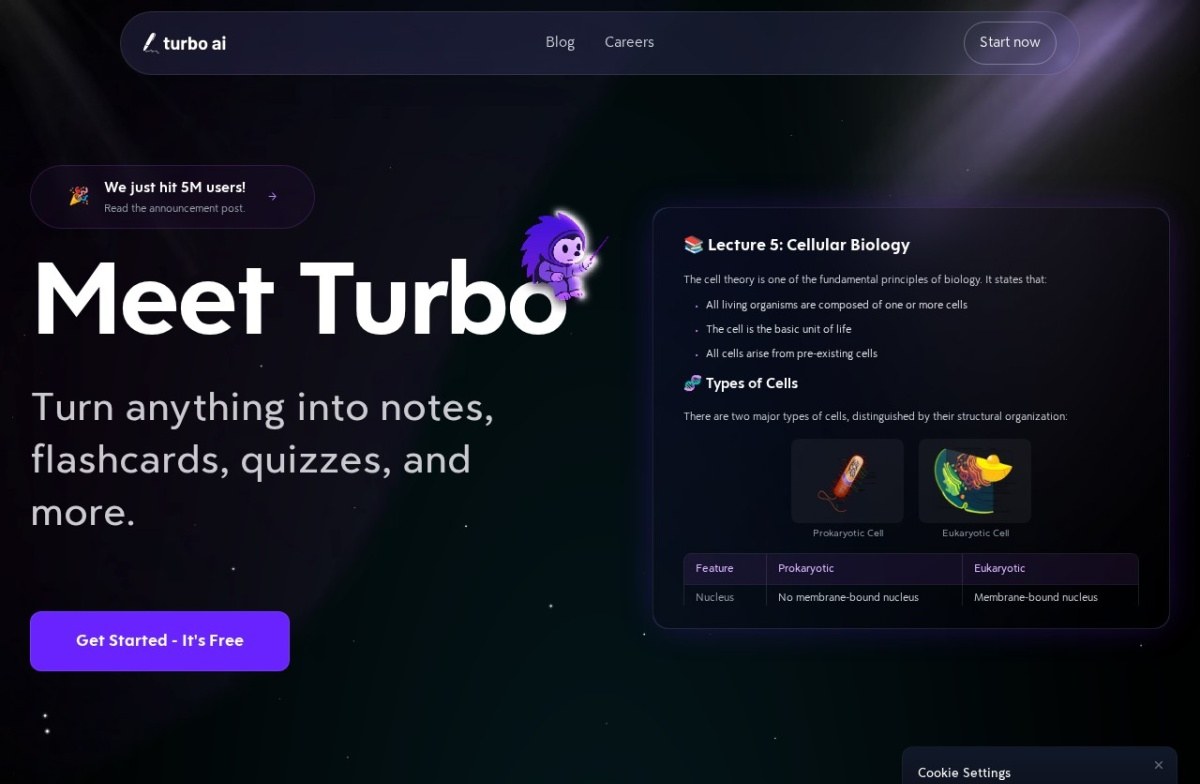
Turbolearn records the lecture as it happens rather than processing a file afterwards. You hit record at the start of class and transcription runs live.
It marks up the transcript while the lecture runs, identifying headlines, key definitions and important dates in real time. You don’t get an undifferentiated wall of text at the end.
Mobile apps make that practical, since the capture device is the phone already in your pocket. It now operates under the broader Turbo AI brand, which is worth knowing when you search for it.
A free tier covers limited transcription, with paid plans from $10 a month. The failure mode is human rather than technical: live capture only works if you remember to start it, and there’s no recovering a lecture you didn’t record.
6. Mindgrasp
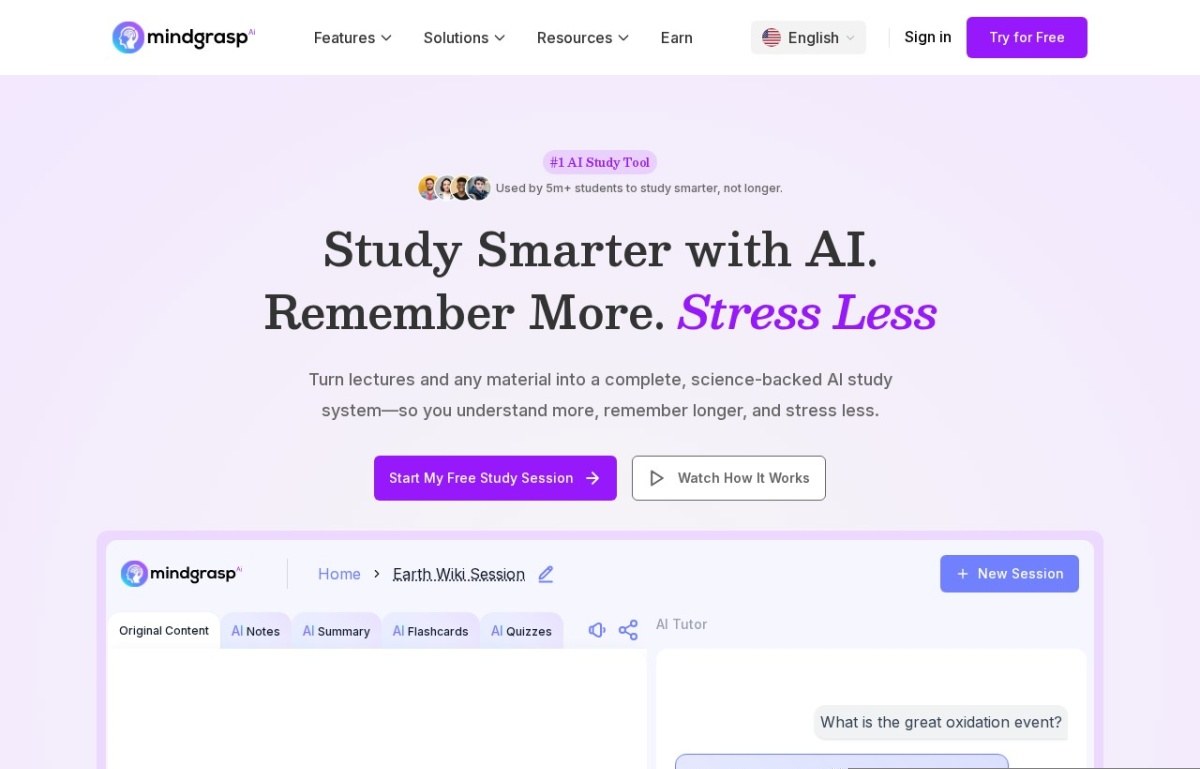
Mindgrasp converts material you already have into study assets: recorded lectures, uploaded notes and textbook chapters become summaries, flashcards and practice quizzes. It has run since 2022.
Grounding is the whole argument. Questions come from your specific chapter rather than generic material on the same topic, which matters when an exam follows one lecturer’s emphasis rather than the field’s.
It sits closest to Turbolearn in purpose and differs on timing. Turbolearn captures live, where Mindgrasp works on whatever recording or file you already ended up with, including one a friend sent you.
A free tier covers limited uploads, with paid plans from $10 a month. Output quality tracks input quality directly, so a muddy recording produces muddy flashcards, and it does nothing at all without source material.
7. Jungle
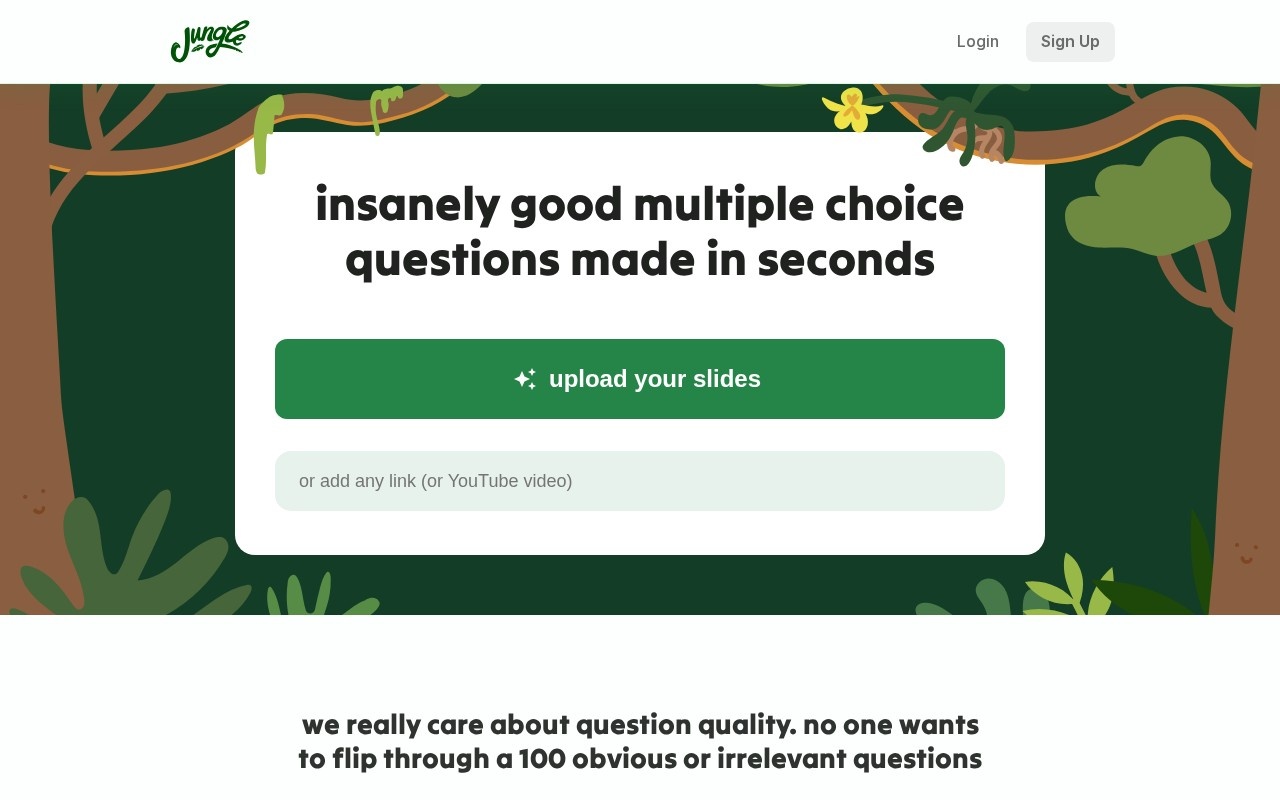
Jungle generates flashcards and practice questions from slides, documents, videos and web pages. Julian Alvarez and David Glass launched it in early 2023 as Wisdolia, renaming it later, and it runs from Palo Alto.
Two features separate it from the rest. Image occlusion builds cards from diagrams, which is how anatomy and engineering get revised, and spaced repetition schedules the review rather than leaving it to you.
A chat mode answers questions against the source document, and it flags weak topics after each session. That closes the loop between testing yourself and knowing what to revise next.
A free tier exists but caps at 30 pages and 30 minutes, which a dense textbook chapter passes on its own. Auto-generated questions need a review pass, and the rename splits its reviews across two names.
8. Course Hero
Course Hero predates this category by well over a decade. It has run since 2006, now under Learneo, on a library of course-specific documents students upload and share.
The library is the product and the AI came later, adding tutoring and step-by-step explanations on top. You start from someone else’s notes on your exact course, which no generator can manufacture.
That makes it useful in a narrow way: when your module is widely taught, the past papers and study guides already exist. When it isn’t, the library has nothing for you.
A free tier gives limited access, with paid plans from $9 a month. Two caveats: full document access needs the subscription, and quality varies because students uploaded it, not a curriculum team.
9. BeFreed
BeFreed aims past coursework at books, research papers, podcasts and talks. Jisong Liu, a former Pinterest engineer, founded it in 2024 with a team out of Google, Columbia and LinkedIn.
It converts long-form material into personalised audio lessons, and you pick whether that lesson runs 10, 20 or 40 minutes. Adaptive flashcards and short video lessons come from the same source.
A conversation mode lets you question the book’s content directly. For self-directed learning rather than an exam, that’s closer to a reading group than a revision tool.
It’s the only entry with no free plan: a three-day trial converts to $12.99 a month automatically. It’s a 2024 company with a short public record, and condensing a book costs nuance the full text carries.
How we rate these
Our rating comes from reading each product’s features, pricing and positioning against the rest of the education category. We then check the product is still live and still sold as described. It isn’t a lab score.
The thing worth measuring would be whether a tool raised your grade. No vendor benchmark answers that, because the result depends on how you revise far more than on which generator produced the cards.
So treat the order as a shortlist. Each listing carries its own last-reviewed date, and eight of these nine cost nothing to try, which settles the question faster than any ranking could.
What to check before you commit
Six things decide whether a study tool survives a term. Only one is about the model behind it.
- Source: whether it starts from your own material or somebody else’s library
- Caps: pages, minutes or uploads per month on the free tier you plan to live on
- Format: flashcards, audio, quizzes or summaries, and which one you revise from
- Diagrams: whether images and figures survive, which decides most science courses
- Accuracy: how often generated questions need a correction pass before use
- Policy: what your institution allows, because a shared-document library is the risky one
How to choose between them
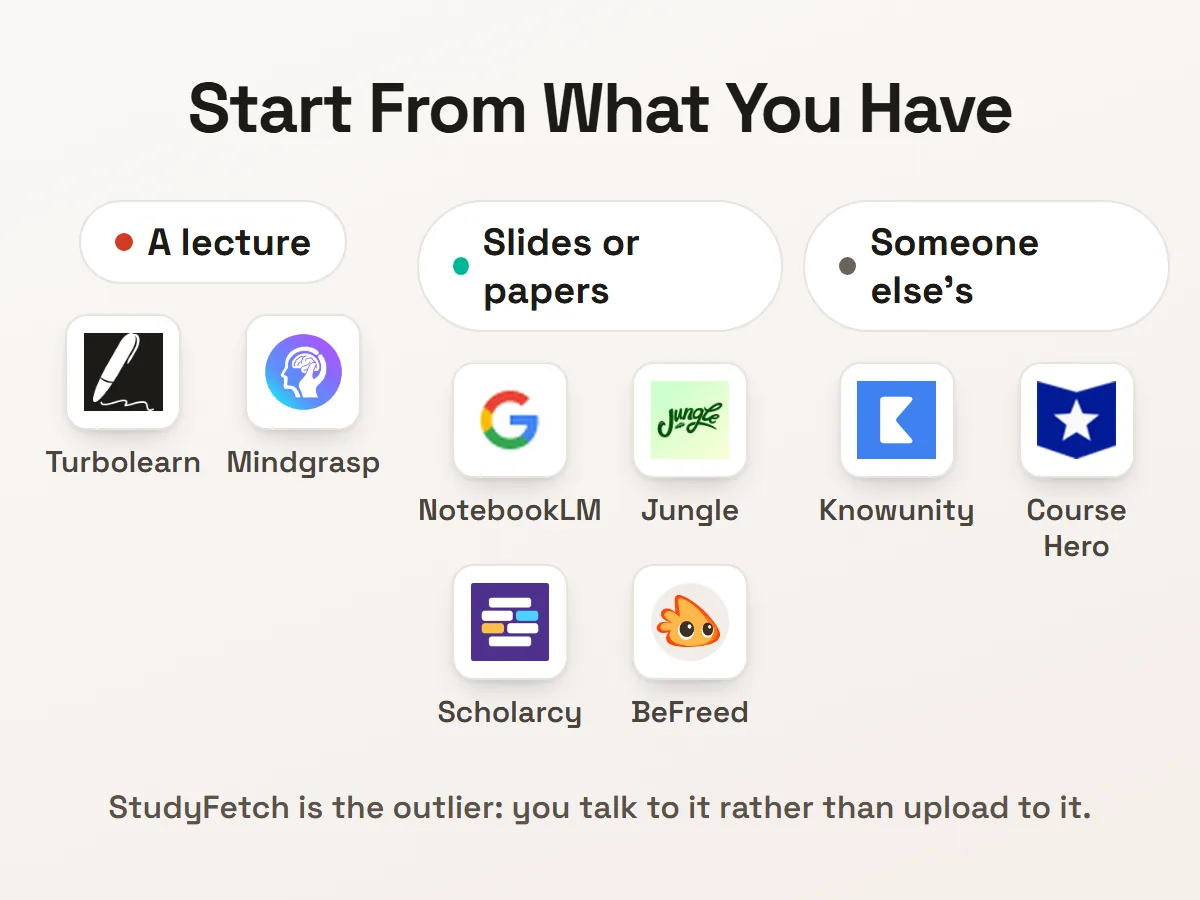
Start from what you’re holding. A recorded lecture points at Mindgrasp, a live one at Turbolearn, a slide deck at Jungle, and a stack of papers at Scholarcy.
If your reading list is documents rather than recordings, NotebookLM does more than any paid tool here and costs nothing. Start there before spending anything, and add a flashcard tool only if you need spaced repetition.
Check your institution’s policy before Course Hero or Knowunity. Shared-document libraries sit closer to the academic-misconduct line than a tool that only reads your own notes, and that line differs by university.
One habit matters whichever you pick: read the generated questions before you revise from them. Jungle’s own listing says auto-generated questions need a review pass, and a confidently wrong flashcard teaches you the wrong thing. Our roundup of AI tools for personalised learning covers the wider category.
Questions students ask
What is an AI study guide maker?
An AI study guide maker takes material you already have and returns study assets from it. Feed it a lecture recording, slide deck, chapter or paper, and it returns a summary, flashcards, practice questions or an audio version. The source is yours, so the output follows your course.
Which of these are free?
Eight of the nine. NotebookLM is free outright, and Knowunity, Scholarcy, StudyFetch, Turbolearn, Mindgrasp, Jungle and Course Hero all have free tiers with caps. BeFreed runs a three-day trial that converts to $12.99 a month.
Is using one of these cheating?
You should check your own institution’s rules, because they differ and they’re the ones that count. Generating flashcards from your own lecture is treated differently from downloading a past paper somebody uploaded. The tools don’t make that judgement for you.
Do they handle diagrams and equations?
They vary, and it decides the tool for science courses. Jungle builds occlusion cards from diagrams specifically. Most others summarise text well and lose figures, so check with one real chapter before committing a term to it.