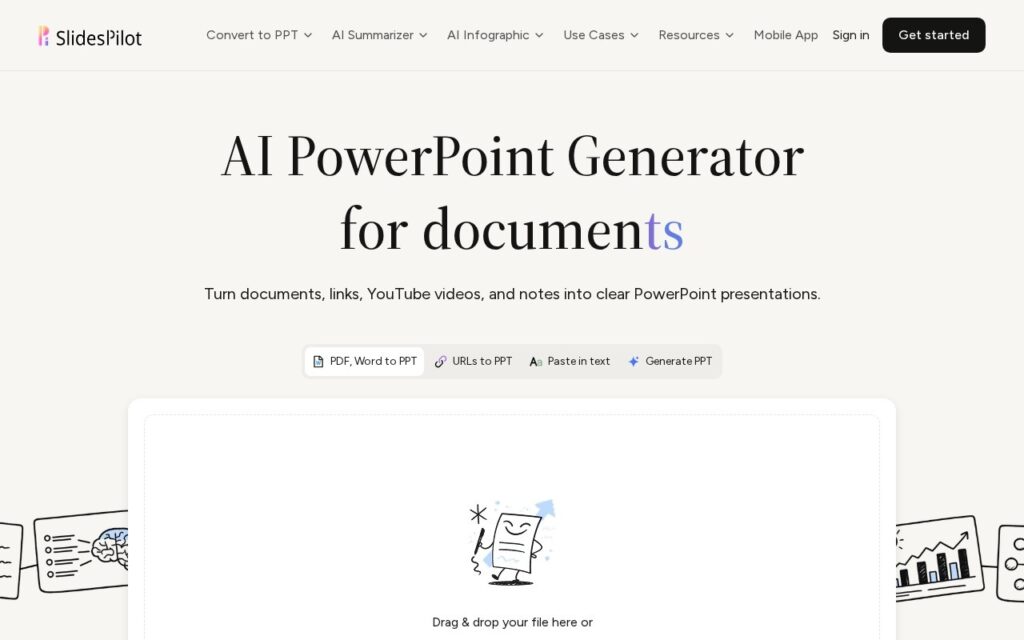
SlidesPilot converts multiple source types – PDFs, Word documents, web links, YouTube videos, plain text or a direct prompt – into PowerPoint presentations through a three-step process: analyzing the source material to identify main ideas and relationships, building a presentation storyline organized for the audience, and designing slides with tables, charts and diagrams to explain the message. Specialized workflows exist for research papers, business reports, video lectures and meeting minutes specifically.
Naming the intermediate storyline step explicitly – analyze, then structure a narrative, then design – rather than jumping straight from source material to finished slides, is what should produce a more coherent presentation than a one-shot generation: a deck that just dumps source content onto slides in order reads very differently from one that’s actually been organized into a narrative arc for an audience. Video-lecture and meeting-minutes-specific workflows also cover source types most competitors in this category (which usually focus on text or PDF alone) don’t handle directly.
Presentation quality still depends heavily on how well-structured the source material already is – a disorganized source document will produce a correspondingly harder-to-follow storyline even with the analysis step. Free trial credits are available with no card required; ongoing pricing requires checking the separate plans page.