Free Trial

SlidesPilot

Turns a research paper, YouTube video, or meeting notes into a structured PowerPoint – analyzes the source, builds a storyline, then designs slides with tables and charts.

3.7 Productivity
3.7 Good 3.7

Bottom line: SlidesPilot is a capable productivity tool, best known for converts PDFs, Word docs, web links, YouTube videos or prompts into PowerPoint.

Explicit storyline-building step targets narrative coherence, not just content dumping Output quality still depends on how well-organized the source material is
Reviewed by Challenging Voice Editorial · Updated Aug 2026 How we rate
PricingFree Trial
Free planNo
CompanySlidesPilot
PlatformsWeb
Best forProductivity
Visits9
Last reviewedAug 2026
UpdatedAug 2026
Ask AI about SlidesPilot ChatGPT Claude Perplexity

Overview

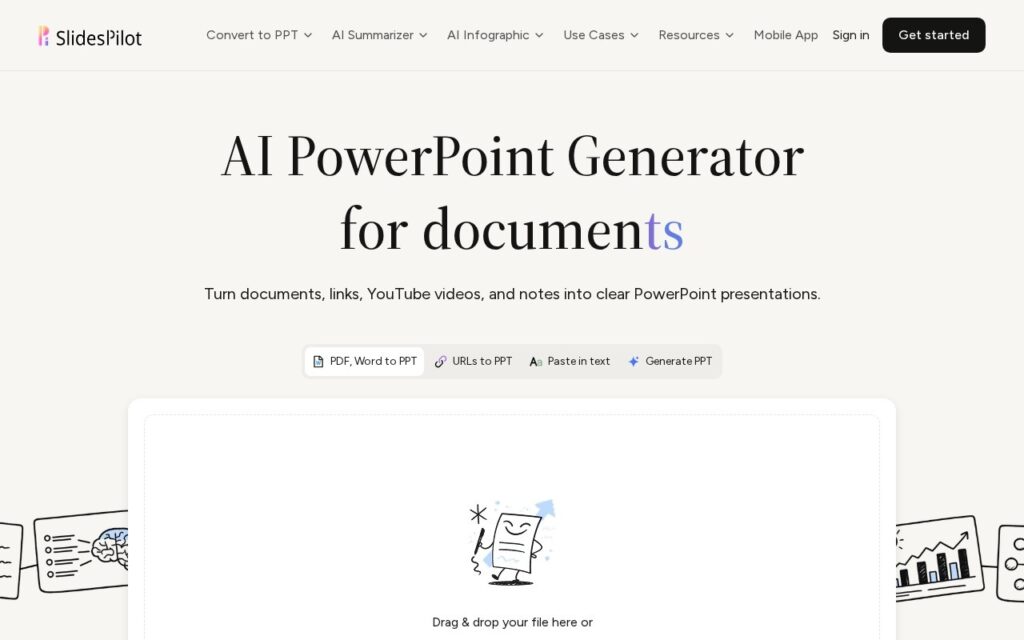
SlidesPilot converts multiple source types – PDFs, Word documents, web links, YouTube videos, plain text or a direct prompt – into PowerPoint presentations through a three-step process: analyzing the source material to identify main ideas and relationships, building a presentation storyline organized for the audience, and designing slides with tables, charts and diagrams to explain the message. Specialized workflows exist for research papers, business reports, video lectures and meeting minutes specifically.

Naming the intermediate storyline step explicitly – analyze, then structure a narrative, then design – rather than jumping straight from source material to finished slides, is what should produce a more coherent presentation than a one-shot generation: a deck that just dumps source content onto slides in order reads very differently from one that’s actually been organized into a narrative arc for an audience. Video-lecture and meeting-minutes-specific workflows also cover source types most competitors in this category (which usually focus on text or PDF alone) don’t handle directly.

Presentation quality still depends heavily on how well-structured the source material already is – a disorganized source document will produce a correspondingly harder-to-follow storyline even with the analysis step. Free trial credits are available with no card required; ongoing pricing requires checking the separate plans page.

Key features

  • Converts PDFs, Word docs, web links, YouTube videos or prompts into PowerPoint
  • Explicit source analysis and storyline-building steps before slide design
  • Tables, charts and diagrams generated to explain the message
  • Specialized workflows: research papers, business reports, video lectures
  • Export to editable PPTX, PDF, PNG, or present online

Screenshots & demo

SlidesPilot screenshot 1

Pricing

Visit the SlidesPilot website for current plans and pricing.

  • Pricing modelFree Trial
  • Starting priceCustom
  • Free planNo
Visit SlidesPilot

Pricing is provided as a guide. Check the official site for the latest plans.

Pros & cons

Pros

  • Explicit storyline-building step targets narrative coherence, not just content dumping
  • Handles source types (YouTube video, meeting minutes) most competitors don't
  • Free trial credits with no credit card required

Cons

  • Output quality still depends on how well-organized the source material is
  • Ongoing pricing requires checking a separate plans page
  • Crowded category – compare against other AI presentation tools before choosing

How it compares

ToolRatingFreeFromBest known for
SlidesPilot (this tool)3.7NoConverts PDFs, Word docs, web links, YouTube videos or prompts into PowerPoint
Obsidian4.6Yes$4/moNotes stored as local, plain Markdown text files
Google Translate4.6YesFreeGemini-powered text translation that captures idioms and context, not literal word substitution
Notion AI4.5Yes$10/moAI writing, summarization, and Q&A grounded in existing workspace content

Alternatives to SlidesPilot

4 tools our editors picked as direct alternatives to SlidesPilot.

Our verdict

3.7 / 5 3.7

SlidesPilot is a solid productivity tool, best known for converts PDFs, Word docs, web links, YouTube videos or prompts into PowerPoint.

What makes it different: SlidesPilot stands out for converts PDFs, Word docs, web links, YouTube videos or prompts into PowerPoint.

How we score it
Overall 3.7
Value for money 4.2
Feature depth 4.9
Popularity 3.7
Best for ProfessionalsTeamsFoundersFreelancers

Frequently asked questions

What is SlidesPilot?
SlidesPilot is a productivity tool listed in the Challenging Voice directory. Turns a research paper, YouTube video, or meeting notes into a structured PowerPoint – analyzes the source, builds a storyline, then designs slides with tables and charts.
Is SlidesPilot free?
SlidesPilot does not offer a free plan.
What are the best SlidesPilot alternatives?
Popular alternatives to SlidesPilot include Typeform, DocuGenie, and SOLO. Browse them all in the Productivity category.
Is SlidesPilot any good?
SlidesPilot scores 3.7 out of 5 based on our editorial review.

Reviews

3.7 No reviews yet

Write a review

Similar tools you might like