List your tool
Free

Img Cut

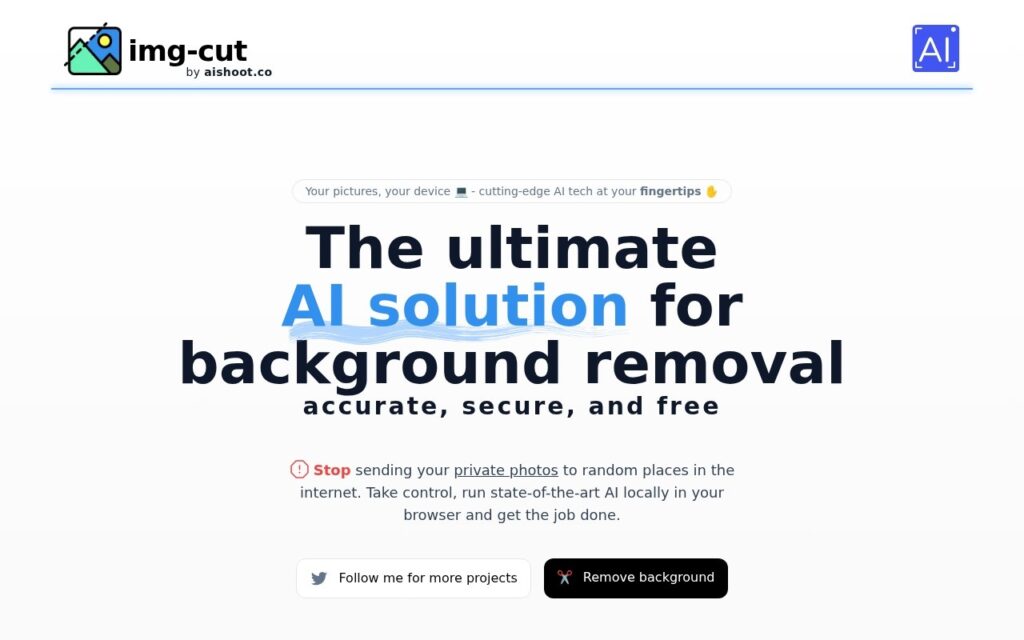
Removes image backgrounds using AI that runs entirely in your browser – your photos never leave your device.

3.5 Image Generation
3.5 Good 3.5
Genuine privacy advantage – images never leave the user's device Local processing may be slower than cloud-based alternatives on weaker devices
Reviewed by Challenging Voice Editorial · Updated Oct 2026 How we rate
PricingFree
Free planYes
CompanyImg Cut
PlatformsWeb
CategoryImage Generation
Last reviewedAug 2026
UpdatedOct 2026

Is this your tool?

  • Claim this listing. Sign in with an email at img-cut.aishoot.co to manage it. Claim Img Cut
  • Get into the top 5 of Image Generation. 5 of 5 spots open, from $159/month. See positions
  • Something out of date? Owners can request edits from My listings; anyone can tell us.
Ask AI about Img Cut ChatGPT Claude Perplexity

Overview

Img Cut is a free background remover that runs its AI model inside your web browser instead of uploading your image to a server. You load a photo, the tool isolates the subject, and you can replace the background with transparency, a blur, a solid color, a gradient or a custom mask.

Img Cut processes images locally, which makes it a privacy-friendly choice for personal or sensitive photos. Because the AI runs on your device, the image has no need to travel to a third-party server, unlike typical cloud-based background removers.

Img Cut is free and does not ask you to create an account. You open the page, load an image into the browser tool and work with it directly. Check the tool page for any current usage limits, file size caps or watermark rules.

How does Img Cut remove a background?

Img Cut loads an AI model into your browser, detects the main subject of your photo and separates it from the background on your own device. You then choose what replaces the background.

  1. Open the Img Cut tool and load your image.
  2. Wait for the browser-based model to process the photo.
  3. Pick a background: transparent, blur, solid color, gradient or custom mask.
  4. Download the result.

Because the work happens on your hardware, speed depends on your device. Older phones and laptops may take longer than a cloud service would.

Who is Img Cut for?

It suits people who want a quick cutout without signing up or uploading private photos, such as profile pictures, product shots or personal images. If you need full photo editing or the most precise results on difficult edges like fine hair, a larger server-based tool may fit better.
Key features

  • AI background removal running entirely in-browser
  • No image upload to any server – fully local processing
  • Multiple background replacement options (transparent, blur, solid, gradient, mask)
  • Free with no account required

Screenshots & demo

Img Cut screenshot 1

Pricing

Img Cut offers a free plan, with paid upgrades for higher limits and more features.

  • Pricing modelFree
  • Starting priceFree
  • Free planYes
Visit Img Cut

Pricing is provided as a guide. Check the official site for the latest plans.

Is Img Cut expensive?

Img Cut has no advertised paid tier. Among the 150 priced tools we list in Image Generation, the median entry price is $10 a month.

65% of Image Generation tools in the directory offer a free tier, and this is one of them.

Compared against every priced listing in Image Generation, recalculated as the catalogue changes. Method and the full market breakdown are in our AI tool pricing study.

Pros & cons

Pros

  • Genuine privacy advantage – images never leave the user's device
  • Completely free with no sign-up
  • Several background replacement styles beyond plain transparency

Cons

  • Local processing may be slower than cloud-based alternatives on weaker devices
  • Single-purpose tool – background removal only, no other editing
  • Browser-based AI models are typically smaller/less capable than server-side equivalents

How it compares

ToolRatingFreeFromBest known for
Img Cut (this tool)3.5YesFreeAI background removal running entirely in-browser
BgEraser3.5YesFreeAI background removal with clean edge preservation
Blur Face3.8YesFreeAutomatic face detection with adjustable blur intensity
Removal.AI3.3YesFreeAutomatic subject detection and background removal in under 3 seconds

Alternatives to Img Cut

4 tools matched to Img Cut on what they do, their category and their price.

Removal.AI

3.3

Automatically detects the subject in a photo and removes the background in under 3 seconds – batch process up to 1,000 images at once, with API access.

Freemium Image Generation

Mokker

3.5

Upload a product photo, AI removes the background and studies your own reference images to match their exact style – no photoshoot, control the output colors too.

Freemium Image Generation

Frequently asked questions

What is Img Cut?
Img Cut is a free background remover that runs its AI model inside your web browser instead of uploading your image to a server.
Is Img Cut free?
Yes, Img Cut offers a free plan. Paid plans unlock more features and higher usage limits.
What are the best Img Cut alternatives?
The closest matches in the directory are BgEraser, Blur Face, and Removal.AI, compared side by side above.

Reviews

3.5 Editorial rating No reviews yet

Write a review

More tools like Img Cut

BackgroundCut

3.3

Instant, 100% automatic background removal handling hair and fur edges – bulk processing, Figma/WooCommerce/Chrome plugins, and an API, trusted by Shopify, Pinterest, and Lyft.

Contact for Pricing Image Generation

iFoto

3.9

AI photo studio that generates fashion model shots, removes backgrounds, and produces studio-quality product images for e-commerce.

Freemium Image Generation