Freemium Verified

CapCut

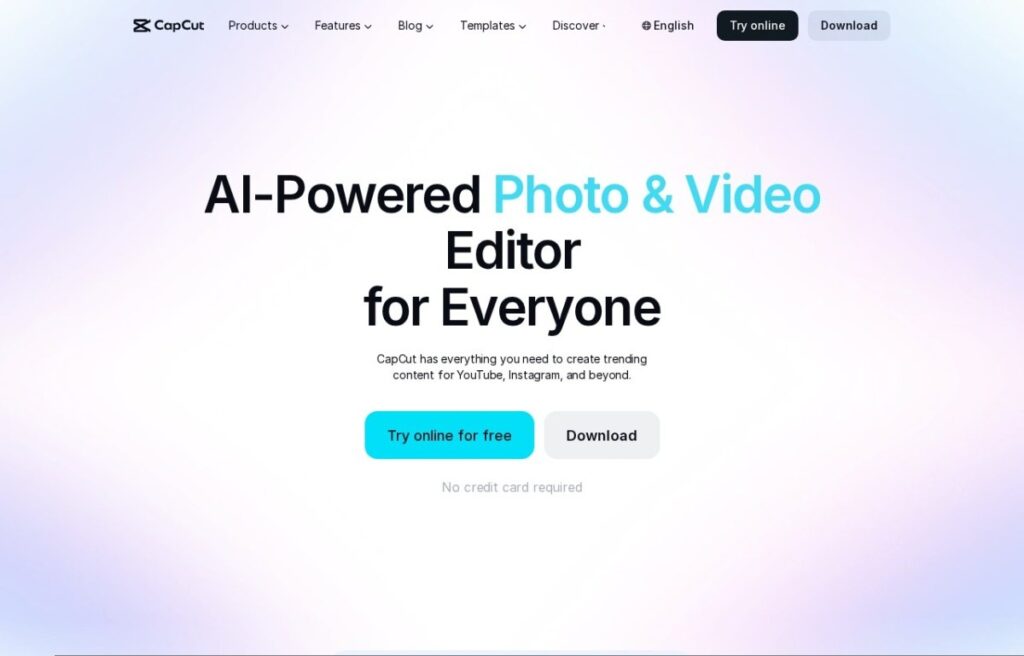
All in one video editor with AI creative tools

4.4 Video
4.4 Very good 4.4

Bottom line: CapCut is a strong video tool, best known for timeline editor with keyframing and transitions. It has a free plan.

Capable free tier for beginners Premium features locked behind Pro plan
Reviewed by Challenging Voice Editorial · Updated Jul 2026 How we rate
PricingFrom $8/mo
Free planYes
CompanyByteDance
PlatformsAndroid, iOS, Mac, Web, Windows
Best forVideo
Founded2019
Visits1
Last reviewedJul 2026
UpdatedJul 2026
Ask AI about CapCut ChatGPT Claude Perplexity

Overview

CapCut is a video editing application developed by ByteDance that combines a traditional timeline editor with a growing set of AI features. It runs in the browser and as desktop and mobile apps, letting creators trim clips, layer audio, add text, and apply transitions without a steep learning curve. The platform has become widely used for short form social content, and it also handles longer projects, marketing videos, and product clips. Its blend of manual controls and automated helpers makes it approachable for beginners while still useful for more experienced editors.

The tool is aimed at social media creators, small businesses, marketers, and hobbyists who want to produce polished videos quickly. Individuals editing content for TikTok, Instagram, or YouTube form a large part of the audience, alongside teams making ads and tutorials. Because a capable free tier exists, people testing video ideas or working with limited resources can start without payment. Users who need higher resolution exports, more storage, and premium effects can move to a paid Pro subscription for additional headroom.

In practice, CapCut offers auto captions, background removal, text to speech, AI generated visuals, template based editing, and a stock library of music and effects. Editors can also use keyframing, speed ramps, and color adjustments for finer control over each clip.

Key features

Pricing

Free
Free
  • Core editing tools
  • Basic effects and templates
Pro
$8/mo
  • Premium effects and assets
  • Higher resolution exports
  • More cloud storage

Pros & cons

Pros

  • Capable free tier for beginners
  • Runs on web, desktop, and mobile
  • Large library of effects and templates
  • Approachable interface with quick results

Cons

  • Premium features locked behind Pro plan
  • Watermarks appear on some free assets
  • Occasional performance issues on large projects

How it compares

ToolRatingFreeFromBest known for
CapCut (this tool)4.4Yes$8/moTimeline editor with keyframing and transitions
Google Veo4.5Yes$20/moText to video clip generation
OpusClip4.5Yes$15/moLong video to short clips
Fliki4.5Yes$21/moText to video conversion

Our verdict

4.4 / 5 4.4

CapCut is a strong video tool, best known for timeline editor with keyframing and transitions. It offers a free plan, with paid upgrades from $8/mo.

What makes it different: CapCut stands out for timeline editor with keyframing and transitions.

How we score it
Overall 4.4
Value for money 4.7
Feature depth 4.9
Popularity 3.7
Best for Video creatorsMarketersAgenciesEducators

Frequently asked questions

What is CapCut?
CapCut is a video tool listed in the Challenging Voice directory. All in one video editor with AI creative tools.
Is CapCut free?
Yes, CapCut offers a free plan. Paid plans unlock more features and higher usage limits, starting at $8/month.
How much does CapCut cost?
CapCut starts at $8 per month. See the pricing plans above for full details.
What are the best CapCut alternatives?
Popular alternatives to CapCut include Google Veo, Higgsfield AI, and Arcads. Browse them all in the Video category.
Is CapCut any good?
CapCut scores 4.4 out of 5 based on our editorial review.

Reviews

4.4 No reviews yet

Write a review

Similar tools you might like