

AI writing tools have become a must-have for anyone looking to create content quickly and efficiently. They use artificial intelligence to help you draft, rewrite, and polish text, making writing and editing faster without sacrificing quality.
They’re useful for all kinds of writing tasks, from blog posts and academic papers to emails and social media captions. Some focus on generating new text from a prompt; others focus on rewriting, paraphrasing, and grammar cleanup. This list covers both, with a mix of general-purpose assistants and dedicated free tools worth knowing about.
Here are 10 free AI writing tools worth trying in 2026, what each one is actually good for, and what their free tiers do (and don’t) include.
1. ChatGPT

ChatGPT Is the most widely used AI writing assistant, and its free tier is the natural starting point for most people. It can draft, rewrite, summarize, brainstorm, and explain just about anything you paste in or describe, in a back-and-forth conversation rather than a rigid template. See our full ChatGPT review For feature and pricing details.
Advantages:
- No fixed template: works as a conversational partner, not a fill-in-the-blank generator.
- Broad range: handles blog drafts, emails, outlines, editing, and tone adjustments in one place.
Disadvantage:
- Free tier has a message cap that resets every few hours, and now shows ads to US users (rolled out February 2026).
Pricing:
Free tier available. Paid plans start at Go ($8/month), Plus ($20/month), up to Pro ($100-200/month) for heavier use.
2. Grammarly

Grammarly Pairs traditional grammar and spell-checking with generative AI prompts, right inside your browser, email client, or word processor. It’s less about generating whole drafts and more about catching mistakes and tightening what you’ve already written. Full details in our Grammarly review.
Advantages:
- Works everywhere: browser extension and desktop app catch errors as you type, across almost any site or app.
- Grammar checking: still the benchmark other tools get compared against.
Disadvantage:
- Free plan caps you at roughly 100 AI prompts a month.
Pricing:
Free plan includes grammar checking plus ~100 AI prompts/month. Pro (formerly “Premium”) is $12/month billed annually ($30/month billed monthly), and raises the cap to 2,000 AI prompts/month plus full-sentence rewrites and plagiarism detection.
3. QuillBot

QuillBot Is built specifically for paraphrasing and rewriting rather than generating text from scratch. Paste in a sentence or paragraph and it rephrases it in a different tone or style while keeping the original meaning. Useful for students and anyone reworking existing drafts. See ourQuillBot review.
Advantages:
- Unlimited free paraphrasing: no monthly cap, just a per-use word limit.
- Built-in summarizer and grammar checker Included on the free plan.
Disadvantage:
- Free tier limited to 125 words per paraphrase and 2 of 9 rewrite modes.
Pricing:
Free plan (Standard/Fluency modes, 125 words/use, summarizer up to 1,200 words). Premium from $8.33/month billed annually ($19.95/month billed monthly), adds all 9 rewrite modes, plagiarism checker, and AI humanizer.
4. Rytr

Rytr Is a template-driven generator: pick a use case. Blog idea, product description, email, ad copy, and it drafts short-form content around it. It’s aimed at people who want quick, structured output rather than an open-ended chat. Details in ourRytr review.
Advantages:
- 40+ use-case templates: quick structure for common short-form writing tasks.
- Budget-friendly Paid tier compared to most competitors.
Disadvantage:
- Free plan capped at roughly 10,000 characters of generation per month.
Pricing:
Free plan (~10K characters/month). Paid plans start around $9/month for unlimited generation.
5. Canva Magic Write
Magic Write Is Canva‘s built-in AI text generator, useful if you’re already designing social posts, presentations, or docs in Canva and want caption or copy suggestions without leaving the editor. See our Canva review.
Advantages:
- Built into the design workflow: draft copy right next to the graphic it belongs on.
- Good for short-form copy: captions, headlines, and presentation text.
Disadvantage:
- Free accounts get a limited number of Magic Write uses total (not a monthly refresh). Canva Pro switches you to a much larger monthly allowance instead.
Pricing:
Free plan includes a limited one-time allowance of Magic Write uses. Canva Pro (from ~$15/month) switches to a monthly quota and unlocks the rest of Canva’s AI features.
6. Wrizzle AI
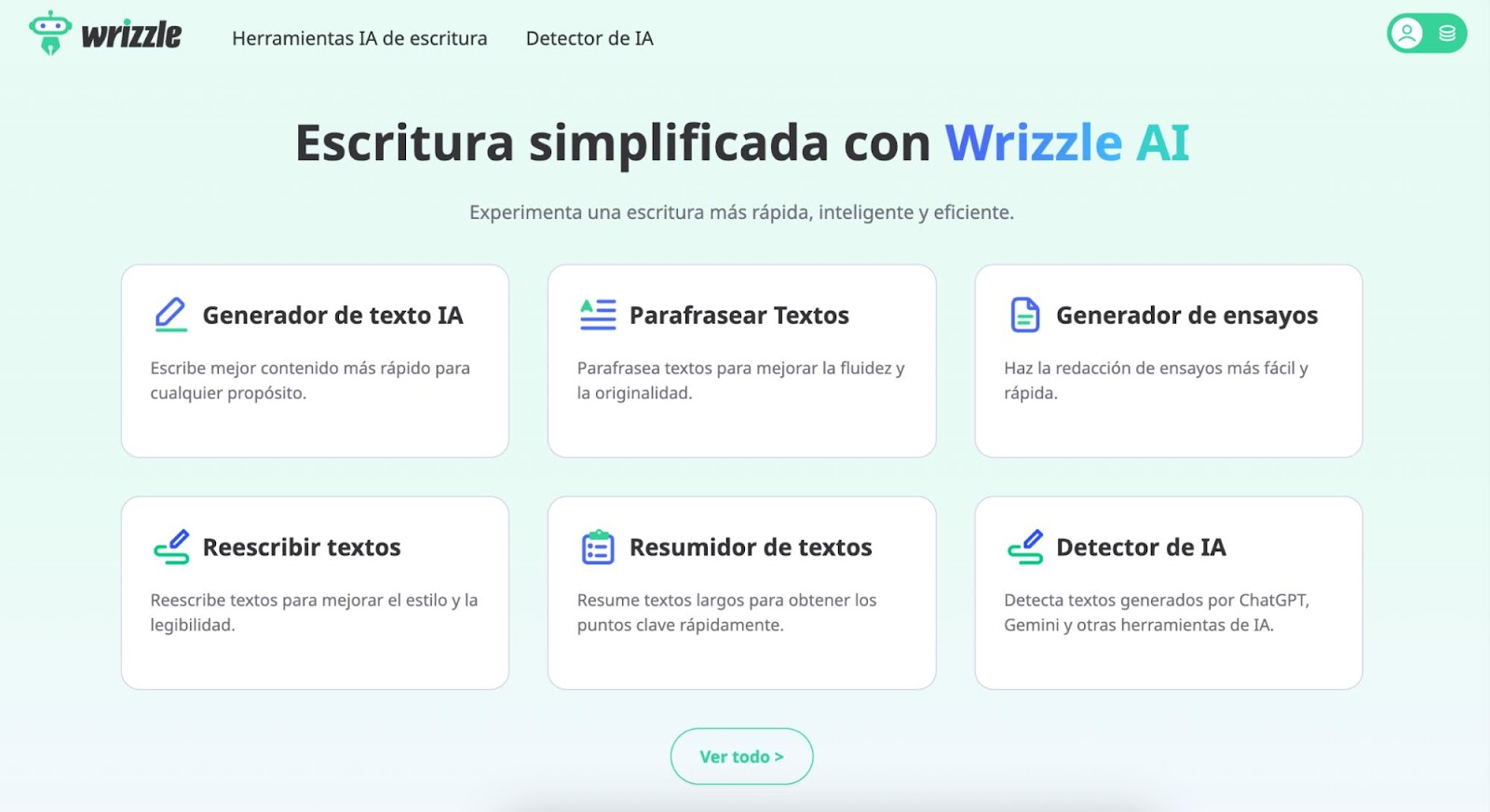
Wrizzle AI Is an AI-powered platform with over 30 writing tools, including a text generator that can create articles, stories, song lyrics, poems, social media posts, and email drafts. It also features editing tools like content rewriting, grammar correction, summary generation, and an AI detector that flags whether a text was AI-generated.
Advantages:
- User-friendly interface: clean design and easy navigation.
- Mobile-friendly: works smoothly across devices.
Disadvantage:
- Free usage is capped daily, and per-request length is limited on the free tier.
Pricing:
Free tier with daily limits. Paid plans available for higher usage, checkWrizzle.ai/pricing For current tiers.
7. Smodin
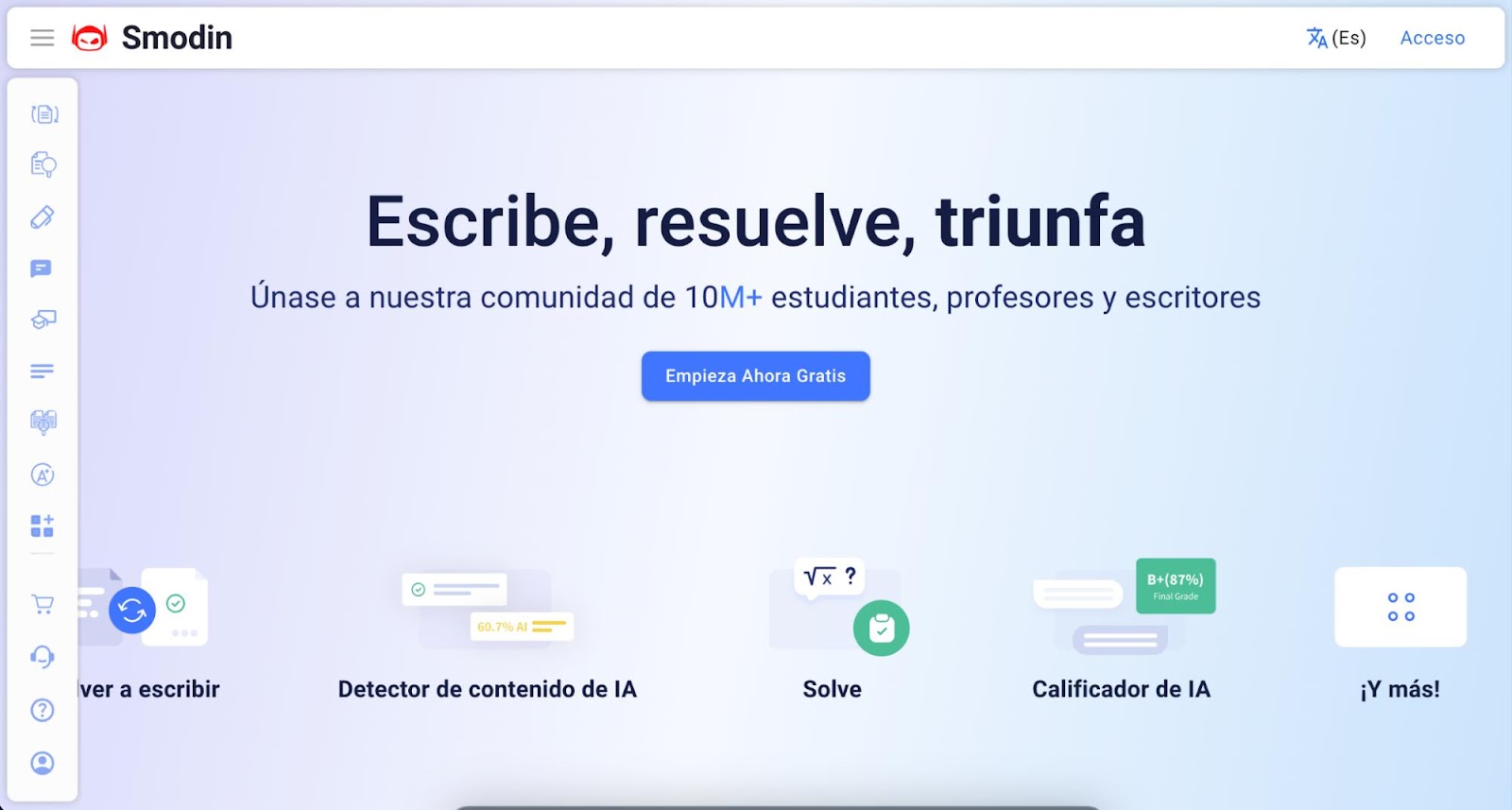
Smodin Combines an AI writing assistant with a text summarizer and an essay-writing tool aimed at students who need well-structured, properly formatted documents quickly. See our Smodin review.
Advantages:
- Academic-friendly: MLA/APA auto-formatting for research papers and citations.
- Multi-purpose: writing, summarizing, and document formatting in one place.
Disadvantage:
- Free tier limited to a few entries per day and roughly 1,000 characters per request.
Pricing:
Free tier with a small daily entry limit. Paid plans from around $10/month (Essentials) up to $29/month (Productive) remove the caps.
8. Wepik AI Text Writer
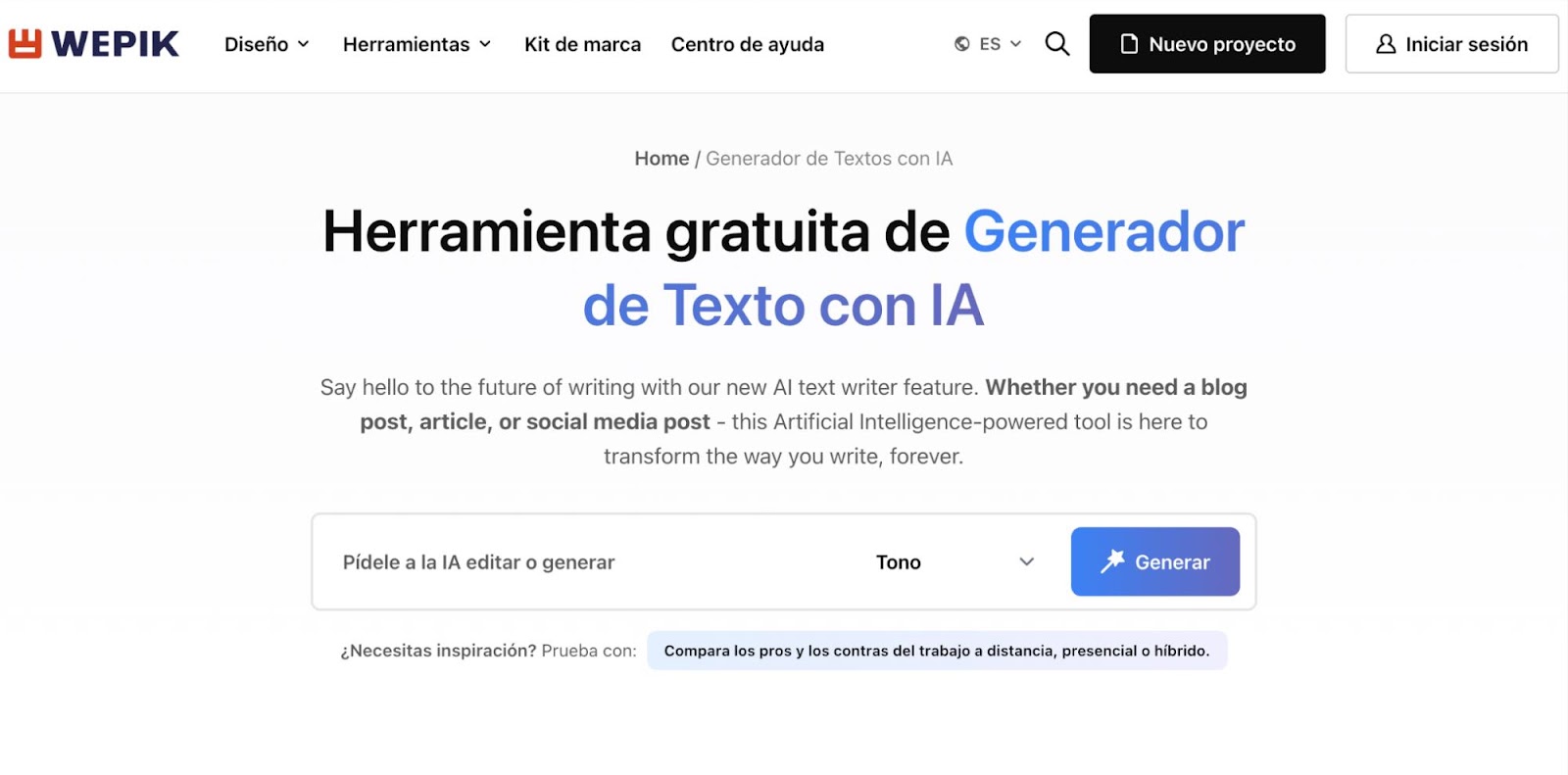
Wepik’s AI Text Writer Turns a rough idea into a full draft, aimed at people already using Wepik for design work who want matching copy without switching tools. Useful for blog intros, Marketing copy, or social captions.
Advantages:
- Helps get past writer’s block with quick first-draft generation.
- Bundled with Wepik’s other AI design and image-generation tools.
Disadvantage:
- Requires a free account login to use the AI Text Writer Fully.
Pricing:
Free with a Wepik account. Paid Premium tier removes limits on downloads and premium assets.
9. HIX AI
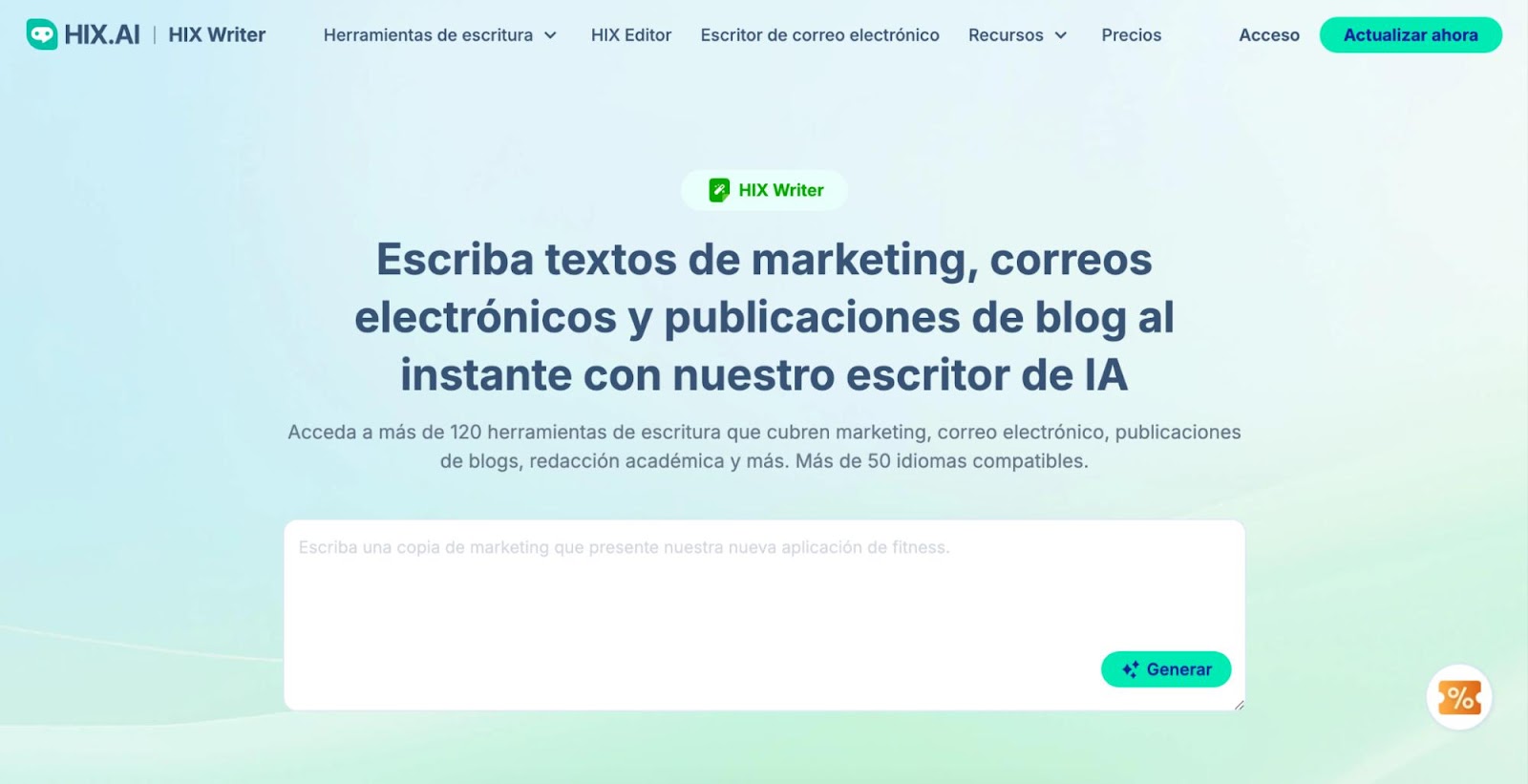
HIX AI Bundles over 120 writing tools. Article generator, paragraph generator, grammar checker, email writer, and an “AI Rewriter” for paraphrasing entire articles, plus the HIX Editor for drafting and refining text directly.
Advantages:
- Large tool library: 120+ templates cover most short-form writing needs.
- 30+ languages Supported, with one-click export to Google Docs and WordPress.
Disadvantage:
- Free plan capped around 3,000 words per month.
Pricing:
Free plan (~3K words/month). Paid plans start around $13/month.
10. Simplified
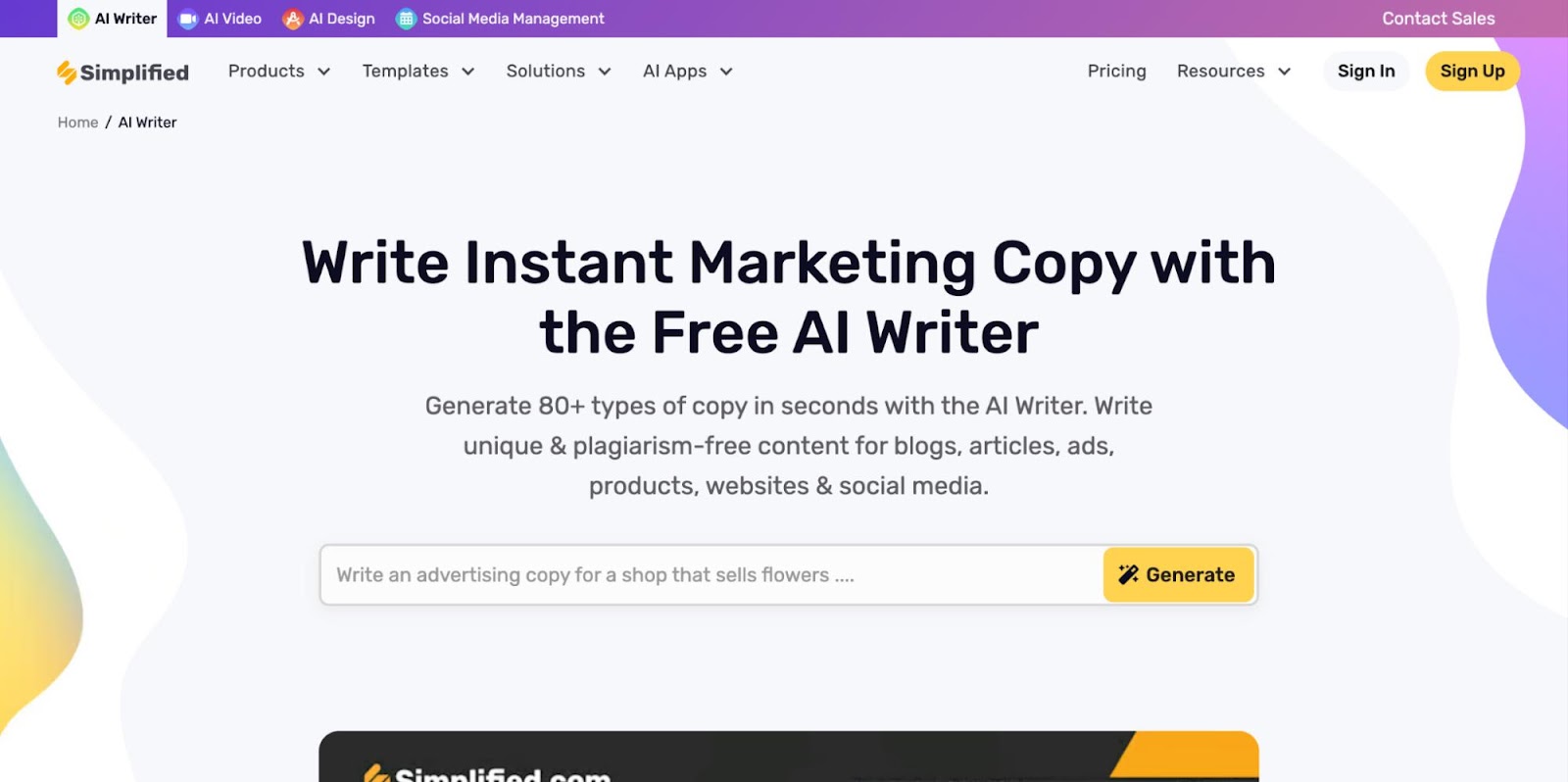
Simplified Goes beyond writing alone, bundling content creation, design, video, and social media management into one workspace. It suits content creators and small teams who want one tool for multiple content formats rather than a dedicated writing app. See our Simplified review.
Advantages:
- Multi-format: AI writer, design tools, and video clips in one workspace.
- Good for small teams Managing several content types without juggling separate apps.
Disadvantage:
- Being a generalist tool, its AI writing depth doesn’t quite match dedicated writing assistants.
Pricing:
Free plan with limited monthly AI credits. Paid plans scale up by credit volume and team size.
Which One Should You Use?
For general drafting and editing, start with ChatGPT‘s free tier. It covers the widest range of tasks. If your main problem is grammar and clarity rather than generating new text,Grammarly Or QuillBot Are the better fit. Rytr is worth it if you want fast, templated short-form copy, and Canva Magic Write makes sense if you’re already designing in Canva. The rest, Wrizzle AI,Smodin, Wepik, HIX AI, and SimplifiedAre solid free options for more specific needs like academic writing, bundled design work, or high-volume templates.
None of these free tiers will fully replace a paid plan if you write at high volume, but together they cover most everyday writing, rewriting, and editing needs without a subscription.


