AI social media management tools automate scheduling, analyze engagement data, and help teams respond faster and more consistently across platforms — freeing marketers from manual posting to focus on strategy. Pairing this with AI workflow automation tools extends the same efficiency to the rest of a marketing team’s processes, not just social posting.
Choosing the Right Tool
Start with your specific needs (scheduling and publishing, social listening, analytics, or all three), then weigh budget against feature depth, your team’s technical comfort level, how well a tool integrates with what you already use, and the quality of onboarding and support — a powerful tool nobody on the team actually uses isn’t worth the subscription.
Top AI Social Media Management Tools
Hootsuite
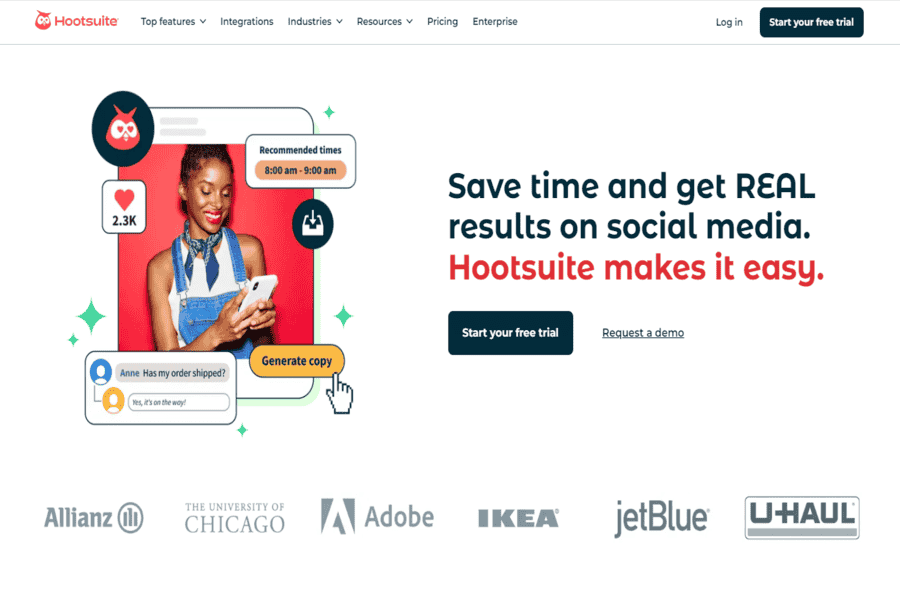
Hootsuite is an all-in-one social media management platform that lets users timetable posts, track engagement, and analyze overall performance. It supports more than one social media structure.
Pros:
- Supports multiple social media networks.
- User-friendly interface.
- In-depth analytics and reporting features.
Cons:
- Expensive for small businesses.
- Limited functionality in lower-tier plans.
Pricing package:
Starts at $19/month for the Professional plan.
Social media links:
- Facebook: Hootsuite Facebook
- Instagram: Hootsuite Instagram
- LinkedIn: Hootsuite LinkedIn
- Twitter: Hootsuite Twitter
- YouTube: Hootsuite YouTube
Contact Information:
- Mail: [email protected]
- Contact number: +1 (888) 482-7788
ContentStudio
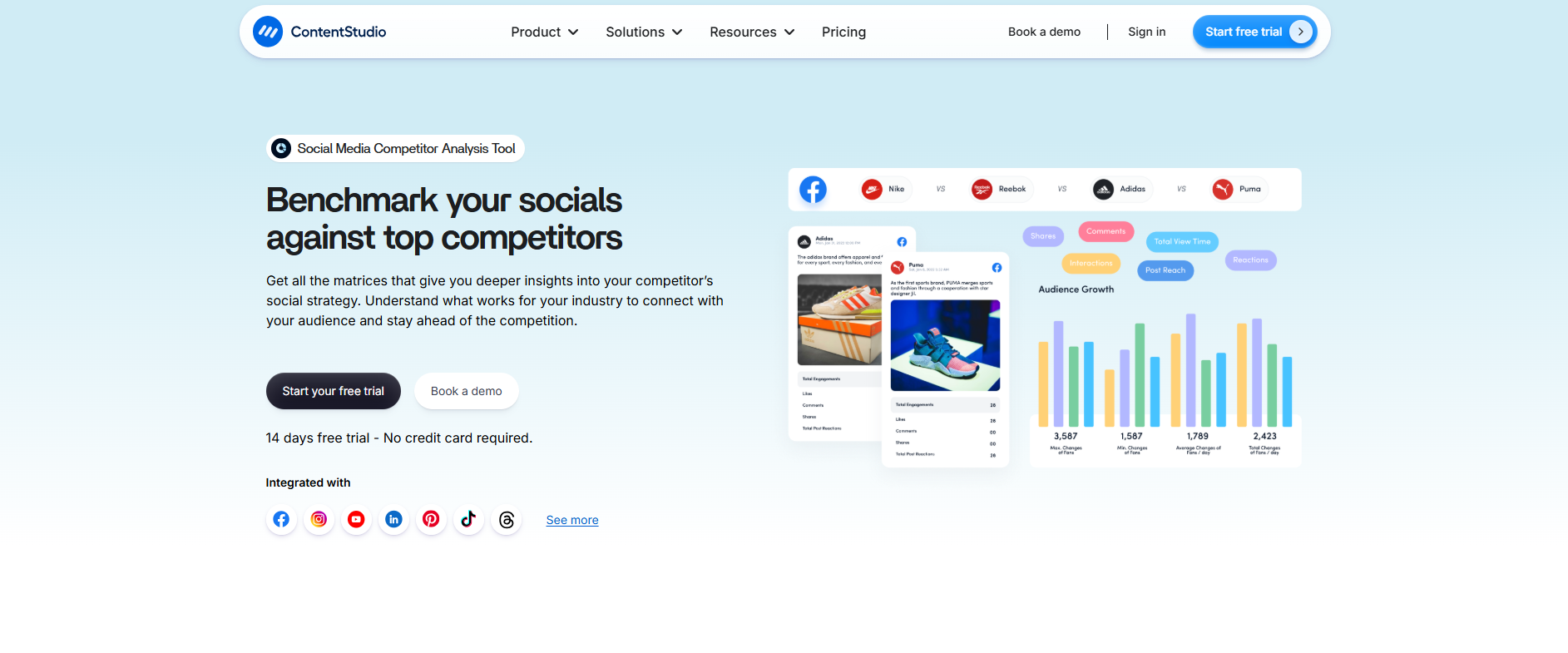
ContentStudio is a powerful AI-driven social media management and content marketing tool. It allows businesses, agencies, and marketers to plan, schedule, analyze, and collaborate on social media posts across multiple platforms. With advanced features like content discovery, automation, publishing, and in-depth analytics, ContentStudio is designed to help brands streamline their social strategies while boosting engagement and ROI.
Pros:
- AI-powered content discovery and curation.
- Supports multiple platforms including Facebook, Instagram, LinkedIn, Twitter, and more.
- Strong analytics and reporting features.
- Excellent for agencies managing multiple clients.
- Integrates with blogging platforms like WordPress and Medium.
Cons:
- Pricing can be high for solo entrepreneurs.
- Learning curve for beginners due to extensive features.
Pricing package:
Starts at $19/month for the Starter plan.
Social media links:
- Facebook: ContentStudio Facebook
- Instagram: ContentStudio Instagram
- LinkedIn: ContentStudio LinkedIn
- Twitter: ContentStudio Twitter
- YouTube: ContentStudio YouTube
Contact Information: Mail: [email protected]
Blaze.ai
Blaze.ai is an AI-powered content creation and social media automation platform designed for entrepreneurs, marketers, and agencies that want to scale content production without losing brand consistency. Unlike basic AI writers, Blaze.ai allows users to train the platform on their brand voice, ensuring captions, blogs, emails, and ad copy remain aligned with their messaging. It also includes built-in content planning, idea generation, and cross-platform publishing tools to streamline the workflow from strategy to scheduling.
Pros:
- Brand voice training for consistent, on-brand content.
- All-in-one platform for captions, blogs, ads, emails, and marketing assets.
- Content calendar and cross-platform publishing features.
- AI-powered idea generation and repurposing tools.
- Clean, beginner-friendly interface with minimal learning curve.
Cons:
- Advanced automation and higher usage limits may require premium plans.
- Less focused on deep analytics compared to enterprise-level social media management tools.
Pricing package:
Starts at $69/month for the Starter plan.
Social media links:
- Instagram: Blaze.ai Instagram
- LinkedIn: Blaze.ai LinkedIn
- YouTube: Blaze.ai YouTube
Contact Information: Support: [email protected]
Nuelink
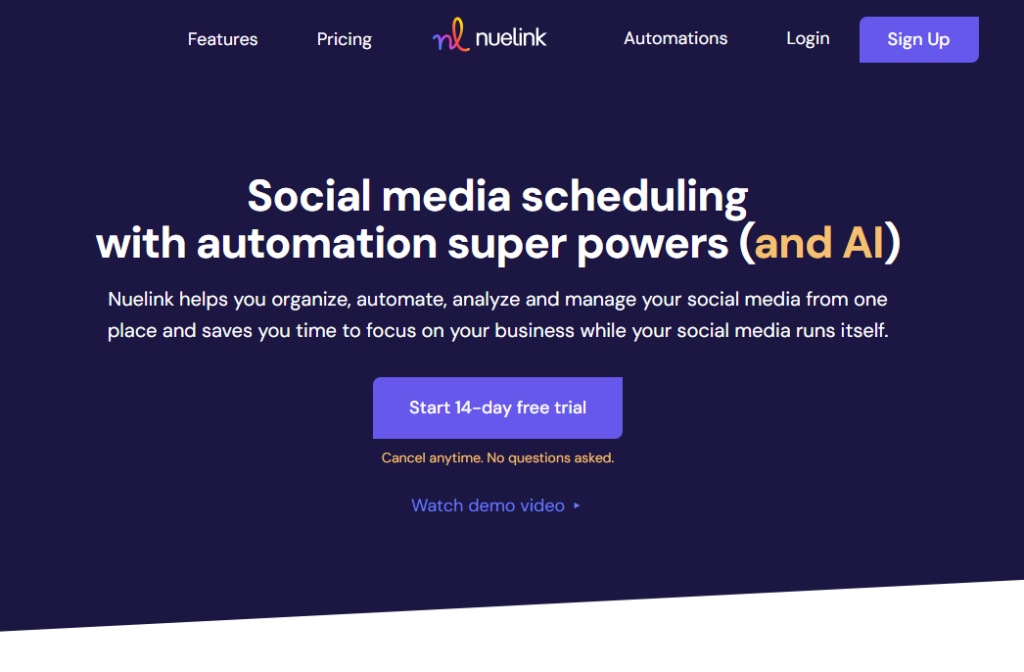
Nuelink is a social media management and automation tool designed for a wide range of professionals including but not limited to agencies, e-commerce brands, podcasters, creators, and agencies. Nuelink helps you manage, schedule, analyze, and automate social media posts across 12+ different social media platforms such as Instagram, TikTok, and Pinterest. With extra features such as bulk scheduling, link-in-bio, and link shortener.
Pros:
- Multi-Platform Support:
- Automation Capabilities
- In-Depth Analytics
- Great human customer support
Cons:
- No Mobile app yet
Pricing package:
Starts at $18/month for the Standard plan.
Social Media Links:
- Facebook: Nuelink on Facebook
- Instagram: Nuelink on Instagram
- LinkedIn: Nuelink on LinkedIn
- Twitter: Nuelink on Twitter
- YouTube: Nuelink on YouTube
Contact Information:
Email: [email protected]
BrandMentions
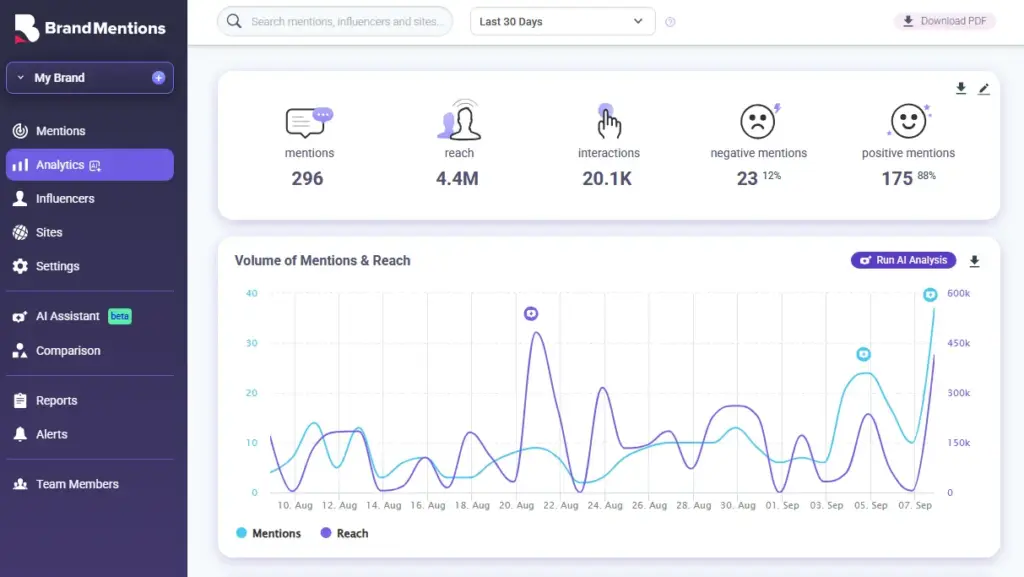
BrandMentions is an elite social listening and web monitoring tool designed to track every digital footprint of a brand in real-time. Unlike traditional management tools that focus solely on scheduling, BrandMentions digs deep into the “social web,” indexing mentions from news sites, blogs, forums, and social networks to provide a comprehensive view of a brand’s online reputation and market presence.
Pros:
- Real-Time Web Crawling: Monitors the entire web, not just social media platforms, for instant brand awareness.
- Sentiment Analysis: Uses AI to categorize mentions as positive, negative, or neutral, allowing for immediate crisis management.
- Competitor Spying: Provides detailed insights into competitor strategies and audience engagement levels.
- White-label Reports: Ideal for agencies needing to present professional, branded data to clients.
Cons:
- Data Volume: The sheer amount of data can be overwhelming for very small businesses without a dedicated analyst.
Pricing package:
- Starts at $99/month for the Starter plan.
Social media links:
- Facebook: BrandMentions Facebook
- LinkedIn: BrandMentions LinkedIn
- Twitter: BrandMentions Twitter
Contact Information:
- Mail: [email protected]
Buffer
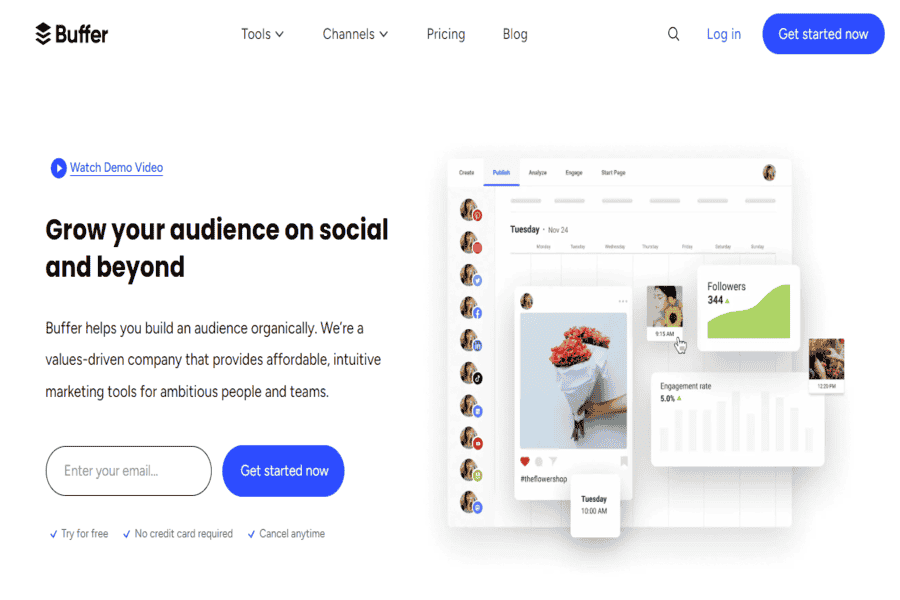
Buffer is a popular social media scheduling and analytics tool that allows users to manage multiple accounts, schedule posts, and review analytics to improve engagement.
Pros:
- Easy-to-use interface.
- Effective analytics and reporting features.
- Affordable pricing options.
Cons:
- Limited features in lower-tier plans.
- Limited support for Instagram stories and direct posts.
Pricing package:
Starts at $15/month for the Essentials plan.
Social media links:
- Facebook: Buffer Facebook
- Instagram: Buffer Instagram
- LinkedIn: Buffer LinkedIn
- Twitter: Buffer Twitter
- YouTube: Buffer YouTube
Contact Information:
- Mail: [email protected]
Sprout Social
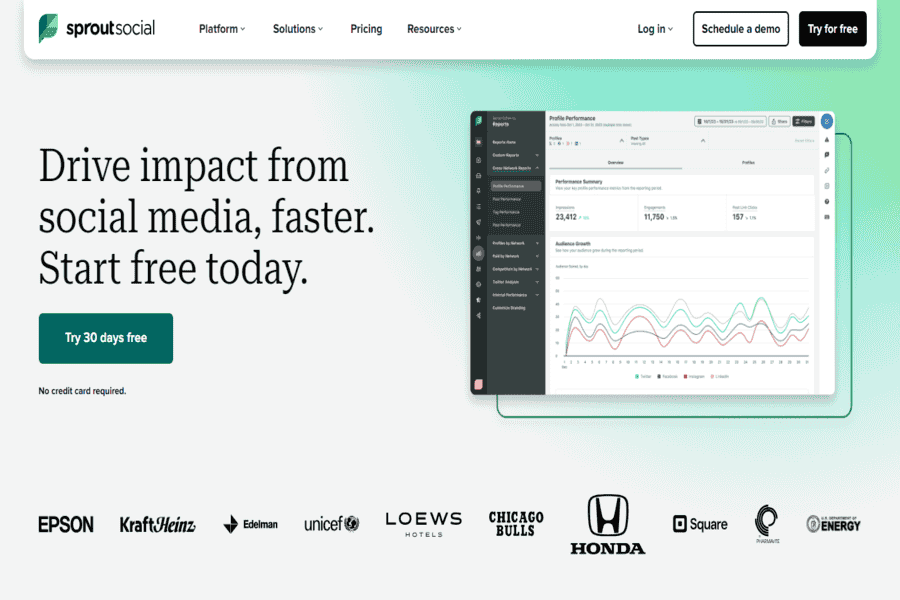
Sprout Social is a powerful social media management tool that offers scheduling, monitoring, and analytics features for businesses of all sizes. It integrates with major social media platforms.
Pros:
- Excellent reporting and analytics tools.
- Easy-to-use scheduling features.
- Great customer support.
Cons:
- Pricing can be high for small businesses.
- Some features, like analytics, are only available in higher-tier plans.
Pricing package:
Starts at $99/month for the Standard plan.
Social media links:
- Facebook: Sprout Social Facebook
- Instagram: Sprout Social Instagram
- LinkedIn: Sprout Social LinkedIn
- Twitter: Sprout Social Twitter
- YouTube: Sprout Social YouTube
Contact Information:
- Mail: [email protected]
- Contact number: +1 (877) 884-1567
SocialBee
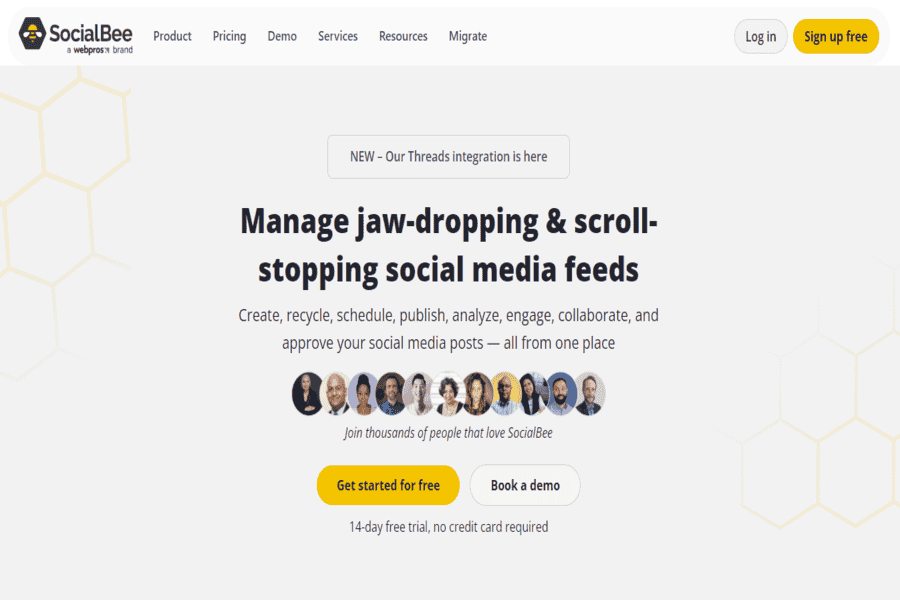
SocialBee is a social media management tool focusing on content scheduling and categorization, offering content creation, scheduling, and analytics features.
Pros:
- Great content scheduling features.
- Customizable content categories.
- Affordable pricing.
Cons:
- Limited integrations compared to competitors.
- The steeper learning curve for beginners.
Pricing package:
Starts at $19/month for the Bootstrap plan.
Social media links:
- Facebook: SocialBee Facebook
- Instagram: SocialBee Instagram
- LinkedIn: SocialBee LinkedIn
- Twitter: SocialBee Twitter
Contact Information:
- Mail: [email protected]
Agorapulse
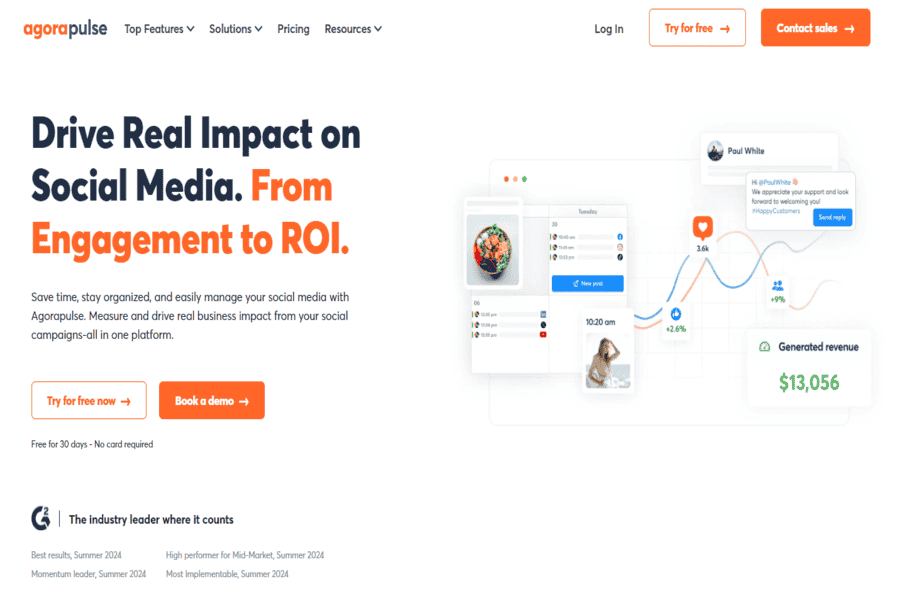
Agorapulse is a social media management tool that allows you to schedule posts, track mentions, and analyze the performance of social media campaigns. It supports several platforms, including Facebook, Twitter, and Instagram.
Pros:
- Comprehensive analytics and reporting.
- Social inbox for better engagement.
- Affordable pricing plans.
Cons:
- Limited third-party integrations.
- Features for larger teams can be complex to navigate.
Pricing package:
Starts at $79/month for the Pro plan.
Social media links:
- Facebook: Agorapulse Facebook
- Instagram: Agorapulse Instagram
- LinkedIn: Agorapulse LinkedIn
- Twitter: Agorapulse Twitter
- YouTube: Agorapulse YouTube
Contact Information:
- Mail: [email protected]
- Contact number: +1 (877) 907-2072
Zoho Social
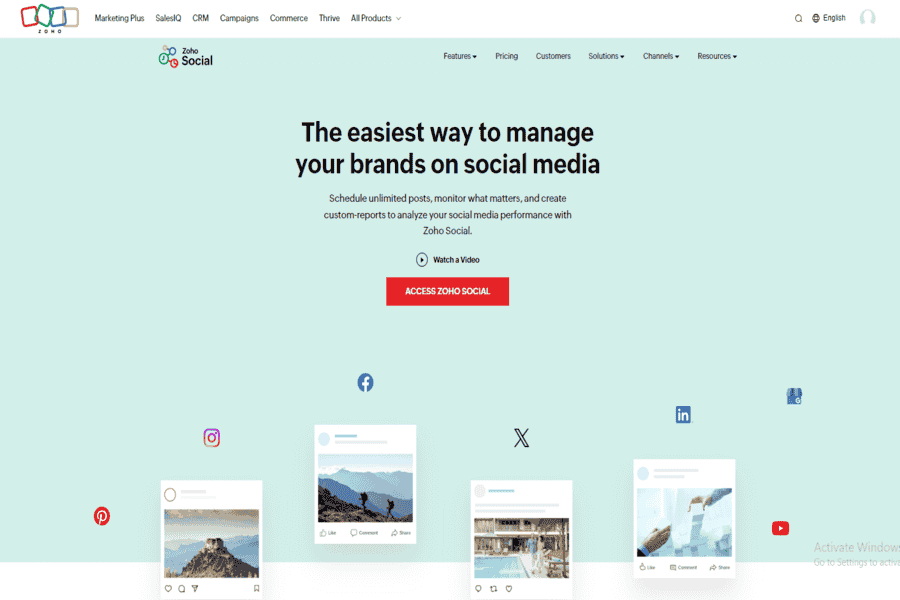
Zoho Social is a social media management platform designed for businesses. It offers features for scheduling posts, monitoring social media conversations, and analyzing performance.
Pros:
- User-friendly interface.
- Affordable for small businesses.
- Strong reporting and monitoring features.
Cons:
- Limited integrations with social media platforms.
- Some features require higher-tier plans.
Pricing package:
Starts at $10/month for the Standard plan.
Social media links:
- Facebook: Zoho Social Facebook
- Instagram: Zoho Social Instagram
- LinkedIn: Zoho Social LinkedIn
- Twitter: Zoho Social Twitter
- YouTube: Zoho Social YouTube
Contact Information:
- Mail: [email protected]
- Contact number: +1 877 834 4428
SocialPilot

SocialPilot is a social media scheduling tool that offers powerful content scheduling, analytics, and team collaboration features designed to help small and medium-sized businesses grow their social presence.
Pros:
- Affordable pricing.
- Bulk scheduling features.
- Great team collaboration tools.
Cons:
- Limited analytics for higher-tier plans.
- The user interface could be improved.
Pricing package:
The Professional plan starts at $25/month.
Social media links:
- Facebook: SocialPilot Facebook
- Instagram: SocialPilot Instagram
- LinkedIn: SocialPilot LinkedIn
- Twitter: SocialPilot Twitter
- YouTube: SocialPilot YouTube
Contact Information:
- Mail: [email protected]
Sendible
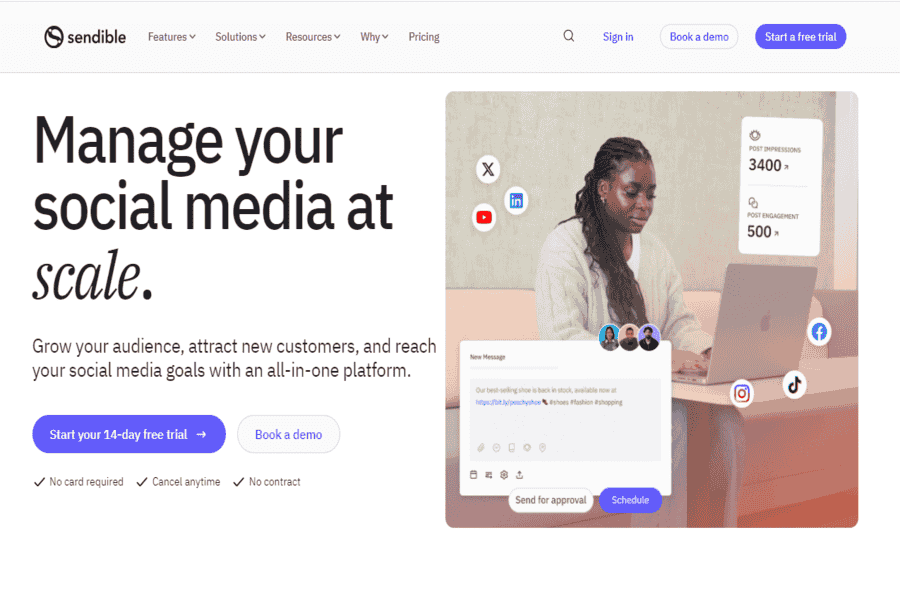
Sendible is a social media management tool for agencies and businesses managing multiple clients. It allows for scheduling, content curation, analytics, and reporting across various platforms.
Pros:
- Excellent for managing multiple client accounts.
- Robust content curation and scheduling features.
- Integrates with a wide range of social platforms.
Cons:
- It can be expensive for small businesses.
- Limited analytics features in lower-tier plans.
Pricing package:
Starts at $29/month for the Starter plan.
Social media links:
- Facebook: Sendible Facebook
- Instagram: Sendible Instagram
- LinkedIn: Sendible LinkedIn
- Twitter: Sendible Twitter
- YouTube: Sendible YouTube
Contact Information:
- Mail: [email protected]
- Contact number: +44 (0) 203 693 2022
CoSchedule
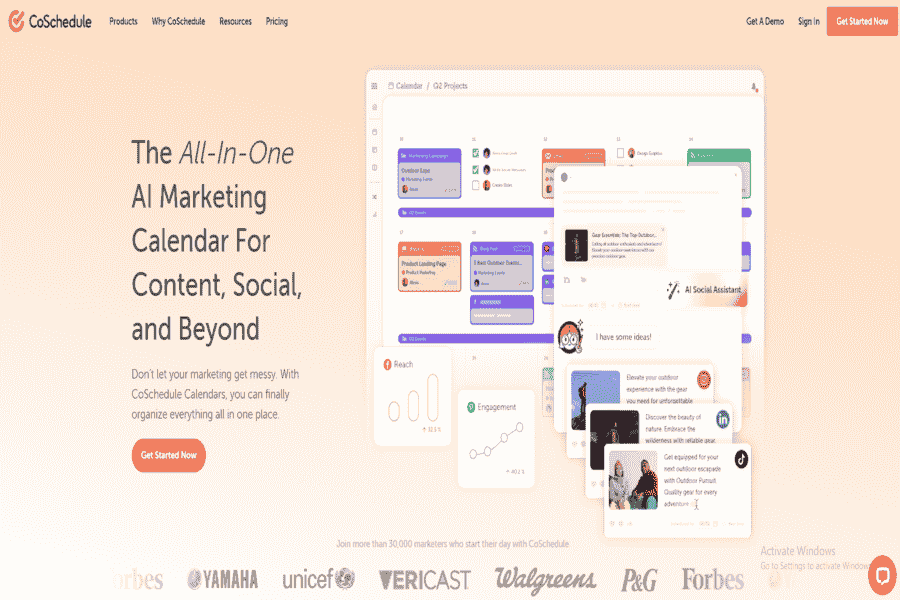
CoSchedule is a marketing platform with social media scheduling, content management, and automation tools. It helps marketers plan, organize, and execute campaigns more efficiently.
Pros:
- All-in-one marketing suite.
- Great for content and social media integration.
- Easy-to-use calendar interface.
Cons:
- Pricing can be high for small teams.
- It can be overwhelming for new users due to its many features.
Pricing package:
Starts at $29/month for the Individual plan.
Social media links:
- Facebook: CoSchedule Facebook
- Instagram: CoSchedule Instagram
- LinkedIn: CoSchedule LinkedIn
- Twitter: CoSchedule Twitter
- YouTube: CoSchedule YouTube
Contact Information:
- Mail: [email protected]
- Contact number: +1 (701) 478-8093
Planoly
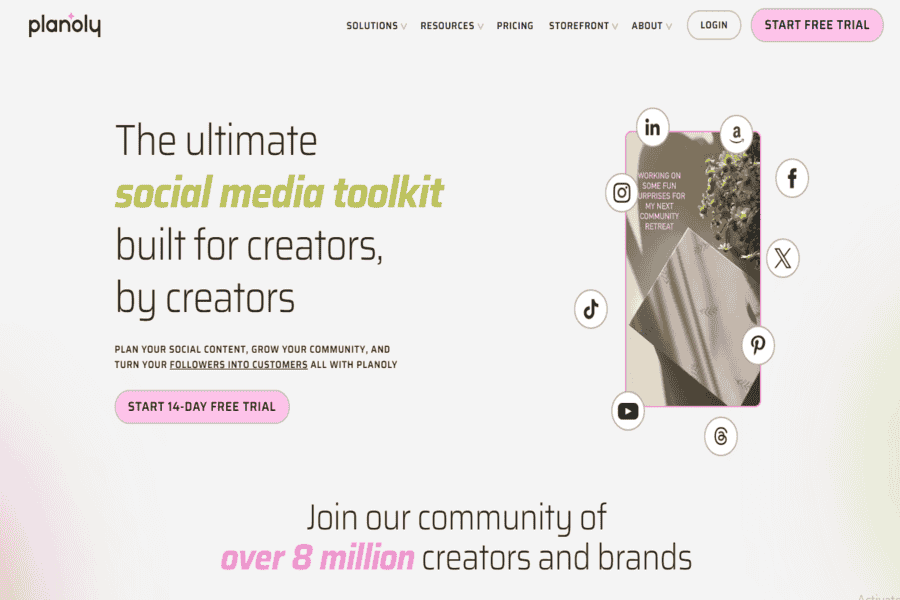
Planoly is a social media management tool specializing in Instagram content scheduling, analytics, and visual planning. It also offers scheduling for Pinterest.
Pros:
- Visual content planning and scheduling.
- Simple interface with drag-and-drop features.
- Instagram-specific tools like story scheduling.
Cons:
- Limited support for social platforms other than Instagram.
- Basic features in the free version.
Pricing package:
Starts at $7/month for the Solo plan.
Social media links:
- Facebook: Planoly Facebook
- Instagram: Planoly Instagram
- LinkedIn: Planoly LinkedIn
- Twitter: Planoly Twitter
- YouTube: Planoly YouTube
Contact Information:
- Mail: [email protected]
Vista Social
AI-powered social media management platform covering scheduling, engagement, listening, and analytics across all major networks. Replaces TweetDeck: X (formerly Twitter) rebranded it X Pro in 2023 and moved it behind the $40/month Premium+ subscription (effective March 2026), so it’s no longer the free, general-purpose tool this post originally described — and it only ever covered one platform.
Pros:
- Covers all major platforms, not just one.
- AI-assisted caption writing and best-time-to-post suggestions.
Cons:
- Newer platform, smaller community and integration ecosystem than the longest-established competitors.
Pricing package:
Free trial available; paid plans start at a per-profile monthly rate.
Adobe Express Content Scheduler (formerly ContentCal)
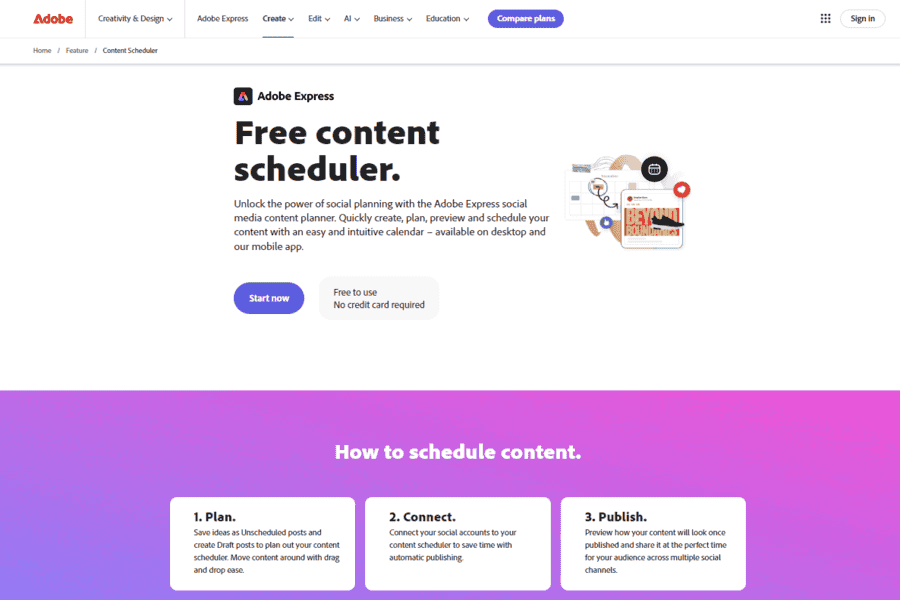
Adobe acquired ContentCal in December 2021 and fully discontinued the standalone platform on March 31, 2023, folding its core content-calendar and scheduling feature into Adobe Express‘s Content Scheduler. Analytics, team collaboration, and multi-channel depth from the original ContentCal were not carried over — this is a lighter-weight successor, not a like-for-like replacement.
Pros:
- Strong team collaboration features.
- Visual content calendar.
- Analytics to measure performance.
Cons:
- Limited integrations with third-party tools.
- Some features are only available in higher-tier plans.
Pricing package:
Starts at $17/month for the Individual plan.
Social media links:
- Facebook: ContentCal Facebook
- Instagram: ContentCal Instagram
- LinkedIn: ContentCal LinkedIn
- Twitter: ContentCal Twitter
- YouTube: ContentCal YouTube
Contact Information:
- Mail: [email protected]
Iconosquare
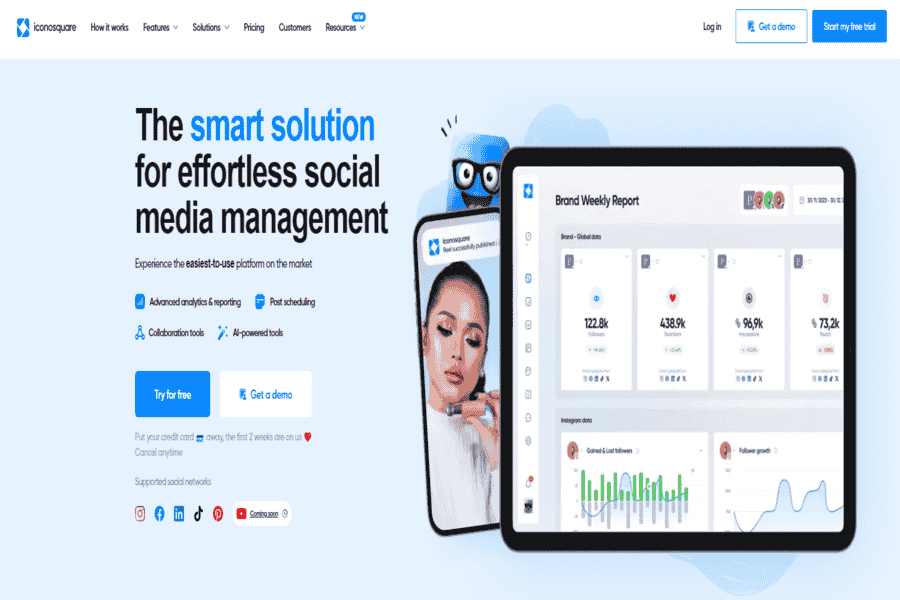
Iconosquare is a social media analytics and scheduling platform specializing in Instagram and Facebook. It provides in-depth performance metrics, along with content scheduling tools.
Pros:
- Excellent analytics and insights.
- Schedule posts and stories for Instagram.
- Detailed metrics for social media campaigns.
Cons:
- Limited support for other platforms.
- Higher pricing plans for advanced features.
Pricing package:
Starts at $19/month for the Pro plan.
Social media links:
- Facebook: Iconosquare Facebook
- Instagram: Iconosquare Instagram
- LinkedIn: Iconosquare LinkedIn
- Twitter: Iconosquare Twitter
Contact Information:
- Mail: [email protected]
Tailwind
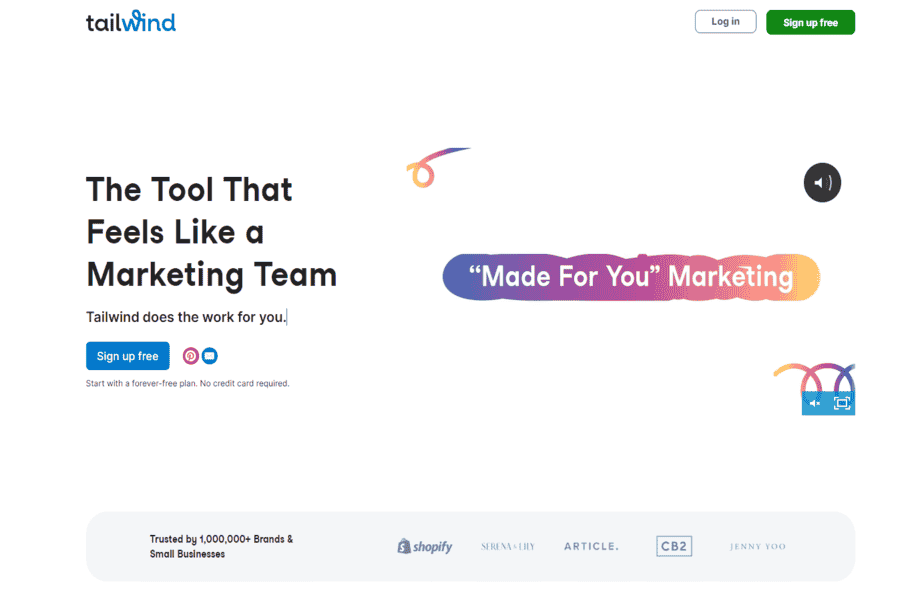
Tailwind is a social media scheduling tool that focuses on Pinterest and Instagram. It provides tools for planning, scheduling, and analyzing content to optimize social media campaigns.
Pros:
- Excellent for Pinterest and Instagram management.
- Easy-to-use visual planning tools.
- Tailored recommendations for optimizing pins and posts.
Cons:
- Limited support for non-Pinterest and non-Instagram platforms.
- Some features are restricted to higher-tier plans.
Pricing package:
Starts at $19/month for the Pro plan.
Social media links:
- Facebook: Tailwind Facebook
- Instagram: Tailwind Instagram
- LinkedIn: Tailwind LinkedIn
- Twitter: Tailwind Twitter
- YouTube: Tailwind YouTube
Contact Information:
- Mail: [email protected]
Best Practices and Where This Is Headed
Set clear, measurable goals before picking a tool rather than after, and give any AI writing/scheduling assistant enough of your brand voice and past content to train on — results improve noticeably once it has real examples to work from. Monitor performance and adjust rather than setting campaigns on autopilot, and keep a human reviewing anything AI drafts before it posts; automated replies and captions can misread context in ways a person catches immediately. Looking ahead, expect deeper personalization, stronger AI content generation and curation, more predictive analytics for timing and format decisions, and continued scrutiny over transparency when content or replies are AI-generated — none of which changes the basic rule that judgment and brand voice still need a human behind them.
Conclusion
The tools above split roughly into full-featured all-in-one platforms (Hootsuite, Sprout Social, Agorapulse, Sendible, SocialPilot, Zoho Social, Vista Social), content-and-AI-writing-focused tools (ContentStudio, Blaze.ai, SocialBee, CoSchedule), visual-platform specialists (Planoly, Tailwind, Iconosquare for Instagram/Pinterest-heavy brands), lighter/budget-friendly schedulers (Nuelink, Buffer), and monitoring/listening tools (BrandMentions). Match the tool to what you actually need to manage day to day rather than picking by feature-list length alone — and given how much this space has consolidated and rebranded in just the last few years, double-check a tool’s current ownership and pricing before committing.