

AI style transfer applies the visual characteristics of one image (a painting style, a texture, a mood) onto another, using neural networks trained to separate an image’s content from its style and recombine them. For digital artists this means fast creative exploration, unique looks that would take hours to achieve manually, and a real source of inspiration. Alongside real questions about copyright and where AI-assisted work fits in the art world. Pairing these tools withAI tools for cybersecurity Is worth considering too, since protecting original work and provenance matters more as AI-generated content becomes harder to distinguish from human-made work.
AI Style Transfer Tools for Digital Artists
Leonardo.Ai
AI art platform with fine-tuned models for consistent styles, letting artists apply and blend visual styles across a whole set of images rather than one at a time. Replaces DeepArt.io, which ceased operations after August 2022; its parent company entered liquidation in February 2023 and deepart.io no longer serves a working product.
Pros:
- Fine-tuned models keep a consistent style across multiple generations.
- Free tier to start.
Cons:
- Free-tier generations are limited per day.
Pricing package:
Free tier available; paid plans for more generations and commercial use.
Runway ML
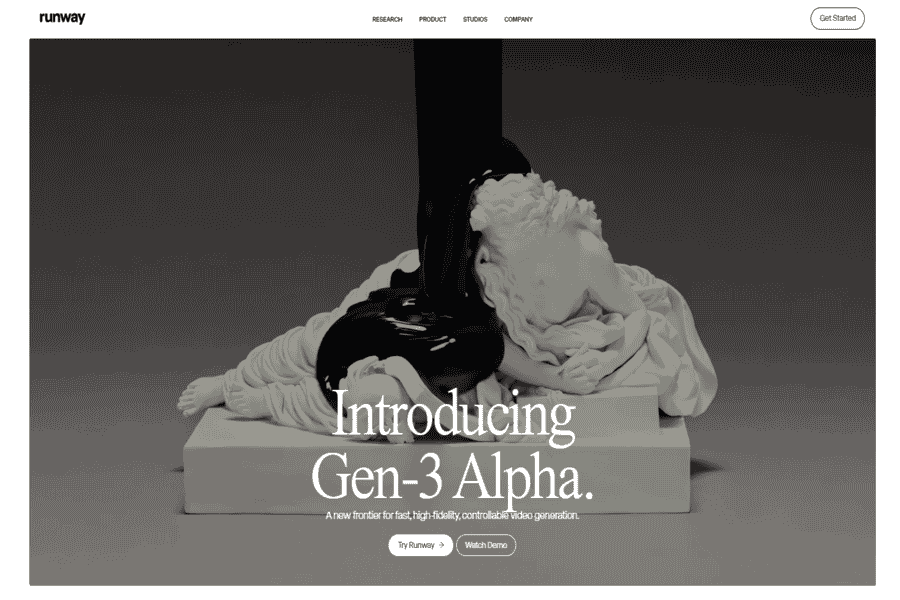
Runway ML is a platform for creating AI-generated art, including style transfer. It allows artists to apply different artistic styles to their digital creations and offers additional tools for video editing and content generation.
Pros:
- Supports video style transfer.
- Customizable AI models.
- Strong tools for digital artists.
Cons:
- Requires a learning curve.
- Subscription-based pricing may be costly for occasional users.
Pricing package:
Starts at $12/month.
Prisma
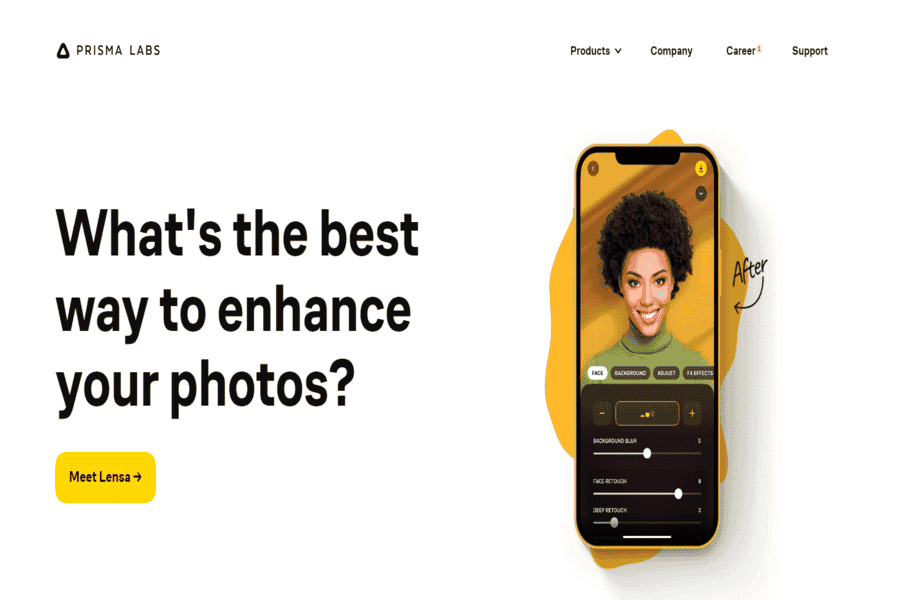
Prisma is a mobile app that applies AI-driven style transfer to images. With a wide range of artistic styles, users can effortlessly turn photos into stunning artwork.
Pros:
- Wide variety of styles.
- Intuitive and fast processing.
- Available for both iOS and Android.
Cons:
- Limited high-resolution output in the free version.
- Watermarks on free-tier creations.
Pricing package:
Free with in-app purchases; premium starts at $7.99/month.
Artbreeder
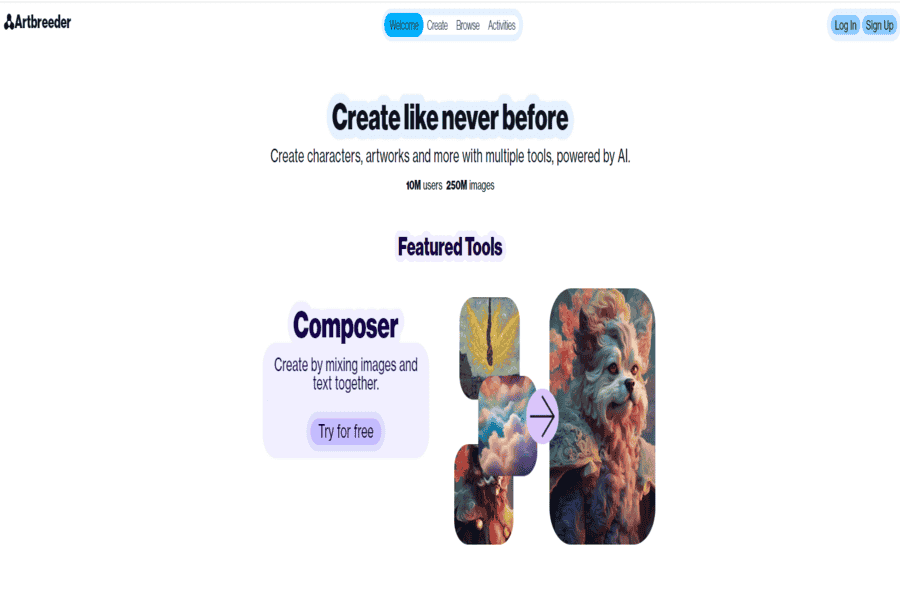
Artbreeder Is an AI-powered platform that uses style transfer and genetic algorithms to blend and generate unique artistic visuals, portraits, and landscapes.
Pros:
- Allows for collaborative art creation.
- Easy to use for generating unique content.
- Supports iterative improvements to artworks.
Cons:
- Requires an account to use.
- Limited export options in free plans.
Pricing package:
Free basic plan; premium starts at $8.99/month.
Deep Dream Generator
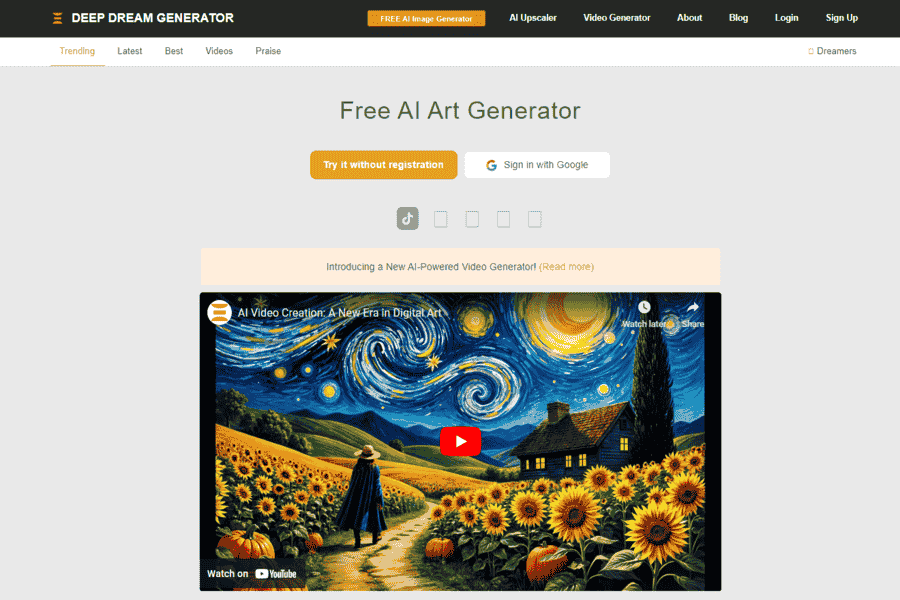
Deep Dream Generator By Google is an AI tool that enhances and transforms images by applying dream-like, surrealistic styles. It is popular among artists exploring psychedelic and abstract visuals.
Pros:
- Unique, dreamlike transformations.
- Offers different artistic filters.
- Free plan available.
Cons:
- Limited control over output.
- Processing can take time for complex images.
Pricing package:
Free basic plan; premium starts at $19/month.
StyleMyPic AI Studio
StyleMyPic AI Studio offers professional-grade style transfer capabilities for digital artists and photographers. It allows users to blend artistic styles with their photographs for unique and stunning results.
Pros:
- High-resolution outputs.
- Supports batch processing.
- Professional-grade editing tools.
Cons:
- The steeper learning curve for beginners.
- Requires a subscription for full features.
Pricing package:
Starts at $15/month.
Midjourney
One of the most widely used AI art generators, capable of highly stylized image generation across an enormous range of artistic styles from a text prompt. Replaces PaintsChainer, which was renamed Petalica Paint in 2019 and then discontinued entirely on July 31, 2025; paintschainer.ai no longer resolves.
Pros:
- Exceptional image quality and stylistic range.
- Large, active community sharing prompts and techniques.
Cons:
- No free tier; subscription required from the start.
Pricing package:
Subscription plans starting around $10/month.
Fotor GoArt
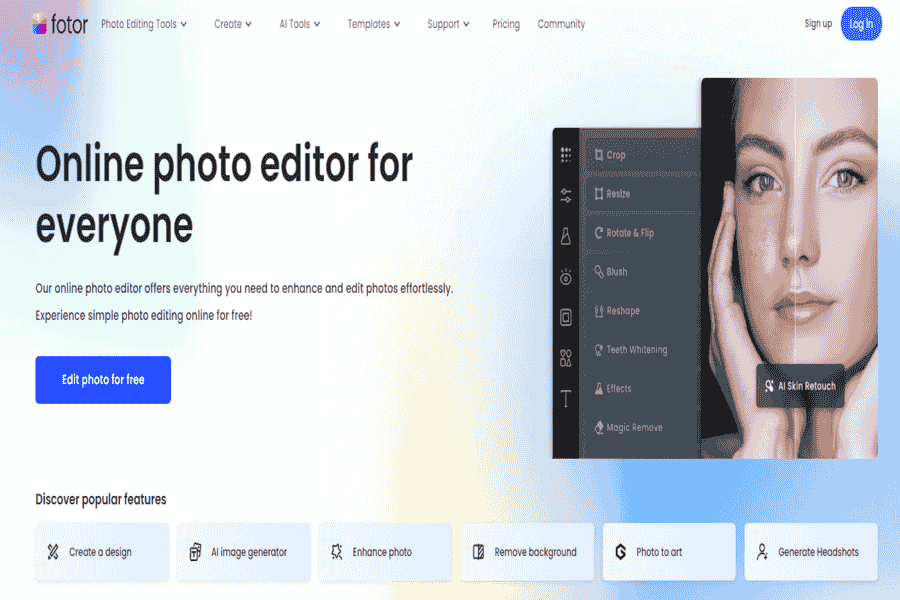
Fotor GoArt is an AI-driven platform specializing in converting photos into artwork using a range of painting styles. It’s easy to use and designed for quick results.
Pros:
- Wide range of artistic styles.
- Simple and user-friendly interface.
- Fast processing times.
Cons:
- Limited free features.
- Watermarks on free-tier creations.
Pricing package:
Free basic plan; premium starts at $4.99/month.
VanceAI Art Generator
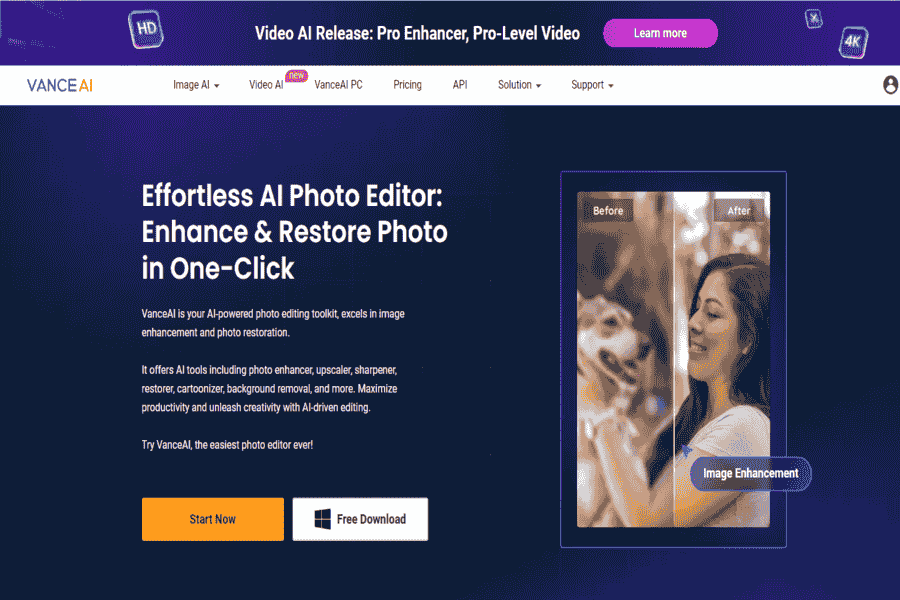
VanceAI Art Generator is an AI-powered style transfer tool that turns photos into artistic visuals using pre-set painting styles and filters. It caters to both amateurs and professionals.
Pros:
- Supports high-resolution transformations.
- Batch processing is available.
- Easy-to-use interface.
Cons:
- Some styles are locked behind paywalls.
- Requires a subscription for HD outputs.
Pricing package:
Starts at $9.90/month.
AI Picasso
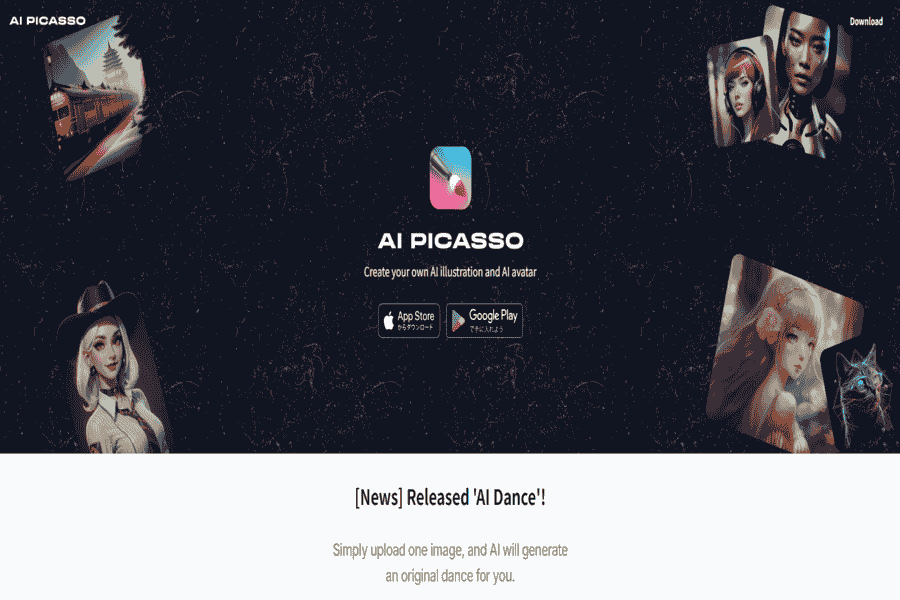
AI Picasso enables users to transform their photos into Picasso-inspired artworks. It uses neural networks to mimic famous art styles and offers tools for further customization.
Pros:
- Unique focus on Picasso-style transformations.
- Intuitive interface.
- Free trial available.
Cons:
- Limited style variety beyond Picasso.
- Processing can be slow for high-resolution images.
Pricing package:
Free basic version; premium starts at $6.99/month.
NeuralStyle.art
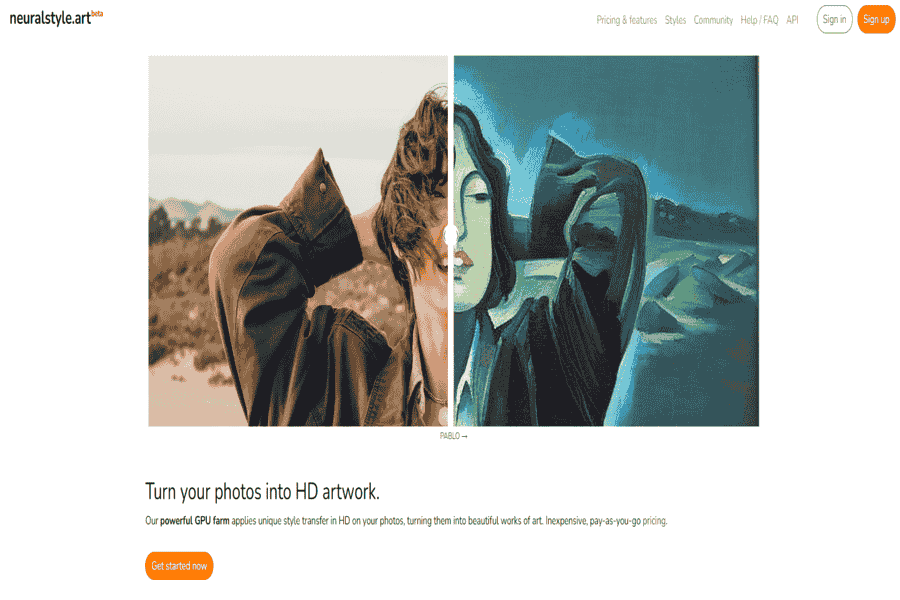
NeuralStyle.art provides an advanced AI style transfer tool that enables users to apply intricate art styles to their images. It’s tailored for digital artists and casual users looking for creative enhancements.
Pros:
- Offers highly detailed artistic transformations.
- Supports custom-style uploads.
- Intuitive and straightforward interface.
Cons:
- Requires paid subscriptions for higher resolutions.
- Limited free processing credits.
Pricing package:
Starts at $9.99/month.
Playground AI
Free-to-start AI image generator and editor with style filters, canvas editing, and a large library of community-shared styles and prompts. Replaces “AI Painter by AILab,” whose linked domain (aipainter.ai) fails to resolve.
Pros:
- Generous free tier.
- Canvas editing for refining a generated image further.
Cons:
- Free-tier images are lower resolution than paid output.
Pricing package:
Free tier available; paid plans for higher resolution and more generations.
Craiyon
Free, browser-based AI image generator popular for quick, casual image and style experiments straight from a text prompt, no signup required. Replaces Toonify.ai, whose linked domain (toonify.ai) fails to resolve.
Pros:
- Completely free, no account required to start.
- Fast, low-friction for quick experiments.
Cons:
- Lower image quality than paid, premium art generators.
Pricing package:
Free; optional paid tier removes ads and speeds up generation.
LucidPix
LucidPix is an AI-powered app specializing in adding 3D effects to photos while offering artistic style transfers. It’s perfect for creating dynamic and eye-catching visuals.
Pros:
- Combines 3D effects with style transfer.
- User-friendly mobile app.
- Works offline.
Cons:
- Limited features in the free version.
- Requires high-end devices for optimal performance.
Pricing package:
Free basic version; premium starts at $3.99/month.
BeFunky
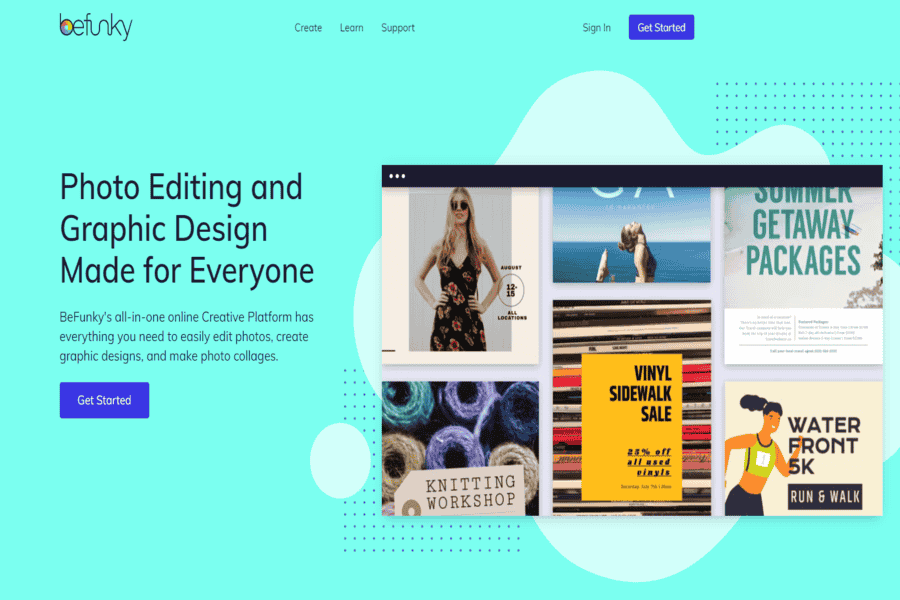
BeFunky is a versatile online photo editor with built-in AI art effects, including style transfer. Users can apply various artistic filters to photos for creative projects.
Pros:
- Comprehensive editing tools.
- Wide range of artistic filters.
- Intuitive drag-and-drop interface.
Cons:
- The free version is ad-supported.
- Advanced effects require a premium subscription.
Pricing package:
Free with ads; premium starts at $6.99/month.
PhotoFunia
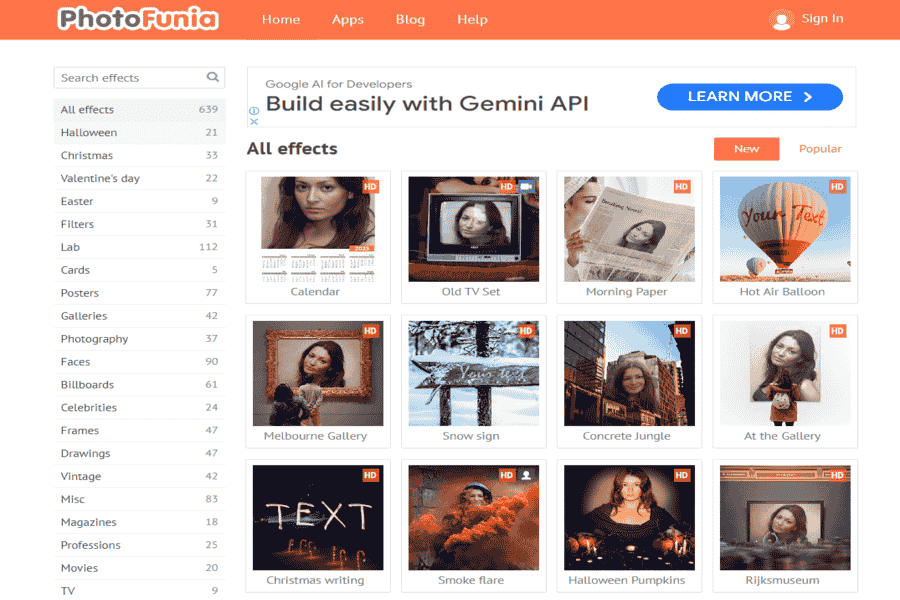
PhotoFunia is an easy-to-use online platform that applies creative effects to photos, including AI-powered style transfers. It is ideal for users looking to create fun and artistic edits.
Pros:
- Extensive library of artistic effects.
- Free to use.
- Fast and easy to process images.
Cons:
- Limited customization options.
- No high-resolution output for free users.
Pricing package:
Free.
DeepArt Effects
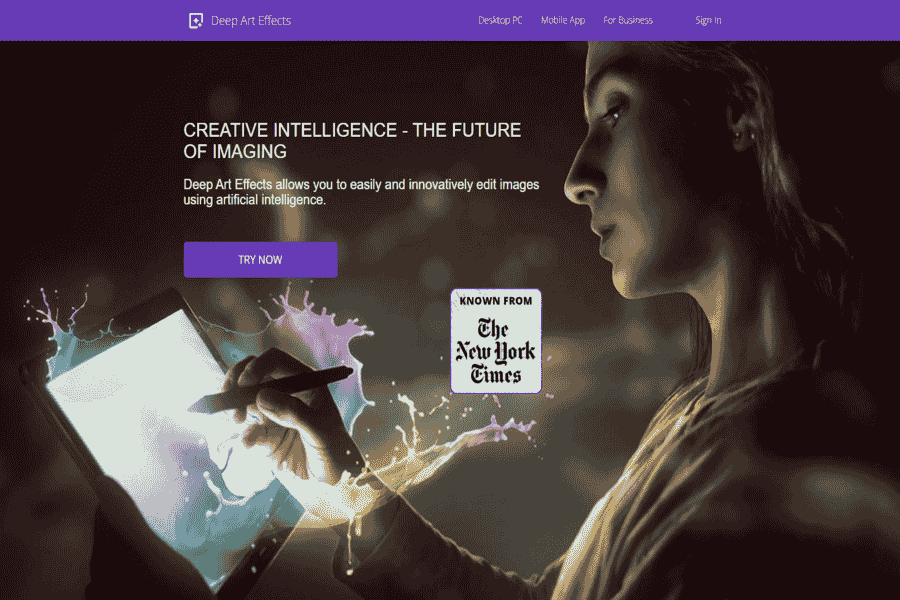
DeepArt Effects is a desktop and mobile app that turns images into works of art using AI-powered neural networks and a wide selection of artistic styles.
Pros:
- High-resolution outputs supported.
- Offers a standalone desktop app.
- Frequent style updates.
Cons:
- Some styles require paid plans.
- Slower processing on larger images.
Pricing package:
Free basic version; premium starts at $4.99/month.
Pixlr
AI-powered photo editor with one-click style effects, background removal, and generative fill, usable directly in-browser without installing an app. Replaces Artisto, whose linked domain (artisto.my.com) fails to resolve.
Pros:
- Works in-browser, no app install needed.
- Combines style effects with broader photo-editing tools in one place.
Cons:
- Free tier includes ads and watermarks on some features.
Pricing package:
Free tier available; paid plans remove ads and unlock premium tools.
StyleGAN
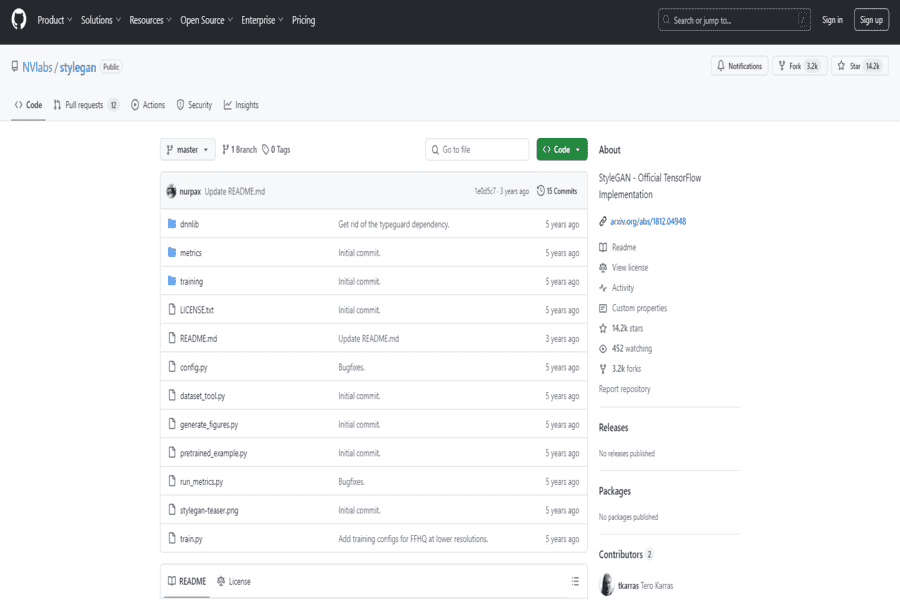
StyleGAN, developed by NVIDIA, is an AI framework for generating high-quality images with detailed artistic transformations. Professionals in digital art and research primarily use it.
Pros:
- Open-source framework.
- Generates ultra-realistic and customizable outputs.
- Highly versatile for digital art projects.
Cons:
- Requires technical expertise to use.
- It needs to be more beginner-friendly.
Pricing package:
Free (open source).
NightCafe Studio
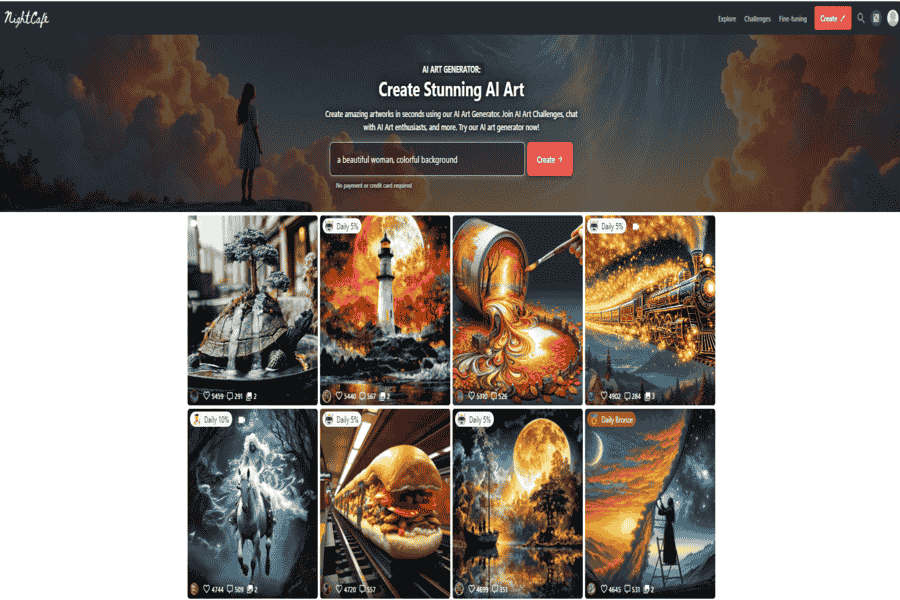
NightCafe Studio offers AI-generated art through style transfer and deep dream algorithms. It supports a wide variety of styles and is ideal for both casual users and digital artists.
Pros:
- Rich library of styles.
- Community features for sharing creations.
- A free tier with daily credits.
Cons:
- Limited credits in the free version.
- Requires a subscription for extensive use.
Pricing package:
Free with daily credits; premium starts at $9.99/month.
Challenges, Using These Tools Well, and Ethical Considerations
Output quality still varies. Visible artifacts and inconsistencies are common, and balancing how much control you keep versus how much the AI decides is an ongoing tension in every one of these tools. To get good results: pick a tool suited to your specific goal (a quick fun filter versus fine art), start with a clean high-resolution source image, choose a style reference deliberately rather than randomly, and expect to refine and edit the output rather than treating the first result as final. Copyright remains the biggest open question in this space, both what training data these models were built on, and who owns the output, and it’s worth understanding a tool’s terms before using AI-styled work commercially. The art world itself is still working out where AI-assisted pieces fit, and that conversation isn’t settled; using these tools thoughtfully and disclosing AI involvement where it matters goes a long way.
The tools above range from fine-art-oriented generators (Leonardo.Ai, Midjourney, Runway ML, Artbreeder) to quick consumer style filters (Prisma, Craiyon, Playground AI, Fotor GoArt, VanceAI Art Generator), specialized effects (AI Picasso, NeuralStyle.art, NightCafe Studio, Deep Dream Generator), all-in-one photo editors with style tools built in (Pixlr, BeFunky, PhotoFunia, LucidPix), and developer/research tools (StyleGAN, DeepArt Effects, StyleMyPic AI Studio). Whichever you pick, the AI gets you a strong starting point fast. The eye for what actually works is still the artist’s.


