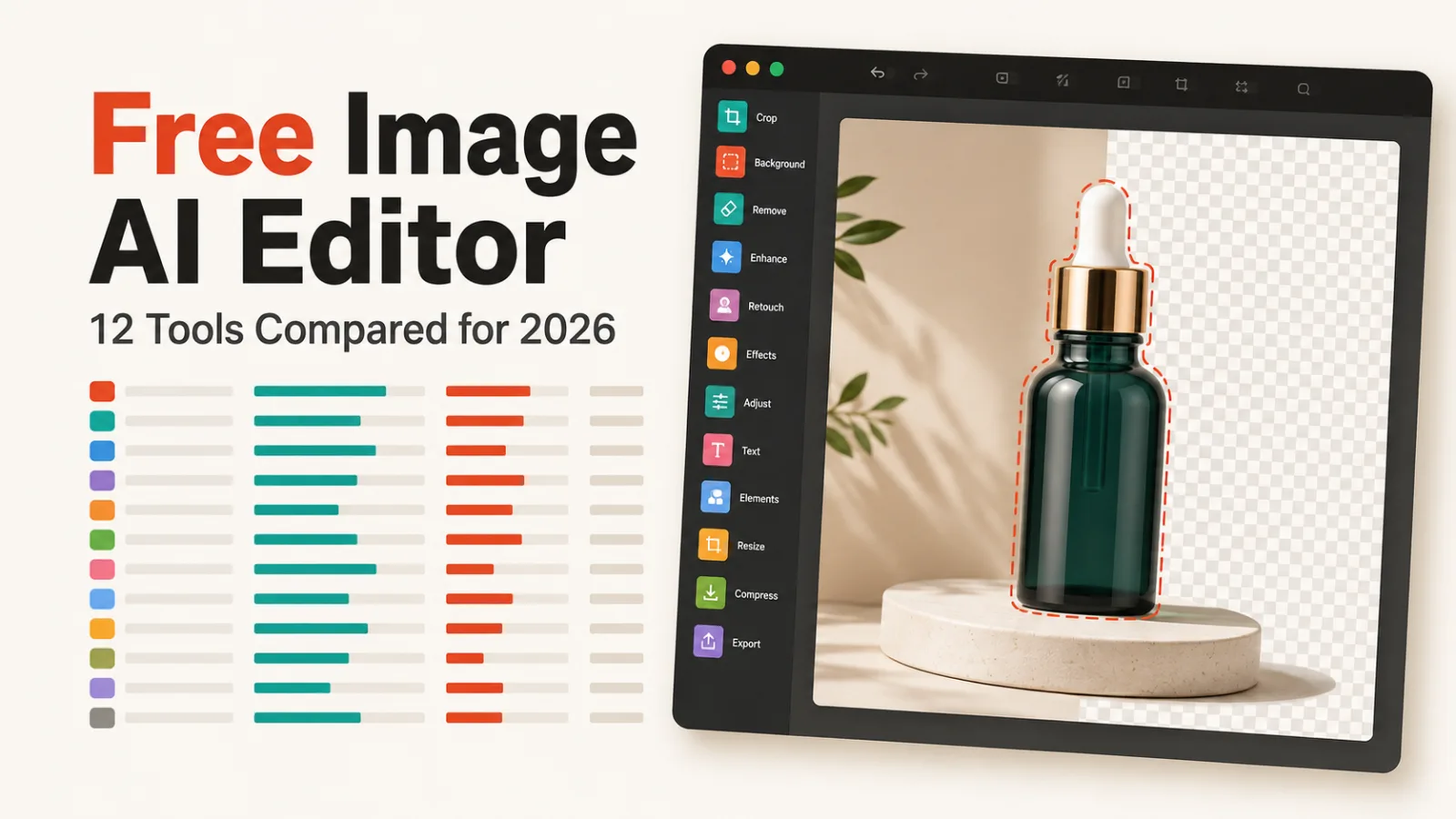
If you want a free image AI editor for one job, remove.bg and Clipping Magic both strip backgrounds automatically and free. Every tool below has a free plan, so the question is what each one has become.
Most of this category has drifted. Half these products now sell e-commerce visuals or AI video, and the editing you came for is one tab among many.
How this list is ordered, and what it leaves out
Ordered by our editorial rating, then by starting price. Every tool here has a free plan, so that does not separate them. The rating is editorial, drawn from published feature, plan and pricing data, and every listing is verified live before publishing.
Generating images from a prompt is a different job and sits in our image generator roundup. Pure upscaling is covered in our upscaling guide.
Luminar Neo is excluded because it has no free plan at $99, which fails this keyword before any judgement about quality.
One job, or the whole studio
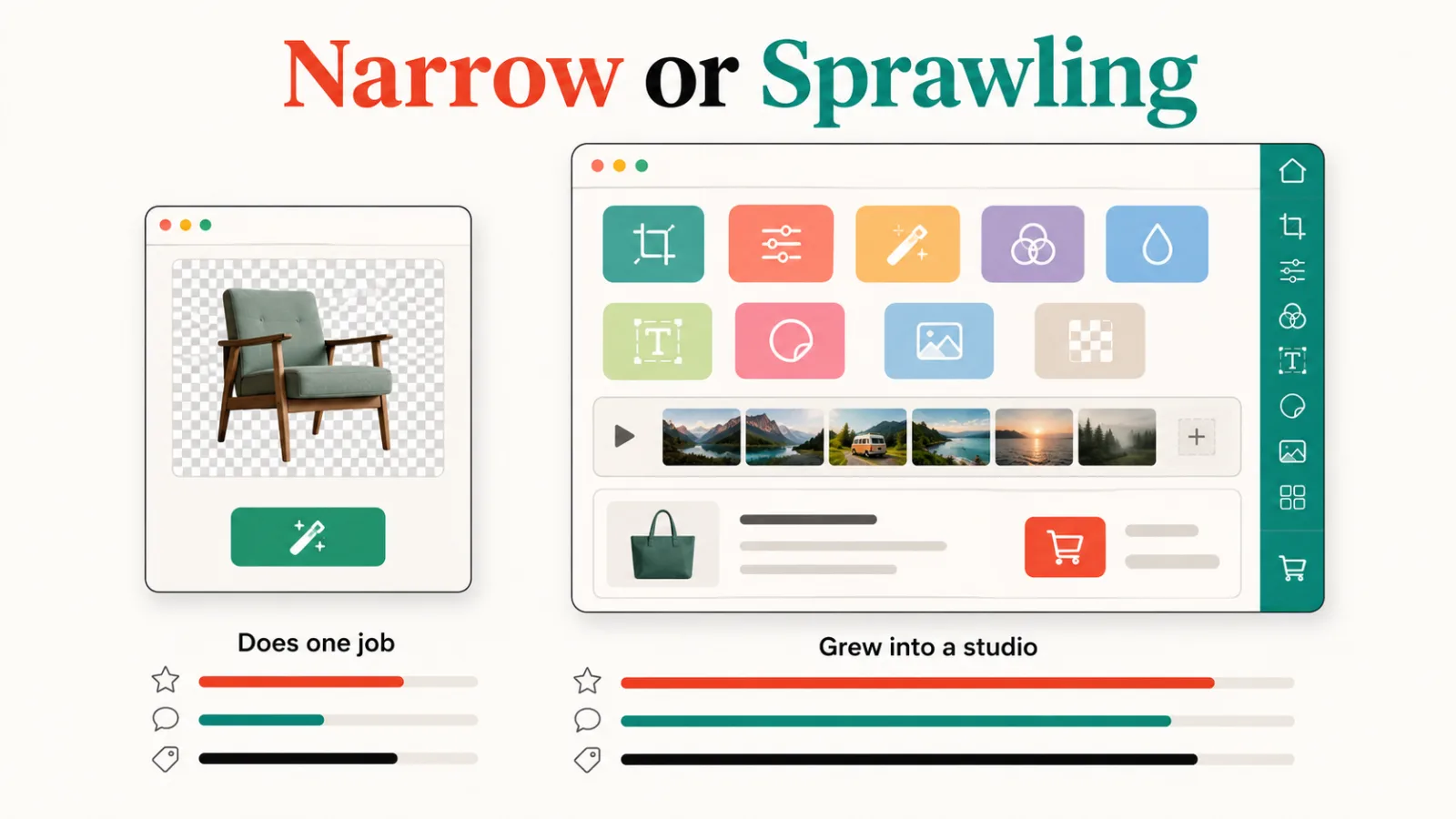
Two tools here still do one thing. remove.bg removes backgrounds. Clipping Magic removes backgrounds and lets you fix what the AI got wrong by hand.
The rest have grown. Photoroom leads with product visuals for e-commerce and Pixelcut counts seventy million sellers. insMind advertises image and video, and Picsart calls itself a creative platform for 130 million creators.
Neither shape is wrong. A narrow tool is faster for one task, and a platform is cheaper than four subscriptions if you genuinely use it. Knowing which you are buying is the point.
The 12 editors, compared
| Tool | Rating | Best at | Paid from |
|---|---|---|---|
| remove.bg | 4.6 | Background removal | $9 |
| Photoroom | 4.6 | Product visuals | $13 |
| Magnific AI | 4.6 | Upscaling | $39 |
| Let’s Enhance | 4.5 | Enhance and restore | $9 |
| Magic Studio | 4.4 | Ads and product pages | $5 |
| Picsart | 4.4 | Creative platform | $5 |
| Clipdrop | 4.4 | Mixed toolkit | $9 |
| Pixlr | 4.3 | General editing | $2 |
| Fotor | 4.3 | General editing | $9 |
| Pixelcut | 4.2 | Seller visuals | $10 |
| Clipping Magic | 3.9 | Background removal | Free |
| insMind | 3.9 | Image and video | $9.99 |
1. remove.bg, rated 4.6, free then $9

The original one-click background remover, now owned by Canva
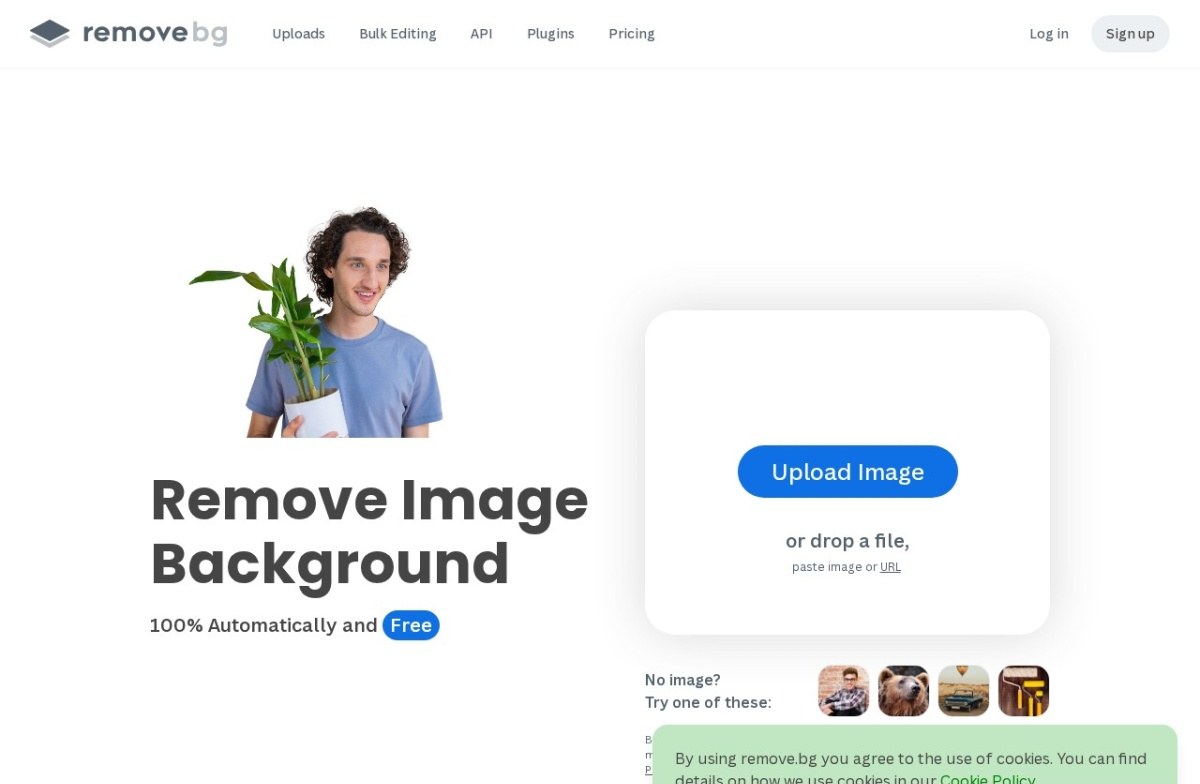
The cleanest example of a tool that does one thing. Its page says it removes image backgrounds automatically and free, and that’s the whole product.
Pick it when you want the job done in one step with nothing to learn.
2. Photoroom, rated 4.6, free then $13

A mobile-first background remover built for product photos

Photoroom is no longer a general editor. Its page now leads with selling at first sight and calls itself a product visual solution for e-commerce, with studio shots and virtual model images.
That makes it strong for a shop and heavier than you need for one photo.
3. Magnific AI, rated 4.6, free then $39

Upscales and adds detail, doesn't generate from scratch
Magnific AI is the most expensive entry here and specialises in upscaling, where it has a reputation for inventing convincing detail rather than merely enlarging.
4. Let’s Enhance, rated 4.5, free then $9

One of the earlier AI upscaling specialists, focused since 2018

Let’s Enhance splits its product three ways: an enhancer for quality and colour, an upscaler that its page says reaches 512 megapixels, and a restorer for damaged photos.
5. Magic Studio, rated 4.4, free then $5

A background-removal utility bundled inside a broader photo suite

Magic Studio aims at product pages, ads and social posts rather than photo editing for its own sake, and states no design skills are needed.
It is also the company behind InstaHeadshots, which appears in our headshot roundup.
6. Picsart, rated 4.4, free then $5

A decade-old mobile editor with AI layered on top
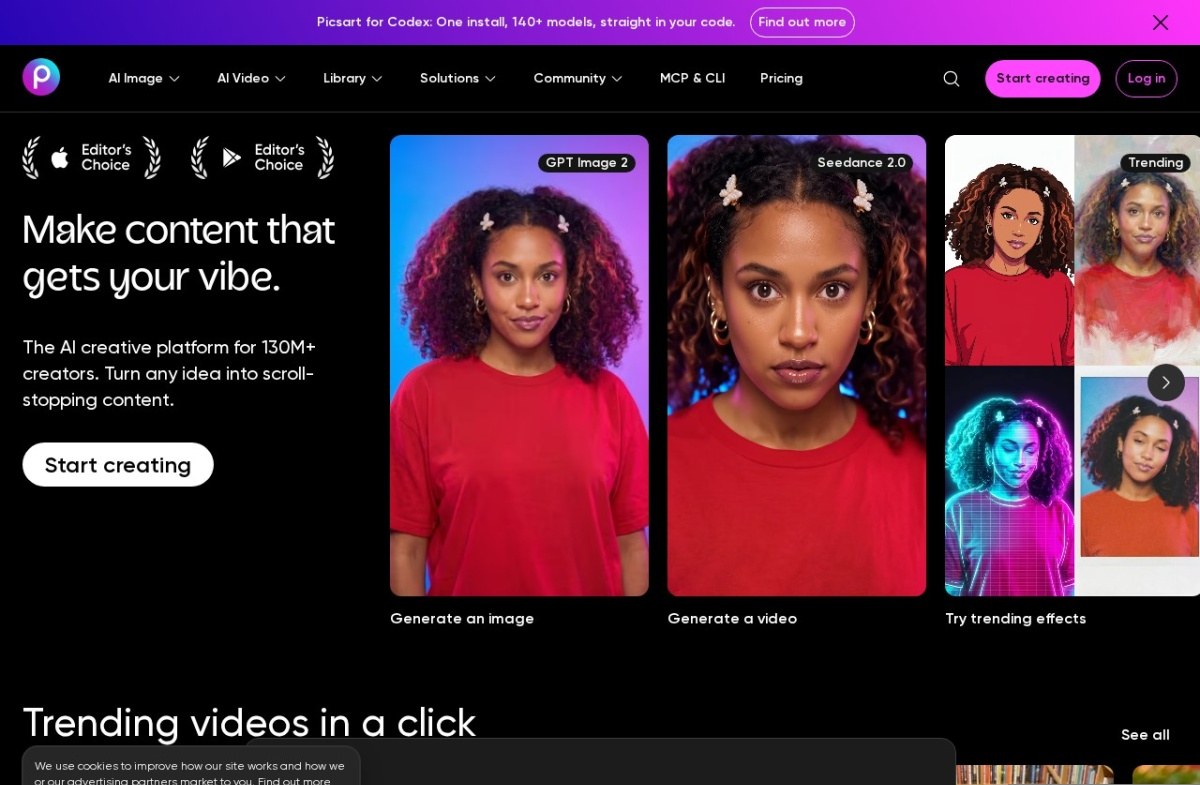
Picsart is the broadest product here, describing itself as an AI creative platform for more than 130 million creators and covering image, video and library work.
7. Clipdrop, rated 4.4, free then $9

Founded by ex-Google Arts & Culture researchers, now part of Stability AI
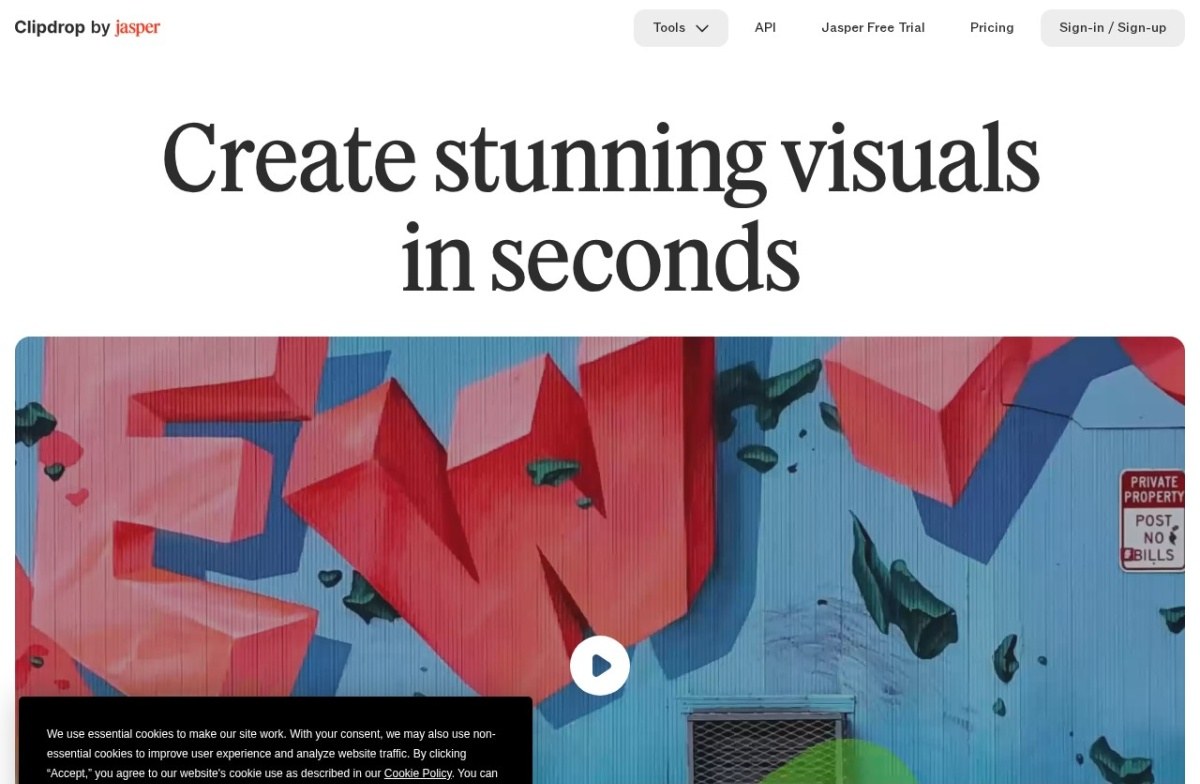
Clipdrop now trades as Clipdrop by Jasper, which our listing does not record. If you are comparing vendors rather than features, that is the company you are dealing with.
8. Pixlr, rated 4.3, free then $2

A browser-based Photoshop alternative since 2008
Pixlr has the cheapest paid plan on this list at $2 a month and the longest history as a browser editor. Its home page now leads with an AI video generator, which tells you where the product is heading.
9. Fotor, rated 4.3, free then $9

A photo editor from 2012 that grew AI generation on top
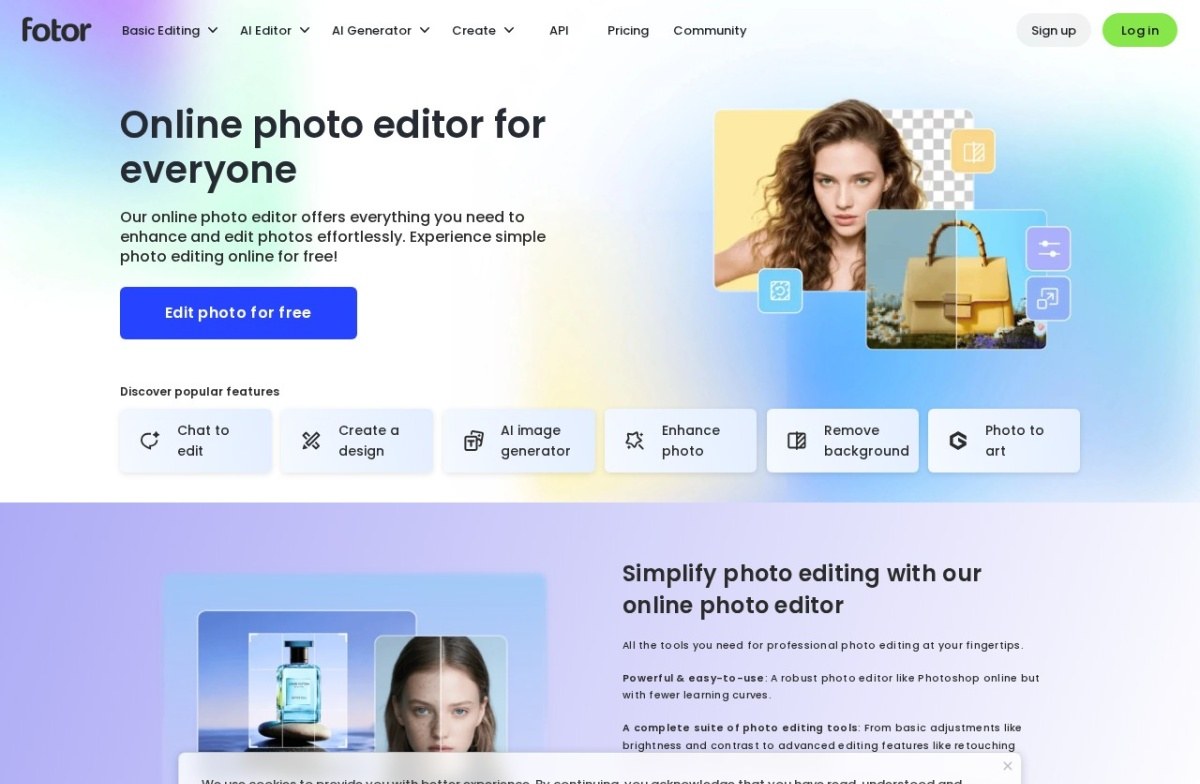
Fotor is the most conventional online editor here and says so: an online photo editor for everyone, free to use. Chat-to-edit, background removal and enhancement sit alongside a generator.
10. Pixelcut, rated 4.2, free then $10
Product photo editor for sellers: background removal, 16x upscaling and batch export.

Pixelcut is aimed at sellers, claiming seventy million of them, and produces studio-quality product visuals rather than editing your own photographs.
11. Clipping Magic, rated 3.9, free

Auto-Clip AI trained on millions of real-world images (not lab data) removes backgrounds automatically, then a Smart Editor with a hair tool and scalpel handles the hard edges by hand.
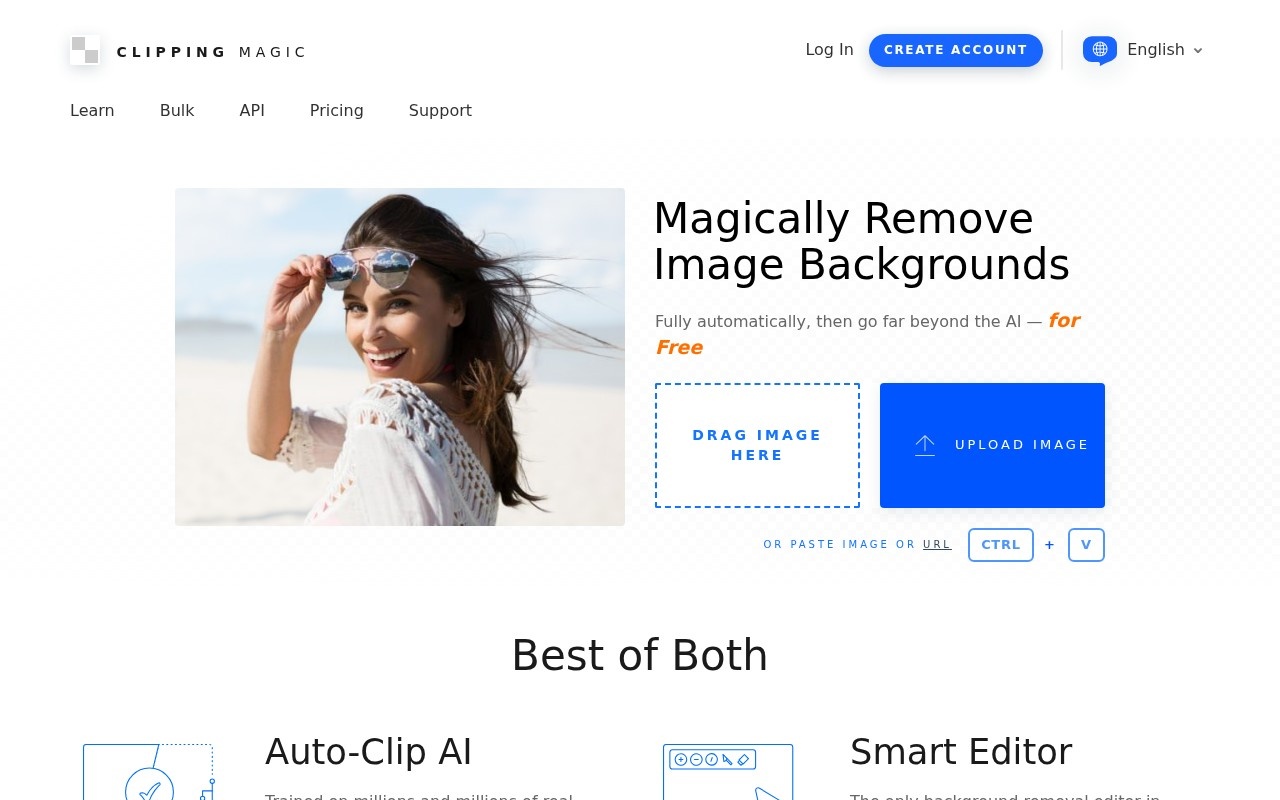
Clipping Magic removes backgrounds automatically and then lets you correct the result by hand, which is the difference that matters on hair, fur and glass.
It’s the lowest-priced entry here and one of only two tools that stayed narrow.
12. insMind, rated 3.9, free then $9.99

insMind is an all-in-one AI image and video editor for product photography, background removal, and marketing visuals.

insMind now presents itself as an all-in-one image and video creation platform, with photo-to-video and text-to-video sitting beside the editor.
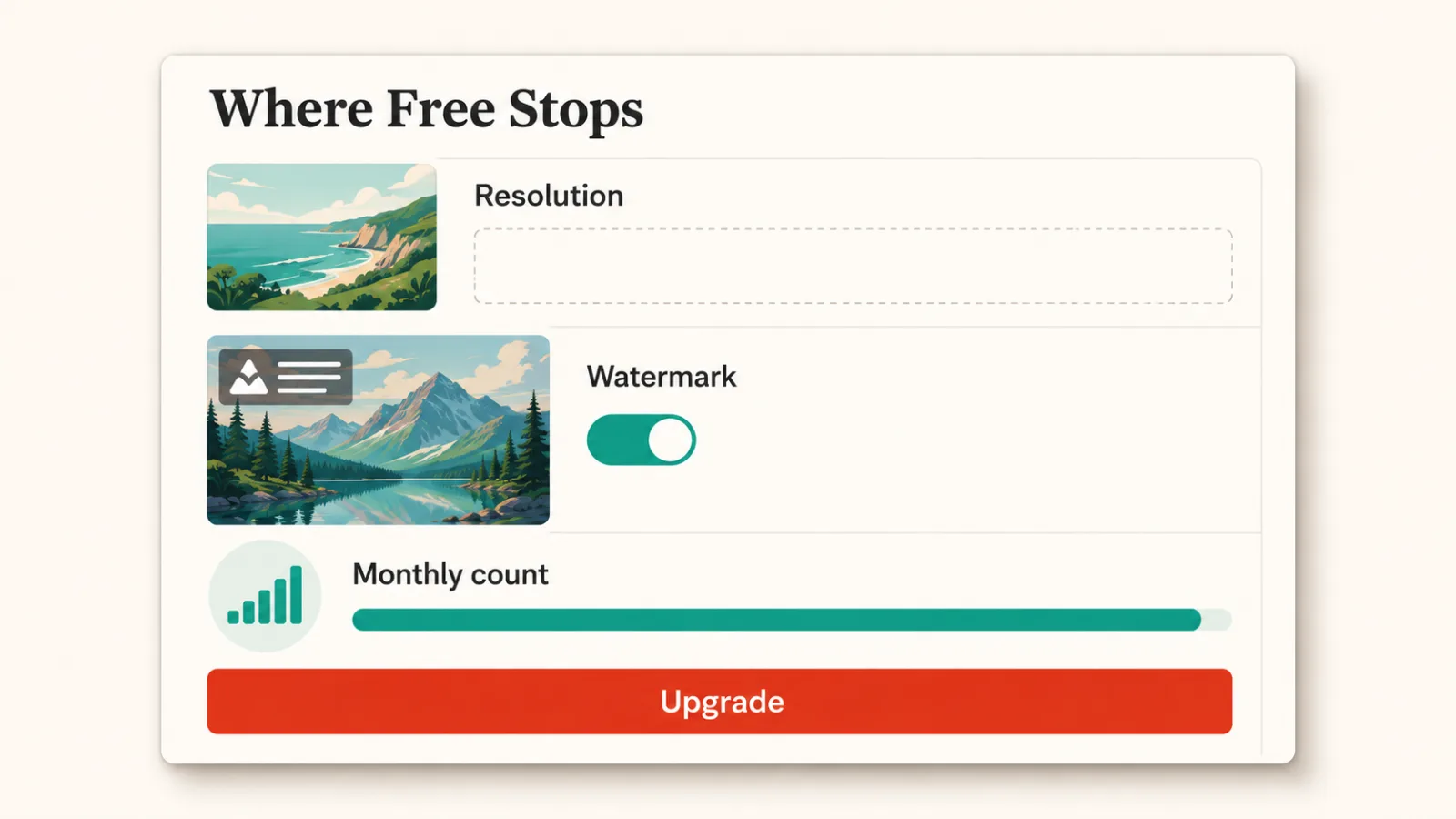
What free covers
All twelve advertise free use, and the limit is rarely the feature list. It is usually resolution, watermarks or a monthly count.
remove.bg and Clipping Magic both give you the result free at preview quality, with payment attached to full resolution. That suits a one-off crop and frustrates a batch.
Check which of the three limits applies before you build a workflow on any of them. A tool that is free for ten images a month is a different purchase from one that is free forever at lower resolution.
How to choose
To pick one quickly, match the job to the line below.
- Cut out a background: remove.bg, or Clipping Magic if the edges are difficult.
- Enlarge or repair an old photo: Let’s Enhance, or Magnific AI for detail.
- Photograph products for a shop: Photoroom or Pixelcut.
- Cheapest paid plan: Pixlr at $2, then Magic Studio and Picsart at $5.
- One subscription for image and video: insMind or Picsart.
The full category sits in AI Image and Design.
Common questions
Is there a genuinely free AI image editor?
Yes, with limits. Clipping Magic and remove.bg both work free, and Fotor advertises editing photos for free. The usual ceiling is output resolution rather than the tools themselves.
Which one removes backgrounds best?
remove.bg is the highest rated for the job and fully automatic. Clipping Magic is the better choice when you need to correct the cutout by hand.
Do these replace Photoshop?
For one task at a time, usually. For layered work with precise control, no. These are built to finish one job quickly rather than to give you a canvas.