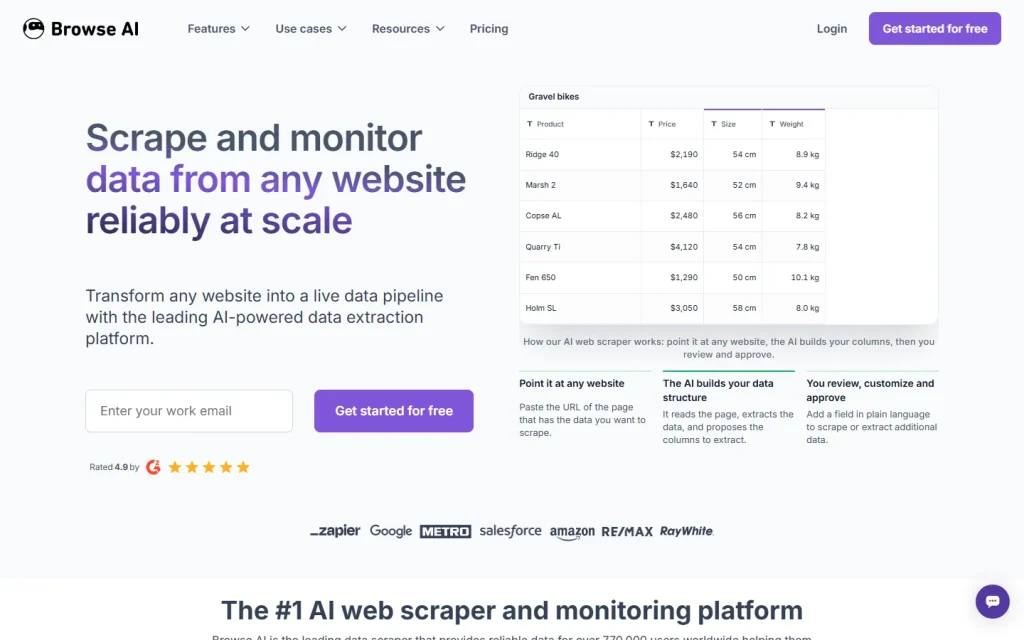
"Browse GPT" isn't a product name we can confirm. Most people typing it want Browse AI, a no-code platform that scrapes data from websites and monitors them for changes. This page covers that product and points you to its full listing.
Which Product Browse GPT Points To
The phrase most likely means Browse AI, though a few other things share the sound of it. ChatGPT's own web browsing feature and assorted custom GPTs with "browse" in the name are separate products with different jobs. Browse AI doesn't run on a chat prompt. You train a "robot" on a page and it returns structured rows.
If you wanted a chatbot that reads the web, this isn't it. If you wanted a table of prices, listings or reviews that refreshes itself, keep reading. The Browse AI listing holds the full profile.
What Browse AI Does
Browse AI turns a web page into a repeatable data feed. You point a robot at a page, confirm it picked the right fields, and schedule it to run hourly, daily, weekly or monthly.
It handles the messy parts for you: dropdowns, search boxes, form fills, retries and proxies. Deep scraping follows links into subpages. Output goes to a spreadsheet, an API or webhook, or into other apps through integrations the vendor puts at 9,000+.
Prebuilt robots cover sites like Booking.com, Expedia and TripAdvisor. That makes hotel rate tracking its most polished use case. Price monitoring on any retailer works the same way.
Who Should Pick It and Who Should Skip It
Pick it if you track competitor prices, listings or page changes and you don't have a developer. Skip it if you need one-off extraction of a few pages; a manual copy is faster than setup.
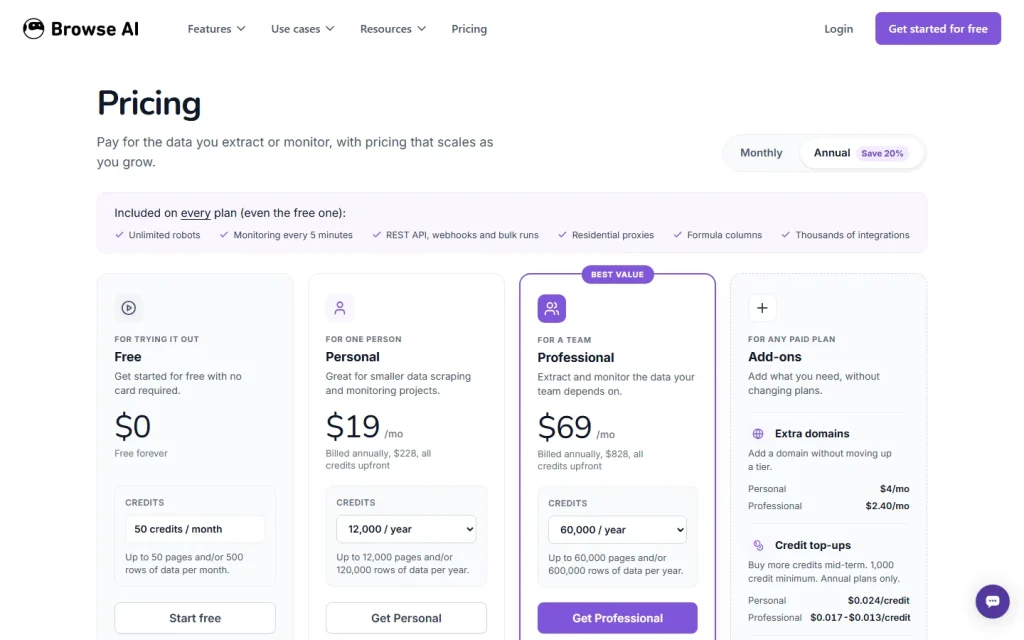
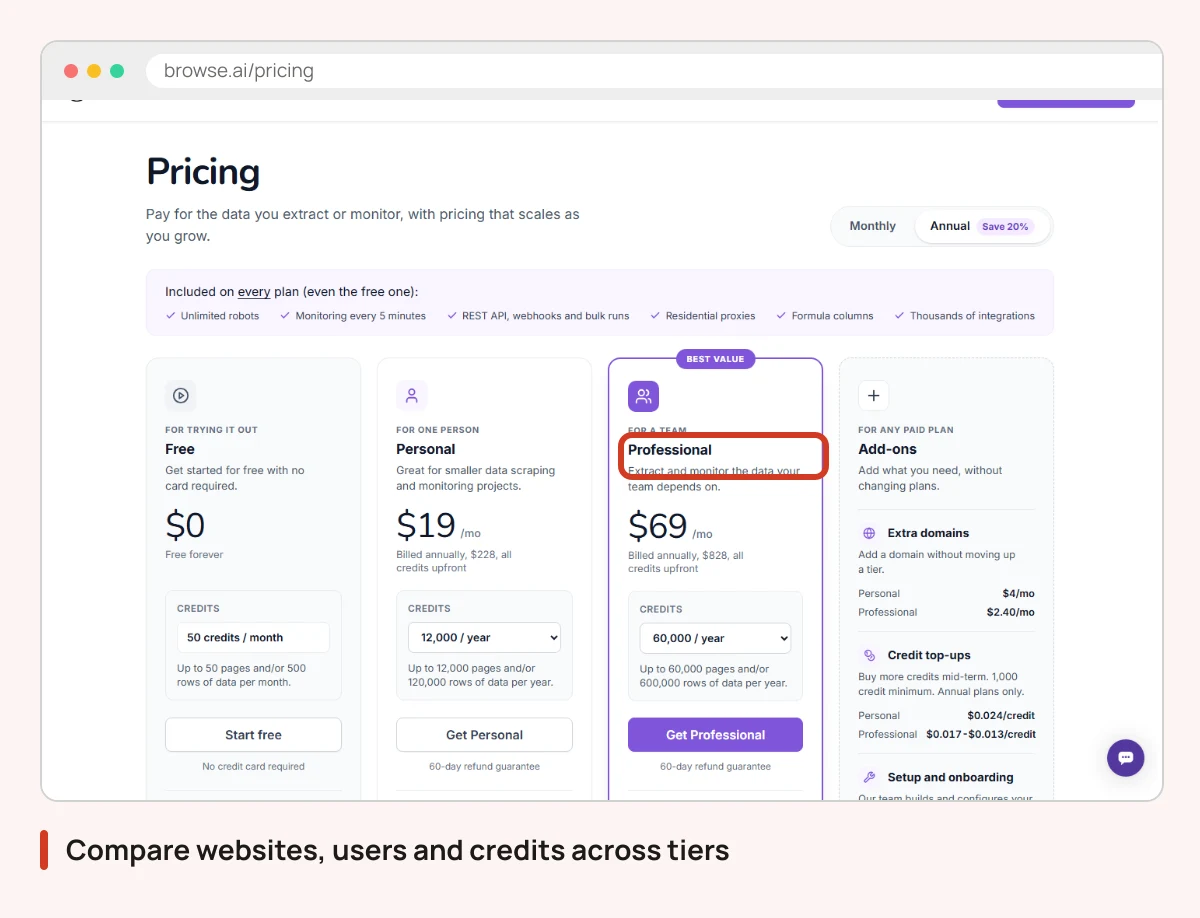
Watch the credits. Plans cap websites and credits, so a monitor that runs hourly across many pages burns through an allowance fast. The Free plan allows 2 websites with full platform access, which is enough to see whether your target site scrapes cleanly. Check the plan page before committing, because the vendor shows annual and monthly views with different credit figures.
One more limit. Browse AI extracts what a page shows, but whether you may scrape a given site is your call. Read the target's terms first.
Once the data lands in a sheet, an add-on such as GPT for Sheets and Docs can help you clean or summarize it.
Keep Exploring Data Tools
Compare Browse AI with other scrapers and monitors in the Data and Analytics category hub, or run its plans against rivals in the price comparator. If a free scraper handles your target site, start there before paying for credits.