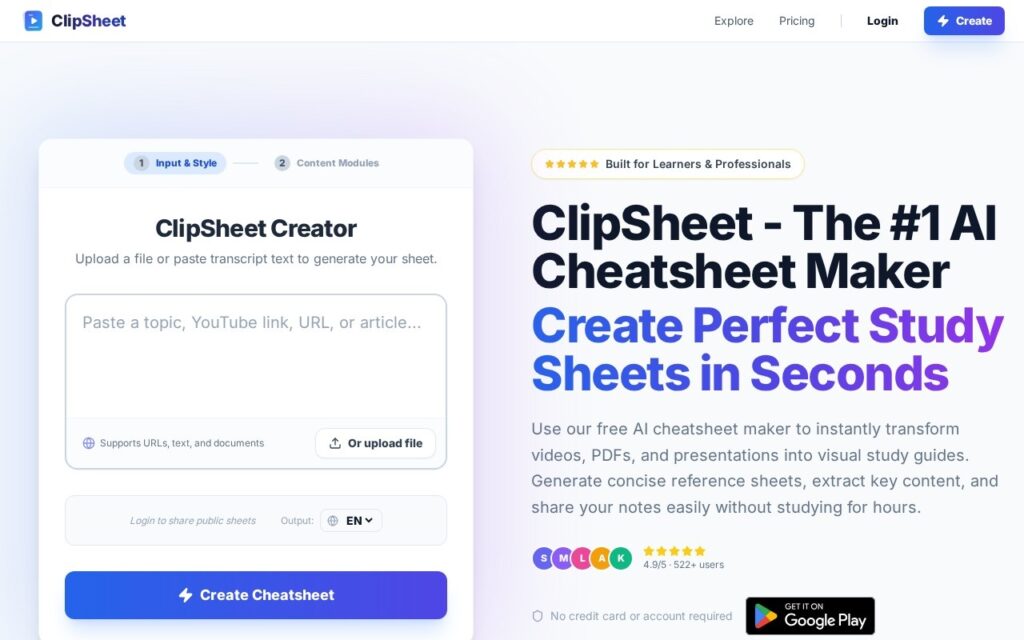
ClipSheet is an AI study tool for the lecture you’d otherwise rewatch. Give it a YouTube video, a PDF or pasted text, and it builds a structured cheat sheet of key concepts, formulas and action steps. From that same extraction it generates quizzes and flashcards, so you can test yourself straight away.
Who Is ClipSheet For?
ClipSheet suits learners whose material is mostly video: students working through recorded lectures, self-taught developers following tutorials, and anyone revising from a course playlist.
It’s also a good fit for study groups. Every finished sheet gets a public URL you can drop into a group chat.
It’s a weaker fit if you already keep a spaced-repetition deck (cards reviewed at growing intervals) in Anki, the flashcard app. Check ClipSheet’s help centre for the current export options, and confirm that they suit your Anki workflow before you commit.
How Does ClipSheet Turn a Video Into a Cheat Sheet?
ClipSheet runs one source through five stages, and every output comes from a single extraction.
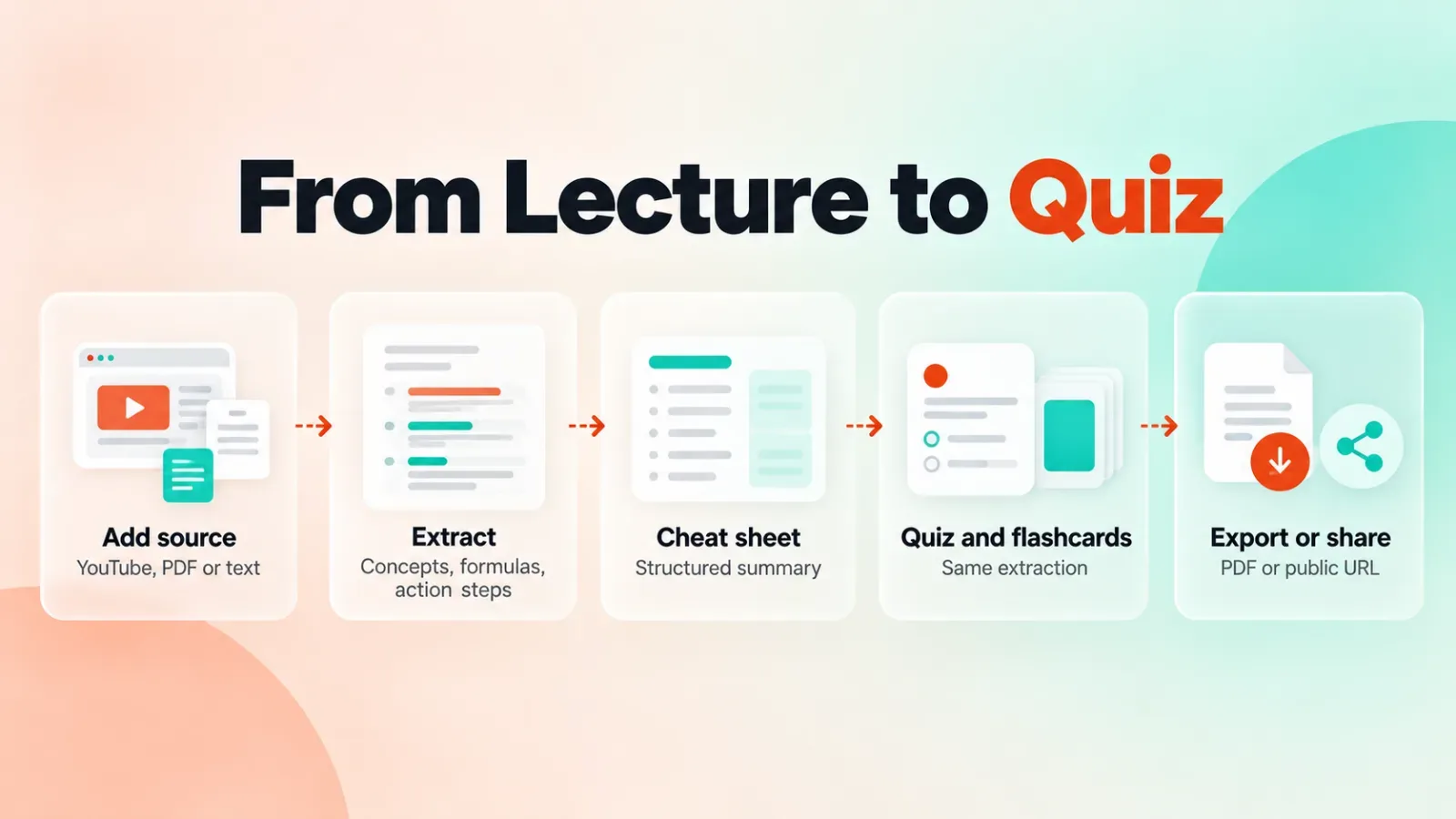
- Add a source: a YouTube video, a PDF or a block of text.
- ClipSheet pulls out the key concepts, formulas and action steps.
- It arranges them into a structured cheat sheet.
- It generates quizzes and flashcards from the same extraction.
- You export the sheet as a PDF or share it through its own URL.
Because the quiz and the sheet share one extraction, a gap in the sheet becomes a gap in the quiz. Scan the sheet first, and don’t jump straight to the questions.
What Makes ClipSheet Different?
ClipSheet’s practical edge is direct YouTube input. A study generator that only reads text or PDFs makes you transcribe or download a lecture first, and ClipSheet skips that step.
The second edge is built-in active recall. Active recall means testing yourself instead of rereading, and ClipSheet produces the quiz and flashcards without a separate manual step.
Where Does ClipSheet Struggle?
ClipSheet’s output is only as clear as its source. A lecture that states its points and works examples on screen gives a tight sheet. A rambling talk won’t.
Formulas deserve a second look. Any AI extraction can drop a term or misread notation, so check each formula against the source before an exam.
Use this rule of thumb to decide what to feed ClipSheet:
| Source | What to expect | What to do |
|---|---|---|
| Structured lecture or course video | Clean concept list and a usable quiz | Spot-check formulas, then quiz yourself |
| Long talk, stream or interview | Scattered points and a thin quiz | Paste the transcript section you need as text |
| Textbook chapter as PDF | Strongest when the chapter has clear headings | Run one chapter at a time |
| Your own rough notes | A sheet that mirrors your gaps | Add headings first, then paste as text |
Check Privacy Before You Share a Sheet
ClipSheet shares sheets through a link, so anyone you give the link to may be able to open them. Check the current sharing and privacy settings in ClipSheet’s help centre. That’s handy for a study group and wrong for unpublished research, client documents or exam material you shouldn’t circulate.
Read ClipSheet’s terms and privacy policy on how uploaded files are stored and how long they are kept, and don’t upload anything sensitive until you have.
Run One Lecture You Already Know
Pick a recorded lecture you’ve already studied and run it through ClipSheet. Compare the sheet with your own notes, check every formula, then take the quiz.
If the sheet catches what you’d have written, it’s worth using on new material. If it misses the core ideas, keep ClipSheet for revision, not first-pass learning.