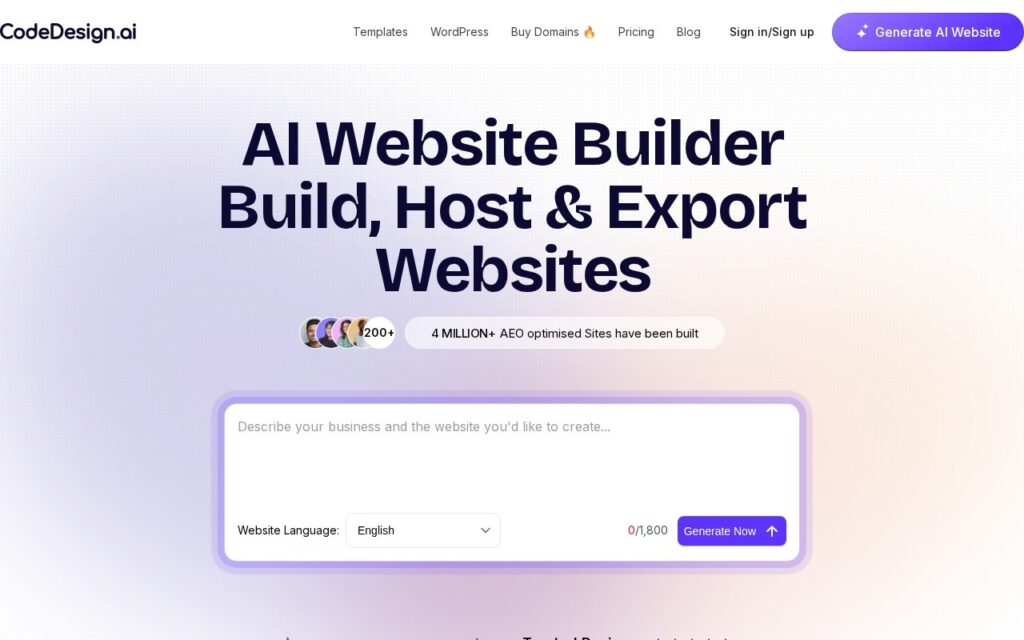
CodeDesign.ai generates websites from a description – the builder produces a working, editable site rather than a static mockup.
The category is crowded, and what distinguishes entries in it is usually the gap between generation and usability: plenty of tools produce something that looks right and cannot be meaningfully edited afterwards. Generation followed by real editing is the workflow that matters, since the first output is never the final site.
It is free to start, which makes evaluation straightforward – generate something for your actual use case and judge the output rather than the marketing. Before committing, check what export and hosting portability look like: the question that decides whether a generated site is an asset or a lock-in is whether you can take it with you.
Key features
Generates a working website from a description
Editable output rather than a static mockup
No coding required
Free tier to generate and evaluate
Template and layout variety
Browser-based with nothing to install
Screenshots & demo
Pricing
CodeDesign.ai offers a free plan, with paid upgrades for higher limits and more features.
Pricing is provided as a guide. Check the official site for the latest plans.
Is CodeDesign.ai expensive?
CodeDesign.ai has no advertised paid tier. Among the 105 priced tools we list in Design, the median entry price is $15 a month.
72% of Design tools in the directory offer a free tier, and this is one of them.
Compared against every priced listing in Design, recalculated as the catalogue changes. Method and the full market breakdown are in our AI tool pricing study.
Pros & cons
Pros
Free tier lets you judge real output on your own use case
Generated sites remain editable rather than fixed
No install or setup
Cons
Very crowded category with many similar tools
Check export and hosting portability before committing
Generated sites need design judgement before going live