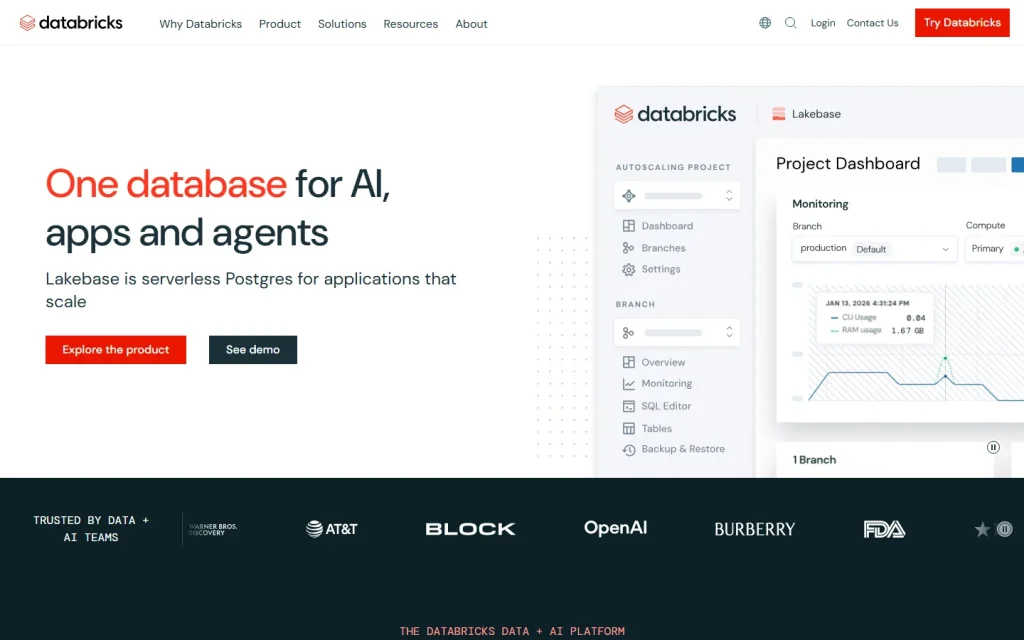
Databricks is a cloud platform that runs data engineering, SQL analytics and machine learning on one shared copy of your data. It's built for teams that are tired of moving data between a lake, a warehouse and a separate ML stack. Expect power, and expect a learning curve.
What Databricks Does Differently
Databricks is a lakehouse platform: it stores data in open formats on your cloud storage and layers warehouse-style SQL, governance and ML tooling on top. The company was founded by the creators of Apache Spark, and that engineering heritage still shapes the product.
The pitch is simple. Instead of copying data from a lake into a warehouse for reporting, then again into a feature store for models, every team works against the same tables. Fewer copies means fewer pipelines to break and fewer arguments about which number is right.
Vendor positioning has shifted over the years, with the product now described by the vendor as the Databricks Data + AI Platform.
How the Lakehouse Works in Practice
Databricks keeps raw and curated data in Delta Lake tables, an open table format that adds reliable transactions to cloud object storage. Compute is separate from storage, so you spin up clusters or SQL warehouses for a job and shut them down afterward.
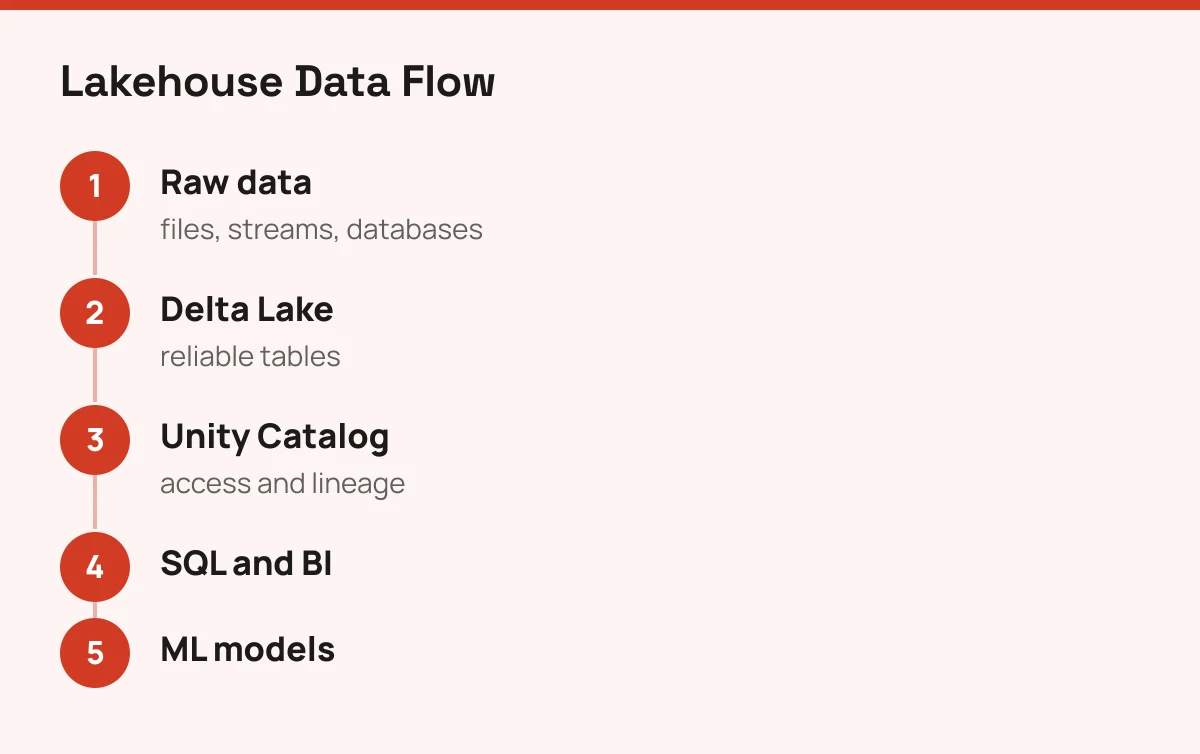
Three layers matter day to day:
- Delta Lake for tables that behave like a database.
- Unity Catalog for permissions, lineage and discovery.
- MLflow for tracking experiments and moving models into production.
Analysts query with SQL, engineers write pipelines in Python or Scala, and data scientists work in shared notebooks. Everyone sees the same governed data. That's the real selling point, more than any single feature.
For natural-language querying on top of this stack, see the listing for Databricks Genie.
Who Should Choose Databricks
Choose Databricks when your data work already spans pipelines, reporting and models, and the handoffs between them hurt. A mid-sized or large company with a data engineering team will feel the benefit fastest.
It also suits teams that care about open formats. Because tables sit in your own cloud storage, leaving later is easier than with a closed warehouse.
If your analysis is mostly text, feedback or survey work, the platform is a foundation rather than a finished tool. Pair it with specialist methods like those in content analysis or the AI sentiment analysis tools roundup.
Who Should Skip It
Skip Databricks if your data fits in a spreadsheet or a single database. You'd pay for, and have to learn, infrastructure you don't need.
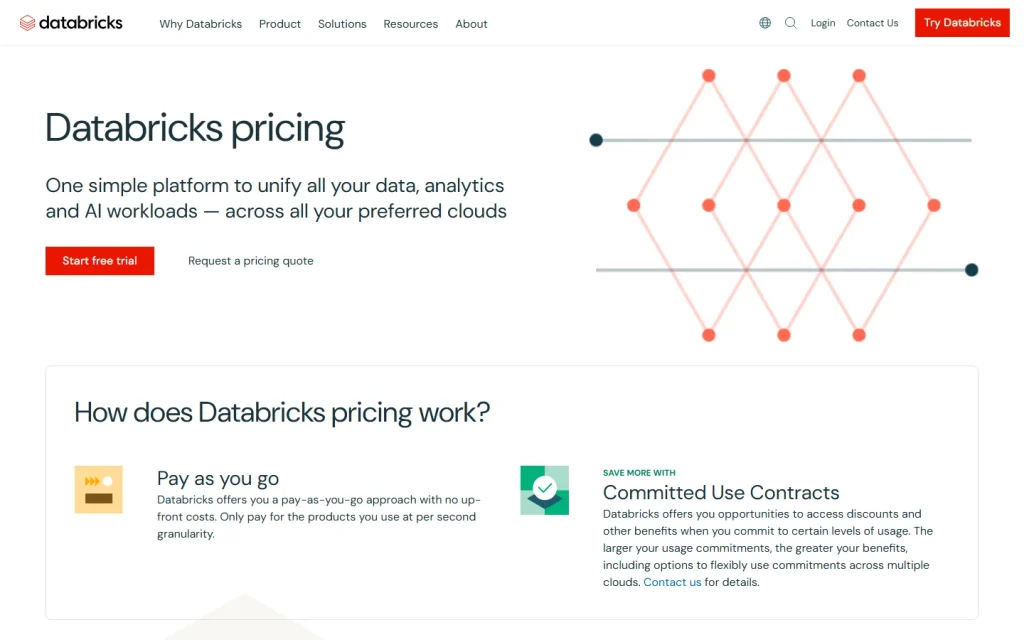
Skip it too if nobody on your team writes code. Dashboards are approachable, but setup, cluster choices and cost control aren't. Billing is usage-based and a forgotten cluster adds up quickly, so set budgets and auto-termination from day one. Check the vendor's pricing page for current rates, since they vary by workload and cloud.
Not sure where Databricks sits among your options? Browse the AI automation tools comparison for adjacent platforms.