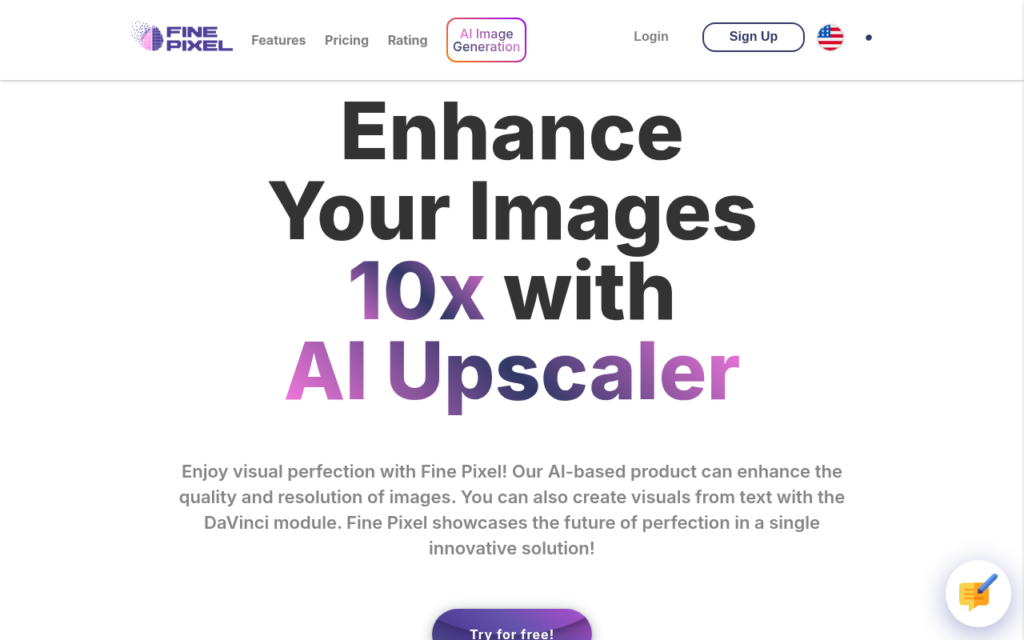
FinePixel combines two related capabilities: enlarging existing photographs up to roughly ten times their original resolution, and generating or editing images from text. Upscaling is the more practical of the two, because almost everyone has images that are too small for their intended use, old photographs, low-resolution exports or images pulled from a compressed source.
AI upscaling reconstructs plausible detail rather than recovering information that was never captured, which is worth understanding before using it. For print, display or restoration purposes that reconstruction is usually welcome; for anything where the image must be evidentially accurate, it is not appropriate.
The generation and inpainting features sit alongside as a diffusion-based creative toolset. It is a smaller product than the major image platforms, so treat it as a focused upscaling tool with creative extras rather than a competitor to the leading generators.
Key features
Photo upscaling up to approximately ten times original resolution
Text-to-image generation using diffusion models
Inpainting for editing and extending existing images
Browser-based with no local GPU requirement
Combines restoration and creative generation in one tool
Screenshots & demo
Pricing
FinePixel offers a free plan, with paid upgrades for higher limits and more features.
Pricing is provided as a guide. Check the official site for the latest plans.
Is FinePixel expensive?
FinePixel has no advertised paid tier. Among the 122 priced tools we list in Image Generation, the median entry price is $10 a month.
66% of Image Generation tools in the directory offer a free tier, and this is one of them.
Compared against every priced listing in Image Generation, recalculated as the catalogue changes. Method and the full market breakdown are in our AI tool pricing study.
Pros & cons
Pros
Upscaling addresses a genuinely common practical need
Browser-based, so no local hardware requirement
Restoration and generation available together
Cons
Upscaling reconstructs plausible detail rather than recovering real detail
Smaller product than the leading image generation platforms
AI Face Restoration, Inpainting, Background Removal, Image Upscale, and Photo-to-Anime – genuine generative editing tools, not just filters, in one photo editor.
FinePixel combines two related capabilities: enlarging existing photographs up to roughly ten times their original resolution, and generating or editing images from text.
Is FinePixel free?
Yes, FinePixel offers a free plan. Paid plans unlock more features and higher usage limits.
What are the best FinePixel alternatives?
The closest matches in the directory are Colorcinch, Face26, and Photo Editor AI, compared side by side above.
AI upscales an image 2x, 4x or 8x by predicting and generating the missing pixels – not just stretching what's there. Free tier included, plus face restoration, deblur and colorize tools.