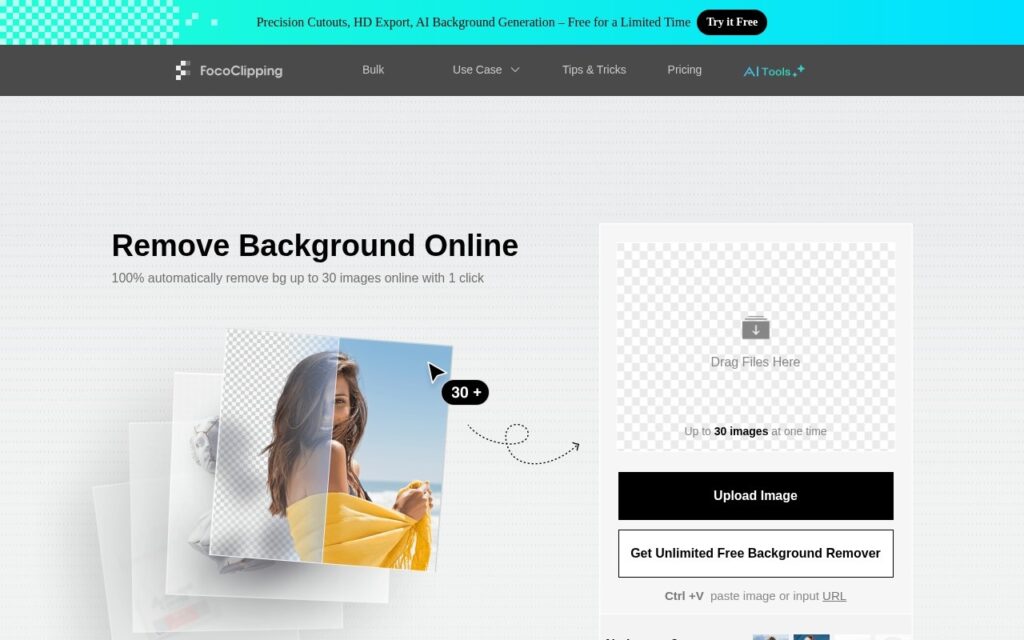
FocoClipping removes image backgrounds automatically and, more usefully, gives you brush tools to correct the result rather than leaving you with whatever the model decided.
Manual correction is what separates a usable background remover from a frustrating one. Automatic cutouts are excellent on clear subjects and reliably struggle on hair, fur, transparency and anything overlapping a similar colour – and without a way to fix the edge by hand, a near-miss result is simply unusable. Keep/erase brushes turn a 90% cutout into a finished one.
It sits alongside background replacement and basic editing, aimed at e-commerce product shots and social imagery. The category is competitive and largely free at the entry level, so test on your hardest image – the one with flyaway hair or a glass edge – because that is where these tools separate, not on a clean studio shot.
Key features
Automatic background removal
Keep and erase brushes for manual correction
Background replacement options
Aimed at product and social imagery
Batch handling
Free tier
Screenshots & demo
Pricing
FocoClipping offers a free plan, with paid upgrades for higher limits and more features.
Pricing is provided as a guide. Check the official site for the latest plans.
Is FocoClipping expensive?
FocoClipping has no advertised paid tier. Among the 122 priced tools we list in Image Generation, the median entry price is $10 a month.
66% of Image Generation tools in the directory offer a free tier, and this is one of them.
Compared against every priced listing in Image Generation, recalculated as the catalogue changes. Method and the full market breakdown are in our AI tool pricing study.
Pros & cons
Pros
Manual brushes rescue the near-miss cutouts that automatic tools produce
Free entry tier for occasional use
Background replacement in the same place as removal
Cons
Competitive category where most entry tiers are free
Hair, fur and transparency remain hard for every tool here
Higher resolution output generally needs a paid plan
Instant, 100% automatic background removal handling hair and fur edges – bulk processing, Figma/WooCommerce/Chrome plugins, and an API, trusted by Shopify, Pinterest, and Lyft.
FocoClipping removes image backgrounds automatically and, more usefully, gives you brush tools to correct the result rather than leaving you with whatever the model decided.
Is FocoClipping free?
Yes, FocoClipping offers a free plan. Paid plans unlock more features and higher usage limits.
What are the best FocoClipping alternatives?
The closest matches in the directory are Pixian.AI, BackgroundCut, and Slazzer, compared side by side above.