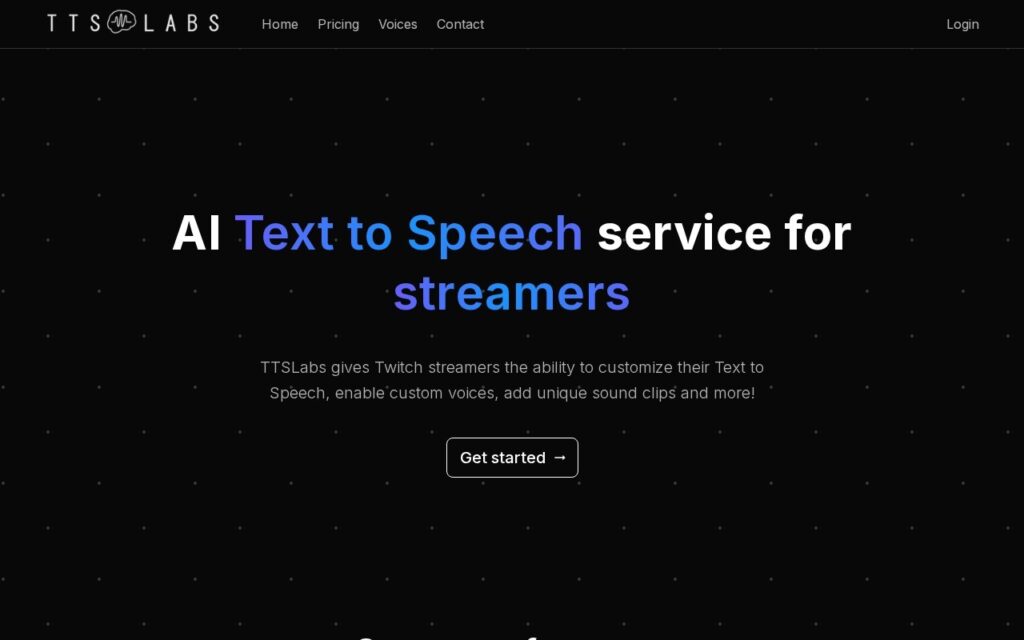
TTSLabs is text-to-speech built for one audience: Twitch streamers. It handles the voices that read donations and messages on stream, with custom voice options and sound clip triggers.
Streaming TTS is a genuinely different problem from the general case. It runs live in front of an audience, it reads text written by strangers who are actively trying to be funny, and it needs to be part of the show rather than merely intelligible. General TTS services optimise for none of that, which is why a dedicated tool with per-voice control and sound triggers makes sense here.
The obvious operational point for anyone deploying it: user-submitted text read aloud automatically is an open microphone handed to your chat. Filtering and moderation controls matter more than voice quality, because the failure mode is your channel broadcasting whatever someone typed – and on a live stream that is not something you can edit out afterwards.
Key features
Text to speech for Twitch donation and message alerts
Custom voice configuration
Sound clip triggers
Per-voice control for stream personality
Streamer-oriented setup
Free tier available
Screenshots & demo
Pricing
TTSLabs offers a free plan, with paid upgrades for higher limits and more features.
Pricing is provided as a guide. Check the official site for the latest plans.
Is TTSLabs expensive?
TTSLabs has no advertised paid tier. Among the 87 priced tools we list in Audio, the median entry price is $10 a month.
67% of Audio tools in the directory offer a free tier, and this is one of them.
Compared against every priced listing in Audio, recalculated as the catalogue changes. Method and the full market breakdown are in our AI tool pricing study.
Pros & cons
Pros
Purpose-built for live streaming rather than general narration
Sound clips and voice choice make TTS part of the show
Free tier to test on a live stream
Cons
Reading user-submitted text aloud needs strong moderation controls
A bad readout on a live stream cannot be edited out afterwards
Useful only for streamers – no general TTS use case
900+ AI voices across 80+ languages, sourced from Google, Microsoft and Amazon – turn text into hours of natural-sounding audio in seconds, free tier included.