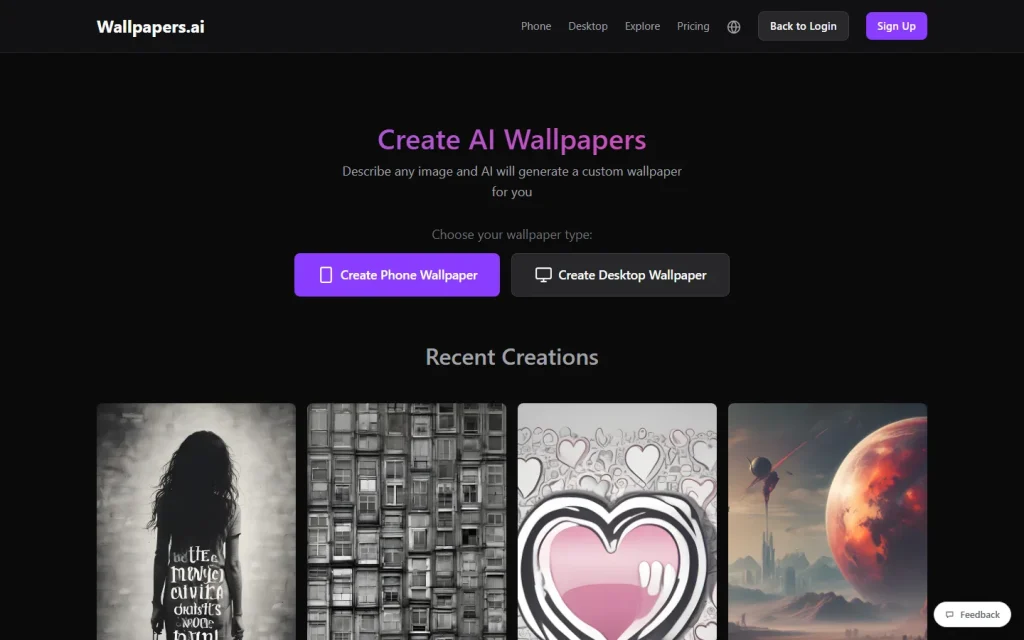
Wallpapers.ai is a web-based AI wallpaper generator: you describe an image, choose phone or desktop, and it renders a custom background. It suits anyone who wants a one-off wallpaper without opening a design app. Below is a prompt builder, then what the tool does and where it stops.
Prompt Builder for Wallpapers
A wallpaper prompt works best when it names five things: subject, style, mood, orientation and what to leave out. This builder assembles them into one line you can paste into Wallpapers.ai.
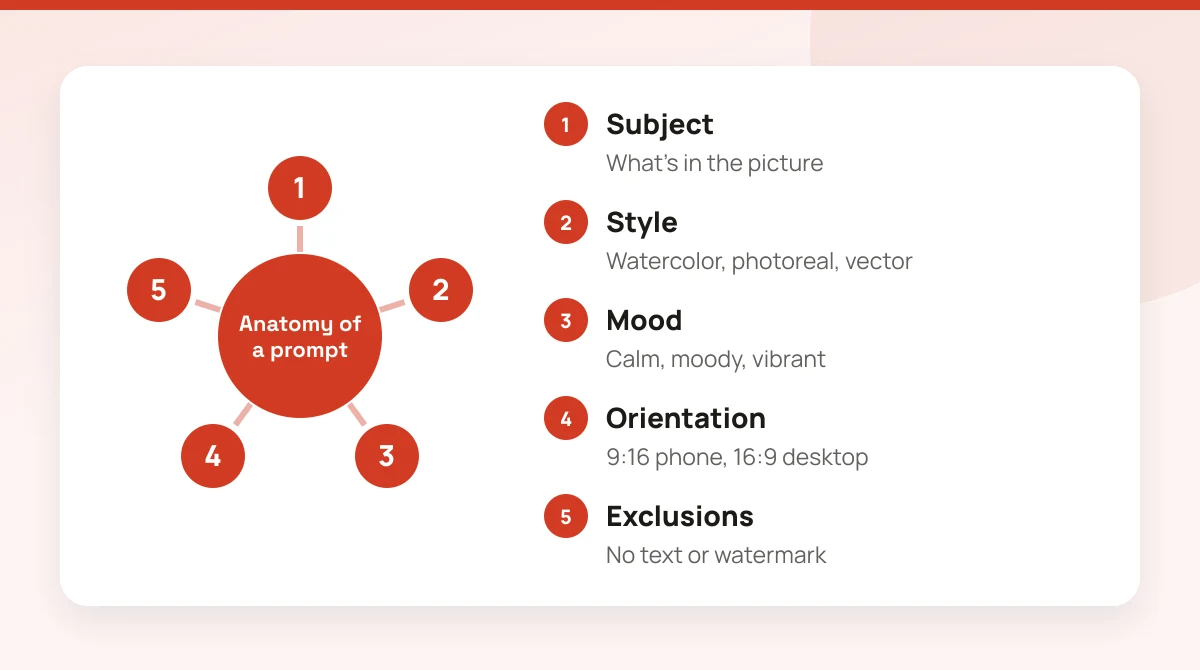
The Wallpaper prompt builder works right here in your browser (JavaScript needs to be on). A worked example of the generator:
| You enter | Value |
|---|---|
| Subject | mountain lake at dawn |
| Style | Watercolor |
| Mood | Calm |
| Device | Phone |
| Orientation | vertical 9:16 |
| Your prompt | mountain lake at dawn, watercolor style, calm mood, vertical 9:16 wallpaper, no text or watermark |
How it works: The builder joins your subject, style, mood and a device-based orientation into one line of text. It doesn't generate an image or contact Wallpapers.ai. Copy the prompt and paste it into the generator.
It doesn't create images itself. It saves you from the most common mistake, which is typing a bare noun like "sunset" and getting something generic. The builder adds the orientation too, because a vertical phone wallpaper and a wide desktop one need different compositions.
If you want a quick test, try a concrete scene with a light source and a place. "Lighthouse on a cliff at dusk" beats "lighthouse".
How Wallpapers.ai Works
Wallpapers.ai takes a text description and returns a wallpaper in the shape you chose. The homepage offers two paths: Create Phone Wallpaper and Create Desktop Wallpaper.
The site says it offers 5 AI models. Its own wallpaper pages name sdxl-lightning, a distilled SDXL variant it describes as about four times faster than standard SDXL, at the cost of some fine detail. Those same pages say standard SDXL or Realistic models give sharper results for photoreal faces and precise text. That's a useful rule: pick the fast model for scenery and abstract art, and a slower one when a face or lettering matters.
Download options are generous for a wallpaper site. Wallpapers.ai lists 1080p, 1440p, 4K, 5K, ultrawide, super ultrawide and specific MacBook Air and MacBook Pro sizes. Its public gallery also lets you open someone's prompt and remix it with a "Make image" button, which is a good way to learn what phrasing works. 4K and larger sizes require PRO.
What the Free Tier Covers and Where PRO Starts
Wallpapers.ai says every wallpaper on the site is free to download for personal use. What the pages don't spell out is how many you can generate without paying.
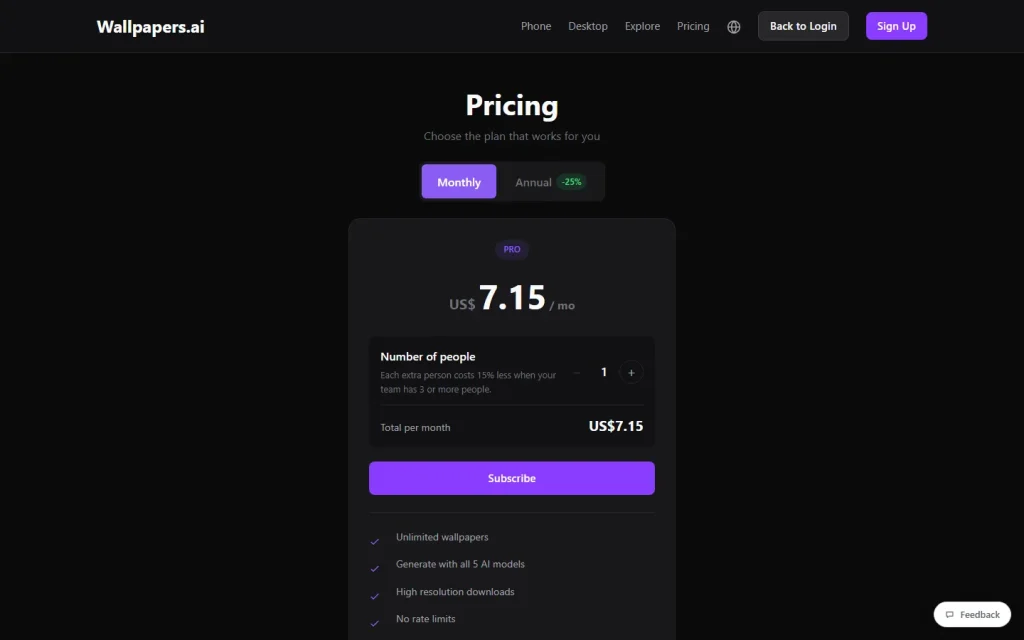
PRO is the upgrade path. The vendor's pricing page lists unlimited wallpapers, all 5 models at once, high-resolution downloads, no rate limits, priority processing, private wallpapers and wallpapers that never expire. See the pricing box on this page for the current figures, and confirm them on the vendor's page before you subscribe.
There's also a separate developer plan priced in credits, where one credit equals one wallpaper. That only matters if you're building an app or bot that makes wallpapers on demand.
Who Should Use It and Who Should Skip It
Wallpapers.ai fits people who change their background often, want a wallpaper for one specific screen size, or like remixing other people's prompts. It's a narrow tool, and that's the point.
Skip it if you need a general image editor, brand artwork with exact logos, or readable text inside the image. For those jobs, a broader generator is the better call. Our ranking of AI image generators covers the main options, and the Midjourney vs DALL-E 3 comparison shows how the two best-known ones differ.
Try a free generation first with a prompt from the builder above. If the results suit your screen, you'll know quickly whether PRO's extra sizes are worth it.