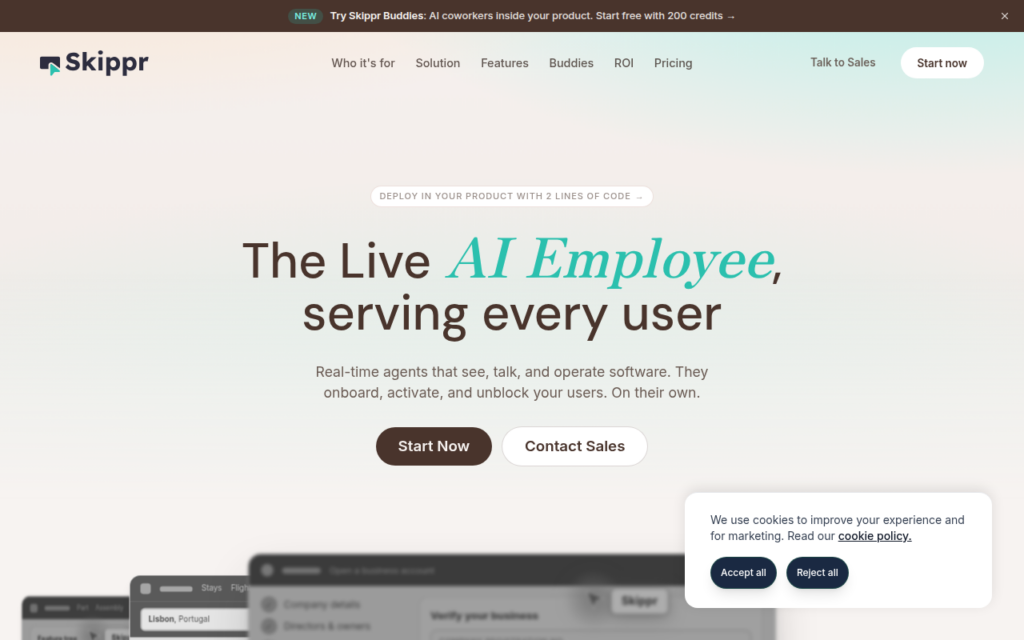
Skippr builds real-time AI agents that watch a user’s screen, talk with them by voice and operate the software for them when they’re stuck. It’s aimed at product teams whose users stall during setup. Instead of linking a help article, the agent finishes the step.
Onboarding, activation and unblocking are the moments Skippr targets, and they’re where self-serve products quietly lose people. A user who can’t finish setup rarely files a ticket.
They close the tab, and that churn never shows up in your support queue.
Skippr suits SaaS teams with a product-led motion and an activation gap they can already measure. If most of your users reach their first success without help, a screen-aware agent adds cost and a privacy review for little gain.
How a Skippr Session Works
A Skippr session joins three things that support tools usually split up: seeing the screen, talking with the user and acting in the product. The agent watches in real time, so the user doesn’t have to describe where they are or paste screenshots.
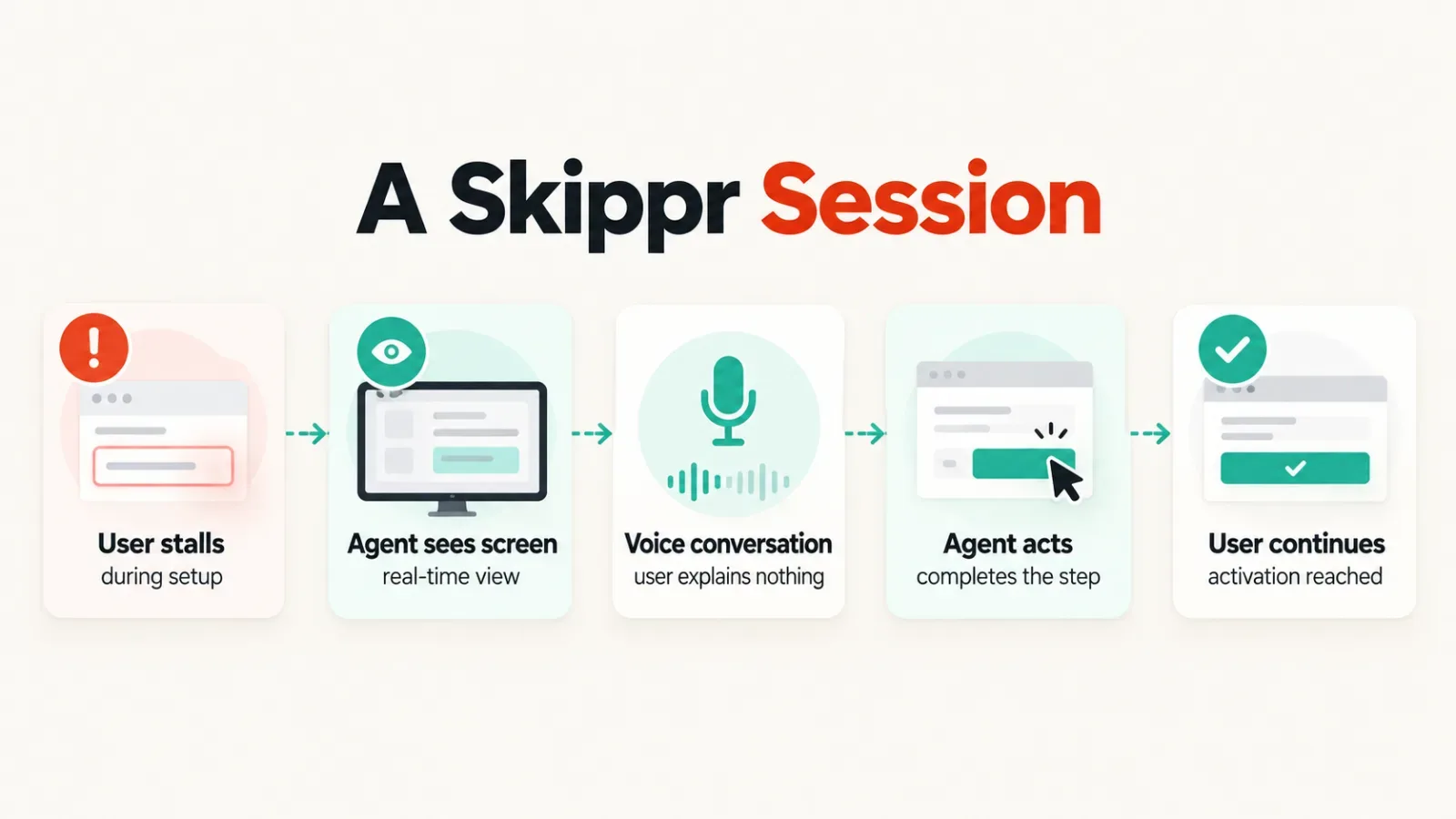
The conversation runs by voice rather than in a chat box. When the user is blocked, the agent performs the action itself. That’s the real difference from documentation: the user ends the session further along, not holding a list of instructions.
What Should You Check Before Rolling Skippr Out?
Screen observation means the Skippr agent sees whatever your user sees. Run the privacy and security review before launch, not after. Bring these questions to the vendor:
- Which screens and fields the agent can see, and how sensitive data gets masked
- Where session recordings and transcripts are stored, and for how long
- Which actions the agent may take without asking the user first
- How users learn an agent is present, and how they opt out
- Whether your customer contracts allow a third party to view their sessions
Get the answers in writing. Your security team will ask the same questions, and a pilot stalls fast without them.
How to Tell Whether Skippr Pays Off
Skippr pays off only if it lifts activation, so measure it against a holdout group. Give the agent to part of your new signups, keep the rest on your current help flow, and compare how many reach your activation event.
Don’t judge it by session count or user satisfaction alone. Those numbers look good even when the same users would have activated anyway. If the holdout gap doesn’t cover the subscription cost, you’ve got your answer.