
Contact for Pricing

Swapp

Automates architectural construction documentation inside Revit and ArchiCAD.

4.0 Design
4.0 Very good 4.0

Bottom line: Automates architectural construction documentation inside Revit and ArchiCAD.

Works inside the tools firms already use, so adoption is realistic Requires an existing Revit or ArchiCAD practice
Reviewed by Challenging Voice Editorial · Updated Aug 2026 How we rate
PricingContact for Pricing
Free planNo
PlatformsWeb, Windows
Best forDesign
Visits28
Last reviewedAug 2026
UpdatedAug 2026
Ask AI about Swapp ChatGPT Claude Perplexity

Overview

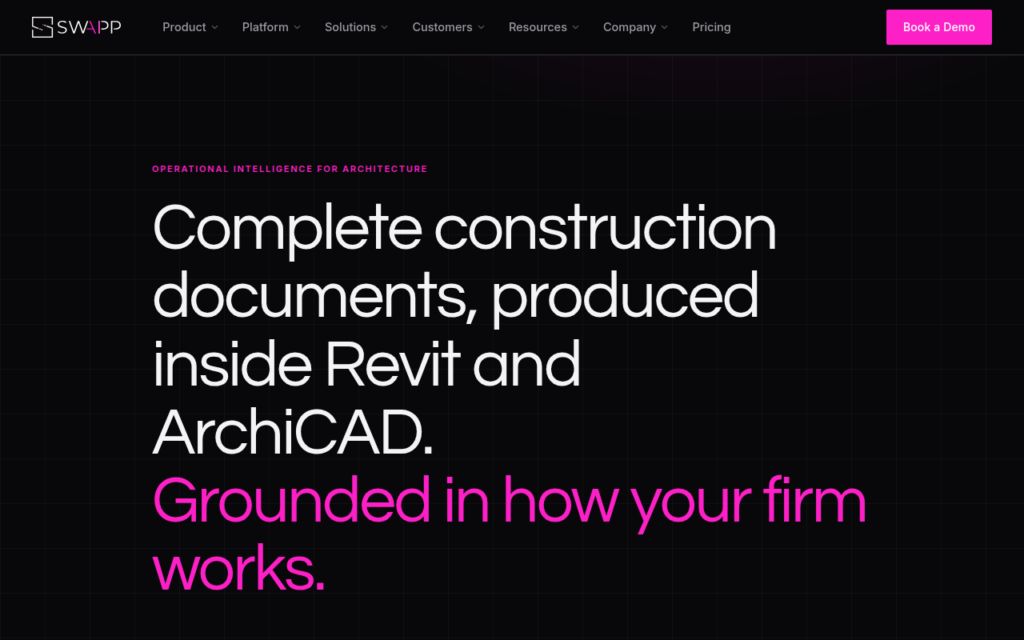
SWAPP automates construction documentation for architecture firms, and works inside Revit and ArchiCAD rather than asking firms to move to a new environment. Its own positioning is blunt about the distinction: not another plugin, an intelligence layer, grounded in how your firm works.

Construction documentation is the right target. It is a large share of an architecture firm's billable hours, it is highly repetitive, and it follows firm-specific conventions that generic automation gets wrong in ways that create rework rather than saving time. Being grounded in a particular firm's standards is what makes the output usable.

Working inside the incumbent tools is the practical decision that makes adoption possible, since Revit and ArchiCAD workflows are deeply embedded and firms will not migrate off them. Sold through enterprise engagement with no published pricing.
Key features

  • Construction documentation produced inside Revit and ArchiCAD
  • Grounded in the individual firm's drawing standards
  • Automates the most repetitive share of billable documentation work
  • No migration away from incumbent BIM tools
  • Modelling support alongside documentation

Screenshots & demo

Demo video

Screenshots

Swapp screenshot 1

Pricing

Swapp uses custom pricing. Contact their team for a quote based on your needs.

  • Pricing modelContact for Pricing
  • Starting priceCustom
  • Free planNo
Visit Swapp

Pricing is provided as a guide. Check the official site for the latest plans.

Pros & cons

Pros

  • Works inside the tools firms already use, so adoption is realistic
  • Firm-specific standards avoid the rework generic automation causes
  • Targets a genuinely large share of billable hours

Cons

  • Requires an existing Revit or ArchiCAD practice
  • Enterprise engagement with no published pricing

How it compares

ToolRatingFreeFromBest known for
Swapp (this tool)4.0NoConstruction documentation produced inside Revit and ArchiCAD
SketchPro3.7NoAutomated dimensioning of floor plans inside Revit
Finch 3D4.0NoBuilding design generation from encoded constraints
Snaptrude4.1YesFreeTen specialised AI agents covering zoning, site analysis, massing and floor plans

Alternatives to Swapp

4 tools matched to Swapp on what they do, their category and their price.

SketchPro

3.7

An AI copilot built directly into Autodesk Revit – say a documentation instruction once in plain English and it executes across every level, view and sheet in the live model.

Contact for Pricing Design

Finch 3D

4.0

Generates buildable floor plans and BIM geometry from a firm's own encoded design standards.

Contact for Pricing Design

Augmenta

4.0

Spatial AI automates electrical and building system design for construction and engineering teams.

Contact for Pricing Design

Frequently asked questions

What is Swapp?
SWAPP automates construction documentation for architecture firms, and works inside Revit and ArchiCAD rather than asking firms to move to a new environment.
Is Swapp free?
Swapp does not offer a free plan.
What are the best Swapp alternatives?
The closest matches in the directory are SketchPro, Finch 3D, and Snaptrude, compared side by side above.

Reviews

4.0 No reviews yet

Write a review

More tools like Swapp

Qbiq

4.0

Automated architectural space planning that generates optimised layouts

Contact for Pricing Design