List your tool
Contact for Pricing

SketchPro

An AI copilot built directly into Autodesk Revit – say a documentation instruction once in plain English and it executes across every level, view and sheet in the live model.

3.7 Design
3.7 Good 3.7
Operates directly on live Revit models rather than a separate export/import step No published self-serve pricing – requires contacting sales
Reviewed by Challenging Voice Editorial · Updated Sep 2026 How we rate
PricingContact for Pricing
Free planNo
CompanySketchPro
PlatformsWeb
CategoryDesign
Last reviewedAug 2026
UpdatedSep 2026

Is this your tool?

  • Claim this listing. Sign in with an email at sketchpro.ai to manage it. Claim SketchPro
  • Get into the top 5 of Design. 5 of 5 spots open, from $159/month. See positions
  • Something out of date? Owners can request edits from My listings; anyone can tell us.
Ask AI about SketchPro ChatGPT Claude Perplexity

Overview

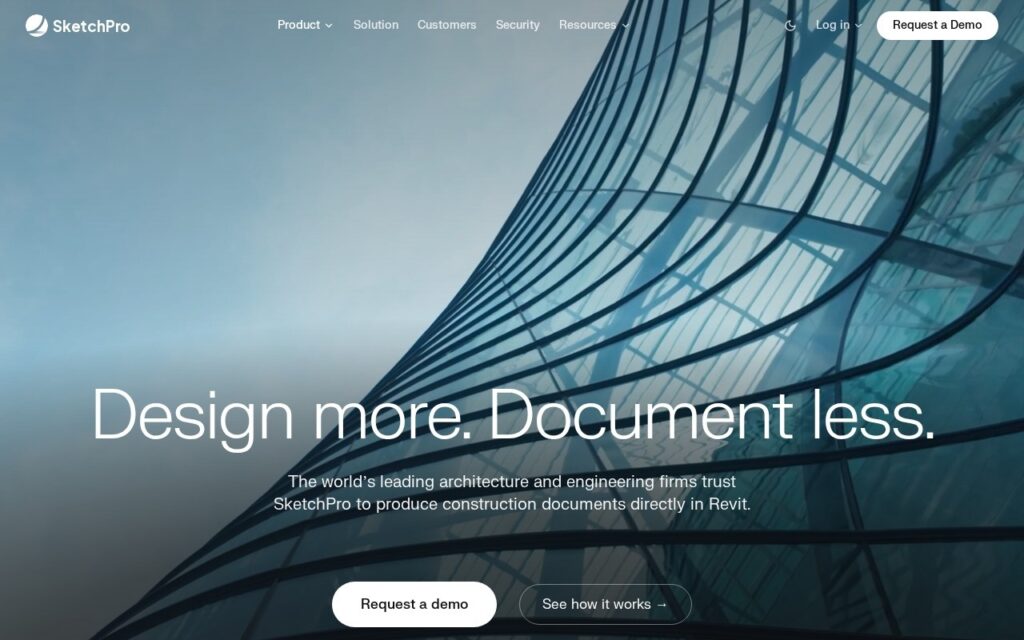
SketchPro is an AI documentation copilot embedded directly inside Autodesk Revit for architecture and engineering firms: it automates dimensioning of floor plans, tags doors, rooms and equipment, generates views and sheets from schematic design through construction documents, builds schedules from live models, and runs QA/QC checks to catch issues before a set goes out for field submission.

Firm standards enforcement in plain English is the feature that separates this from a scripted Revit macro – guidelines are written as plain-English rules rather than code, and every generated output then follows those standards automatically. For a large firm running dozens of concurrent projects, that means the same documentation conventions get enforced consistently across every team without a human reviewer manually checking each sheet against a standards manual.

SketchPro was founded in 2023 and operates inside live project models, views, schedules, and sheets rather than as a separate export step. It’s used by architecture firms including SOM (Skidmore, Owings & Merrill), 10 Design, and Little, with pilot programs available for firms evaluating the tool; specific pricing is not published and requires contacting the SketchPro team directly.

Key features

  • Automated dimensioning of floor plans inside Revit
  • Automatic tagging of doors, rooms, and equipment
  • Views, sheets, and schedule generation from live BIM models
  • Plain-English firm-standards enforcement, no coding required
  • Built-in QA/QC checks before field submission

Screenshots & demo

SketchPro screenshot 1

Pricing

SketchPro uses custom pricing. Contact their team for a quote based on your needs.

  • Pricing modelContact for Pricing
  • Starting priceCustom
  • Free planNo
Visit SketchPro

Pricing is provided as a guide. Check the official site for the latest plans.

Pros & cons

Pros

  • Operates directly on live Revit models rather than a separate export/import step
  • Plain-English standards rules make firm-wide consistency enforceable without custom scripting
  • Proven at major firms (SOM, 10 Design, Little) handling large-scale projects

Cons

  • No published self-serve pricing – requires contacting sales
  • Tightly coupled to Autodesk Revit, no support for other BIM platforms
  • Best suited to firms with the project volume to justify a dedicated documentation copilot

How it compares

ToolRatingFreeFromBest known for
SketchPro (this tool)3.7No—Automated dimensioning of floor plans inside Revit
Swapp4.0No—Construction documentation produced inside Revit and ArchiCAD
Finch 3D4.0No—Building design generation from encoded constraints
Snaptrude4.1YesFreeTen specialised AI agents covering zoning, site analysis, massing and floor plans

Alternatives to SketchPro

4 tools matched to SketchPro on what they do, their category and their price.

Swapp

4.0

Automates architectural construction documentation inside Revit and ArchiCAD.

Contact for Pricing Design

Finch 3D

4.0

Generates buildable floor plans and BIM geometry from a firm's own encoded design standards.

Contact for Pricing Design

Augmenta

4.0

Spatial AI automates electrical and building system design for construction and engineering teams.

Contact for Pricing Design

Frequently asked questions

What is SketchPro?
SketchPro is a design tool. An AI copilot built directly into Autodesk Revit – say a documentation instruction once in plain English and it executes across every level, view and sheet in the live model.
Is SketchPro free?
SketchPro does not offer a free plan.
What are the best SketchPro alternatives?
The closest matches in the directory are Swapp, Finch 3D, and Snaptrude, compared side by side above.

Reviews

3.7 Editorial rating No reviews yet

Write a review

More tools like SketchPro

Maket

4.2

AI home design studio that generates residential floor plans, edits layouts from plain-language instructions, turns an uploaded plan into an editable project, and renders rooms in chosen styles and 3D.

Freemium Design

RoomSketcher

3.8

AI Convert turns an uploaded floor plan photo into an editable digital project in under 5 seconds – then AI Render generates photorealistic views from a prompt.

Freemium Design

Enscape

4.2

Real-time rendering and visualization plugin for architects and designers that works inside CAD and BIM software, with Veras AI for generating and comparing design options and AI-enhanced scenes.

Free Trial Design